Gempix 2 vs RembgAI
Dive into the comparison of Gempix 2 vs RembgAI and discover which AI Photo Editing tool stands out. We examine alternatives, upvotes, features, reviews, pricing, and beyond.
In a comparison between Gempix 2 and RembgAI, which one comes out on top?
When we compare Gempix 2 and RembgAI, two exceptional photo editing tools powered by artificial intelligence, and place them side by side, several key similarities and differences come to light. Both tools have received the same number of upvotes from aitools.fyi users. Join the aitools.fyi users in deciding the winner by casting your vote.
Disagree with the result? Upvote your favorite tool and help it win!
Gempix 2


What is Gempix 2?
Gempix 2 runs a browser-based photo editing workspace where you upload an image, write a prompt up to 2,000 characters, and spend credits on AI edits or generations. The homepage lists Image Edit, Text to Image, Text to Video, Image to Video, Video Edit, and Wan Animate tabs powered by NanoBanana 2 and SeeDream V4.
Most online editors charge flat subscriptions before you test output quality. Gempix 2 starts with free credits, then sells monthly credit buckets on plans that include commercial licensing, 1080p output, batch generation, and no watermarks when you upgrade.
It targets creators who want quick prompt-driven retouching without installing desktop software. The site advertises no registration required on the homepage and routes paid users through monthly, annual, or one-time billing options on its pricing page.
RembgAI
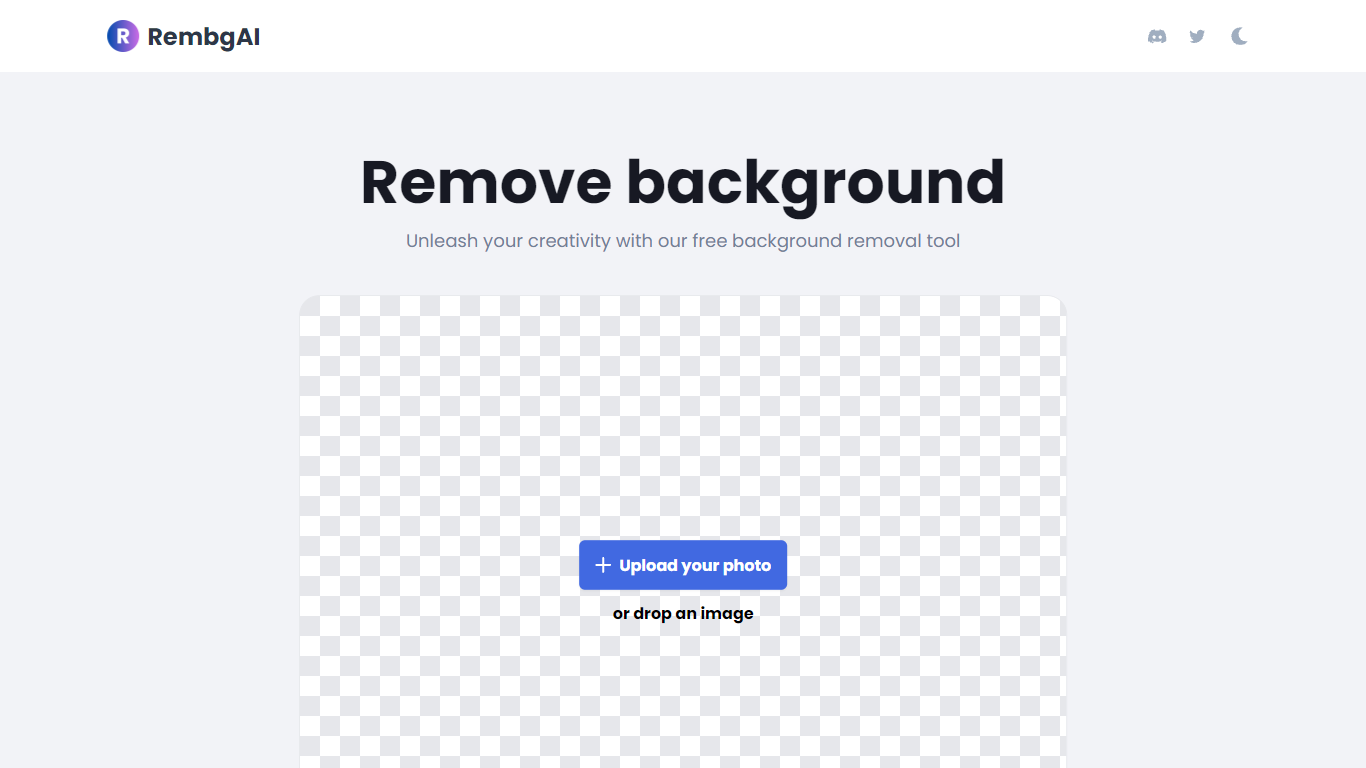
What is RembgAI?
RembgAI removes backgrounds from images quickly and accurately, supporting formats like JPG, PNG, WEBP, HEIC, and BMP. It processes images to create transparent PNGs suitable for various editing and design needs.
What distinguishes RembgAI is its selection of AI models tailored for different image types, including precise, balanced, and product-focused models. This allows users to optimize background removal for complex subjects such as hair, fur, and glass.
The tool includes a brush refinement feature for manual edge adjustments, enhancing cutout quality. Developers benefit from a REST API offering scalable plans, full resolution support, and parallel processing capabilities.
Privacy is prioritized by processing images in memory without storage, with an option for private on-device use. RembgAI combines free unlimited online use with professional API options, making it ideal for ecommerce, marketing, and design professionals.
Gempix 2 Upvotes
RembgAI Upvotes
Gempix 2 Top Features
Homepage image edit flow shows a Generate button costing 20 credits
Prompt field accepts up to 2,000 characters with dimension and advanced settings
Pricing Basic plan includes 1,500 credits per month and 1080p HD output
Plus plan raises the allowance to 7,500 credits per month on the pricing page
Enterprise adds API access and dedicated support with a 2 hour response target
Batch generation and commercial licensing appear on all paid pricing tiers
RembgAI Top Features
Instant Background Removal: Upload images and get backgrounds removed in seconds without signup.
Multiple AI Models: Choose from precise, balanced, or product models for best edge detection.
Brush Refinement Tool: Manually fine-tune edges for perfect cutouts.
Privacy Focused: Images processed in memory only; no storage and private on-device option available.
Easy API Access: Simple REST API for developers with scalable plans and full resolution support.
Gempix 2 Category
- Photo Editing
RembgAI Category
- Photo Editing
Gempix 2 Pricing Type
- Freemium
RembgAI Pricing Type
- Freemium