RembgAI vs Background Remover - Stockphotos.com
Dive into the comparison of RembgAI vs Background Remover - Stockphotos.com and discover which AI Photo Editing tool stands out. We examine alternatives, upvotes, features, reviews, pricing, and beyond.
When comparing RembgAI and Background Remover - Stockphotos.com, which one rises above the other?
When we compare RembgAI and Background Remover - Stockphotos.com, two exceptional photo editing tools powered by artificial intelligence, and place them side by side, several key similarities and differences come to light. The users have made their preference clear, Background Remover - Stockphotos.com leads in upvotes. Background Remover - Stockphotos.com has received 8 upvotes from aitools.fyi users, while RembgAI has received 7 upvotes.
Feeling rebellious? Cast your vote and shake things up!
RembgAI
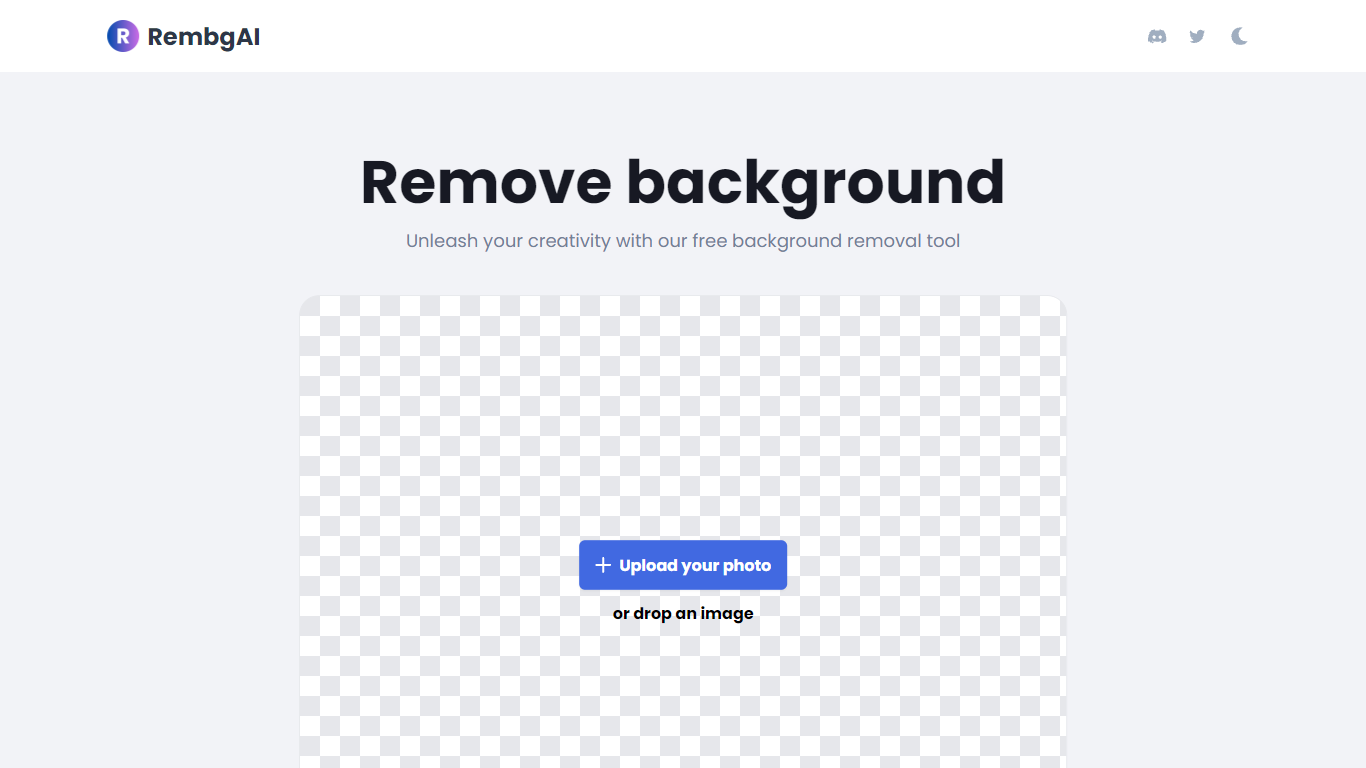

What is RembgAI?
RembgAI removes backgrounds from images quickly and accurately, supporting formats like JPG, PNG, WEBP, HEIC, and BMP. It processes images to create transparent PNGs suitable for various editing and design needs.
What distinguishes RembgAI is its selection of AI models tailored for different image types, including precise, balanced, and product-focused models. This allows users to optimize background removal for complex subjects such as hair, fur, and glass.
The tool includes a brush refinement feature for manual edge adjustments, enhancing cutout quality. Developers benefit from a REST API offering scalable plans, full resolution support, and parallel processing capabilities.
Privacy is prioritized by processing images in memory without storage, with an option for private on-device use. RembgAI combines free unlimited online use with professional API options, making it ideal for ecommerce, marketing, and design professionals.
Background Remover - Stockphotos.com
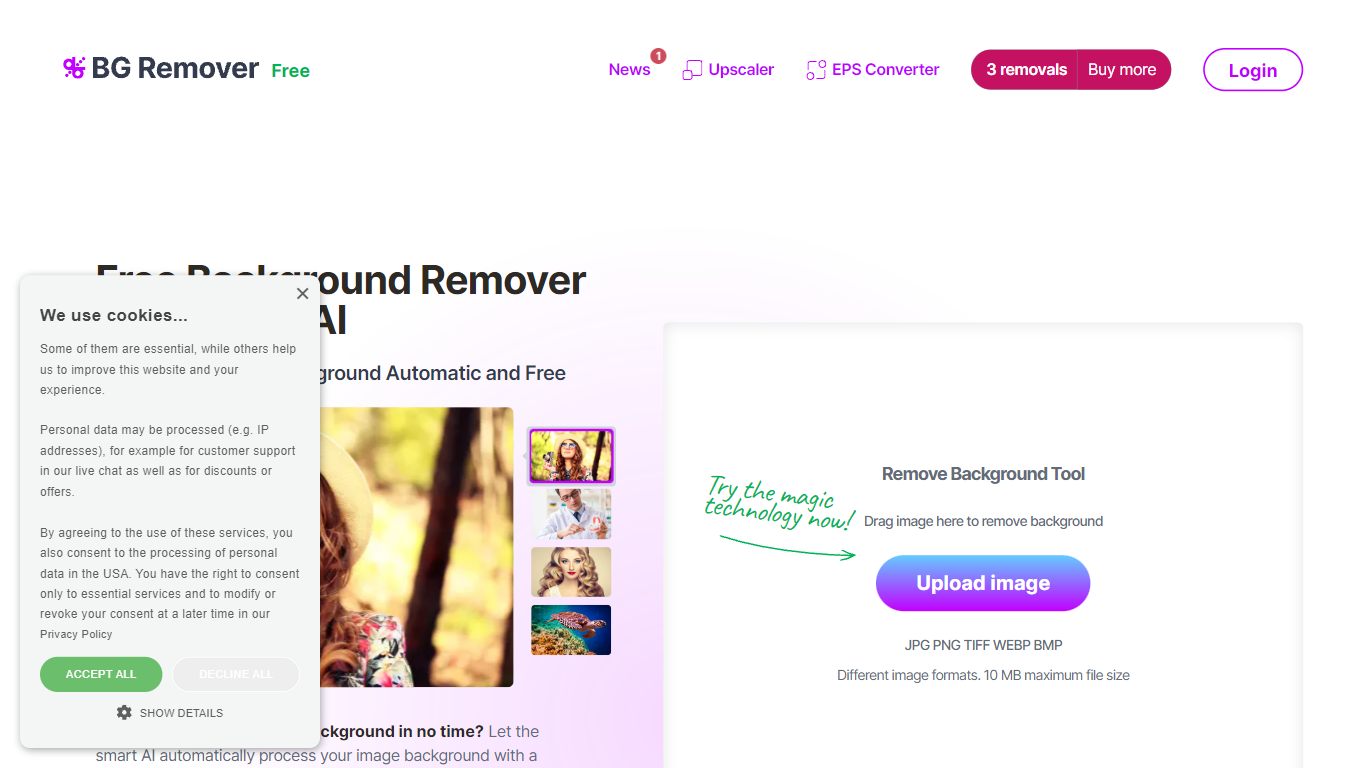
What is Background Remover - Stockphotos.com?
Discover the effortless way to remove image backgrounds with Stockphotos.com's AI Image Background Remover. This free online tool utilizes advanced artificial intelligence to swiftly and accurately extract objects from images, erasing backgrounds in an impressive 8 seconds per image. Compatible with multiple image formats such as JPG, PNG, TIFF, WEBP, and BMP, the tool simplifies the task without the need for manual image manipulation.
Enhance your creative process with capabilities like replacing backgrounds with ease, creating transparent PNG files, and upscaling images for finer detail. The AI technology seamlessly smoothens edges and ensures no pixelation, providing you a clean slate to place any new background. Furthermore, Stockphotos.com offers an API for easy integration into various web and mobile applications, expanding its use into e-commerce and designers' toolsets.
RembgAI Upvotes
Background Remover - Stockphotos.com Upvotes
RembgAI Top Features
Instant Background Removal: Upload images and get backgrounds removed in seconds without signup.
Multiple AI Models: Choose from precise, balanced, or product models for best edge detection.
Brush Refinement Tool: Manually fine-tune edges for perfect cutouts.
Privacy Focused: Images processed in memory only; no storage and private on-device option available.
Easy API Access: Simple REST API for developers with scalable plans and full resolution support.
Background Remover - Stockphotos.com Top Features
Automatic Removal: AI-powered removal process that clears backgrounds in seconds.
File Format Support: Works with a wide range of image formats including JPG PNG TIFF WEBP and BMP.
Free to Use: Offers 3 free removals with additional perks like 10 free upscales for image enlargement.
API for Integration: An accessible API to integrate background removal in other products and workflows.
Instant Download: Create and download images with new backgrounds or transparent PNGs immediately.
RembgAI Category
- Photo Editing
Background Remover - Stockphotos.com Category
- Photo Editing
RembgAI Pricing Type
- Freemium
Background Remover - Stockphotos.com Pricing Type
- Free