Remove Bg AI vs Geniverse
Dive into the comparison of Remove Bg AI vs Geniverse and discover which AI Design tool stands out. We examine alternatives, upvotes, features, reviews, pricing, and beyond.
When comparing Remove Bg AI and Geniverse, which one rises above the other?
When we compare Remove Bg AI and Geniverse, two exceptional design tools powered by artificial intelligence, and place them side by side, several key similarities and differences come to light. The upvote count is neck and neck for both Remove Bg AI and Geniverse. Every vote counts! Cast yours and contribute to the decision of the winner.
Don't agree with the result? Cast your vote and be a part of the decision-making process!
Remove Bg AI

What is Remove Bg AI?
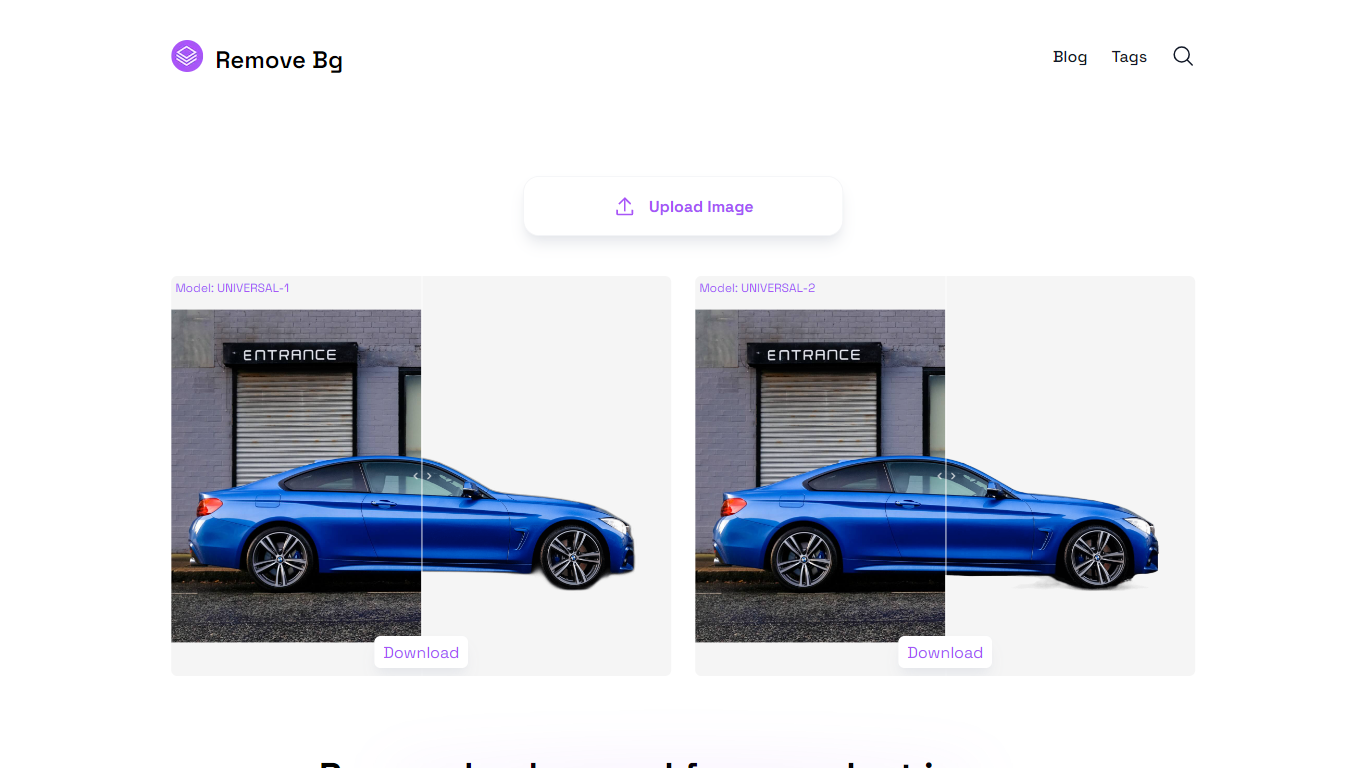
Remove Bg AI removes backgrounds from images directly on your device by processing them locally in your browser. It downloads an AI model to your browser, enabling background removal without uploading images to any server, ensuring privacy and security.
This tool stands out by offering offline processing with multiple AI models tailored for universal images, portraits, or faster results. Users can balance quality and speed depending on their device capabilities, unlike many alternatives that require online uploads.
Remove Bg AI supports common image formats including PNG, JPG, JPEG, and WEBP, with size limits up to 6400 pixels and 10 MB. It also provides mask editing tools to refine cutouts by removing or restoring parts before saving the final transparent image.
Ideal for professionals and hobbyists, Remove Bg AI requires no account or subscription and works on modern browsers across desktop and mobile devices. It processes one image at a time and is currently in maintenance mode, offering free access without new paid plans.
Overall, Remove Bg AI delivers a straightforward, privacy-focused solution for background removal suitable for product photography, graphic design, social media content, marketing materials, and personal projects.
Geniverse
What is Geniverse?
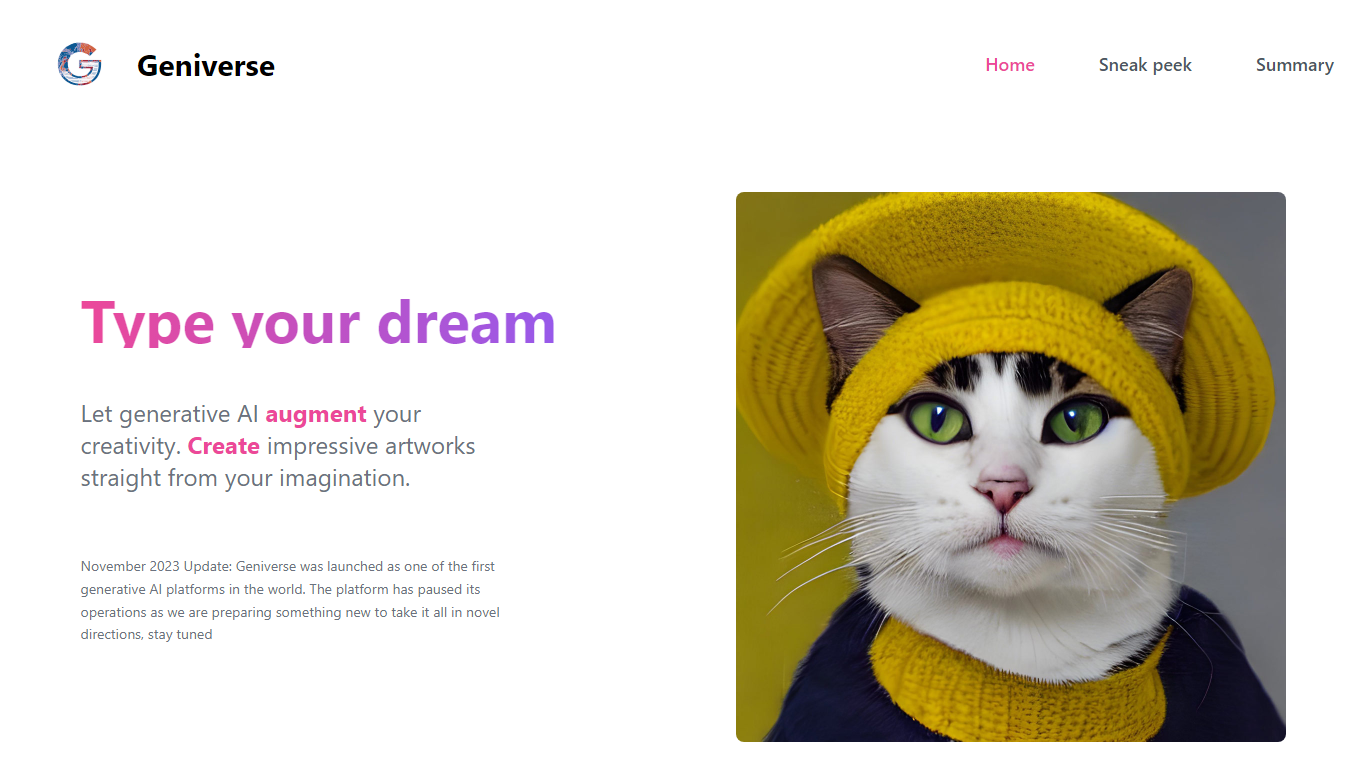
Geniverse lets you create artwork from text prompts through its Human-latent Interface (HLI), an interactive workspace for tuning generative models without writing code. The site still hosts product demos, team bios, and a public roadmap, though a November 2023 notice states the platform paused active operations while the team prepares a new direction.
Where most prompt tools hide model controls behind presets, Geniverse centers on tunable generative models you adjust through the HLI rather than a code editor. It also ties into an open-source hub on GitHub where community models and utilities plug into the same interface and API, which is a different bet than closed, all-in-one image apps.
It fits digital artists who want hands-on control over generative models, plus developers who prefer uploading models to a shared hub instead of wiring pipelines from scratch. The Discord channel remains linked for community discussion while the product is on pause.
Remove Bg AI Upvotes
Geniverse Upvotes
Remove Bg AI Top Features
🖥️ Local Processing: All background removal happens in your browser, keeping your photos private on your device.
🎨 Mask Editing: Refine cutouts by removing or restoring parts of the image before saving the final result.
📁 Wide Format Support: Handles PNG, JPG, JPEG, and WEBP images up to 6400 pixels and 10 MB in size.
⚡ Multiple AI Models: Choose from universal, portrait, or fast models to balance quality and speed based on your device.
🚗 Versatile Use Cases: Supports products, portraits, animals, vehicles, logos, and graphics for various projects.
Geniverse Top Features
Human-latent Interface (HLI) for tuning generative AI models through an interactive UI instead of code
Text-to-art prompt workflow with demo examples like generate_from_prompt on the homepage
Open-source hub on GitHub (thegeniverse/geniverse_hub) for uploading models used in the HLI and API
Open-source library with a simple API for plugging generative AI into programming pipelines
Discord community channel linked from the homepage for sharing work and feedback
Team includes researchers with ICCV and NeurIPS publication credits listed on the site
Remove Bg AI Category
- Design
Geniverse Category
- Design
Remove Bg AI Pricing Type
- Free
Geniverse Pricing Type
- Freemium