Remove Bg AI vs SketchGPT
In the face-off between Remove Bg AI vs SketchGPT, which AI Design tool takes the crown? We scrutinize features, alternatives, upvotes, reviews, pricing, and more.
When we put Remove Bg AI and SketchGPT head to head, which one emerges as the victor?
If we were to analyze Remove Bg AI and SketchGPT, both of which are AI-powered design tools, what would we find? The upvote count reveals a draw, with both tools earning the same number of upvotes. Be a part of the decision-making process. Your vote could determine the winner.
Think we got it wrong? Cast your vote and show us who's boss!
Remove Bg AI

What is Remove Bg AI?
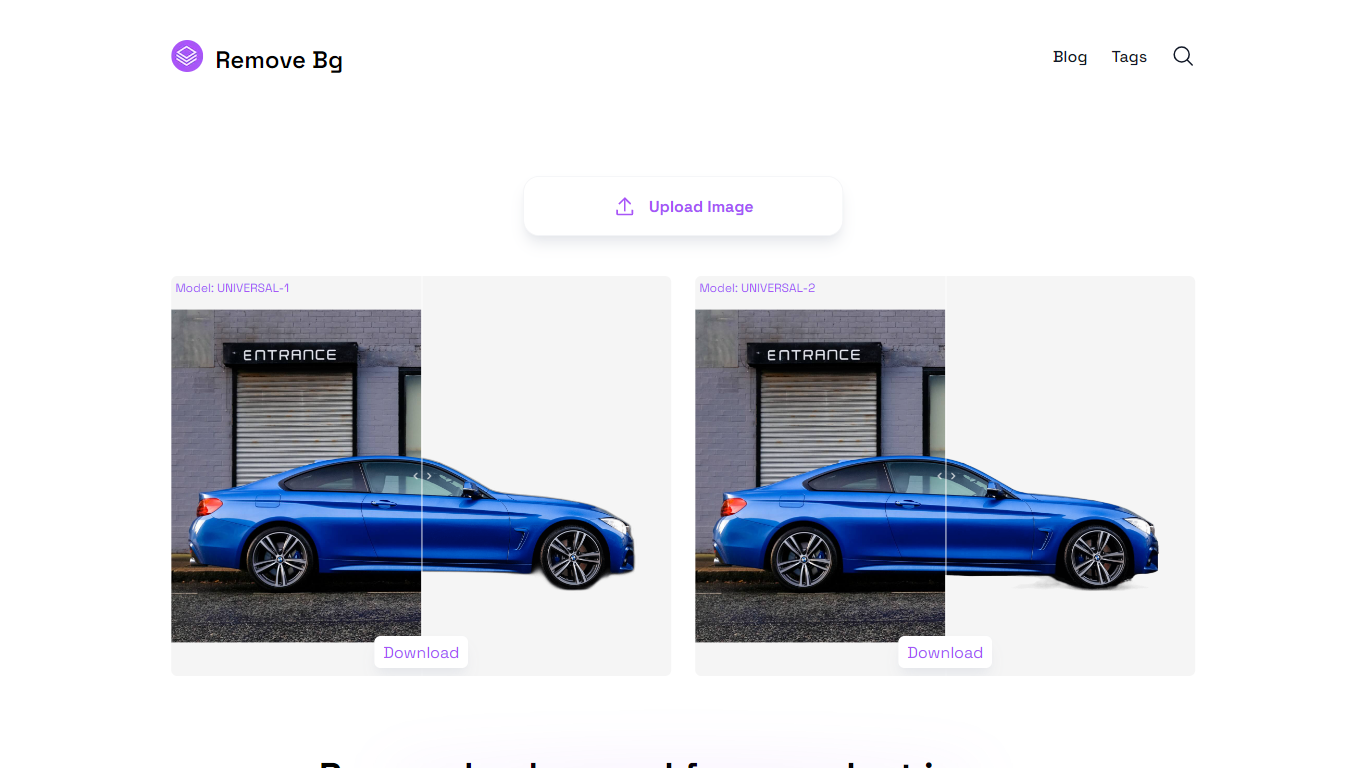
Remove Bg offers a 100% free background removal tool designed to cater to a wide range of needs, including images of people, products, animals, cars, and logos. With its focus on ease of use and broad applicability, Remove Bg provides a versatile solution for professionals and hobbyists alike looking to enhance their images by isolating subjects from their backgrounds.
It features a simple interface that allows users to easily upload images and instantly download the results with the backgrounds removed. No registration or subscription is required, making it accessible to everyone. Furthermore, the tool facilitates multiple downloads, accommodating users who need to process several images in a series.
SketchGPT
What is SketchGPT?
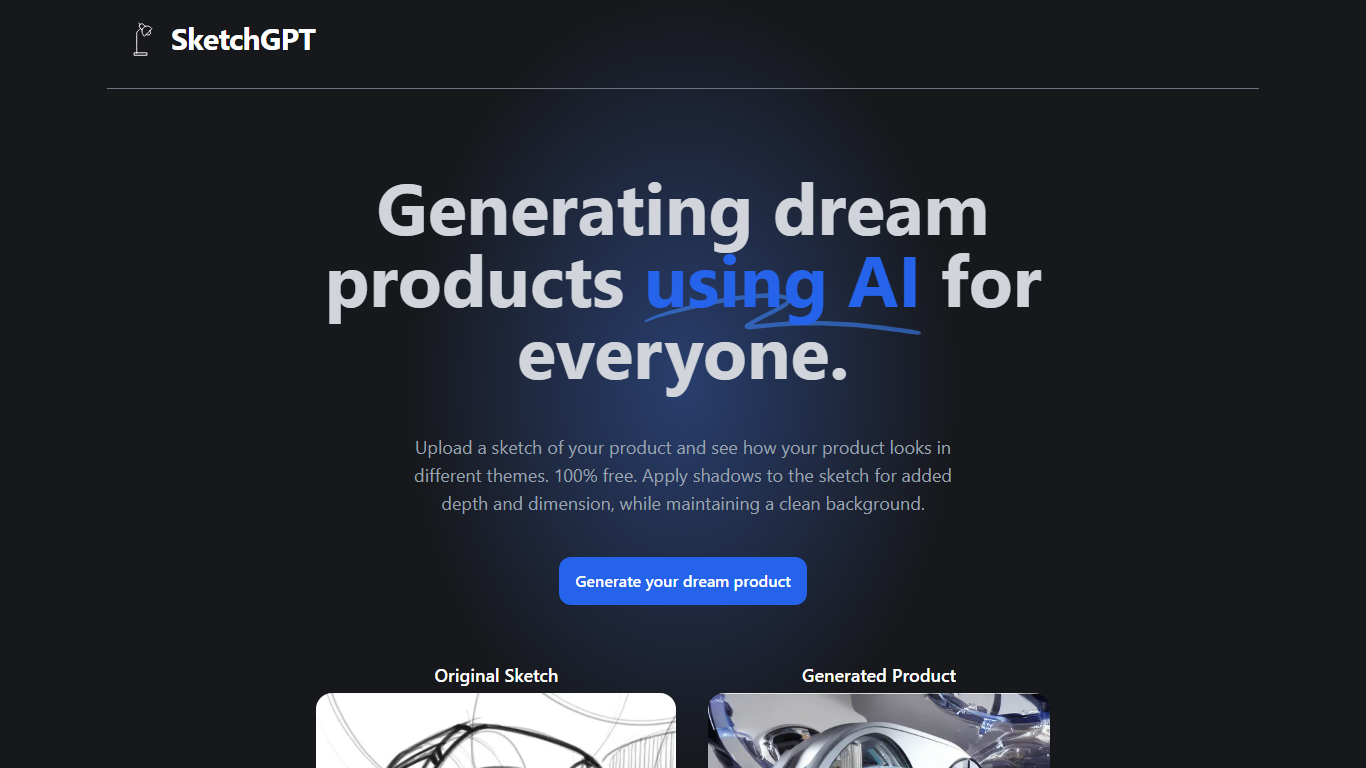
Transform your abstract ideas into tangible designs with SketchGPT—the AI-driven platform that grants power to your creativity. Whether you're an inventor, a designer, or anyone with a dream product in mind, SketchGPT helps you visualize your original sketches in various themes at no cost. The process is simple: upload your sketch, and let the AI work its magic, providing you with a generated product image that captures different thematic interpretations. The added shadow effect imbues your designs with depth and dimension while retaining a pristine background. This tool is not just a utility; it's a creative companion made with love by Sean Liu, ready to bridge the gap between your imagination and reality.
Remove Bg AI Upvotes
SketchGPT Upvotes
Remove Bg AI Top Features
Free Tool: Allows users to remove backgrounds from various images at no cost.
Universal Applications: Suitable for a range of image types, including people, products, animals, cars, and logos.
User Friendly: Easy uploading and downloading process for quick background removal.
No Registration Required: Instant access to the tool without the need for an account.
Multiple Downloads: Supports the downloading of different images after background removal.
SketchGPT Top Features
Free to Use: Explore and visualize your product ideas without any charges.
Visual Enhancement: Apply shadows for added depth and realism in your sketches.
Theme Variations: See your sketch in different themes to explore various design avenues.
Clean Backgrounds: Maintain a pristine background while focusing on product aesthetics.
Creator’s Touch: Made with dedication and love by developer Sean Liu.
Remove Bg AI Category
- Design
SketchGPT Category
- Design
Remove Bg AI Pricing Type
- Freemium
SketchGPT Pricing Type
- Freemium