RemoveBG vs EasifyAI
Explore the showdown between RemoveBG vs EasifyAI and find out which AI Photo Editing tool wins. We analyze upvotes, features, reviews, pricing, alternatives, and more.
When comparing RemoveBG and EasifyAI, which one rises above the other?
When we contrast RemoveBG with EasifyAI, both of which are exceptional AI-operated photo editing tools, and place them side by side, we can spot several crucial similarities and divergences. With more upvotes, RemoveBG is the preferred choice. RemoveBG has 11 upvotes, and EasifyAI has 9 upvotes.
Want to flip the script? Upvote your favorite tool and change the game!
RemoveBG


What is RemoveBG?
RemoveBG is a powerful and user-friendly online tool that allows you to remove image backgrounds in seconds, and the best part is, it's completely free! With advanced AI technology, RemoveBG makes background removal a breeze, saving you time and effort. Whether you need to edit images for creative projects, marketing materials, or personal use, RemoveBG has got you covered.
With RemoveBG, the process of removing image backgrounds is as easy as 1-2-3. First, choose the image you want to edit and upload it into the tool. Second, let the advanced AI technology analyze your image and automatically remove the background. Finally, download the new image and use it for any purpose you desire. Say goodbye to background woes and hello to hassle-free image editing with RemoveBG.
EasifyAI
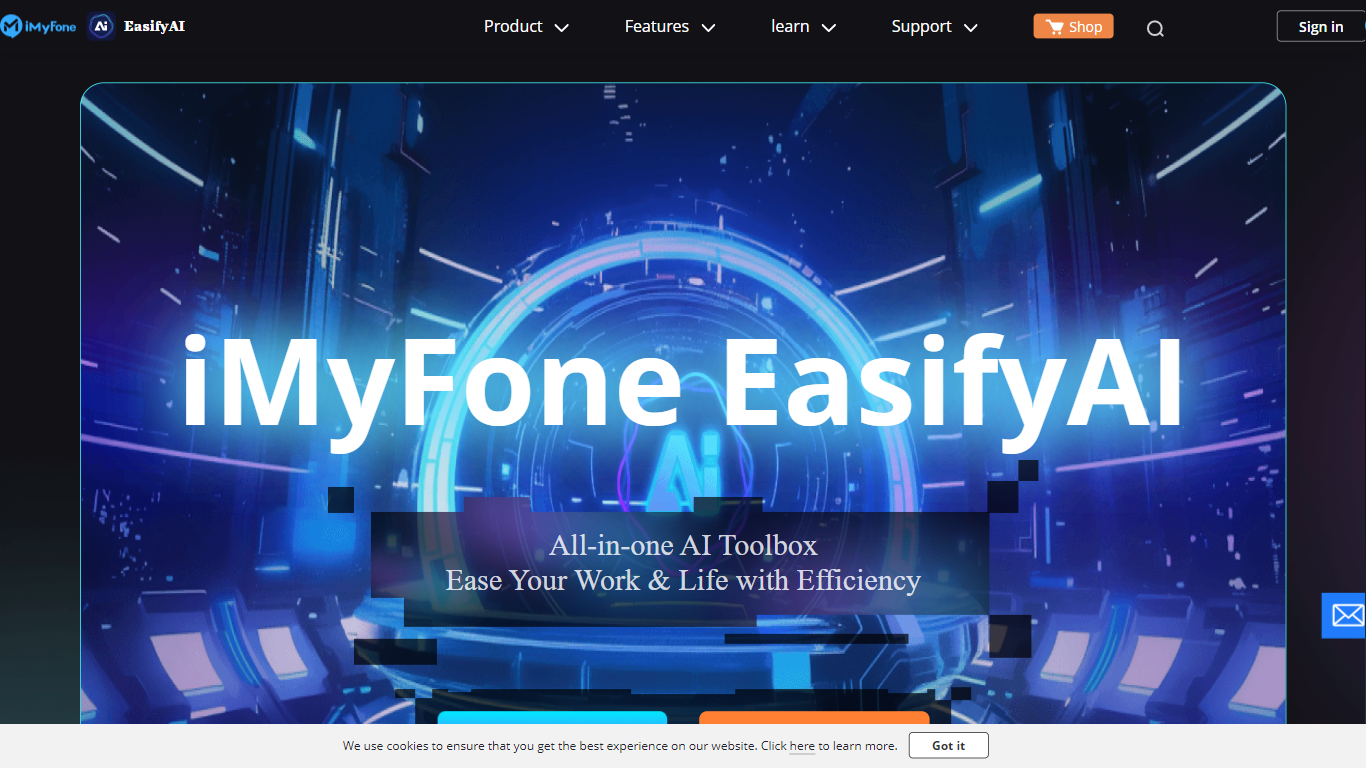
What is EasifyAI?
EasifyAI is a desktop photo editing and AI productivity toolkit from iMyFone. It bundles writing, image, and video tools into one downloadable app so you do not need separate subscriptions for each task. You pick a tool inside the app, wait for it to load on first use, and run jobs like photo enhancement, anime conversion, or story-to-video generation locally.
Where most iMyFone products focus on one job, EasifyAI targets people who want a rotating set of creative utilities in a single install. The trade-off is that each tool loads on demand rather than opening instantly, which suits occasional users more than teams running batch jobs all day.
It fits Windows users who edit photos, turn stories into short videos, rewrite text, or extract and translate text from images. Support docs list free trials for video and rewriting tools, with paid Basic and Toolkit plans for broader access.
RemoveBG Upvotes
EasifyAI Upvotes
RemoveBG Top Features
Quick and Easy Background Removal: RemoveBG makes it incredibly simple to remove image backgrounds with just a few clicks. No need for complex editing software or extensive manual work.
Free of Cost: RemoveBG offers its background removal services completely free of charge. Say goodbye to expensive editing tools and hello to cost-effective image editing.
Advanced AI Technology: Powered by advanced AI technology RemoveBG analyzes your images and accurately detects and removes the background ensuring clean and professional results.
Versatile Usage: The images edited with RemoveBG can be used for a wide range of purposes including creative projects marketing materials or personal use. The possibilities are endless.
User-Friendly Interface: RemoveBG's user-friendly interface makes it easy for anyone to use regardless of their level of expertise in image editing. No technical skills required.
EasifyAI Top Features
Bundles photo enhancement, anime conversion, uncropping, and colorization in one Windows app
Story-to-video and AI rewriter tools with free trial access before upgrading
Image-to-text supports 18 recognition languages plus post-extraction translation
Exports watermark-free HD images and videos for download
Basic and Toolkit subscription plans with cancel-anytime billing
RemoveBG Category
- Photo Editing
EasifyAI Category
- Photo Editing
RemoveBG Pricing Type
- Free
EasifyAI Pricing Type
- Freemium