RenderFit vs AI Portrait in Filmora
Explore the showdown between RenderFit vs AI Portrait in Filmora and find out which AI Video Editing tool wins. We analyze upvotes, features, reviews, pricing, alternatives, and more.
When comparing RenderFit and AI Portrait in Filmora, which one rises above the other?
When we contrast RenderFit with AI Portrait in Filmora, both of which are exceptional AI-operated video editing tools, and place them side by side, we can spot several crucial similarities and divergences. Both tools are equally favored, as indicated by the identical upvote count. Every vote counts! Cast yours and contribute to the decision of the winner.
Does the result make you go "hmm"? Cast your vote and turn that frown upside down!
RenderFit
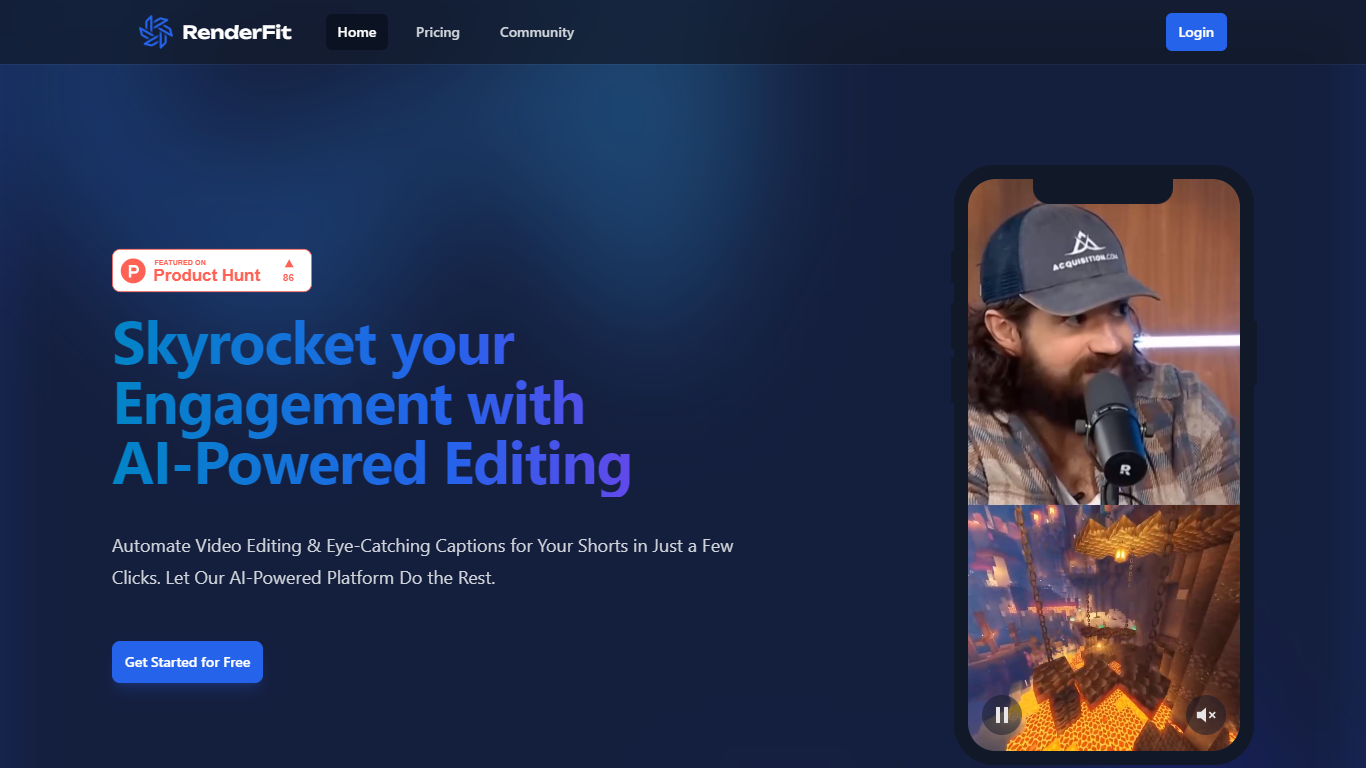

What is RenderFit?
RenderFit is a cutting-edge AI-powered platform dedicated to enhancing video content with automatic subtitling. This innovative tool dramatically increases user engagement by adding eye-catching captions to videos, making them more accessible and comprehensible. RenderFit is ideal for content creators on platforms such as TikTok, Instagram Reels, and YouTube Shorts who are looking to boost their watch time and viewer retention.
The platform boasts features like AI-Powered Captions, Emoji Integration, Full Customization, Real-Time Preview, and Speed & Ease, providing an all-encompassing solution for quick and efficient video editing. The process is straightforward – upload a video, customize the captions and emojis, preview in real-time, and then download the video with subtitles ready to captivate the audience.
RenderFit prioritizes security, ensuring that all content and financial transactions are protected. Starting with RenderFit is simple with the offer of free editing seconds upon signing up, and the website will soon be optimized for mobile use, ensuring convenience across all devices.
AI Portrait in Filmora
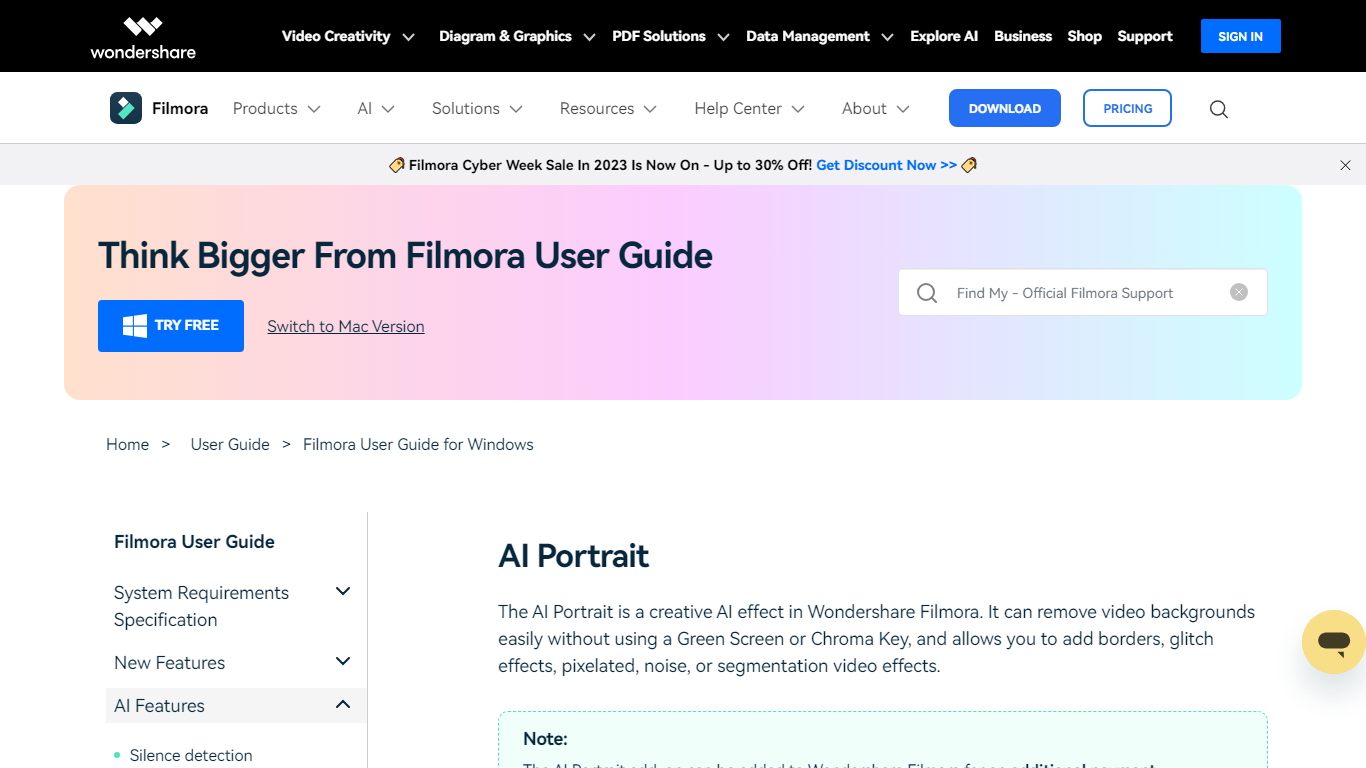
What is AI Portrait in Filmora?
Elevate your video editing experience with Filmora—a comprehensive and user-friendly AI Video Editor designed to cater to your creative vision. Whether you're an amateur filmmaker or a seasoned professional, Filmora empowers you with the tools to edit faster, smarter, and easier. Harness the power of AI portrait effects to transform your footage with a touch of artistry.
Discover a suite of Video Creativity Products that include Filmora, your complete video editing tool; DemoCreator for efficient tutorial video making; UniConverter for high-speed media conversion; Virbo for AI-driven video generation; and Presentory for creating AI-powered video presentations.
Filmora is not just a video editing software; it's part of a larger ecosystem of creative tools that also brings you Diagram & Graphics Products, PDF Solutions, and Data Management products to enhance your workflow in every aspect. With intuitive interfaces and seamless integration, these products work in harmony to support your multimedia projects.
Whether you are looking to recover lost files with Recoverit, design with Mockitt, manage PDFs with PDFelement or protect your family with FamiSafe, Filmora's suite has something for every need. Maximize your creativity and efficiency with Filmora—where powerful technology meets user-friendly design.
RenderFit Upvotes
AI Portrait in Filmora Upvotes
RenderFit Top Features
AI-Powered Captions: Leverage the future of video captioning with AI for unrivaled accuracy.
Emoji Integration: Make captions more engaging with smart emoji detection.
Fully Customizable: Personalize style, captions, and emojis with 10 trendy templates.
Real-Time Preview: Ensure your video aligns with your vision before finalizing.
Speed & Ease: Enjoy a quick and user-friendly rendering process that saves time.
AI Portrait in Filmora Top Features
Complete Video Editing Tool: Provides a comprehensive range of editing capabilities for video projects.
AI Portrait Effects: Enhance videos with advanced artificial intelligence portrait effects.
High-Speed Media Conversion: Utilize UniConverter for quick file format changes.
AI Video Generation: Create videos effortlessly with Virbo the robust AI video generator.
Creative Tool Ecosystem: Access a collection of tools for graphics PDF solutions and data management.
RenderFit Category
- Video Editing
AI Portrait in Filmora Category
- Video Editing
RenderFit Pricing Type
- Freemium
AI Portrait in Filmora Pricing Type
- Freemium