RenderFit vs AI Video Editing | Clipchamp
When comparing RenderFit vs AI Video Editing | Clipchamp, which AI Video Editing tool shines brighter? We look at pricing, alternatives, upvotes, features, reviews, and more.
In a comparison between RenderFit and AI Video Editing | Clipchamp, which one comes out on top?
When we put RenderFit and AI Video Editing | Clipchamp side by side, both being AI-powered video editing tools, The upvote count is neck and neck for both RenderFit and AI Video Editing | Clipchamp. You can help us determine the winner by casting your vote and tipping the scales in favor of one of the tools.
Think we got it wrong? Cast your vote and show us who's boss!
RenderFit

What is RenderFit?
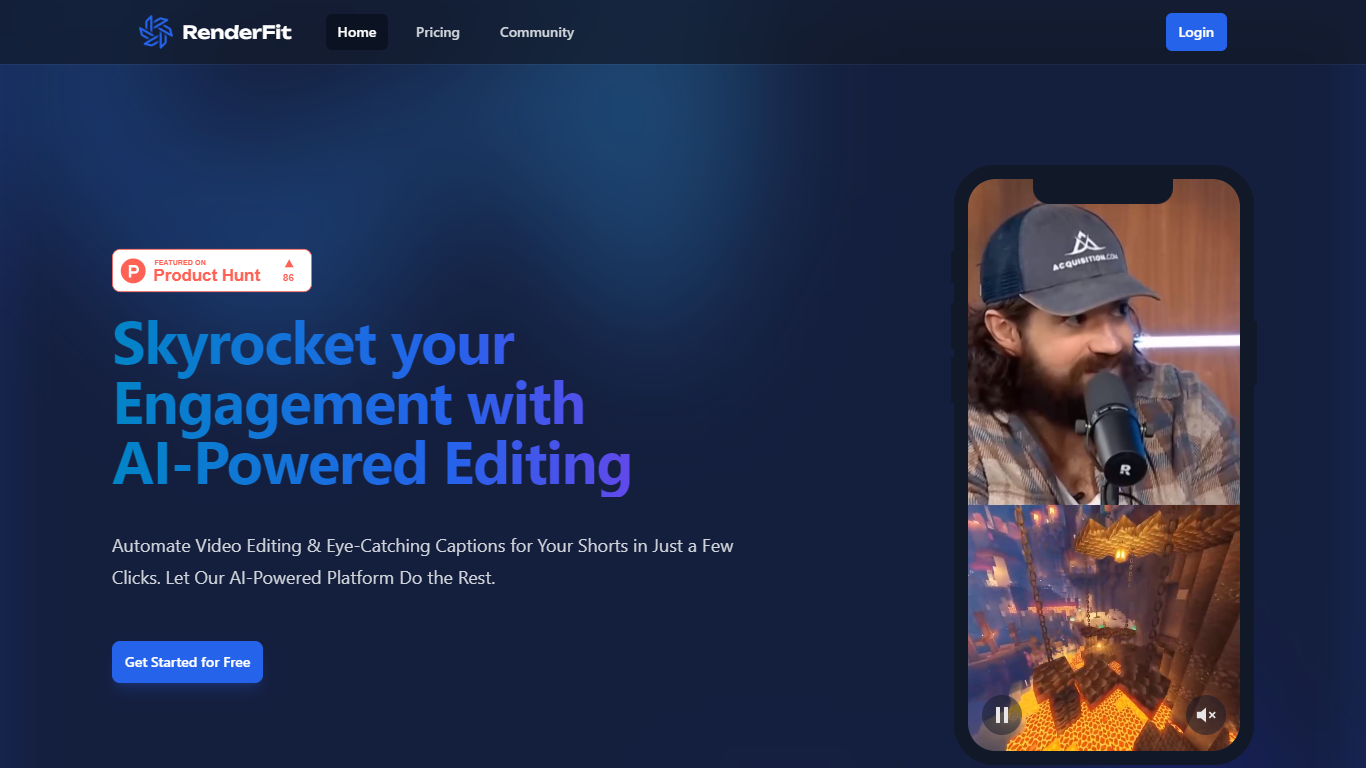
RenderFit is a cutting-edge AI-powered platform dedicated to enhancing video content with automatic subtitling. This innovative tool dramatically increases user engagement by adding eye-catching captions to videos, making them more accessible and comprehensible. RenderFit is ideal for content creators on platforms such as TikTok, Instagram Reels, and YouTube Shorts who are looking to boost their watch time and viewer retention.
The platform boasts features like AI-Powered Captions, Emoji Integration, Full Customization, Real-Time Preview, and Speed & Ease, providing an all-encompassing solution for quick and efficient video editing. The process is straightforward – upload a video, customize the captions and emojis, preview in real-time, and then download the video with subtitles ready to captivate the audience.
RenderFit prioritizes security, ensuring that all content and financial transactions are protected. Starting with RenderFit is simple with the offer of free editing seconds upon signing up, and the website will soon be optimized for mobile use, ensuring convenience across all devices.
AI Video Editing | Clipchamp
What is AI Video Editing | Clipchamp?
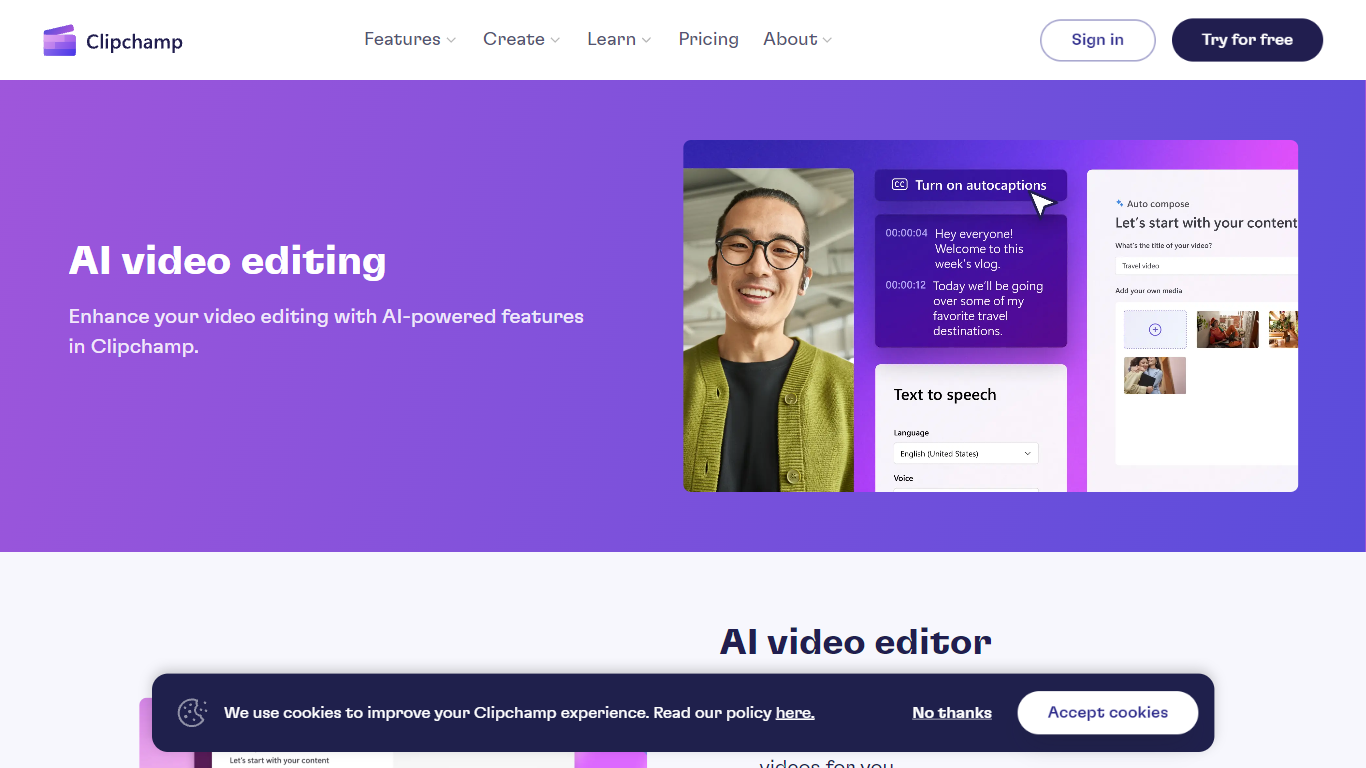
Experience the next level of video editing with Clipchamp's AI Video Editing tools, designed to elevate your creative projects effortlessly. Clipchamp harnesses the power of AI to provide an array of intelligent features that assist you in producing stunning videos without the need for any downloads. It's time to unleash your inner director using the AI video editor and craft short videos that leave a lasting impression. Whether you’re a TikTok enthusiast or a business professional, the AI voiceover maker offers over 400 lifelike voices in various languages and styles to match your video's tone. Autocaptions make your content more accessible, with precise voice detection technology for captions in 140 languages. For those looking to refine their speaking skills, the Speaker Coach offers real-time feedback on your recording sessions. Discover the wealth of AI-powered capabilities at your fingertips with Clipchamp and transform your digital storytelling.
RenderFit Upvotes
AI Video Editing | Clipchamp Upvotes
RenderFit Top Features
AI-Powered Captions: Leverage the future of video captioning with AI for unrivaled accuracy.
Emoji Integration: Make captions more engaging with smart emoji detection.
Fully Customizable: Personalize style, captions, and emojis with 10 trendy templates.
Real-Time Preview: Ensure your video aligns with your vision before finalizing.
Speed & Ease: Enjoy a quick and user-friendly rendering process that saves time.
AI Video Editing | Clipchamp Top Features
AI Video Editor: Simplify the video creation process with an AI editor that can generate engaging short videos automatically.
Text to Speech: Utilize a versatile AI voiceover maker featuring over 400 lifelike voices in a variety of languages.
Autocaptions: Increase accessibility and engagement with precise autocaptions available in 140 languages.
Speaker Coach: Improve your presentation skills with real-time feedback on your speech during recording.
AI Audio Enhancements: Look forward to upcoming features that will further enhance audio quality in your videos.
RenderFit Category
- Video Editing
AI Video Editing | Clipchamp Category
- Video Editing
RenderFit Pricing Type
- Freemium
AI Video Editing | Clipchamp Pricing Type
- Freemium