Rephrasy vs Paraphrasing Tool
Dive into the comparison of Rephrasy vs Paraphrasing Tool and discover which AI Paraphraser tool stands out. We examine alternatives, upvotes, features, reviews, pricing, and beyond.
In a comparison between Rephrasy and Paraphrasing Tool, which one comes out on top?
When we compare Rephrasy and Paraphrasing Tool, two exceptional paraphraser tools powered by artificial intelligence, and place them side by side, several key similarities and differences come to light. Interestingly, both tools have managed to secure the same number of upvotes. Every vote counts! Cast yours and contribute to the decision of the winner.
Want to flip the script? Upvote your favorite tool and change the game!
Rephrasy
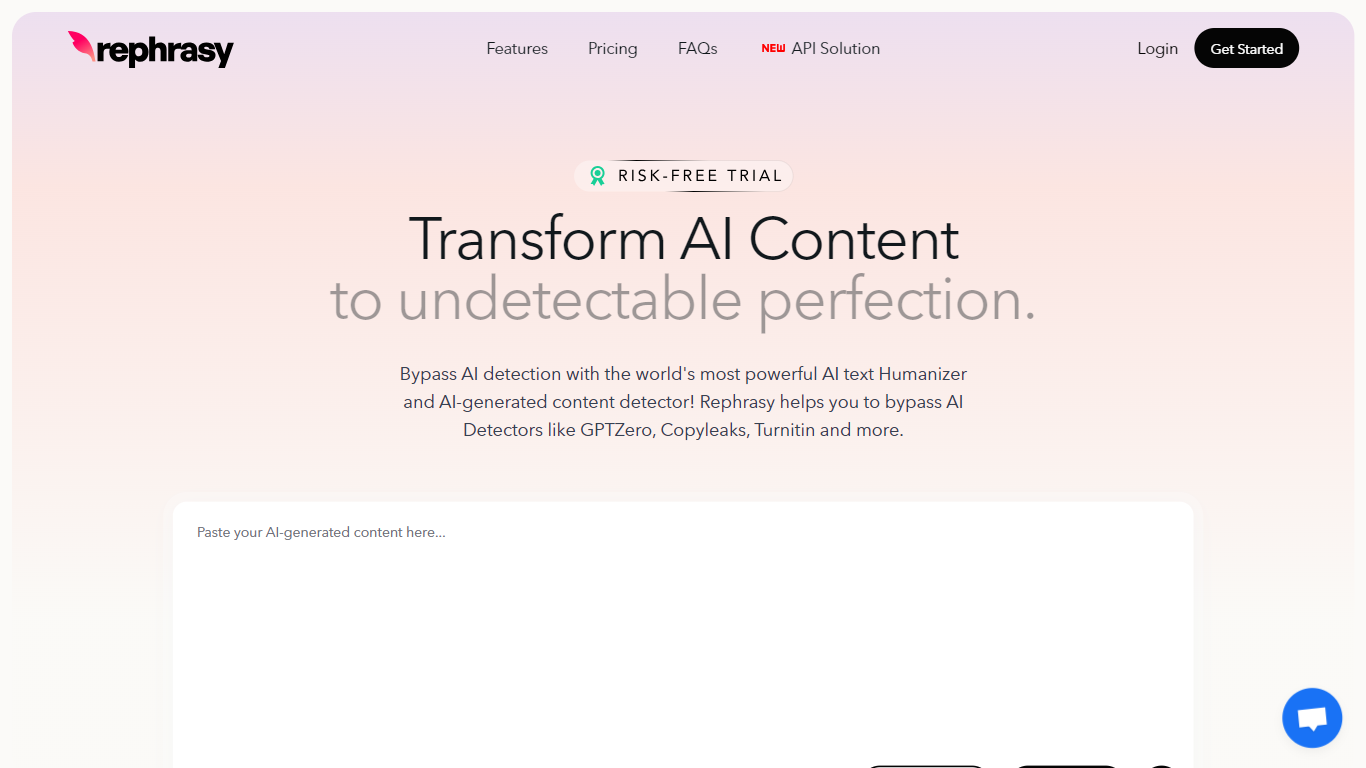

What is Rephrasy?
Rephrasy is an AI text humanizer and detector that rewrites ChatGPT, Claude, Gemini, DeepSeek, and Grok output into natural prose. Paste AI draft text, pick a humanizer model or your cloned writing style, and Rephrasy returns rewritten copy you can scan against GPTZero, Turnitin, Copyleaks, and Originality.ai before you submit or publish.
Most humanizers stop at a single rewrite pass. Rephrasy pairs humanization with a built-in multi-detector score check and free re-humanize when results miss the mark, plus optional Turnitin-style extended scans on paid tiers. That workflow targets students and professionals who need verification, not just a paraphrase.
The site reports 124,610+ users, 651,589+ documents processed, and support for 50+ languages. Use cases span academic essays, SEO articles, and social posts, with a Chrome extension, mobile apps, and API access on higher plans.
Paraphrasing Tool
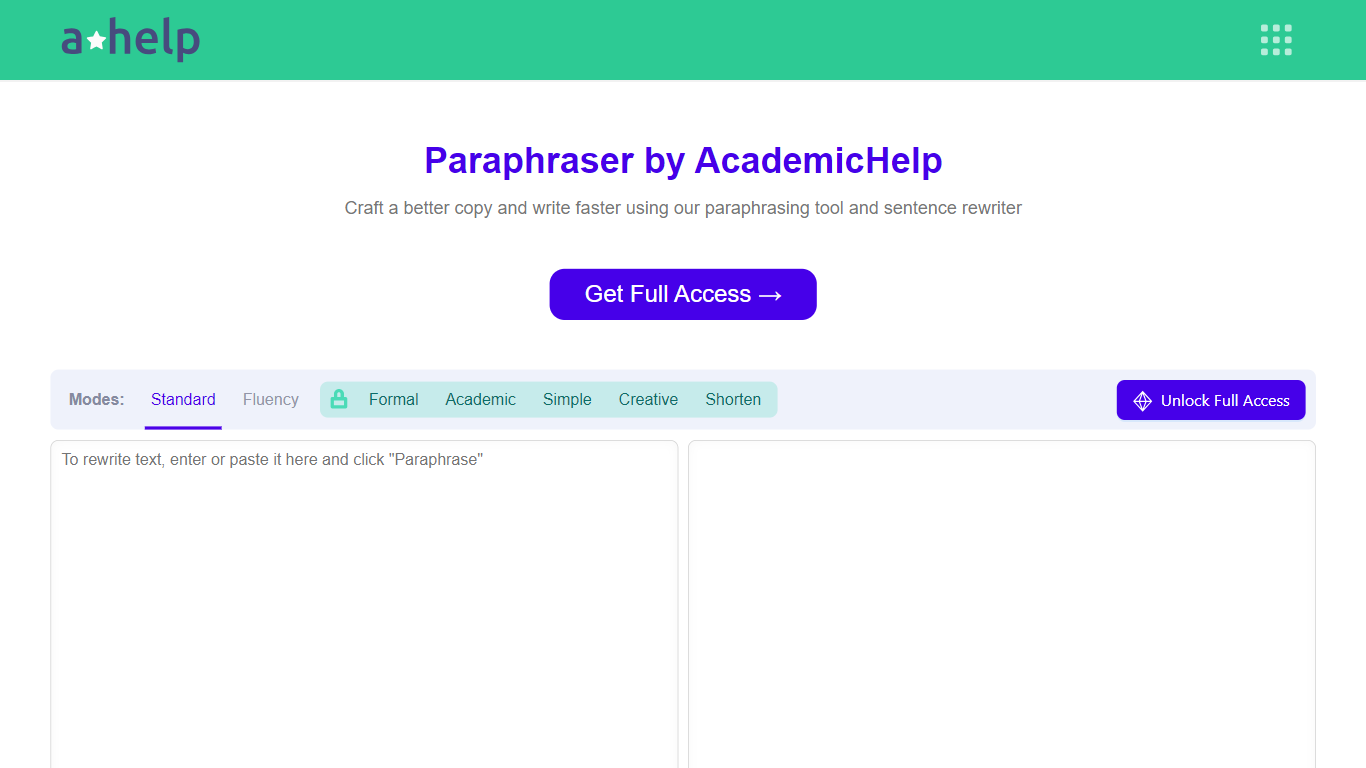
What is Paraphrasing Tool?
AHelp's Paraphrasing Tool rewrites pasted or uploaded text while keeping the original meaning, with context-aware sentence changes instead of simple synonym swaps. The free tier covers Standard and Fluency modes up to 200 words, and premium unlocks Formal, Academic, Simple, Creative, and Shorten modes with a 6,000-word cap per run.
Most paraphrasers stop at one generic rewrite tone. This tool offers seven modes, nine languages, and file uploads for PDF, DOC, DOCX, RTF, ODT, and TXT, plus Chrome and Microsoft Edge extensions that carry the same rewriter into your browser workflow.
Students, educators, and professionals use it for essays, reports, and multilingual drafts when they need clearer wording without drifting from the source intent. Full access runs through AHelp Learning Hub subscriptions that also bundle plagiarism and AI detection credits.
Rephrasy Upvotes
Paraphrasing Tool Upvotes
Rephrasy Top Features
Undetectable Model v4 rewrites text to pass GPTZero, Turnitin, Copyleaks, and Originality.ai checks
Built-in AI detector scores text against 11 detectors including Winston AI, Pangram, and ZeroGPT
Growth plan humanizes up to 200,000 words per month at $8.25 per month billed yearly
Clone Writing Style finetunes a custom model from your sample sentences
Chrome extension humanizes text inside Google Docs, Gmail, and LinkedIn
iOS and Android apps plus Humanizer and Detector APIs on Professional plans
Paraphrasing Tool Top Features
Seven paraphrasing modes from Standard and Fluency to Formal, Academic, Creative, and Shorten
Free tier handles 200 words per run; premium raises the limit to 6,000 words
Supports nine languages including English, Spanish, Portuguese, German, French, Italian, Dutch, Korean, and Japanese
Upload PDF, DOC, DOCX, RTF, ODT, and TXT files directly into the rewriter
Google Chrome and Microsoft Edge extensions for in-browser paraphrasing
Context-based rewriting that preserves meaning rather than swapping isolated words
Rephrasy Category
- Paraphraser
Paraphrasing Tool Category
- Paraphraser
Rephrasy Pricing Type
- Freemium
Paraphrasing Tool Pricing Type
- Freemium