ReRoom AI vs Dreamhouse AI
Dive into the comparison of ReRoom AI vs Dreamhouse AI and discover which AI Real Estate tool stands out. We examine alternatives, upvotes, features, reviews, pricing, and beyond.
When comparing ReRoom AI and Dreamhouse AI, which one rises above the other?
When we compare ReRoom AI and Dreamhouse AI, two exceptional real estate tools powered by artificial intelligence, and place them side by side, several key similarities and differences come to light. The users have made their preference clear, Dreamhouse AI leads in upvotes. The number of upvotes for Dreamhouse AI stands at 11, and for ReRoom AI it's 6.
Don't agree with the result? Cast your vote and be a part of the decision-making process!
ReRoom AI
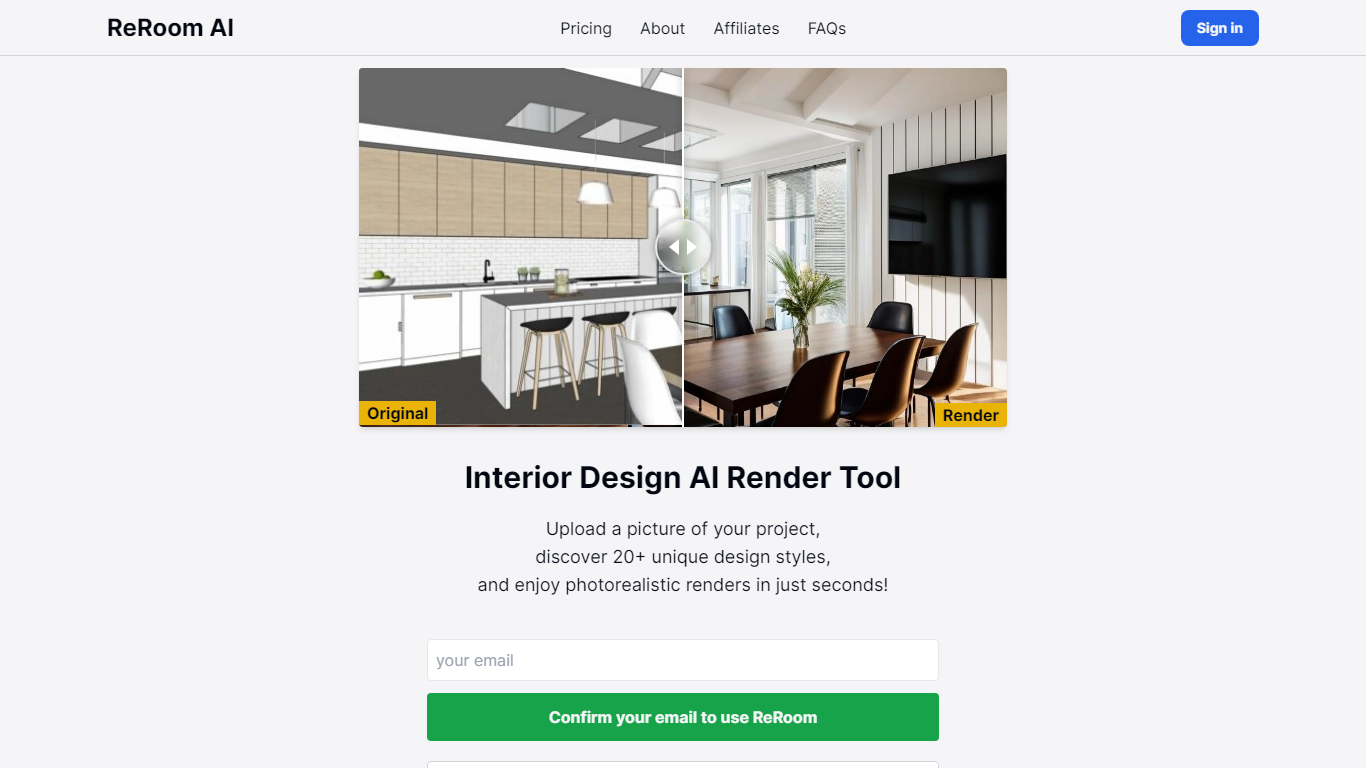

What is ReRoom AI?
ReRoom AI turns interior photos, floor plans, SketchUp scenes, and clay models into photorealistic renders and virtual staging shots for real estate and design clients. You upload a source image, pick styles or prompts, and get presentation-ready interiors without a full 3D rebuild.
Compared with traditional rendering suites, ReRoom leans on fast AI passes with prompt control, 4x upscaling, and optional walkthrough video credits on paid plans. The free tier caps you at 3 watermarked renders per day, while paid plans unlock unlimited output, private mode, and commercial rights.
Interior designers, architects, and listing teams use it to pitch concepts, stage empty rooms, and refresh client decks. The about page cites 9,000+ daily renders across 150+ countries, with team billing and shared moodboards for agencies that need consistent styles.
Dreamhouse AI
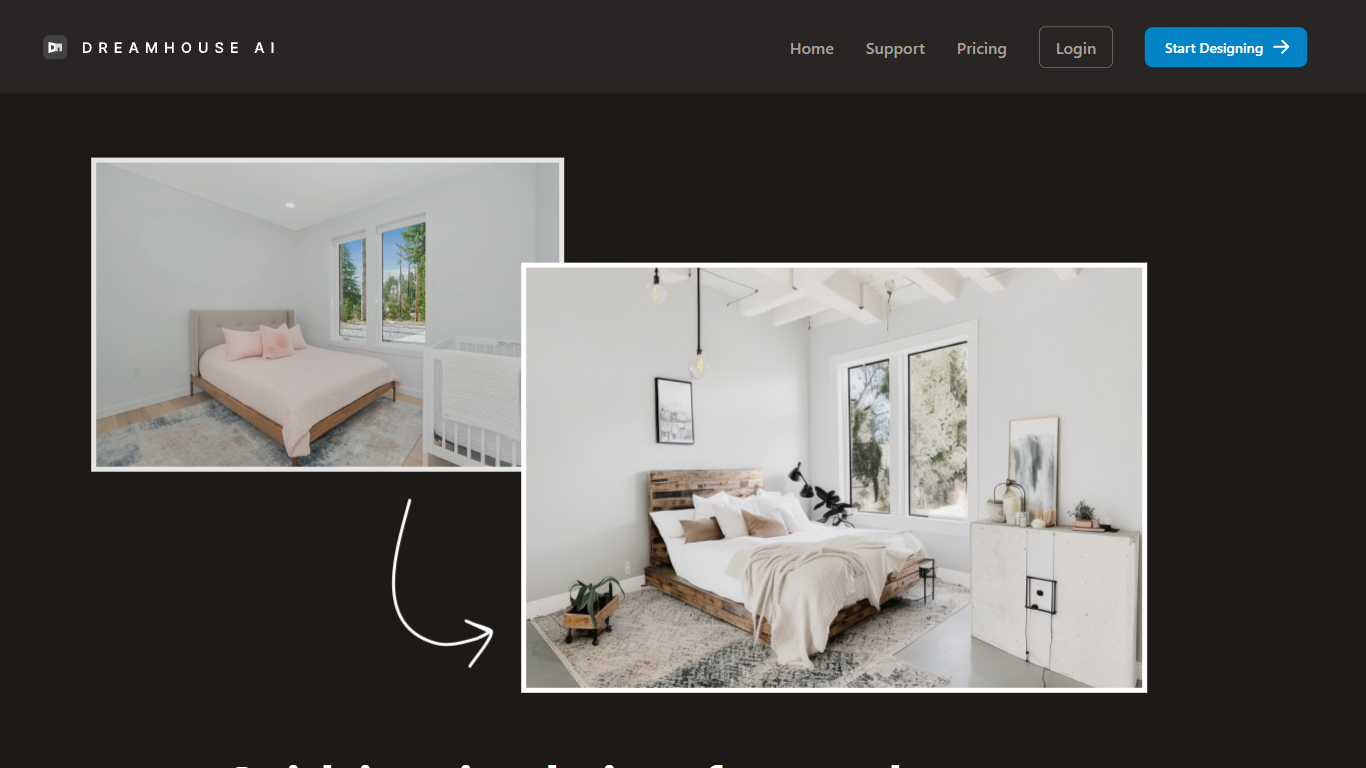
What is Dreamhouse AI?
DreamHouse AI previews room and exterior makeovers for real estate projects from a single photo upload. You pick from 20+ design styles, generate a redesign in under 30 seconds, then refine it through chat or by adding product photos directly into the scene. The platform covers living rooms, kitchens, facades, landscaping, and curb appeal projects.
Room-only redesign apps stop at furniture swaps. DreamHouse AI handles both interior and exterior spaces in one workflow, with product photo integration so you can see how a specific chair or paint color looks before buying. You also get a find-similar-products feature and 4x upscaling for contractor-ready images.
Home sellers staging empty rooms, homeowners planning renovations, and interior designers pitching clients use DreamHouse AI to skip $500 to $2,000 per-room consultations. Plans start at $24 per month for 50 AI generations, with 5,000+ rooms already redesigned on the platform.
ReRoom AI Upvotes
Dreamhouse AI Upvotes
ReRoom AI Top Features
Free trial includes 3 renders per day with theme-based styling
Paid plans offer unlimited renders with 4x image upscaling
Private rendering mode removes watermarks on Pro and Team tiers
Prompt-based customization plus annotation edits on uploaded images
Video generation credits turn still renders into walkthrough clips
Team plans add shared projects, moodboards, and centralized billing
Tutorial library covers floor plans, SketchUp scenes, and satellite urban concepts
Dreamhouse AI Top Features
Interior and exterior redesign from a single photo upload
20+ design styles including Modern, Scandinavian, Farmhouse, and Japandi
AI chat refinement for requests like changing wall color or adding plants
Add product photos and see items placed inside your generated design
Find similar real-world furniture and decor that match generated designs
4x AI upscaling for high-resolution, print-ready output
50 AI generations per month on the $24 per month plan
ReRoom AI Category
- Real Estate
Dreamhouse AI Category
- Real Estate
ReRoom AI Pricing Type
- Freemium
Dreamhouse AI Pricing Type
- Paid