ReRoom AI vs HomeDesignsAI
In the face-off between ReRoom AI vs HomeDesignsAI, which AI Real Estate tool takes the crown? We scrutinize features, alternatives, upvotes, reviews, pricing, and more.
In a face-off between ReRoom AI and HomeDesignsAI, which one takes the crown?
If we were to analyze ReRoom AI and HomeDesignsAI, both of which are AI-powered real estate tools, what would we find? HomeDesignsAI is the clear winner in terms of upvotes. HomeDesignsAI has 8 upvotes, and ReRoom AI has 6 upvotes.
Want to flip the script? Upvote your favorite tool and change the game!
ReRoom AI

What is ReRoom AI?
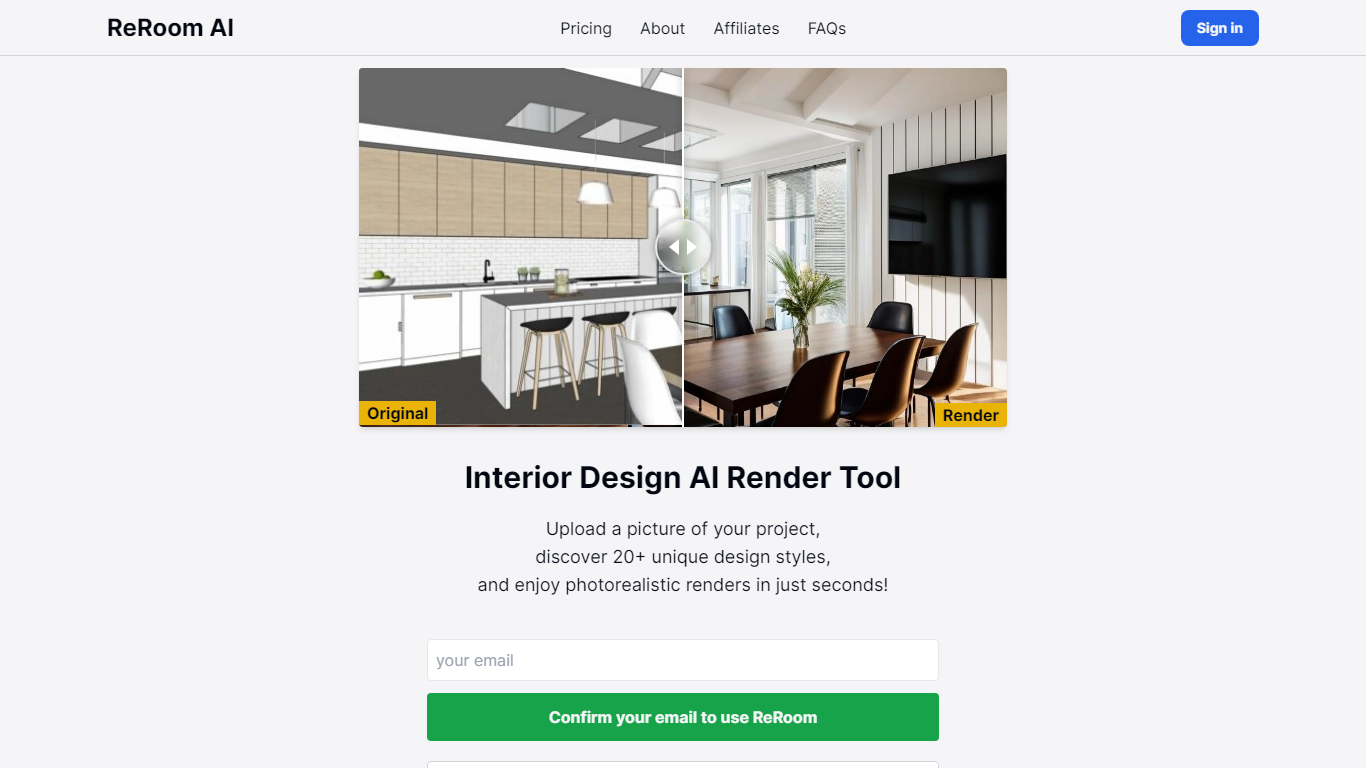
ReRoom AI turns interior photos, floor plans, SketchUp scenes, and clay models into photorealistic renders and virtual staging shots for real estate and design clients. You upload a source image, pick styles or prompts, and get presentation-ready interiors without a full 3D rebuild.
Compared with traditional rendering suites, ReRoom leans on fast AI passes with prompt control, 4x upscaling, and optional walkthrough video credits on paid plans. The free tier caps you at 3 watermarked renders per day, while paid plans unlock unlimited output, private mode, and commercial rights.
Interior designers, architects, and listing teams use it to pitch concepts, stage empty rooms, and refresh client decks. The about page cites 9,000+ daily renders across 150+ countries, with team billing and shared moodboards for agencies that need consistent styles.
HomeDesignsAI
What is HomeDesignsAI?
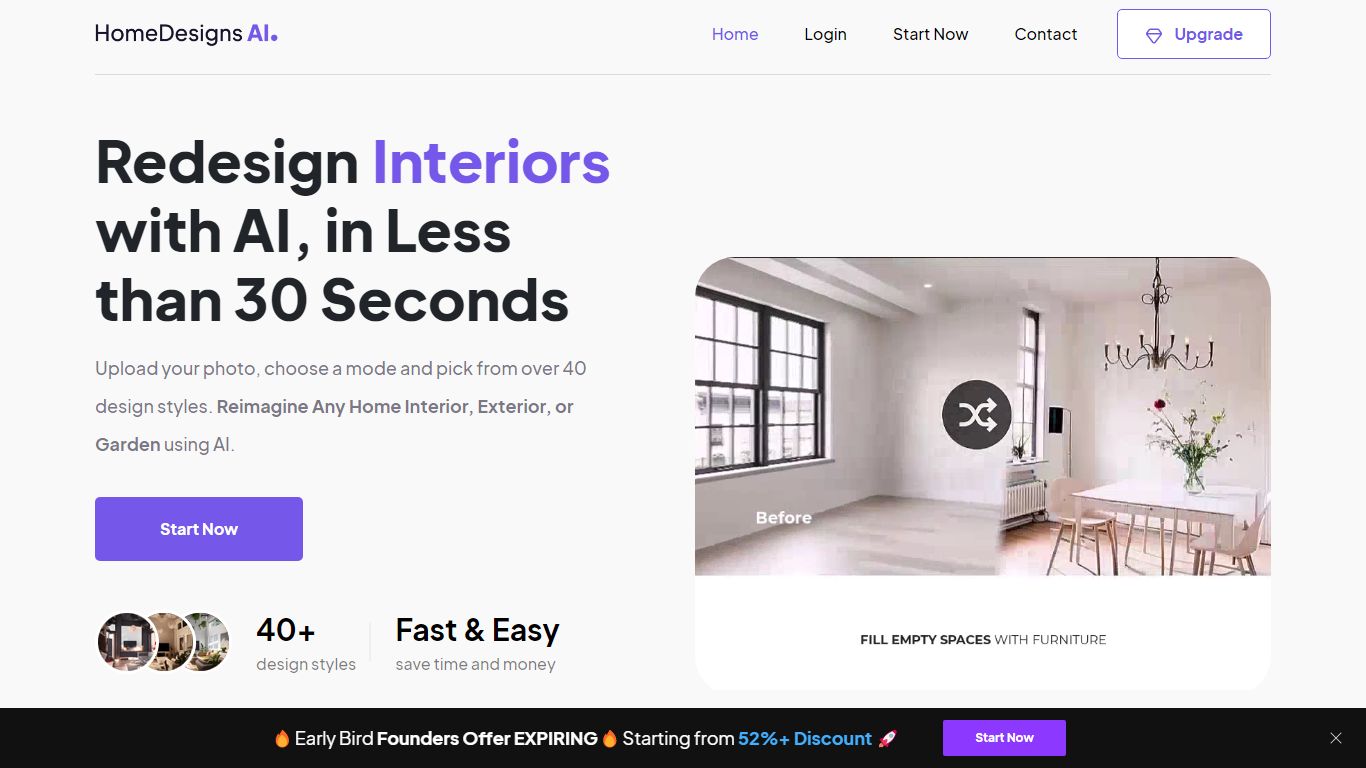
HomeDesignsAI redesigns interiors, exteriors, gardens, and patios from a single uploaded photo in about 30 seconds. Its Structure-Lock keeps your real walls, windows, and layout fixed while swapping furniture, materials, lighting, and landscaping across 160 plus style presets.
Generic image generators invent new rooms with wrong proportions. HomeDesignsAI locks structure first, then offers virtual staging, declutter, sky and weather swaps, sketch-to-render, 2D-to-3D floor plans, and a shop-the-look furniture finder in one login. The trade-off is a credit system on the free tier and metered video exports on some plans.
Real estate agents stage vacant listings without furniture rental. Interior designers cut concept time by showing photoreal versions instead of mood boards. Homeowners test kitchen finishes and exterior facades before committing to contractor quotes.
ReRoom AI Upvotes
HomeDesignsAI Upvotes
ReRoom AI Top Features
Free trial includes 3 renders per day with theme-based styling
Paid plans offer unlimited renders with 4x image upscaling
Private rendering mode removes watermarks on Pro and Team tiers
Prompt-based customization plus annotation edits on uploaded images
Video generation credits turn still renders into walkthrough clips
Team plans add shared projects, moodboards, and centralized billing
Tutorial library covers floor plans, SketchUp scenes, and satellite urban concepts
HomeDesignsAI Top Features
Structure-Lock keeps real walls, windows, and layout while redesigning in about 30 seconds
160 plus design styles across interiors, exteriors, gardens, patios, and terraces
7.76 million plus projects completed for 2.68 million plus users worldwide
Virtual staging, declutter, sketch-to-render, and 2D-to-3D floor plan tools in one platform
One-click video walkthroughs with 10, 20, or 30 second clip lengths
Shop-the-look furniture finder links real products seen in generated designs
Rated 4.8 out of 5 from 2,400 plus reviews on the public homepage
ReRoom AI Category
- Real Estate
HomeDesignsAI Category
- Real Estate
ReRoom AI Pricing Type
- Freemium
HomeDesignsAI Pricing Type
- Freemium