ReRoom AI vs HomeDesigns AI
In the contest of ReRoom AI vs HomeDesigns AI, which AI Real Estate tool is the champion? We evaluate pricing, alternatives, upvotes, features, reviews, and more.
If you had to choose between ReRoom AI and HomeDesigns AI, which one would you go for?
When we examine ReRoom AI and HomeDesigns AI, both of which are AI-enabled real estate tools, what unique characteristics do we discover? Interestingly, both tools have managed to secure the same number of upvotes. Your vote matters! Help us decide the winner among aitools.fyi users by casting your vote.
Want to flip the script? Upvote your favorite tool and change the game!
ReRoom AI

What is ReRoom AI?
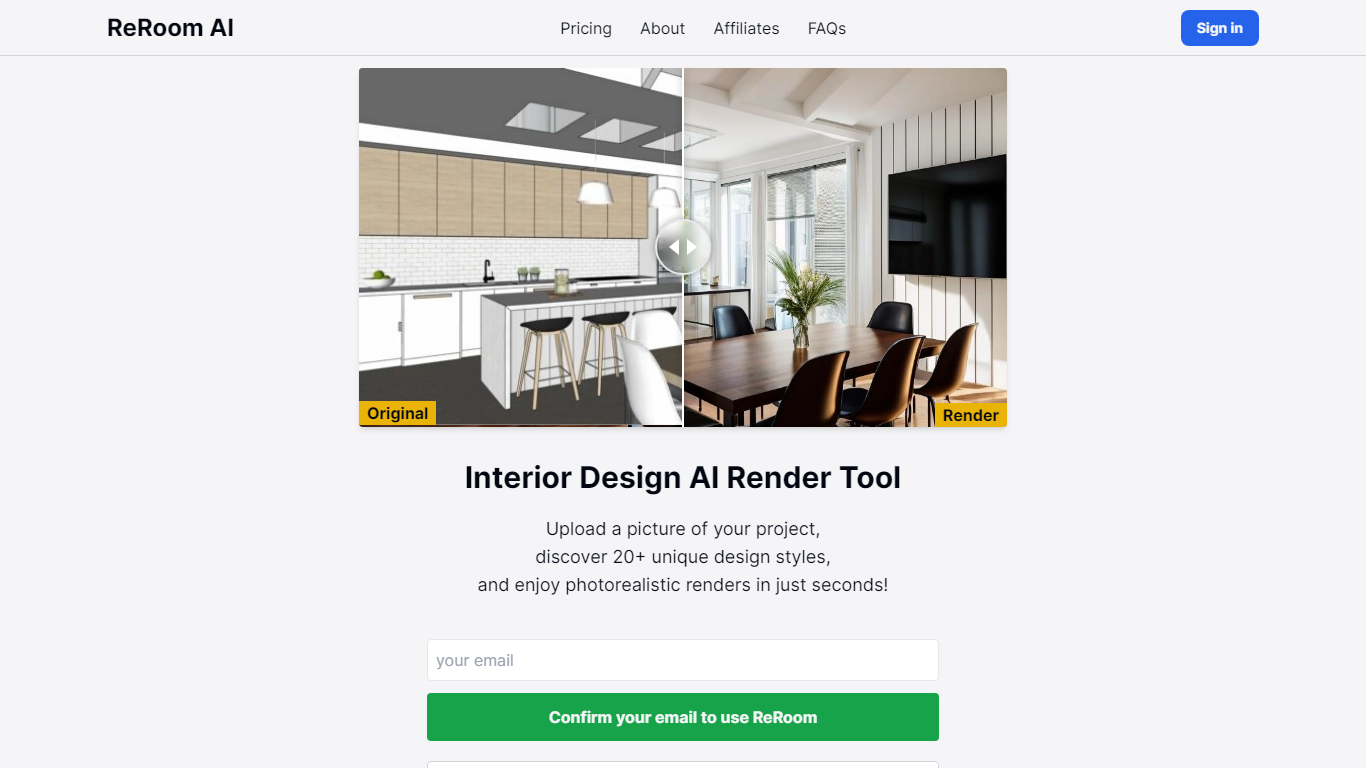
ReRoom AI turns interior photos, floor plans, SketchUp scenes, and clay models into photorealistic renders and virtual staging shots for real estate and design clients. You upload a source image, pick styles or prompts, and get presentation-ready interiors without a full 3D rebuild.
Compared with traditional rendering suites, ReRoom leans on fast AI passes with prompt control, 4x upscaling, and optional walkthrough video credits on paid plans. The free tier caps you at 3 watermarked renders per day, while paid plans unlock unlimited output, private mode, and commercial rights.
Interior designers, architects, and listing teams use it to pitch concepts, stage empty rooms, and refresh client decks. The about page cites 9,000+ daily renders across 150+ countries, with team billing and shared moodboards for agencies that need consistent styles.
HomeDesigns AI
What is HomeDesigns AI?
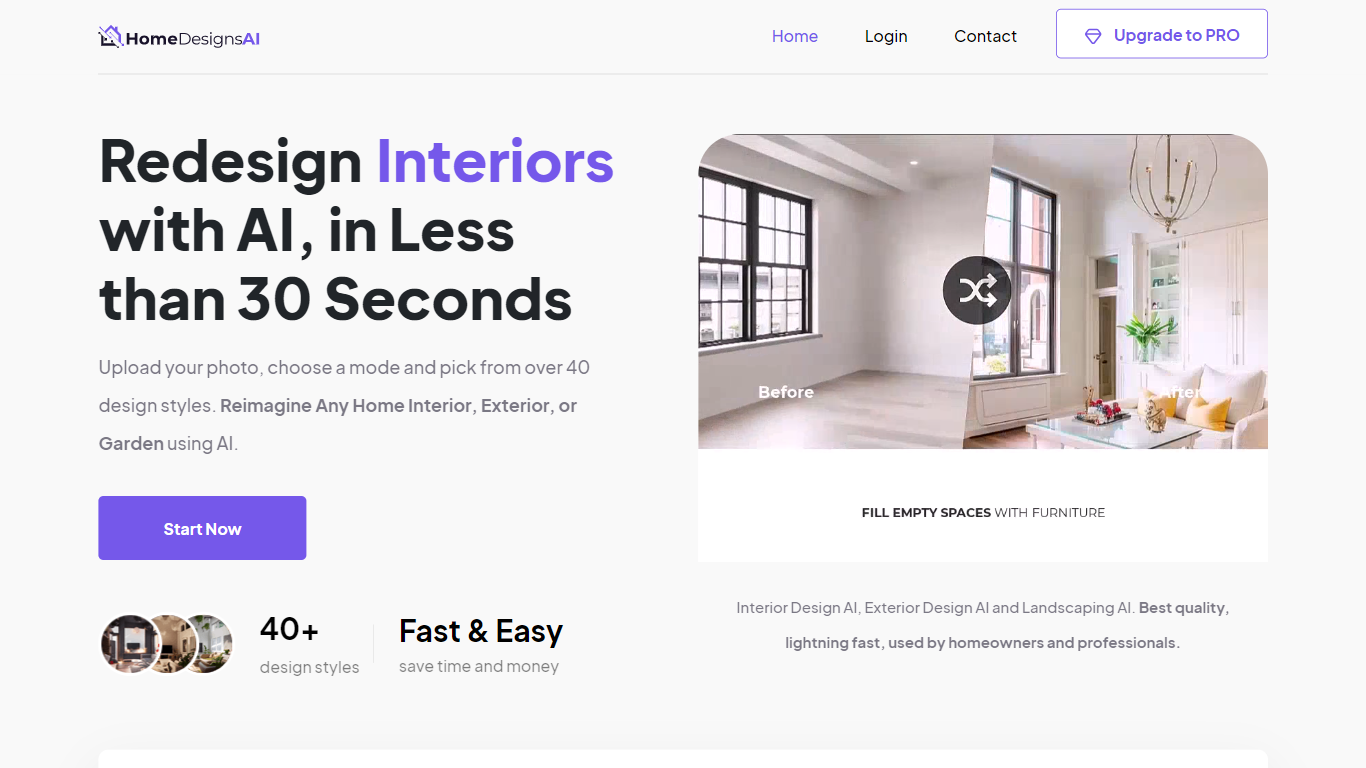
HomeDesigns AI is a browser-based real estate design tool that turns one room photo into a photoreal redesign in about 30 seconds. Upload an interior, exterior, garden, patio, or terrace image, pick a style, and the app redraws finishes and furniture while keeping walls, windows, and layout fixed. It suits homeowners previewing remodels and agents who need listing visuals without a physical stager.
Unlike generic image generators that invent a new floor plan, HomeDesigns AI locks the structural shell of your photo and only changes design elements. That keeps before-and-after shots believable for buyers. The same account covers virtual staging, 2D-to-3D floor plans, photo-to-video walkthroughs, and Furniture Finder links to shop pieces shown in a render, so agents are not juggling separate staging and plan tools.
The platform launched in 2023 and reports 2.68 million users, 7.87 million generated designs, and use in 167 countries. Paid plans include Standard at $22 per month with 100 design credits, Pro at $29 with 1,000 credits, and Expert at $37 with 2,000 credits. A limited free tier refreshes 3 credits every 24 hours for quick tests.
ReRoom AI Upvotes
HomeDesigns AI Upvotes
ReRoom AI Top Features
Free trial includes 3 renders per day with theme-based styling
Paid plans offer unlimited renders with 4x image upscaling
Private rendering mode removes watermarks on Pro and Team tiers
Prompt-based customization plus annotation edits on uploaded images
Video generation credits turn still renders into walkthrough clips
Team plans add shared projects, moodboards, and centralized billing
Tutorial library covers floor plans, SketchUp scenes, and satellite urban concepts
HomeDesigns AI Top Features
Upload one photo and get a redesign in about 30 seconds with walls and windows locked in place
Redesign modes include Beautiful, Creative, and Perfect for different levels of layout change
Standard plan includes 100 design credits per month; Pro includes 1,000 and Expert includes 2,000
Virtual staging fills empty rooms and links to purchasable furniture through Furniture Finder on Pro
2D-to-3D floor plans and photo-to-video walkthroughs ship on paid tiers for listing marketing
75+ design styles on the platform with new styles added monthly per the about page
ReRoom AI Category
- Real Estate
HomeDesigns AI Category
- Real Estate
ReRoom AI Pricing Type
- Freemium
HomeDesigns AI Pricing Type
- Freemium