ReRoom AI vs Interior AI
In the clash of ReRoom AI vs Interior AI, which AI Real Estate tool emerges victorious? We assess reviews, pricing, alternatives, features, upvotes, and more.
When we put ReRoom AI and Interior AI head to head, which one emerges as the victor?
Let's take a closer look at ReRoom AI and Interior AI, both of which are AI-driven real estate tools, and see what sets them apart. Neither tool takes the lead, as they both have the same upvote count. Every vote counts! Cast yours and contribute to the decision of the winner.
Don't agree with the result? Cast your vote and be a part of the decision-making process!
ReRoom AI

What is ReRoom AI?
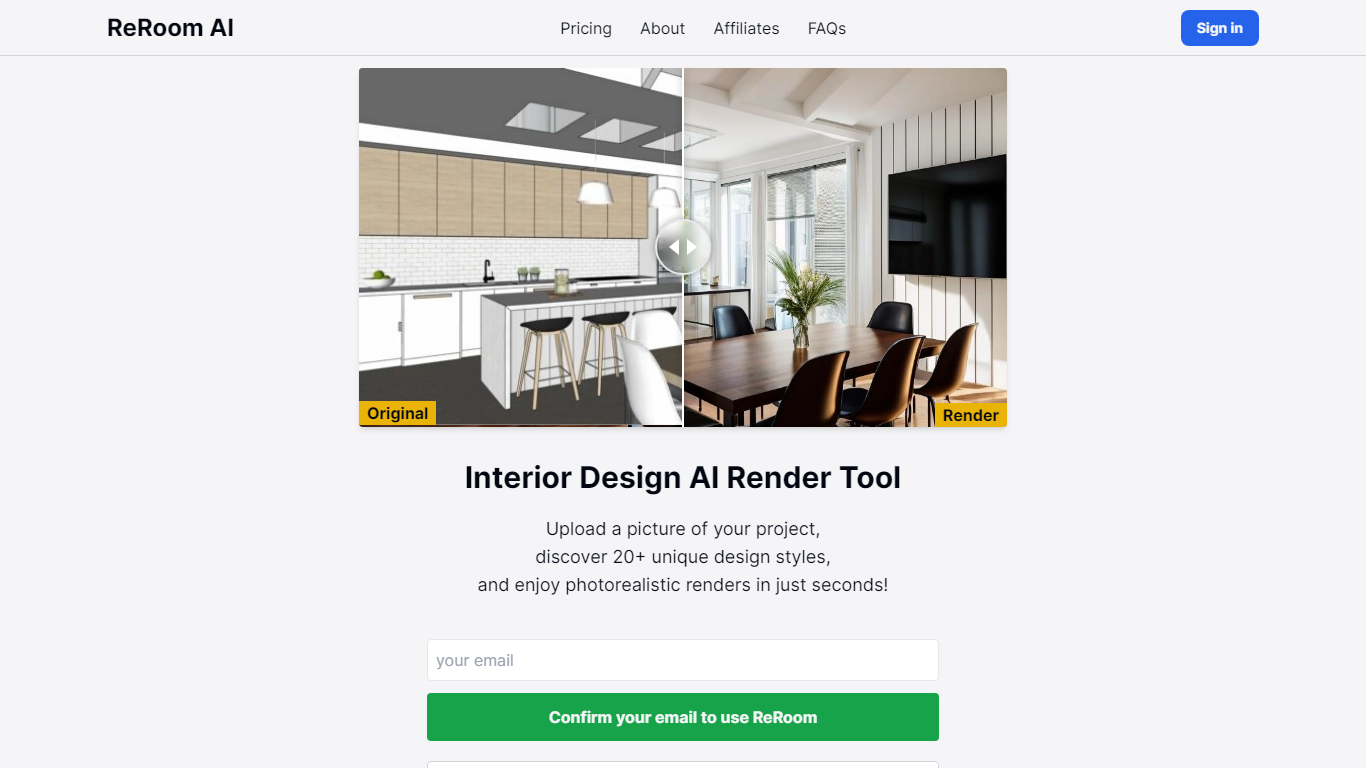
ReRoom AI turns interior photos, floor plans, SketchUp scenes, and clay models into photorealistic renders and virtual staging shots for real estate and design clients. You upload a source image, pick styles or prompts, and get presentation-ready interiors without a full 3D rebuild.
Compared with traditional rendering suites, ReRoom leans on fast AI passes with prompt control, 4x upscaling, and optional walkthrough video credits on paid plans. The free tier caps you at 3 watermarked renders per day, while paid plans unlock unlimited output, private mode, and commercial rights.
Interior designers, architects, and listing teams use it to pitch concepts, stage empty rooms, and refresh client decks. The about page cites 9,000+ daily renders across 150+ countries, with team billing and shared moodboards for agencies that need consistent styles.
Interior AI
What is Interior AI?
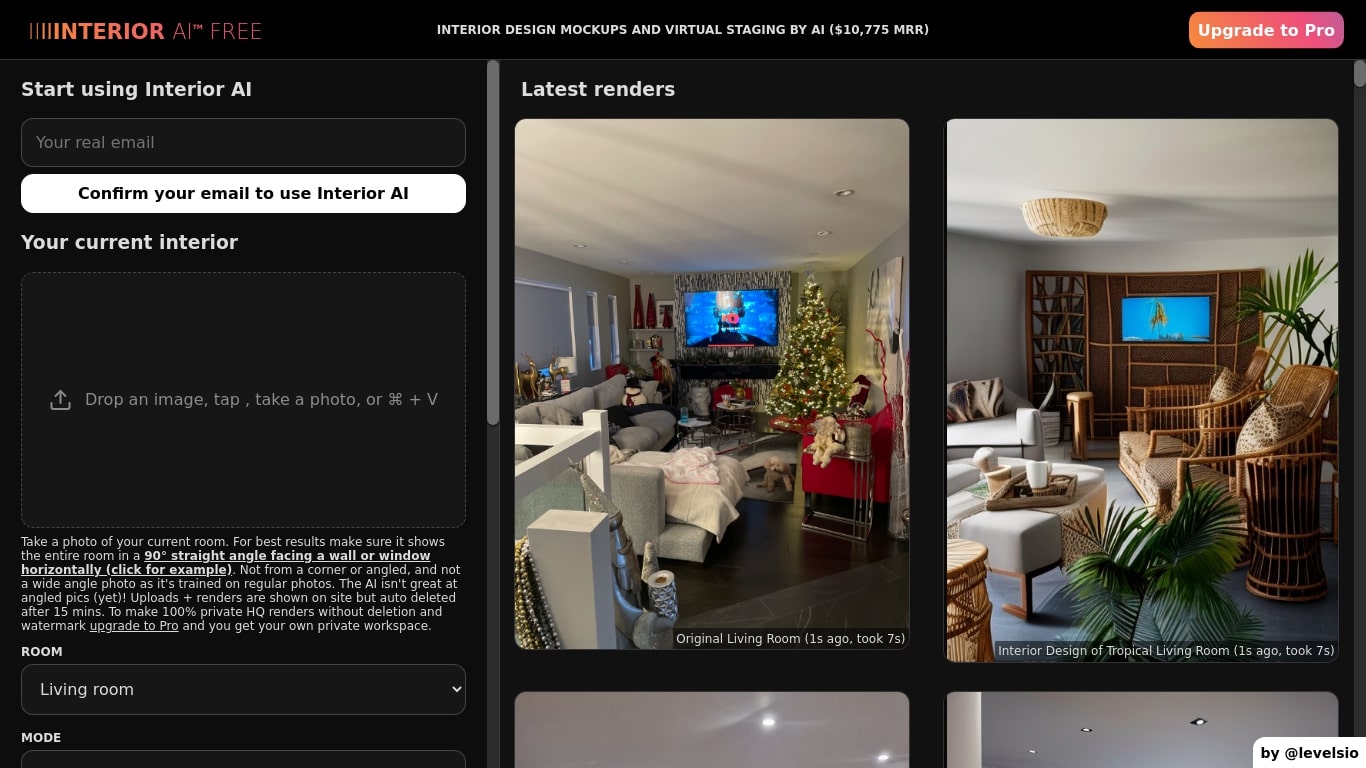
Interior AI is a virtual staging and interior design app that turns room photos into redesigned renders. You upload a picture of a living room, bedroom, kitchen, or outdoor space, pick a style, and the tool furnishes or restyles the scene in about 25 seconds per render. It also handles sketch-to-image conversion, SketchUp screenshots, and empty-room virtual staging for real estate listings.
Where many room generators warp walls or invent furniture shapes, Interior AI leans on modes that respect room geometry. Virtual Staging AI fills empty spaces while keeping construction intact, and the 3D Vision interior mode tracks existing furniture instead of replacing the whole layout. That trade-off matters when you need listing photos that still look like the actual property.
Real estate agents use it for virtual staging on vacant homes. Interior designers and homeowners use it to preview style changes before buying furniture or hiring contractors. The gallery shows outputs across 30+ room types and 55+ preset styles, from Scandinavian minimalism to cyberpunk gaming rooms.
ReRoom AI Upvotes
Interior AI Upvotes
ReRoom AI Top Features
Free trial includes 3 renders per day with theme-based styling
Paid plans offer unlimited renders with 4x image upscaling
Private rendering mode removes watermarks on Pro and Team tiers
Prompt-based customization plus annotation edits on uploaded images
Video generation credits turn still renders into walkthrough clips
Team plans add shared projects, moodboards, and centralized billing
Tutorial library covers floor plans, SketchUp scenes, and satellite urban concepts
Interior AI Top Features
55+ preset interior styles including Modern, Scandinavian, and Midcentury Modern
30+ room types from living rooms to hotel lobbies and outdoor pool areas
Virtual Staging AI mode furnishes empty rooms while keeping building structure
Sketch2Image turns hand sketches and SketchUp screenshots into photorealistic renders in about 30 seconds
Pro plan includes 1,000 interior designs per month with up to 4 parallel renders
Premium adds virtual staging, walkthrough videos, VR walkthroughs, and up to 8 parallel renders
Ultra plan supports 25,000 designs per month with up to 16 parallel renders on a dedicated server
ReRoom AI Category
- Real Estate
Interior AI Category
- Real Estate
ReRoom AI Pricing Type
- Freemium
Interior AI Pricing Type
- Paid