Resleeve vs Magic Studio
In the contest of Resleeve vs Magic Studio, which AI Image Generation tool is the champion? We evaluate pricing, alternatives, upvotes, features, reviews, and more.
If you had to choose between Resleeve and Magic Studio, which one would you go for?
When we examine Resleeve and Magic Studio, both of which are AI-enabled image generation tools, what unique characteristics do we discover? The community has spoken, Magic Studio leads with more upvotes. Magic Studio has been upvoted 127 times by aitools.fyi users, and Resleeve has been upvoted 6 times.
Want to flip the script? Upvote your favorite tool and change the game!
Resleeve

What is Resleeve?
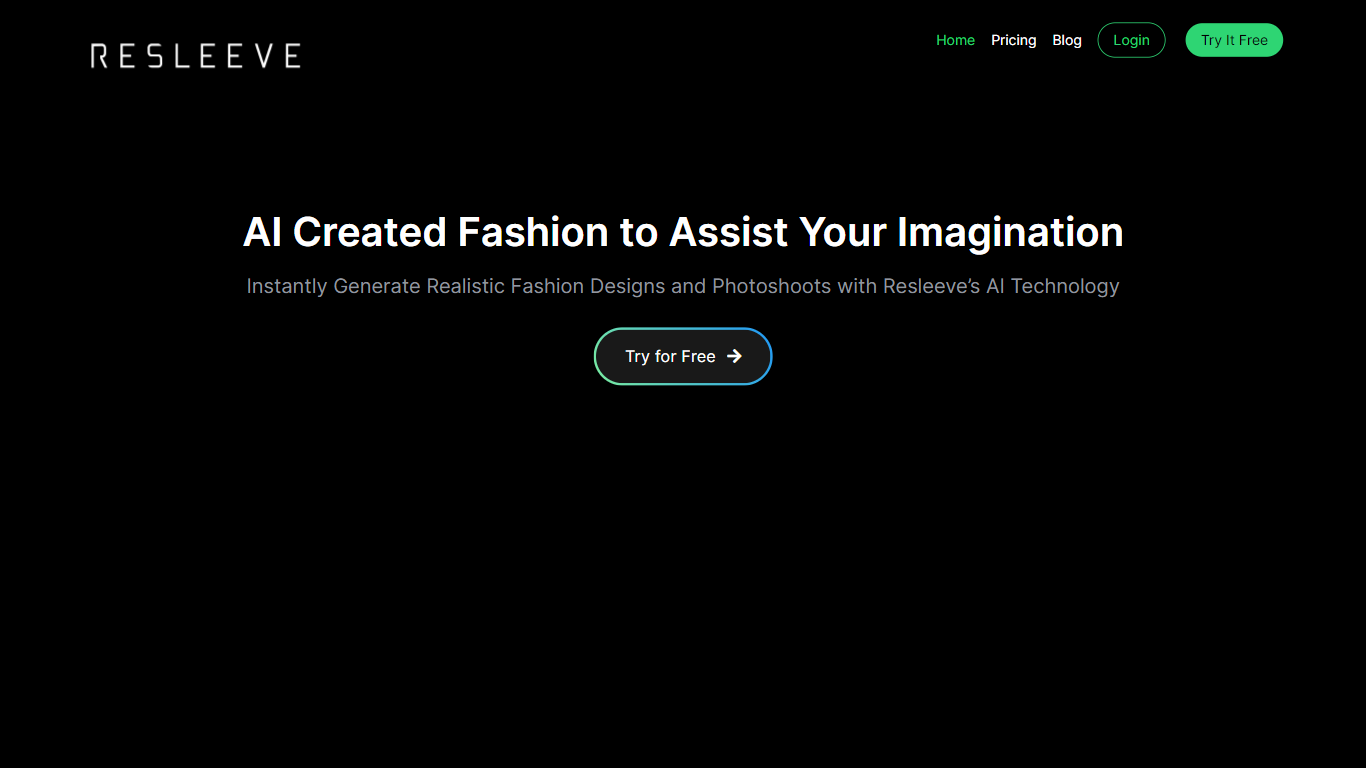
Discover the future of fashion design with Resleeve, the premier AI-powered fashion design generator tailored for designers seeking innovation and efficiency. Resleeve revolutionizes the fashion industry by offering an advanced AI solution to create thousands of photorealistic fashion designs within seconds. Ideal for instantaneous design generation, this advanced platform facilitates effortless and professional-grade AI fashion photoshoots in minutes, saving designers both time and money. Embrace the limitless possibilities and elevate your brand with Resleeve AI, where every visual, from garments to models, is crafted virtually and does not exist in real life. Accelerate your time to market, cut costs, and join the era of limitless innovation. With features such as moodboard interpretation, sketch revitalization, and the creation of varied designs, Resleeve is the ultimate creative companion for your fashion journey.
Magic Studio

What is Magic Studio?
Magic Studio is an effective artificial intelligence tool that enables automatic image creation and editing. Whether you want to create your avatar or edit your photos, Magic Studio has the tools you need to elevate your photos. This tool can help you edit and improve your images using its strong AI capabilities. That will save your time and effort. Moreover, Magic Studio itself has several small products like background remover, Object remover, Picture generation as well as Avatar generation. Magic Studio is an intuitive platform that makes it simple to get started and use AI to produce beautiful images.
Resleeve Upvotes
Magic Studio Upvotes
Resleeve Top Features
Instant Design Generation: Create thousands of photorealistic AI fashion designs within seconds.
Effortless Photoshoots: Quickly generate professional AI fashion photoshoots within minutes.
Time & Money Savings: Cut costs and speed up time to market with efficient design tools.
Limitless Innovation: Access unlimited innovation with Resleeve's advanced AI capabilities.
Creative Process Transformation: Elevate your fashion designs and photoshoots using state-of-the-art AI technology.
Magic Studio Top Features
No top features listedResleeve Category
- Image Generation
Magic Studio Category
- Image Generation
Resleeve Pricing Type
- Freemium
Magic Studio Pricing Type
- Free