re:write vs Paraphrasing Tool by ContentBot.ai
When comparing re:write vs Paraphrasing Tool by ContentBot.ai, which AI Paraphraser tool shines brighter? We look at pricing, alternatives, upvotes, features, reviews, and more.
In a comparison between re:write and Paraphrasing Tool by ContentBot.ai, which one comes out on top?
When we put re:write and Paraphrasing Tool by ContentBot.ai side by side, both being AI-powered paraphraser tools, The upvote count is neck and neck for both re:write and Paraphrasing Tool by ContentBot.ai. Every vote counts! Cast yours and contribute to the decision of the winner.
Don't agree with the result? Cast your vote and be a part of the decision-making process!
re:write

What is re:write?
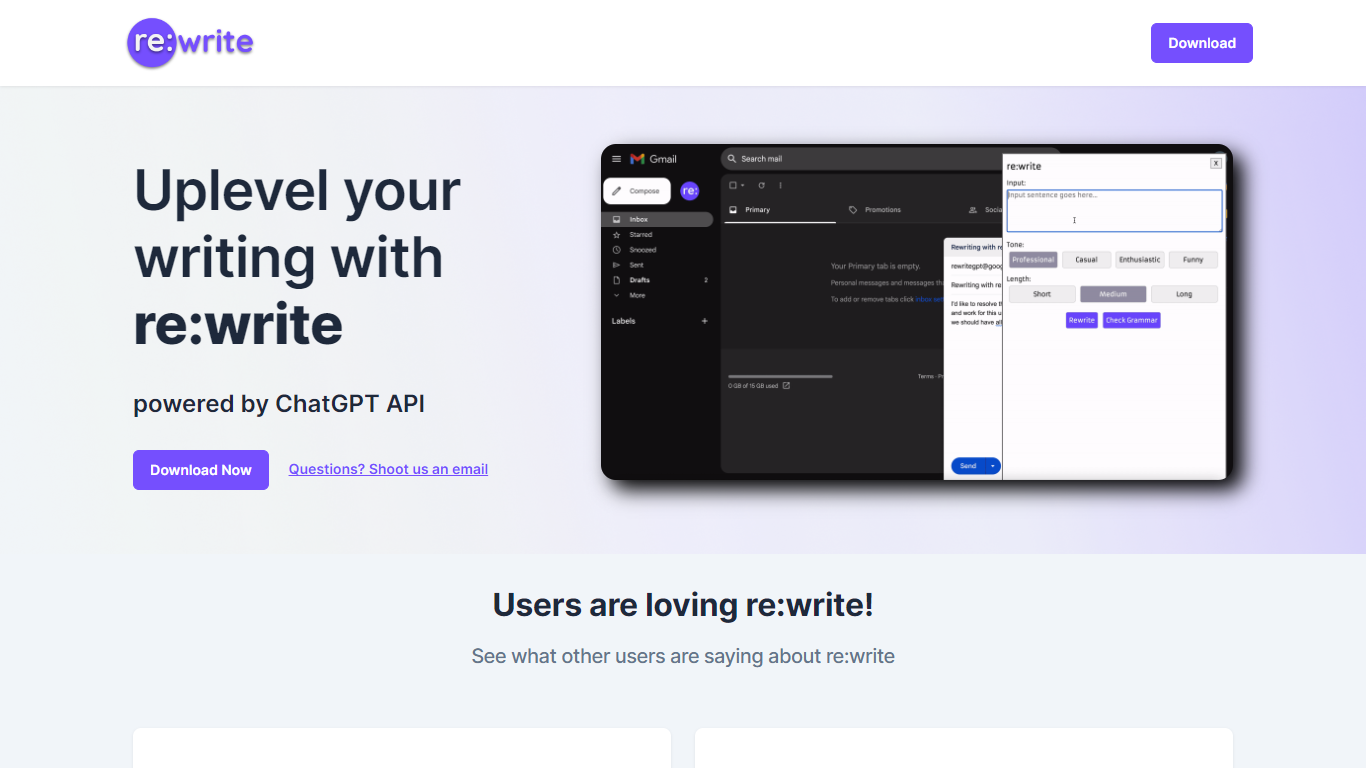
re:write is a free Chrome extension that rewrites whatever text you select using the ChatGPT API. Install it from the Chrome Web Store, highlight text in any webpage or email compose window, and get a polished rewrite with one click. The extension runs locally in your browser and sends the selected passage to ChatGPT for rewriting.
Unlike full writing suites that open a separate editor, re:write stays inside the page you are already working in. Grammarly and Wordtune offer similar inline rewriting, but re:write keeps the scope narrow: it rewrites selected text and nothing else. There is no dashboard, no document upload, and no subscription gate on the homepage.
Developers and office workers who write emails, Slack messages, or documentation in the browser are the core audience. The site lists software engineers among its testimonials and points to a Chrome Web Store listing titled 'Rewrite: Your Writing Companion.'
Paraphrasing Tool by ContentBot.ai
What is Paraphrasing Tool by ContentBot.ai?
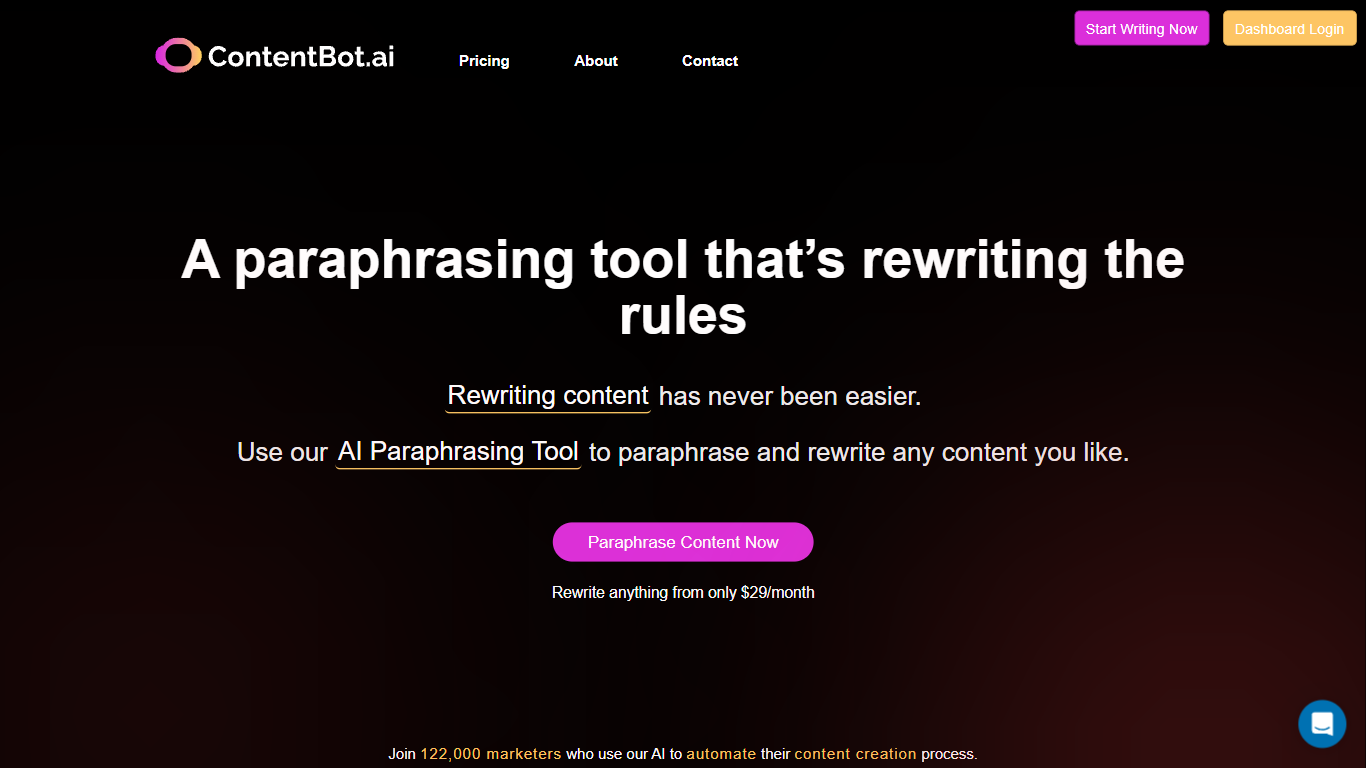
Paraphrasing Tool by ContentBot.ai rewrites up to 2,000 words at a time through a paragraph-by-paragraph workflow in your browser. Paste an article, let the rewriter process each section, and regenerate any paragraph that needs more distance from the source. A built-in variability score uses Levenshtein distance so you can see how far the new text sits from the original before publishing.
Standalone paraphrasers often spit out shallow synonym swaps, while ContentBot pairs long-form rewriting with a plagiarism checker and a short-form mode for single sentences in 110+ languages. Low-variability outputs do not consume credits, which matters when you are batching rewrites for SEO or client drafts. The trade-off is that full access lives inside the broader ContentBot subscription rather than a one-off paraphrase-only app.
Copywriters, bloggers, and SEO specialists use it to refresh existing posts, reduce duplication risk, and test tone shifts from professional to playful in the short-form rewriter. Premium workspace access starts at $29 per month on the main ContentBot site with 150,000 words, while prepaid plans charge $0.50 per 1,000 words with 10,000 free words on first purchase.
re:write Upvotes
Paraphrasing Tool by ContentBot.ai Upvotes
re:write Top Features
One-click rewrite of any selected text inside Chrome without leaving the page
Powered by the ChatGPT API for grammar and clarity improvements
Free Chrome Web Store extension with no paid tier listed on the homepage
Works in email compose windows and any text field in the browser
Install from Chrome Web Store listing pjifjiphadppnphhcmkiempbimcbhjoo
Paraphrasing Tool by ContentBot.ai Top Features
Paraphrase up to 2,000 words per run with paragraph-level regeneration
See a variability score based on Levenshtein distance for each section
Run rewritten text through a built-in plagiarism checker before publishing
Use the short-form rewriter in 110+ languages with multiple writing styles
Avoid credit charges when output variability scores come back low
re:write Category
- Paraphraser
Paraphrasing Tool by ContentBot.ai Category
- Paraphraser
re:write Pricing Type
- Free
Paraphrasing Tool by ContentBot.ai Pricing Type
- Freemium