RisuAI vs Cogram
Compare RisuAI vs Cogram and see which AI All In One tool is better when we compare features, reviews, pricing, alternatives, upvotes, etc.
Which one is better? RisuAI or Cogram?
When we compare RisuAI with Cogram, which are both AI-powered all in one tools, Interestingly, both tools have managed to secure the same number of upvotes. Since other aitools.fyi users could decide the winner, the ball is in your court now to cast your vote and help us determine the winner.
Want to flip the script? Upvote your favorite tool and change the game!
RisuAI

What is RisuAI?
Edit visual content quickly using automated tools for background removal, object erasure, and upscaling. The software combines an accessible interface with powerful editing functions to speed up workflows for non-technical users while providing precision for detailed edits.
Unlike traditional editing software that requires steep learning curves, RisuAI uses template-based workflows and batch processing to handle multiple images efficiently. The platform positions itself as a practical solution for individuals who need reliable image editing without unnecessary complexity.
Cogram
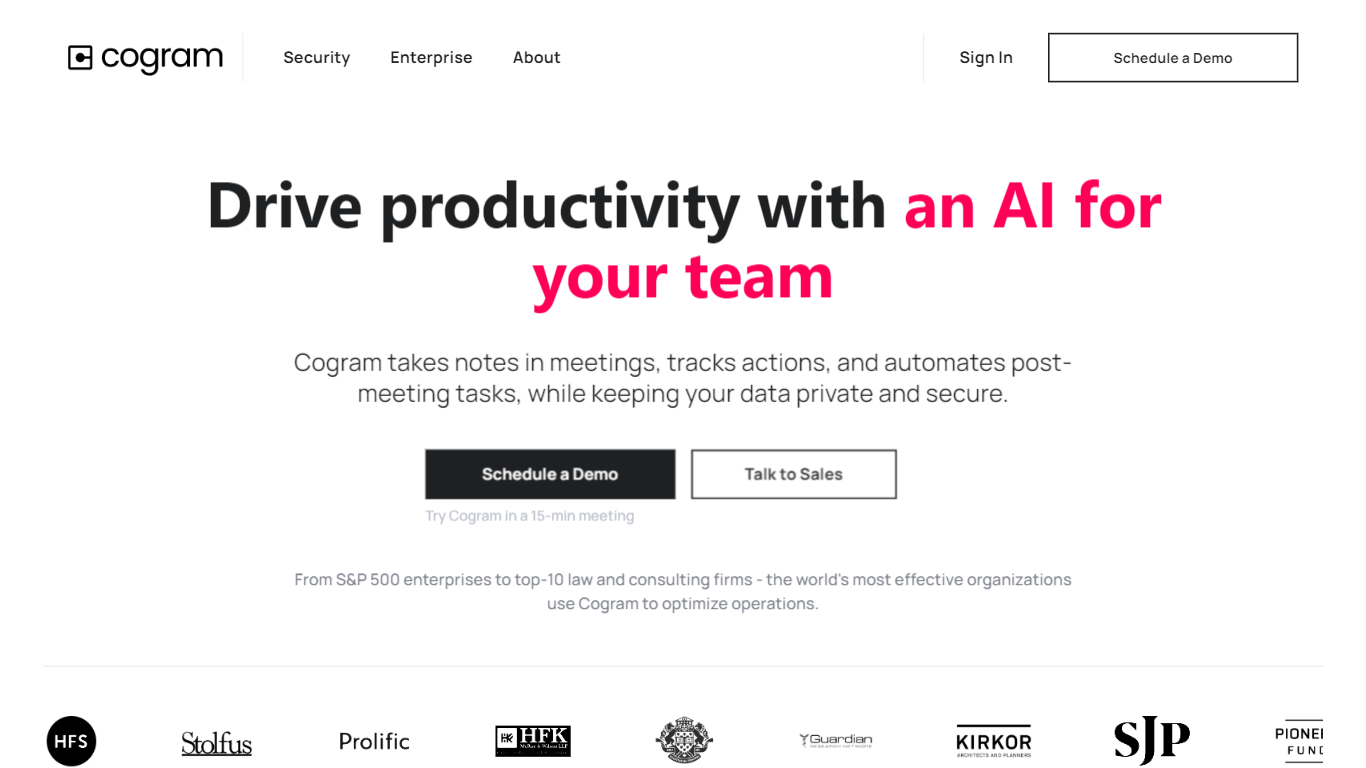
What is Cogram?
Cogram gives architects and engineers one workspace for project documentation, from meeting minutes and field reports to RFIs, submittals, and project email. The platform connects to Procore, Deltek, Unanet, Microsoft Teams, Outlook, Autodesk, Zoom, and Google Meet, then outputs drafts in your firm's templates instead of generic summaries.
Generic meeting assistants capture call notes. Cogram is built around AEC workflows: RFIs and submittals sync with Procore, field reports come from voice and photos on site, and the project Agent answers questions against drawings and correspondence. Modular pricing lets firms buy only the modules they need, and external collaborator accounts are free.
Project managers, design leads, and construction administrators use Cogram to cut repetitive admin work the homepage estimates can save several hours per week. Individuals can start a 14-day trial; team pricing is quoted per seat after a demo.
RisuAI Upvotes
Cogram Upvotes
RisuAI Top Features
Background removal: Instantly cut out backgrounds from any image with one click, perfect for product photos and marketing visuals.
Object erasure: Remove unwanted objects or people from images without leaving traces, ideal for cleaning up photos.
Image upscaling: Increase image resolution up to 4x while keeping sharpness and detail for high-quality prints.
Template workflows: Use pre-built templates for common tasks like social media posts and product listings.
Batch processing: Edit multiple images at once to save time when working with large photo collections.
API integration: Access full API capabilities on Pro plans for connecting RisuAI with external automation tools.
Cogram Top Features
Project Agent answers questions and analyzes AEC documents with project context
Meeting minutes and field reports generated in your firm's templates from calls or site visits
RFI and submittal logging integrated with Procore for faster review cycles
Email filing and search across all project correspondence
Integrations with Procore, Deltek, Unanet, Microsoft Teams, Outlook, Autodesk, Zoom, and Google Meet
SOC 2 Type II certified with SAML SSO, MFA, and no training on customer data
14-day free trial for individuals; external collaborator accounts are free on team plans
RisuAI Category
- All In One
Cogram Category
- All In One
RisuAI Pricing Type
- Freemium
Cogram Pricing Type
- Freemium