RLAMA vs ChatGPT
Dive into the comparison of RLAMA vs ChatGPT and discover which AI Large Language Model (LLM) tool stands out. We examine alternatives, upvotes, features, reviews, pricing, and beyond.
When comparing RLAMA and ChatGPT, which one rises above the other?
When we compare RLAMA and ChatGPT, two exceptional large language model (llm) tools powered by artificial intelligence, and place them side by side, several key similarities and differences come to light. The users have made their preference clear, ChatGPT leads in upvotes. ChatGPT has attracted 17 upvotes from aitools.fyi users, and RLAMA has attracted 6 upvotes.
Not your cup of tea? Upvote your preferred tool and stir things up!
RLAMA
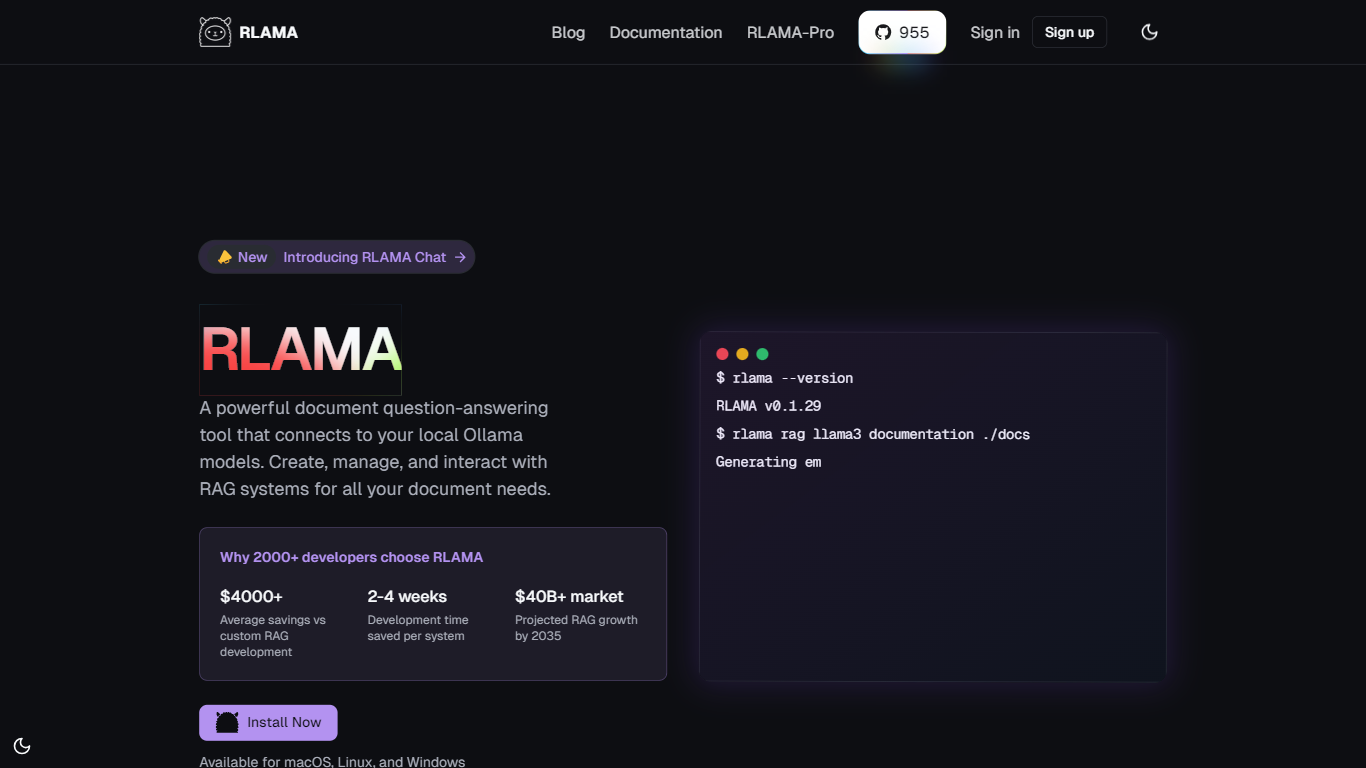

What is RLAMA?
RLAMA builds local RAG systems and multi-agent crews from your terminal on macOS, Linux, or Windows. You index folders of PDFs, Markdown, and code files, then query them through Ollama, OpenAI, or Hugging Face models without sending data to external servers. The open-source project also includes a visual RAG builder on rlama.dev.
Most RAG tools stop at document Q&A. RLAMA adds agent roles, tool wiring, and crew workflows so one terminal session can chain researchers, writers, and coders through sequential or parallel steps. Directory watching keeps RAG indexes fresh when files change, and an HTTP API exposes the same systems to other apps.
Developers building private knowledge bases, research teams indexing papers, and engineers who want offline document search use RLAMA for local embeddings and chunking. The project maintainers note active development is paused, but the open-source CLI and docs remain available for install.
ChatGPT
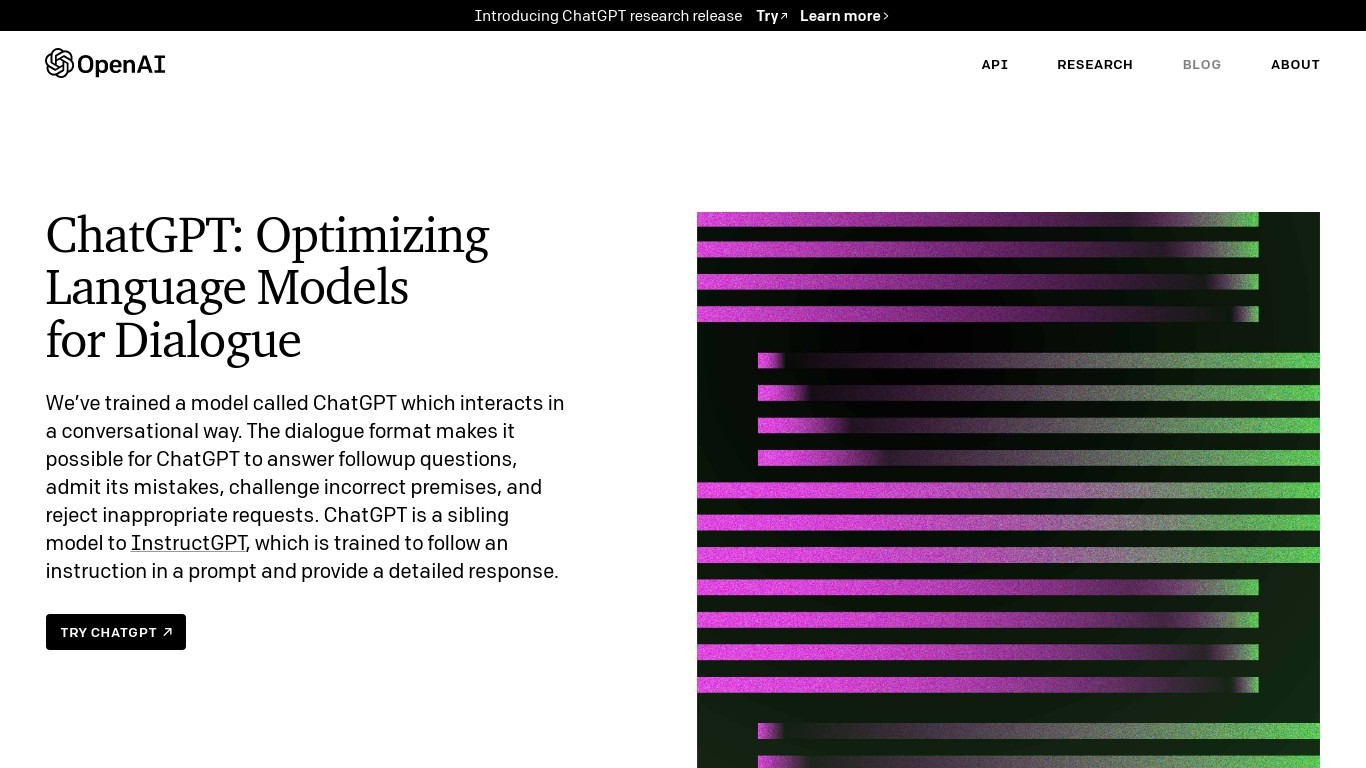
What is ChatGPT?
ChatGPT is OpenAI's conversational large language model you reach through chatgpt.com on the web, iOS, and Android. You type or speak a prompt, and it answers in plain language, follows up on earlier messages, and can draft code, summarize files, generate images, or run multi-step research from one thread.
Where raw API access leaves wiring to you, ChatGPT bundles frontier GPT-5.6 models, memory, custom GPTs, voice, and agent workflows like ChatGPT Work and Codex behind a single login. The trade-off is less control over model parameters and tighter usage caps on Free and Go than you'd get calling the API directly.
It fits students drafting essays, developers debugging code, marketers shaping campaigns, and business teams that want shared workspaces with admin controls. OpenAI also publishes ChatGPT Business and Enterprise tiers with SSO, unified billing, and policies that keep workspace data out of model training.
RLAMA Upvotes
ChatGPT Upvotes
RLAMA Top Features
CLI creates RAG indexes from folders with hybrid chunking defaults of 1000 tokens and 200 overlap
Supports 30+ file types including PDF, DOCX, Markdown, and common code extensions
Agent and crew commands assign roles like researcher, writer, and coder with RAG or web search tools
100% local processing option with Ollama so documents never leave your machine
Visual RAG builder on rlama.dev configures models, sources, and chunking without typing commands
Directory watch commands auto-index new files added to a watched folder
HTTP API server exposes RAG systems to other applications on a custom port
ChatGPT Top Features
Free tier includes unlimited text chats with GPT-5.6 Luna, with limits on uploads, image generation, voice, and deep research
Plus unlocks custom GPTs, scheduled tasks, projects, and expanded access to GPT-5.6 reasoning models
Pro offers 5x or 20x more usage plus GPT-5.6 Sol Pro for maximum reasoning and Codex workloads
ChatGPT Work turns a stated goal into a plan, gathers context, and checks in when your approval is needed
Codex helps teams build, debug, and ship code inside the same ChatGPT workspace
Runs on web, iOS, and Android with voice chat, file uploads, memory, search, and data analysis tools
RLAMA Category
- Large Language Model (LLM)
ChatGPT Category
- Large Language Model (LLM)
RLAMA Pricing Type
- Freemium
ChatGPT Pricing Type
- Freemium