Rocket Statements vs Flyfin
In the contest of Rocket Statements vs Flyfin, which AI Finance tool is the champion? We evaluate pricing, alternatives, upvotes, features, reviews, and more.
If you had to choose between Rocket Statements and Flyfin, which one would you go for?
When we examine Rocket Statements and Flyfin, both of which are AI-enabled finance tools, what unique characteristics do we discover? Rocket Statements is the clear winner in terms of upvotes. Rocket Statements has received 7 upvotes from aitools.fyi users, while Flyfin has received 6 upvotes.
Does the result make you go "hmm"? Cast your vote and turn that frown upside down!
Rocket Statements

What is Rocket Statements?
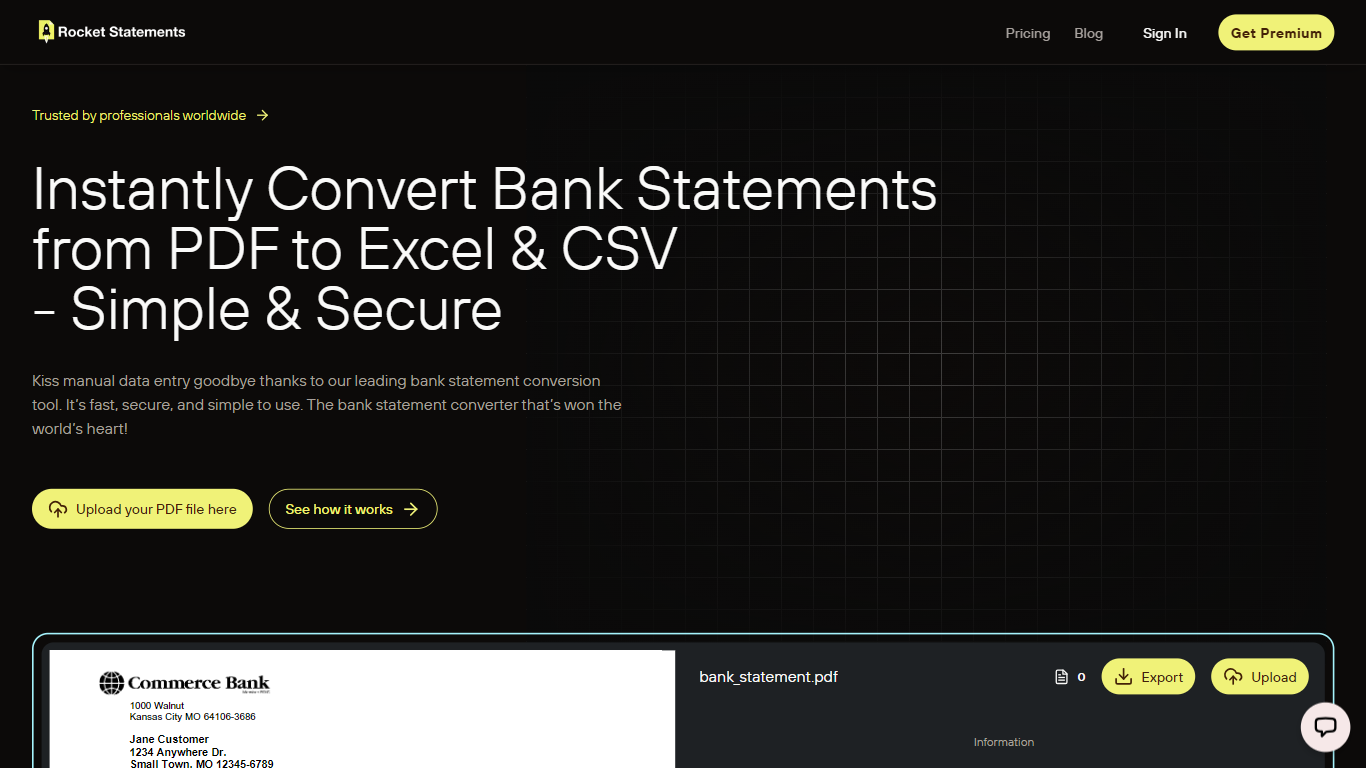
Rocket Statements converts bank statement PDFs and images into structured Excel, CSV, and JSON files ready for accounting work. Upload a statement and get normalized transaction data you can import into spreadsheets or bookkeeping software, without building templates or cleaning rows by hand. It targets solo bookkeepers, small businesses, and accounting firms that process statements regularly.
The platform runs uploaded documents through a multi-stage OCR pipeline that recognizes layouts from hundreds of banks worldwide, including major institutions in the US, Canada, UK, and Australia. It handles PDF, PNG, JPG, and TIF files, auto-detects bank formats, and outputs data formatted for reconciliation, analysis, or import into tools like QuickBooks Online.
Beyond one-off conversions, Rocket Statements includes cloud document management, team workspaces with role-based permissions, and client portals for collecting statements from customers. Google Sheets and Microsoft Excel add-ons let you process statements inside spreadsheets, and higher tiers add live bank account syncing, automatic transaction categorization, and bulk processing for firm-scale workloads.
Flyfin
What is Flyfin?
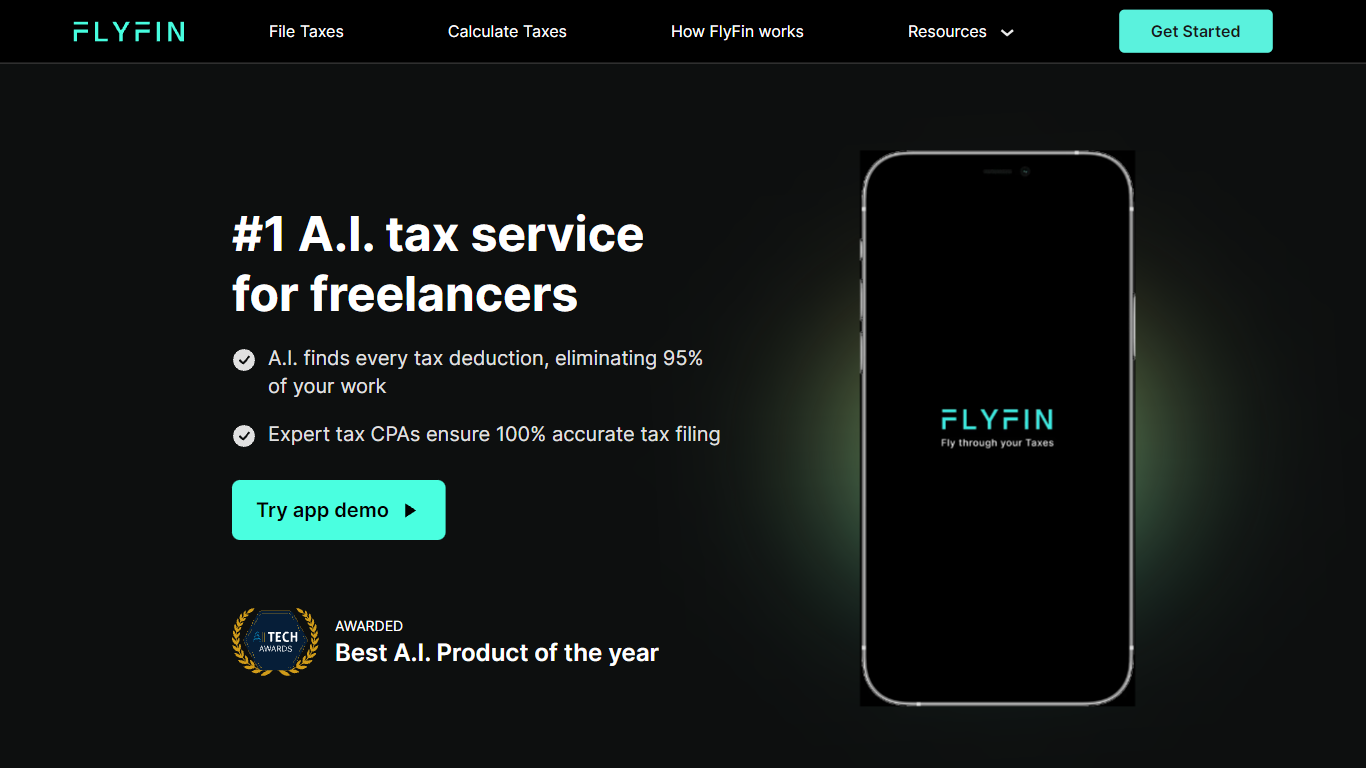
Flyfin helps U.S. freelancers, contractors, and small business owners hunt tax deductions with AI while a CPA files the return. You connect expense accounts, Flyfin scans transactions against 200-plus deduction categories, and human CPAs review and e-file federal and state taxes when you pick a paid plan. The homepage cites 250,000-plus users, a 4.8 out of 5 rating, and average tax savings around $3,700.
Compared with DIY tax software, Flyfin pairs automated deduction tracking with unlimited CPA chat and optional Zoom calls on higher tiers. The Standard plan covers sole proprietors and single-member LLCs, while Premium adds S-Corp, K-1, and partnership filings plus a designated CPA. Flyfin also sells a separate workflow for CPA firms that want to automate client filings, so it is not just a consumer app with a chatbot bolted on.
Flyfin fits 1099 workers, W-2 employees with side income, and owners juggling quarterly estimates who hate spreadsheet math. Features include swipe-to-accept deductions, a quarterly tax calculator, audit insurance on filing plans, and member perks from partner brands. The company operates in the personal finance and tax prep space with headquarters in San Jose, California, and $8 million in venture funding since its 2020 founding.
Rocket Statements Upvotes
Flyfin Upvotes
Rocket Statements Top Features
Upload PDFs or images and get transaction rows in Excel, CSV, or JSON
Recognizes statement layouts from hundreds of banks without manual templates
Merge up to 12 converted statements into one consolidated export
Google Sheets and Microsoft Excel add-ons import data straight into your workbook
Client portals let firms collect statements from customers in one branded upload flow
Higher tiers sync live bank transactions and auto-categorize expenses during conversion
Flyfin Top Features
AI deduction tracker that scans linked expense accounts across 200-plus write-off categories
CPA-prepared federal and state filing on paid plans with audit insurance included
Unlimited CPA advice by chat, plus Zoom calls on the Premium plan
Quarterly tax calculator that estimates payments from your income and deductions
Swipe interface to accept, reject, or ask a CPA about each suggested deduction
Support for W-2, 1099, Schedule C, LLC, S-Corp, partnership, and K-1 tax situations
Member perks marketplace with discounts on banking, hosting, coworking, and invoicing tools
Rocket Statements Category
- Finance
Flyfin Category
- Finance
Rocket Statements Pricing Type
- Freemium
Flyfin Pricing Type
- Freemium