Rows AI vs Ajelix
In the face-off between Rows AI vs Ajelix, which AI Excel tool takes the crown? We scrutinize features, alternatives, upvotes, reviews, pricing, and more.
In a face-off between Rows AI and Ajelix, which one takes the crown?
If we were to analyze Rows AI and Ajelix, both of which are AI-powered excel tools, what would we find? In the race for upvotes, Ajelix takes the trophy. The upvote count for Ajelix is 13, and for Rows AI it's 7.
Feeling rebellious? Cast your vote and shake things up!
Rows AI

What is Rows AI?
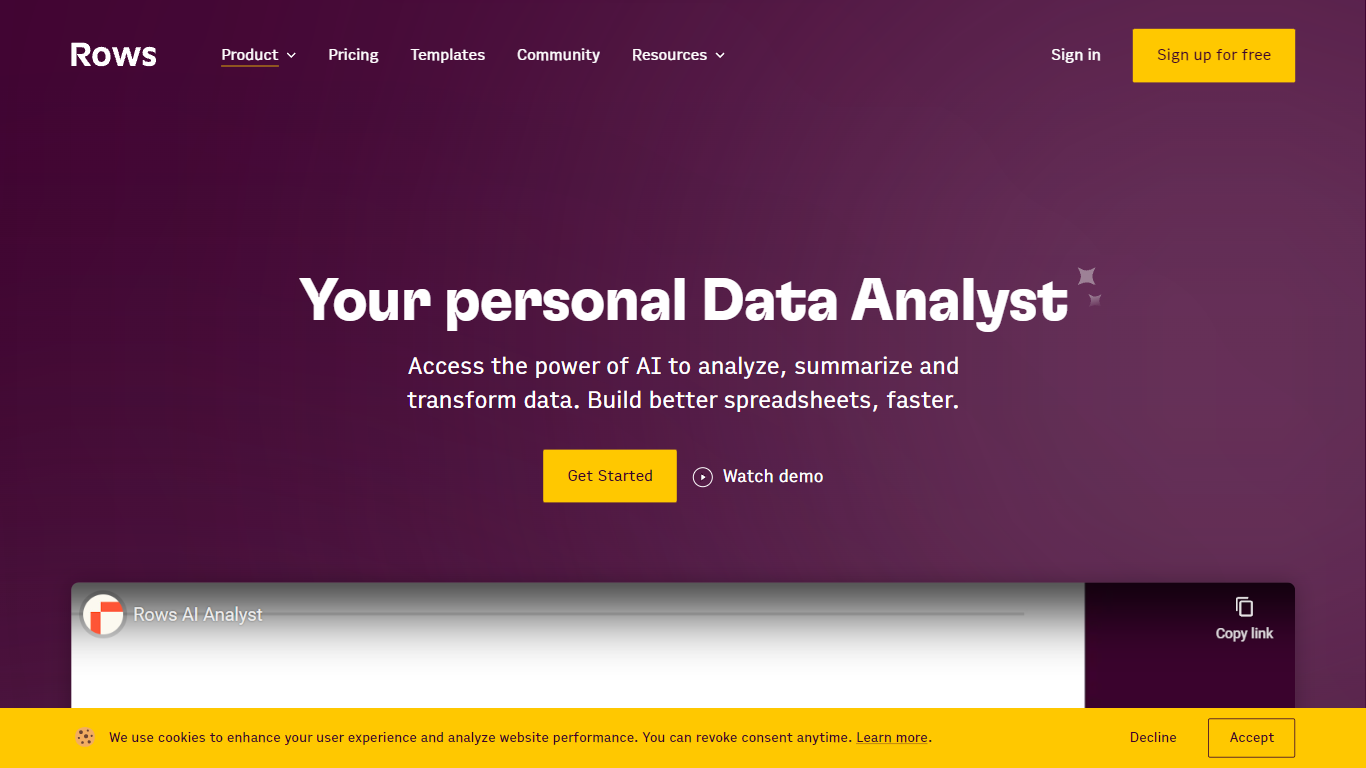
Rows AI is the AI layer inside Rows, a modern spreadsheet platform for teams. Type = in any cell, describe what you need in plain language, and Rows handles formulas, charts, imports, and analysis without menus or manual stitching. The product positions itself as your data team of one, from quick calculations to forecasting, pivoting, and multi-table work.
What sets Rows apart is how deeply AI is woven into spreadsheet workflows. You can extract tables from PDFs and images, classify text, enrich cells with company and location data, research the web in real time, and run Python-backed analysis without writing code. Built-in integrations pull live data from tools like Google Analytics, Search Console, Facebook Ads, Stripe, HubSpot, and dozens more.
Rows is built for analysts, operators, and teams who live in spreadsheets but want faster reporting, cleaner models, and less formula wrangling. Workspaces support real-time collaboration, embeddable charts, forms, and view modes for sharing dashboards internally or on the web. Rows joined Superhuman in 2026; the product remains available at rows.com while the company transitions under the Superhuman umbrella.
Ajelix

What is Ajelix?
Ajelix gives business teams an agentic AI chat workspace that turns spreadsheet and document requests into finished Excel files, dashboards, presentations, and small web apps. Upload files up to 1GB into a persistent workspace, ask for a deliverable, and get working output instead of copy-paste suggestions.
Generic chatbots answer questions about Excel. Ajelix is built to execute inside spreadsheets and Google Workspace, with 17 standalone tools, Excel and Sheets add-ins, and saved asset and prompt libraries for month-end reports you rerun every cycle. That focus on deliverables over advice is the gap it keeps hammering on its homepage.
It fits finance, operations, and marketing teams that live in Excel and Google Sheets but do not want to debug formulas or rebuild the same report layout each month. The site lists 340,000+ professionals as users and cites GDPR compliance with a stated 99.99% uptime target.
Rows AI Upvotes
Ajelix Upvotes
Rows AI Top Features
Type = in a cell and describe the task; Rows builds formulas, fixes errors, and creates charts from the prompt
Pull tables out of PDFs, invoices, and screenshots with vision models and custom extraction instructions
Join tables, add lookup columns, and run multi-table analysis without manual VLOOKUP wrangling
Built-in Python for cohorts, forecasts, segmentation, and advanced stats with no code required
Classify text into tags, run sentiment analysis, and enrich rows with company and location data
Connect to 50+ integrations including GA4, Google Ads, LinkedIn Ads, Stripe, HubSpot, and Snowflake
Ajelix Top Features
Persistent workspace stores uploaded files up to 1GB across chats
17 AI tools plus Excel add-in and Google Sheets add-on
Generates Excel files, dashboards, PowerPoint decks, and shareable web apps
Lite plan allows 20MB files and 500MB workspace storage
Pro plan supports 100MB files, 2GB workspace, and 2 CPUs with 4GB RAM
Free tier includes 10 requests per month across all tools
Rows AI Category
- Excel
Ajelix Category
- Excel
Rows AI Pricing Type
- Freemium
Ajelix Pricing Type
- Freemium