Saasquare vs Dictation
Dive into the comparison of Saasquare vs Dictation and discover which AI Web Apps tool stands out. We examine alternatives, upvotes, features, reviews, pricing, and beyond.
When comparing Saasquare and Dictation, which one rises above the other?
When we compare Saasquare and Dictation, two exceptional web apps tools powered by artificial intelligence, and place them side by side, several key similarities and differences come to light. Both tools are equally favored, as indicated by the identical upvote count. Be a part of the decision-making process. Your vote could determine the winner.
You don't agree with the result? Cast your vote to help us decide!
Saasquare
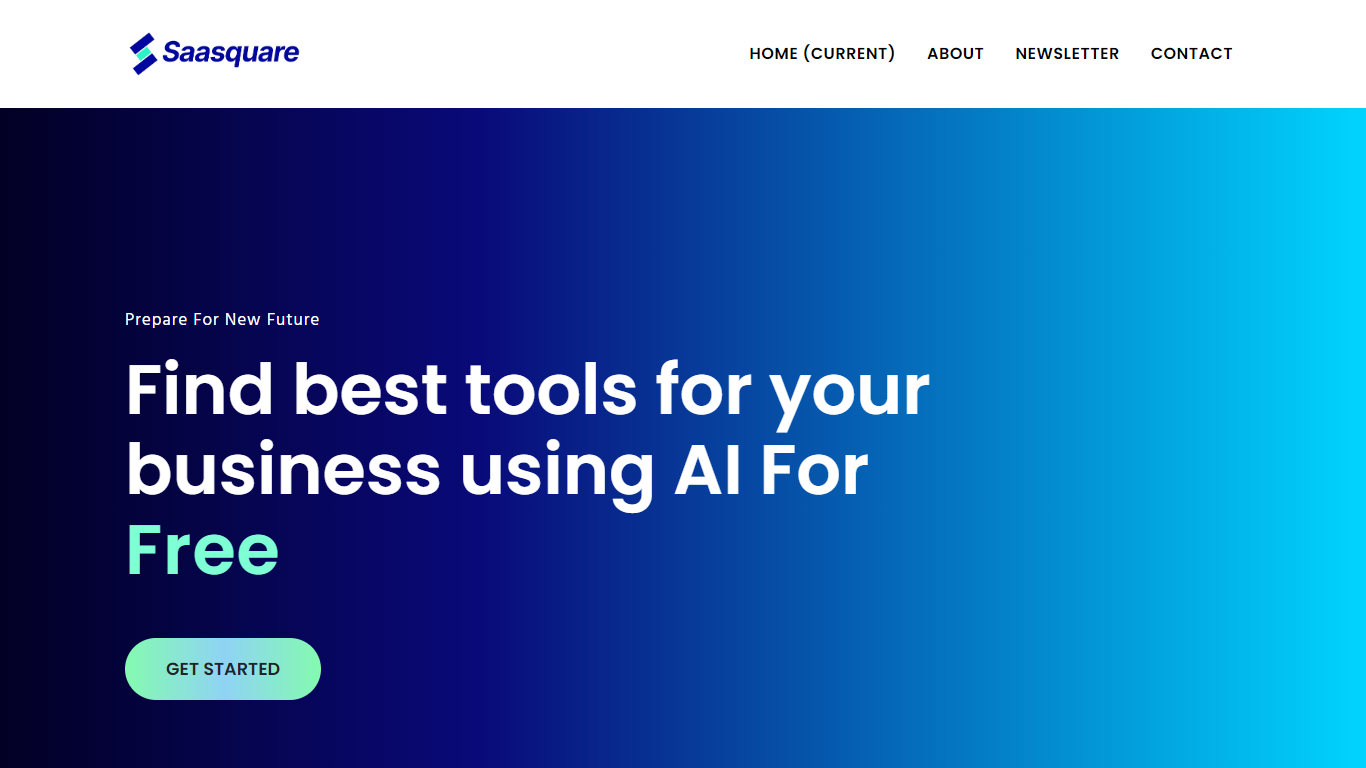

What is Saasquare?
Discover the efficiency of AI-driven SaaS matching with our Laravel-powered platform. Our tool harnesses advanced AI algorithms to analyze your unique business needs, size, and industry, delivering personalized SaaS solutions tailored just for you. Say goodbye to the frustrations of endless searching and comparing – our recommender system brings accurate results in seconds, all while saving you valuable time.
Our extensive library showcases diverse SaaS products across numerous categories, from CRM to project management tools, ensuring you stay ahead with the most up-to-date information and trends. The best part? Our invaluable service is completely free to use. Plus, for SaaS providers, we offer an excellent opportunity to boost product visibility and reach a wider audience of potential customers.
Engage with us today and prepare for a new future where finding the best tools for your business is simple, efficient, and cost-effective.
Dictation
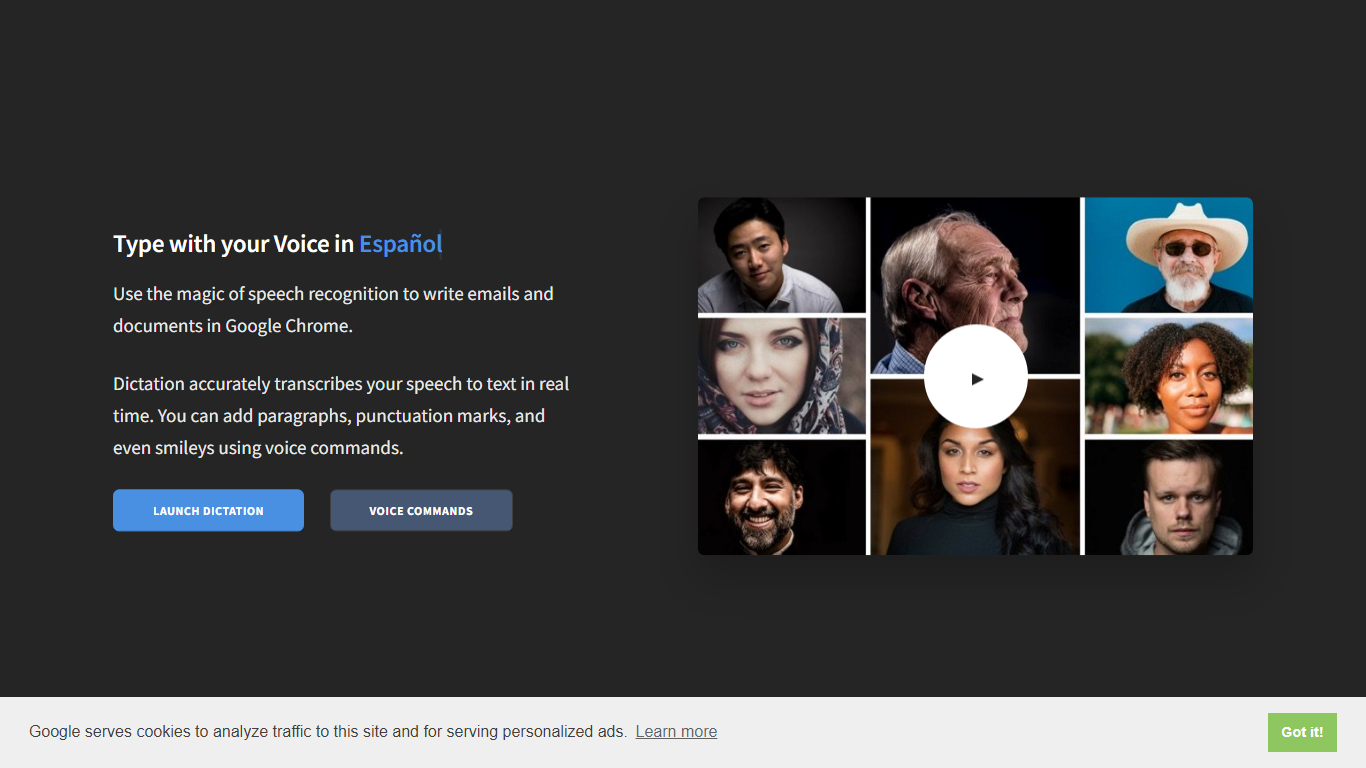
What is Dictation?
Dictation transcribes your voice into editable text in real time inside Google Chrome. It supports more than 100 languages and regional variants through Google's speech recognition engine, and voice commands add paragraphs, punctuation, and smileys without touching the keyboard. The tool targets anyone drafting emails or documents hands-free on Windows, Mac, or Linux.
Most dictation apps want a desktop install or a paid API key. Dictation keeps everything in the browser, stores converted text locally, and does not upload audio to its own servers according to the help copy. That makes it a lightweight option for drafting emails and documents when you already use Chrome.
Writers, multilingual users, and accessibility-focused workers use Dictation for hands-free typing. The trade-off is Chrome-only support and dependence on Google's recognition quality, which varies by language and microphone setup.
Saasquare Upvotes
Dictation Upvotes
Saasquare Top Features
Personalized Matches: Our AI algorithm tailors SaaS solutions for your business needs, size, and industry.
Save Time: Get accurate SaaS recommendations in mere seconds, without endless searching and comparing.
Diverse Solutions: Access a wide array of SaaS products covering various categories including CRM and project management.
Up-to-Date Information: Benefit from the latest offerings and industry trends with our continually updated recommendations.
Free to use: Experience our comprehensive AI recommenders without any financial commitment.
Dictation Top Features
Real-time speech transcription in more than 100 languages via Google Speech Recognition
Voice commands for new lines, punctuation marks, and smileys like "Smiling Face"
Runs in Google Chrome on Windows, Mac, and Linux with no account required
Converted text stays in the browser locally with no server upload, per the site help
Dedicated pages list supported languages and per-language voice commands
Free to use with contact at [email protected] for feedback
Saasquare Category
- Web Apps
Dictation Category
- Web Apps
Saasquare Pricing Type
- Freemium
Dictation Pricing Type
- Free