Saga AI vs Writer's brew
When comparing Saga AI vs Writer's brew, which AI Writing Assistant tool shines brighter? We look at pricing, alternatives, upvotes, features, reviews, and more.
Between Saga AI and Writer's brew, which one is superior?
When we put Saga AI and Writer's brew side by side, both being AI-powered writing assistant tools, Neither tool takes the lead, as they both have the same upvote count. Your vote matters! Help us decide the winner among aitools.fyi users by casting your vote.
Feeling rebellious? Cast your vote and shake things up!
Saga AI
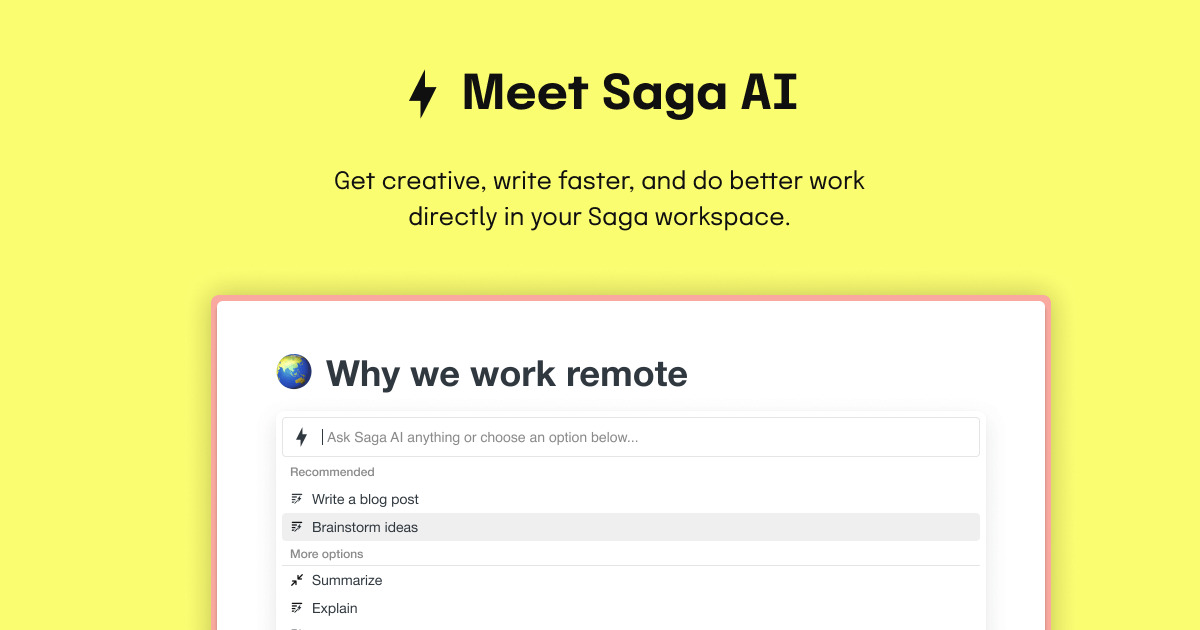

What is Saga AI?
Saga AI is the built-in writing assistant inside Saga, a workspace for notes, documents, and tasks. You draft content, fix grammar, translate text, summarize pages, and ask questions without leaving the editor. Type @ or / to open Ask AI, or select text and run rewrite, summarize, or tone commands from the Saga AI menu.
Most writing assistants sit in a separate browser tab, which means copying context back and forth. Saga AI runs inside the same pages you already work in, and the page mention feature lets it read your existing notes to answer questions or rewrite in your style. That puts it closer to Notion AI than Grammarly, though Saga also ships Mac and Windows desktop apps and targets teams who want notes and AI in one place.
Product managers use it for meeting note summaries and project briefs. Marketing teams draft blogs, emails, and social posts. Students and remote teams lean on translation across 20+ languages and one-click grammar fixes. The free plan covers 5,000 AI words per month for workspaces with up to three members.
Writer's brew
What is Writer's brew?
Writer's brew is a macOS writing assistant that rewrites, summarizes, translates, and replies to text you highlight in any app. It runs from the menu bar, a Spotlight-style popup, or keyboard shortcuts, and includes snippets, 15+ text utilities, and OCR that pulls words from images before sending them to AI. You bring your own OpenAI API key, so usage costs go to OpenAI rather than a monthly SaaS bill.
Most writing assistants live inside one browser tab or web editor. Writer's brew works system-wide on macOS 15.0 or later, which suits people who jump between Notes, email, Slack, and docs all day. The trade-off is it is Mac-only, requires your own OpenAI key, and skips the managed cloud workflow that all-in-one web tools provide.
Product managers, founders, and students who draft in multiple native Mac apps are the core audience. Power users pair it with Raycast or PopClip extensions for one-click rewrites, while snippet forms with placeholders like {date} and {clipboard} handle repetitive replies.
Saga AI Upvotes
Writer's brew Upvotes
Saga AI Top Features
Free plan includes 5,000 Saga AI words per month for workspaces with up to 3 members
Standard plan at $6 per member per month (billed annually) unlocks unlimited Saga AI
Translate selected text to 20+ languages in one click from the editor
Mention existing Saga pages so AI answers and rewrites use your workspace content
Each AI conversation supports up to about 16,000 words of input and output combined
Uses OpenAI and Anthropic models, with GPT-5.2 listed on the Saga AI product page
Writer's brew Top Features
30+ AI writing tools plus 50+ community presets for rewrite, summarize, translate, and reply tasks
Works across any macOS app via menu bar, Spotlight-style popup, or custom keyboard shortcuts
Snippet engine with smart placeholders like {date}, {clipboard}, and custom form fields
OCR extracts text from images anywhere on macOS before running AI transforms
Raycast and PopClip integrations add one-click presets from selected text
Pro license covers 2 devices for $29 with lifetime use and requires your own OpenAI API key
Translates highlighted text across 15+ languages from the same popup interface
Saga AI Category
- Writing Assistant
Writer's brew Category
- Writing Assistant
Saga AI Pricing Type
- Freemium
Writer's brew Pricing Type
- Paid