Save ChatGPT vs Boss Hub | AI (formerly DocGPT & ChatPDF➶)
In the battle of Save ChatGPT vs Boss Hub | AI (formerly DocGPT & ChatPDF➶), which AI PDF tool comes out on top? We compare reviews, pricing, alternatives, upvotes, features, and more.
Between Save ChatGPT and Boss Hub | AI (formerly DocGPT & ChatPDF➶), which one is superior?
Upon comparing Save ChatGPT with Boss Hub | AI (formerly DocGPT & ChatPDF➶), which are both AI-powered pdf tools, With more upvotes, Save ChatGPT is the preferred choice. Save ChatGPT has received 7 upvotes from aitools.fyi users, while Boss Hub | AI (formerly DocGPT & ChatPDF➶) has received 6 upvotes.
Not your cup of tea? Upvote your preferred tool and stir things up!
Save ChatGPT
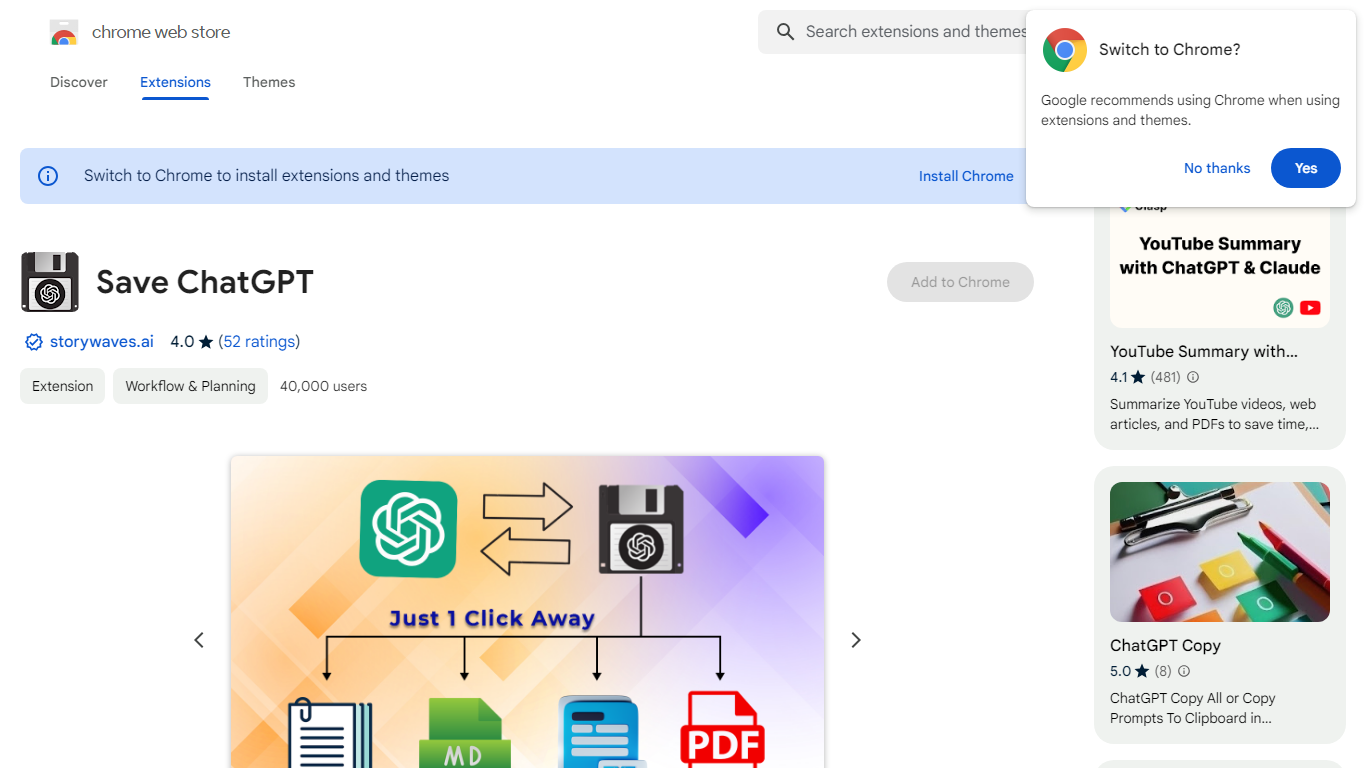

What is Save ChatGPT?
Preserve your valuable ChatGPT conversations with just a few clicks using our intuitive website. Designed for efficiency, our service allows you to convert and download your dialogues into PDF, Text, or Markdown files. Whether you want to archive a memorable interaction or reference a particular exchange later, our platform ensures you have permanent access to your AI conversations. The user-friendly interface ensures seamless navigation and operation, providing an accessible solution for securing your digital discussions.
Boss Hub | AI (formerly DocGPT & ChatPDF➶)
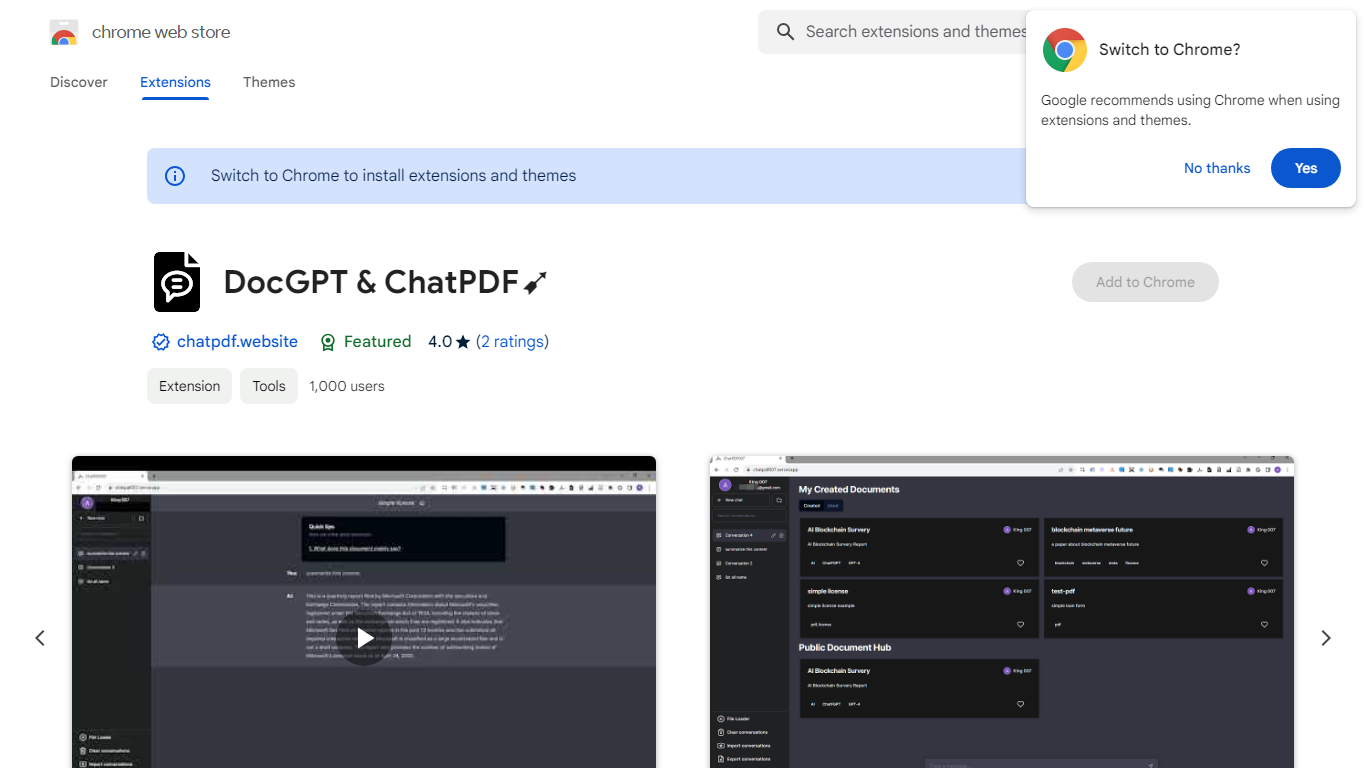
What is Boss Hub | AI (formerly DocGPT & ChatPDF➶)?
Boss Hub | AI is a Chrome extension sidebar for chatting with uploaded documents using ChatGPT and GPT-4. You upload a PDF, Markdown, Epub, or FB2 file, then ask questions, request summaries, and see highlighted source passages inside the side panel. It targets anyone who wants document Q&A without leaving the browser.
Compared with standalone ChatPDF sites, Boss Hub runs as a Chrome side panel and stores data locally on your machine. The listing highlights a built-in token usage tracker, periodic deletion of uploaded files, and support for Markdown alongside PDF. That local-first angle matters if you are comparing browser extensions rather than cloud-only upload tools.
Researchers, students, and office workers who already live in Chrome can use it to skim contracts, reports, or ebooks faster. The developer site is iambuffett.net, and the extension last updated to version 1.3.5 in July 2024.
Save ChatGPT Upvotes
Boss Hub | AI (formerly DocGPT & ChatPDF➶) Upvotes
Save ChatGPT Top Features
PDF Downloads: Seamlessly convert ChatGPT conversations into PDF format for easy sharing and printing.
Text File Saving: Download transcripts of your chats in plain Text formats to retain the information.
Markdown Conversion: Transform your conversations into Markdown files allowing for more sophisticated formatting options.
User-Friendly Interface: Our platform offers an intuitive user experience for hassle-free navigation and operation.
Permanent Access: Ensure you never lose vital ChatGPT interactions with the ability to save them for future referencing.
Boss Hub | AI (formerly DocGPT & ChatPDF➶) Top Features
Upload PDF, Markdown, Epub, and FB2 files, with best support called out for PDF and Markdown
Ask questions, summarize documents, and highlight source passages in the sidebar
Built-in token usage tracker for monitoring ChatGPT and GPT-4 consumption
Stores data locally on your device and deletes uploaded documents regularly
Uses ChatGPT, GPT-4, LangChain, llama_index, and vector storage under the hood
Chrome side panel workflow so document chat stays beside your browsing session
Save ChatGPT Category
- PDF
Boss Hub | AI (formerly DocGPT & ChatPDF➶) Category
- PDF
Save ChatGPT Pricing Type
- Freemium
Boss Hub | AI (formerly DocGPT & ChatPDF➶) Pricing Type
- Freemium