ScrapeStorm vs No-Code Scraper
Dive into the comparison of ScrapeStorm vs No-Code Scraper and discover which AI Web Scraping tool stands out. We examine alternatives, upvotes, features, reviews, pricing, and beyond.
In a comparison between ScrapeStorm and No-Code Scraper, which one comes out on top?
When we compare ScrapeStorm and No-Code Scraper, two exceptional web scraping tools powered by artificial intelligence, and place them side by side, several key similarities and differences come to light. Interestingly, both tools have managed to secure the same number of upvotes. Your vote matters! Help us decide the winner among aitools.fyi users by casting your vote.
Disagree with the result? Upvote your favorite tool and help it win!
ScrapeStorm
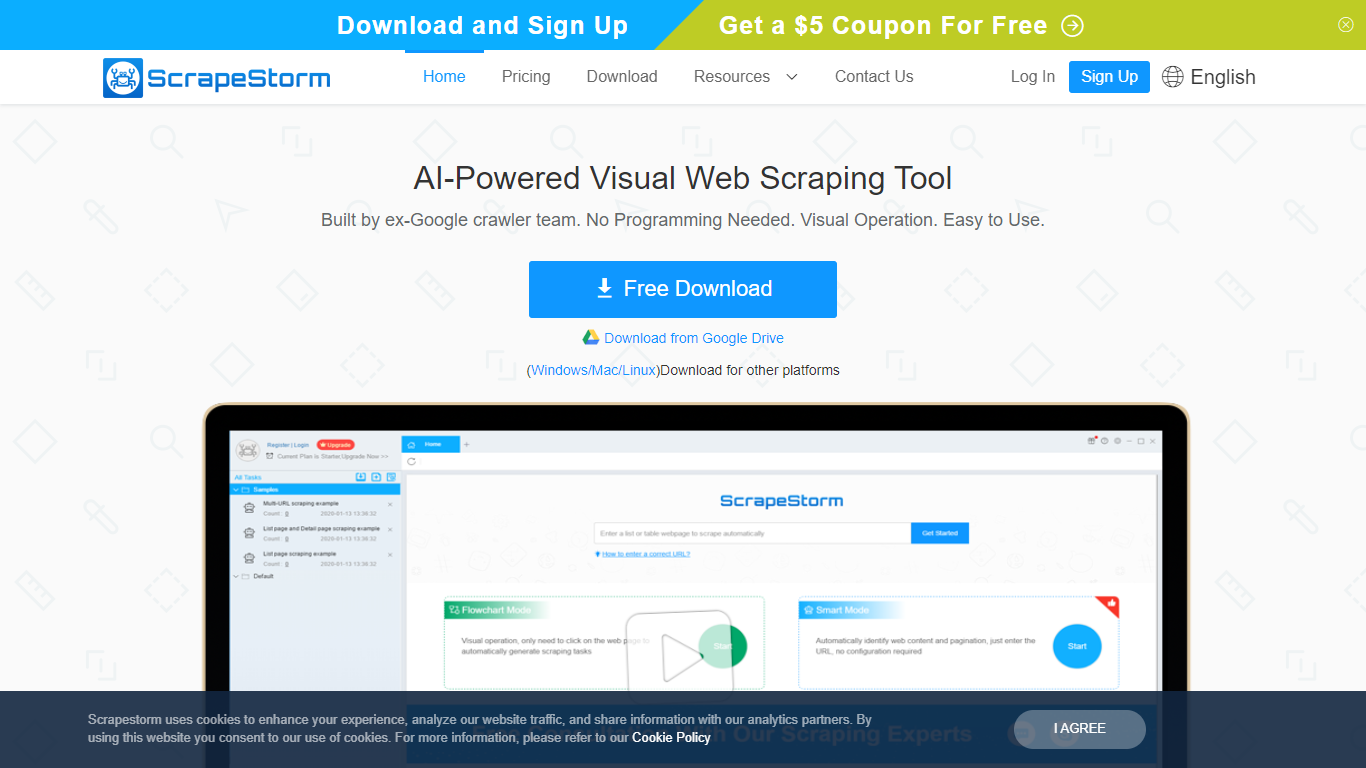

What is ScrapeStorm?
ScrapeStorm is a visual web scraping desktop app that pulls structured data from websites without writing code. You paste a URL, the tool reads the page layout, and you export lists, emails, phone numbers, and tables to Excel, CSV, TXT, or a database. It runs on Windows, Mac, and Linux.
Where many scrapers force you into XPath rules or Python scripts, ScrapeStorm offers Smart Mode that auto-detects list and table patterns from a URL alone, plus a Flowchart Mode when you need custom click-and-select workflows. The team behind it includes former Google crawler engineers, which shows in how aggressively it handles pagination and multi-page extraction.
Operations teams, e-commerce analysts, researchers, and marketers use it to replace manual copy-paste from competitor sites, directories, and public listings. Non-programmers at government agencies and academic labs also pick it because the visual interface skips the scripting step entirely.
No-Code Scraper
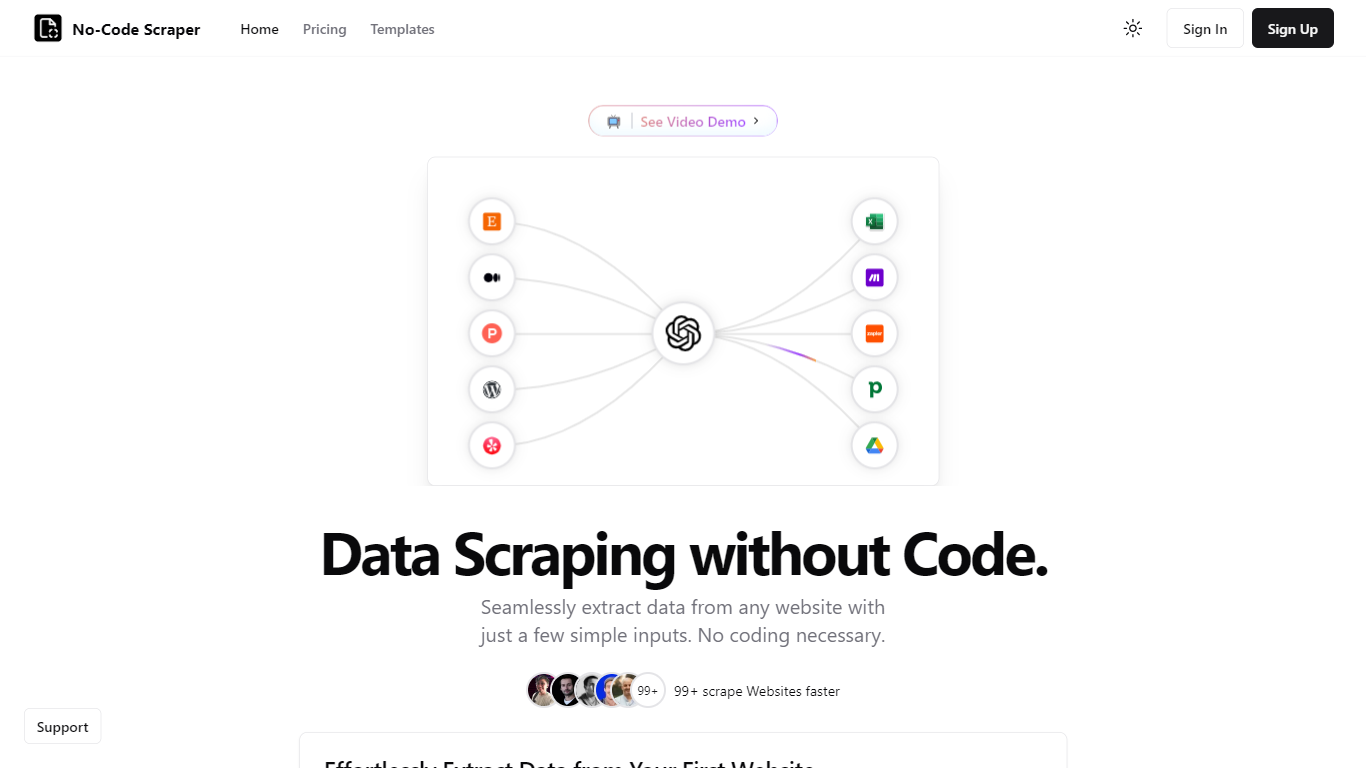
What is No-Code Scraper?
No-Code Scraper pulls structured web data through reusable templates instead of custom scripts. You import URLs, describe the fields you want in a template, and launch a job that exports cleaned rows to CSV, Excel, or JSON without writing HTML selectors or Python.
Where point-and-click scrapers break when a site redesigns its layout, No-Code Scraper uses large language models to adapt extraction when page structure shifts. One template can scrape thousands of similar sites, and optional Google Cache mode helps bypass basic anti-bot blocks.
Analysts, marketers, and founders who need product listings, directory data, or research tables use it when they want scraping output ready for spreadsheets or Google Sheets, not raw HTML dumps that need hours of cleanup.
ScrapeStorm Upvotes
No-Code Scraper Upvotes
ScrapeStorm Top Features
Smart Mode identifies list and table data from a URL without writing extraction rules
Flowchart Mode builds custom click-and-select scraping workflows visually
Runs natively on Windows, Mac, and Linux with a single desktop installer
Exports scraped data to Excel, CSV, TXT, and databases automatically
Premium plan includes 3 speed boost engines that run scraping 3 to 10 times faster
Cloud task management lets you monitor scraping jobs from any device
No-Code Scraper Top Features
Starter plan at $16.99 per month includes 400 credits and a 5-day free trial
Pro at $19.99 per month adds Google Sheets, Notion, and Airtable exports
Expert at $25.99 per month unlocks API access and premium proxy support
Credit calculator lists scrape-and-extract jobs at 5 credits on simple pages
Optional Google Cache mode circumvents some anti-scraping measures
Supports pagination, load-more buttons, and multi-page scraping flows
ScrapeStorm Category
- Web Scraping
No-Code Scraper Category
- Web Scraping
ScrapeStorm Pricing Type
- Freemium
No-Code Scraper Pricing Type
- Freemium