
Last updated 08-10-2026
Category:
Reviews:
Join thousands of AI enthusiasts in the World of AI!
ScrapeStorm
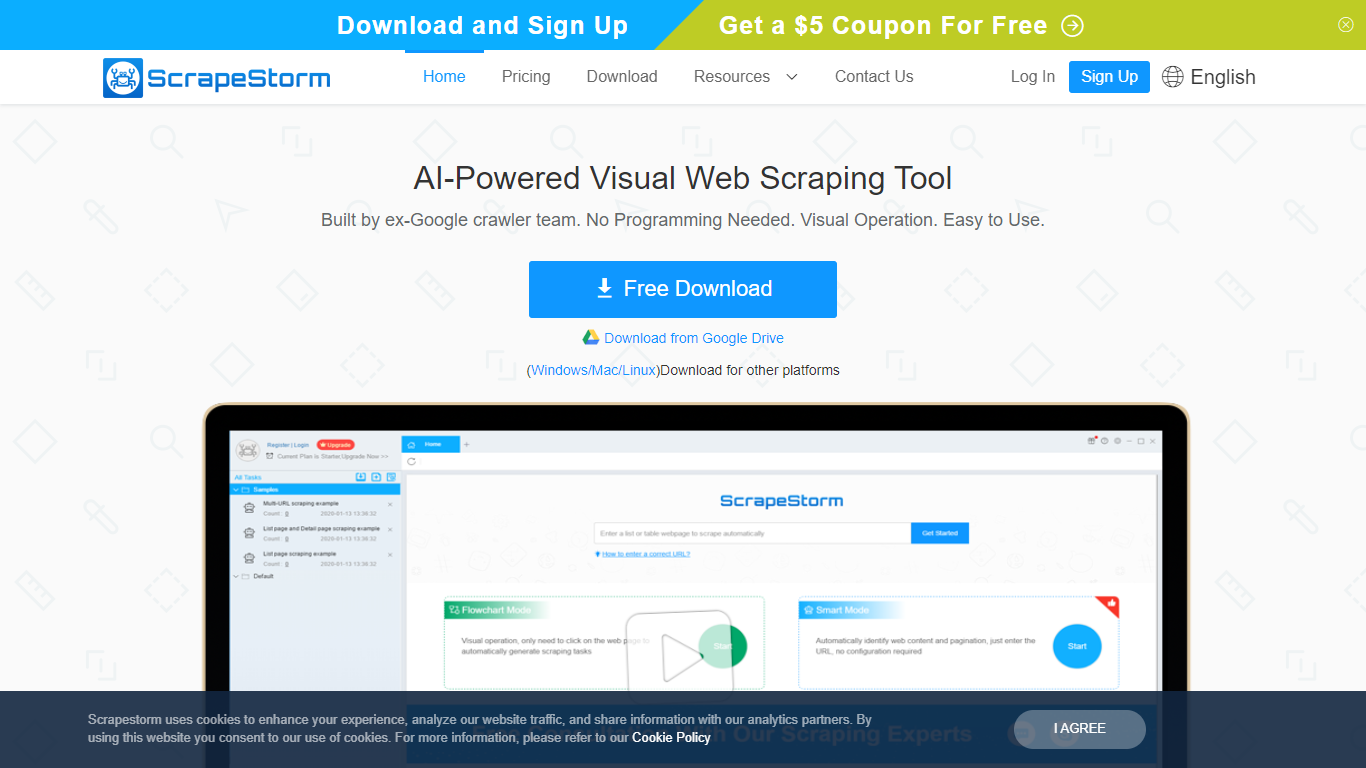
ScrapeStorm is a visual web scraping desktop app that pulls structured data from websites without writing code. You paste a URL, the tool reads the page layout, and you export lists, emails, phone numbers, and tables to Excel, CSV, TXT, or a database. It runs on Windows, Mac, and Linux.
Where many scrapers force you into XPath rules or Python scripts, ScrapeStorm offers Smart Mode that auto-detects list and table patterns from a URL alone, plus a Flowchart Mode when you need custom click-and-select workflows. The team behind it includes former Google crawler engineers, which shows in how aggressively it handles pagination and multi-page extraction.
Operations teams, e-commerce analysts, researchers, and marketers use it to replace manual copy-paste from competitor sites, directories, and public listings. Non-programmers at government agencies and academic labs also pick it because the visual interface skips the scripting step entirely.
Smart Mode identifies list and table data from a URL without writing extraction rules
Flowchart Mode builds custom click-and-select scraping workflows visually
Runs natively on Windows, Mac, and Linux with a single desktop installer
Exports scraped data to Excel, CSV, TXT, and databases automatically
Premium plan includes 3 speed boost engines that run scraping 3 to 10 times faster
Cloud task management lets you monitor scraping jobs from any device
Smart Mode scrapes most pages from a URL without writing rules.
Native desktop app for Windows, Mac, and Linux.
Free Starter plan requires no credit card to begin.
API call limits apply on paid tiers with overage billing.
On-demand task setup from ScrapeStorm staff costs extra.
Is ScrapeStorm free to try?
Yes, ScrapeStorm offers a free Starter plan with zero risk and no credit card required. You can download the desktop app for Windows, Mac, or Linux and test scraping before upgrading.
Does ScrapeStorm require programming skills?
No, ScrapeStorm is built for users without coding experience. Smart Mode auto-detects page data from a URL, and Flowchart Mode lets you build workflows by clicking elements on the page.
What operating systems does ScrapeStorm support?
ScrapeStorm supports Windows, Mac, and Linux. You download a native desktop installer for your platform from the ScrapeStorm website.
How much does ScrapeStorm Professional cost?
ScrapeStorm Professional costs $45 per month on the published pricing page. It sits between the free Starter plan and the $89 per month Premium tier.
Can ScrapeStorm export data to databases?
Yes, ScrapeStorm can automatically export scraped data to databases on paid plans. Premium and higher tiers include automatic export so results land in your database without manual file handling.
What happens if I exceed ScrapeStorm API call limits?
ScrapeStorm bills overage charges when you exceed your plan's monthly API call allowance. Each unique URL processed by ScrapeStorm counts as one API call toward your limit.