Screens vs Ask an AI Lawyer
In the face-off between Screens vs Ask an AI Lawyer, which AI Legal tool takes the crown? We scrutinize features, alternatives, upvotes, reviews, pricing, and more.
In a face-off between Screens and Ask an AI Lawyer, which one takes the crown?
If we were to analyze Screens and Ask an AI Lawyer, both of which are AI-powered legal tools, what would we find? There's no clear winner in terms of upvotes, as both tools have received the same number. The power is in your hands! Cast your vote and have a say in deciding the winner.
Want to flip the script? Upvote your favorite tool and change the game!
Screens
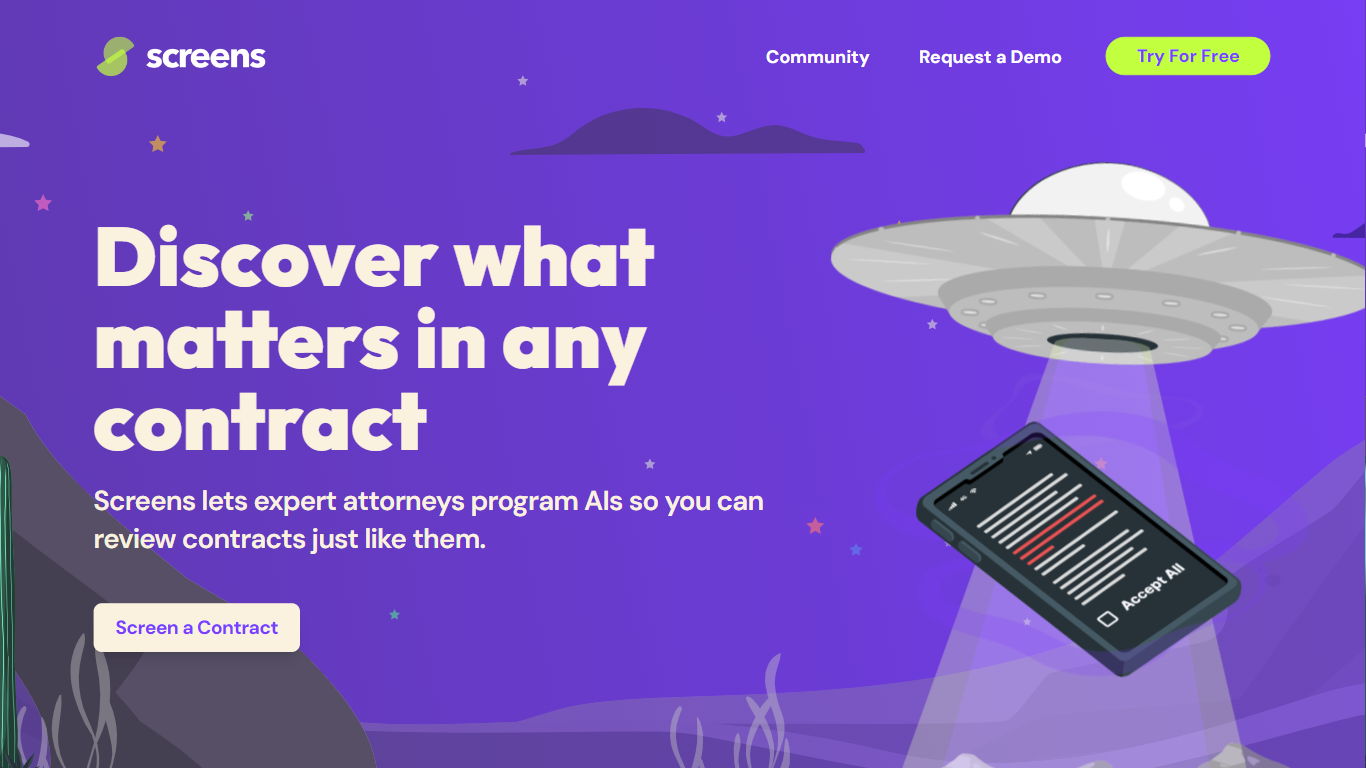

What is Screens?
Screens offers an advanced AI-powered contract review platform that makes understanding and analyzing legal documents more efficient and user-friendly. Designed by expert attorneys, Screens allows users to choose from pre-programmed AI reviews or to customize their own for any type of contract. This AI tool identifies key aspects and potential issues within contracts, streamlining the review process for both legal professionals and businesses. It features community-driven screens by top legal minds, enabling users to tap into collective expertise.
Affordability, accuracy, and trustworthiness are central to Screens' service, offering an intelligent solution for all your contract review needs. Additionally, it offers document storage with powerful search capabilities and emphasizes strict data security and privacy policies. Whether you're looking to analyze a single contract or manage a database of documents, Screens provides a trusted, accurate, and budget-friendly AI contract review assistant.
Ask an AI Lawyer
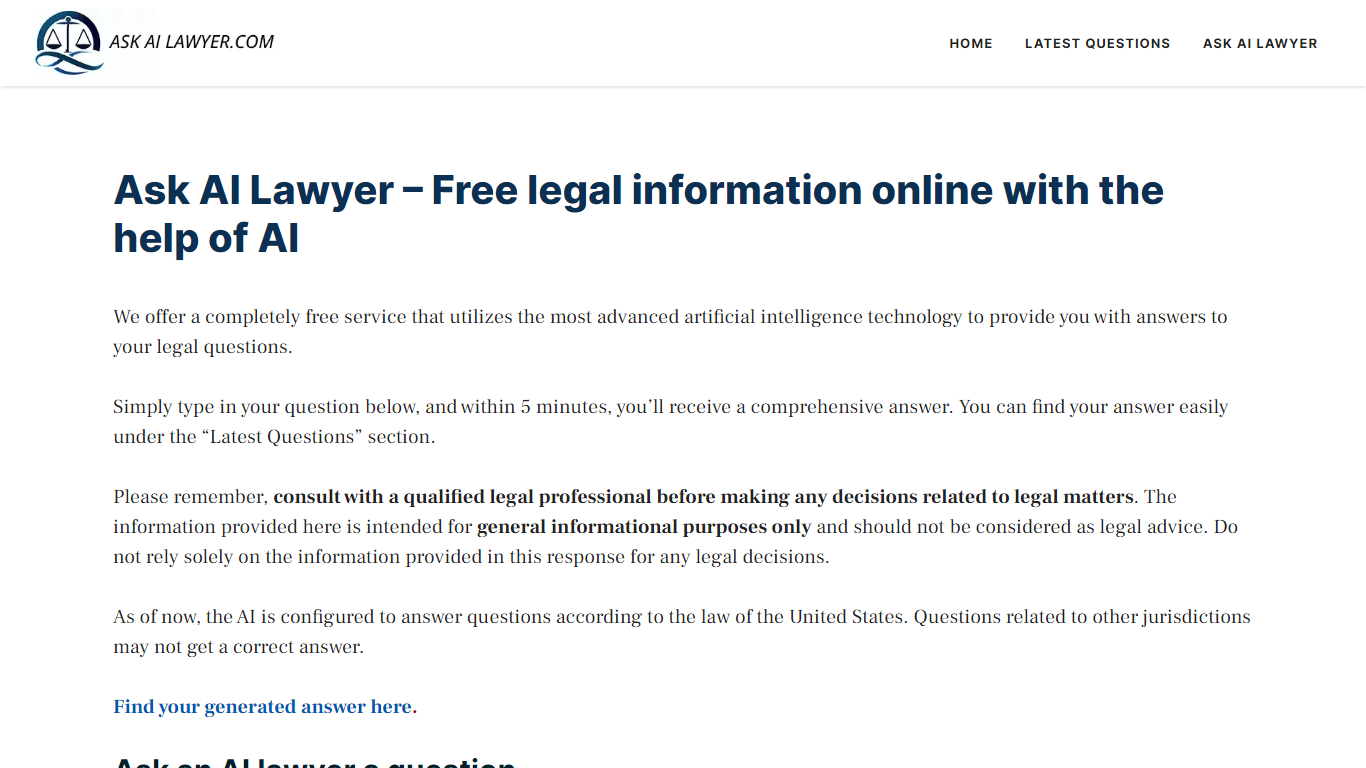
What is Ask an AI Lawyer?
Ask an AI Lawyer lets you submit legal questions online and get a written answer in about five minutes at no cost. You pick a country for jurisdiction context, describe your situation, and the site publishes the response under Latest Questions for anyone to read. It covers traffic law, family law, employment, landlord-tenant issues, tax, and business contracts.
Most legal research sites point you to articles or paid attorney directories. Ask an AI Lawyer runs your question through Deepseek reasoning models hosted on Groq and returns a direct answer instead of a reading list. The trade-off is visibility: answers are public, so you should not include personal details, and the site stresses this is general information, not licensed legal advice.
The service fits people who need a quick orientation on a legal topic before deciding whether to hire counsel. Category pages cover car accidents, insurance, personal injury, divorce, tax, and medical malpractice, which helps narrow the jurisdiction and topic before you submit.
Screens Upvotes
Ask an AI Lawyer Upvotes
Screens Top Features
👩⚖️ Expert-Crafted AIs: Attorneys program AIs to mimic expert contract reviews, ensuring accuracy.
🛠️ Community and Custom Screens: Use community-created screens or build your own for tailored contract analysis.
🔍 Audit Feature: Verify AI-highlighted contract sections for added confidence and transparency.
🔒 Data Privacy and Security: Privacy by design with enterprise-grade security measures to protect your data.
💼 Flexible Pricing Tiers: Free workspace option and premium Pro Workspace for advanced features and support.
Ask an AI Lawyer Top Features
Answers published within about 5 minutes of submitting a question
Supports USA, Canada, UK, France, Germany, Italy, Spain, Australia, Japan, and New Zealand jurisdictions
Category-specific pages for car accident, insurance, divorce, tax, and malpractice topics
Uses Deepseek reasoning models served through Groq infrastructure
Completely free with no account required to submit a question
Screens Category
- Legal
Ask an AI Lawyer Category
- Legal
Screens Pricing Type
- Freemium
Ask an AI Lawyer Pricing Type
- Free