Screenshot to Code vs Codex
In the contest of Screenshot to Code vs Codex, which AI Code Assistant tool is the champion? We evaluate pricing, alternatives, upvotes, features, reviews, and more.
If you had to choose between Screenshot to Code and Codex, which one would you go for?
When we examine Screenshot to Code and Codex, both of which are AI-enabled code assistant tools, what unique characteristics do we discover? The upvote count favors Screenshot to Code, making it the clear winner. The number of upvotes for Screenshot to Code stands at 6, and for Codex it's 4.
Disagree with the result? Upvote your favorite tool and help it win!
Screenshot to Code

What is Screenshot to Code?
The GitHub repository 'screenshot-to-code' by user 'abi' is an application that revolutionizes the way developers can generate code from visual inputs. By simply dropping in a screenshot, the tool employs the capabilities of GPT-4 Vision and DALL-E 3 to create clean, executable code in HTML, Tailwind CSS, or React. Additionally, users have the option to clone live websites by entering a URL, further easing the development process. This innovative app caters to the modern-day need for speed and efficiency in web development, allowing for quick iterations and prototyping, thus catering to a wide range of users, from solo developers to large teams looking to streamline their workflow.
Codex
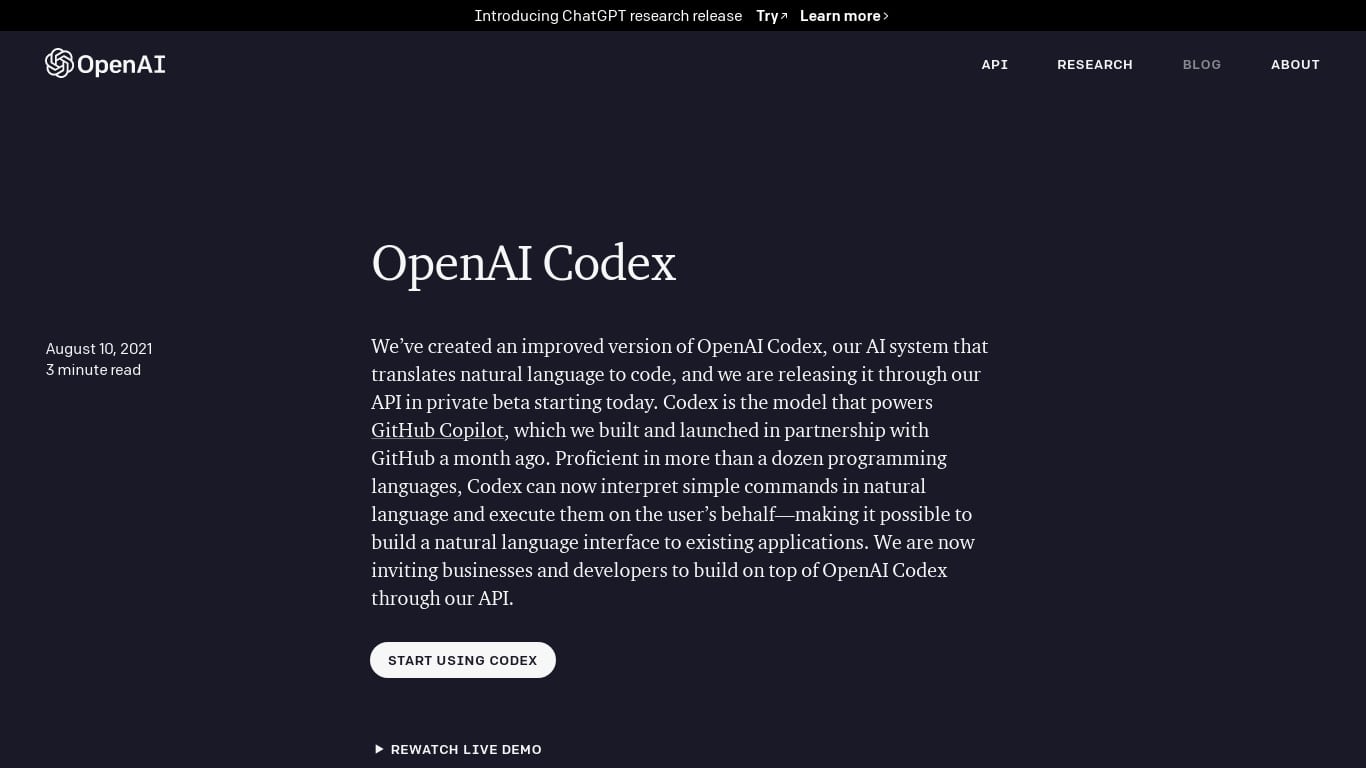
What is Codex?
OpenAI Codex is an AI system that translates natural language into code, now generally available with new features for developers and teams. It powers GitHub Copilot and supports over a dozen programming languages including Python, JavaScript, Go, and more. Codex can interpret simple English commands and execute them, enabling natural language interfaces to software and APIs.
The latest version, GPT-5-Codex, offers faster and more accurate coding assistance, accessible via an API and a new SDK that integrates the Codex agent into custom workflows and apps. Codex also features a Slack integration, allowing teams to delegate coding tasks and get answers directly within Slack channels.
Administrators benefit from enhanced tools like environment controls, usage monitoring, and analytics dashboards to manage Codex usage at scale. Codex is used globally by startups and enterprises alike to speed up code reviews, automate code cleanup, and reduce manual coding effort.
Technically, Codex has a larger memory for Python code (14KB) than its predecessor GPT-3, allowing it to consider more context when generating code. It runs as a cloud-based agent and also offers a local CLI tool for coding assistance in terminal environments.
OpenAI continues to improve Codex’s safety and reliability, scaling access carefully while supporting developers with documentation and community resources. Codex lowers barriers to programming by automating repetitive tasks and helping users map problems to existing code efficiently.
Screenshot to Code Upvotes
Codex Upvotes
Screenshot to Code Top Features
Convert Screenshots to Code: Transforms screenshots into HTML Tailwind CSS or React code.
Clone Websites from URLs: Ability to enter URLs to clone and generate code for live websites.
Integration with AI Tools: Utilizes OpenAI's GPT-4 Vision and DALL-E 3 to enhance the code generation process.
Edit and Preview Code Live: Features an embedded code editor for on-the-fly code tweaking and live preview.
Docker Support: Offers Docker configuration files for easy setup and deployment.
Codex Top Features
🧑💻 Multi-language support: Works with Python, JavaScript, Go, and more to assist diverse coding needs.
⚙️ Codex SDK: Embed Codex’s coding agent into your own apps and workflows for custom automation.
💬 Slack integration: Assign coding tasks and get answers directly within Slack channels.
📊 Admin tools: Manage usage with environment controls and analytics dashboards for teams.
🚀 Code review automation: Speeds up pull request reviews and detects issues early to improve code quality.
Screenshot to Code Category
- Code Assistant
Codex Category
- Code Assistant
Screenshot to Code Pricing Type
- Freemium
Codex Pricing Type
- Freemium