SearchGPT vs Helpbar
In the clash of SearchGPT vs Helpbar, which AI Search Engine tool emerges victorious? We assess reviews, pricing, alternatives, features, upvotes, and more.
When we put SearchGPT and Helpbar head to head, which one emerges as the victor?
Let's take a closer look at SearchGPT and Helpbar, both of which are AI-driven search engine tools, and see what sets them apart. The upvote count is neck and neck for both SearchGPT and Helpbar. Join the aitools.fyi users in deciding the winner by casting your vote.
Disagree with the result? Upvote your favorite tool and help it win!
SearchGPT

What is SearchGPT?
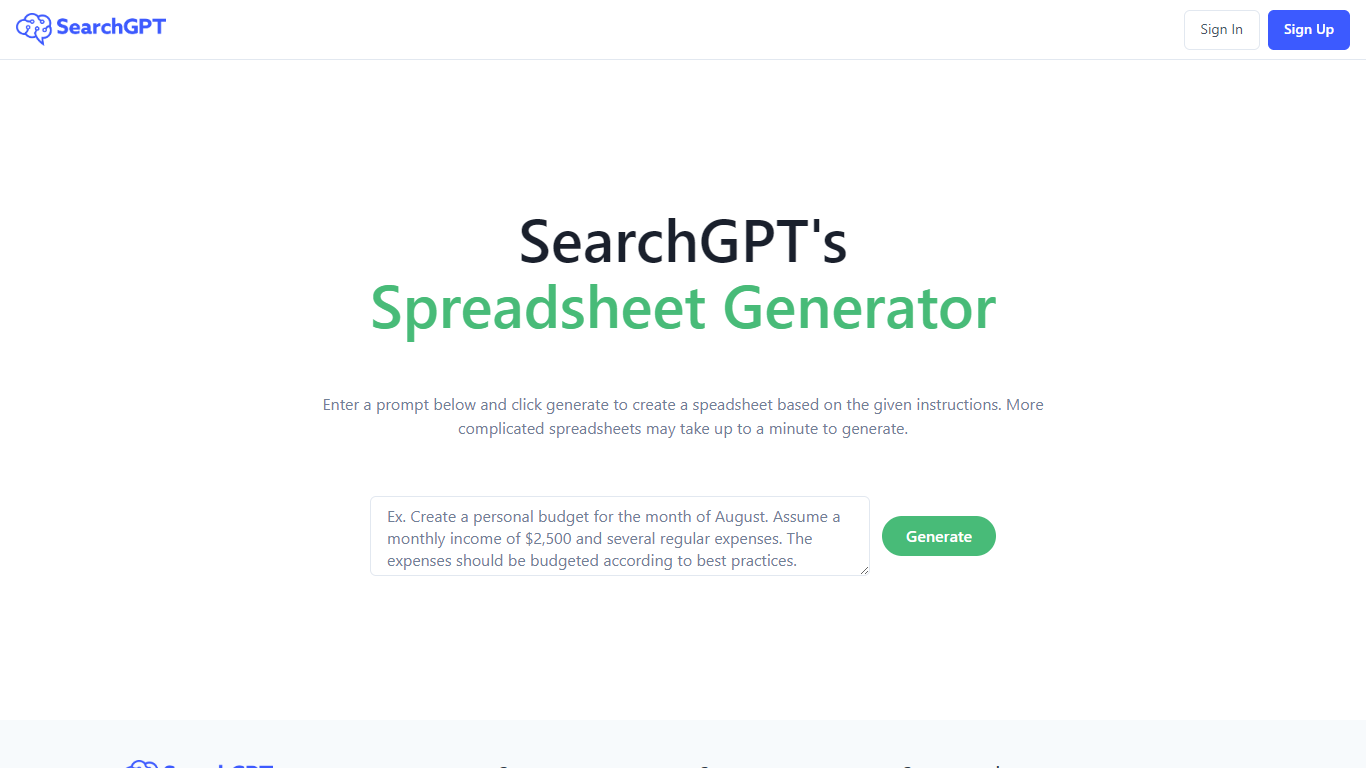
SearchGPT at searchgpt.ai is a spreadsheet generator from Owens Laboratories. You describe the table you want in a prompt, hit Generate, and the site builds a spreadsheet from your instructions instead of making you lay out rows and columns by hand.
The homepage workflow is built around that single prompt box. Simple requests return quickly, while more complicated spreadsheet layouts can take up to a minute to finish generating.
Sign in and sign up run through the site's auth pages, so you need an account before you can use the generator. The product is aimed at anyone who wants spreadsheet output from plain-language directions rather than manual setup in Excel or Google Sheets.
Helpbar
What is Helpbar?
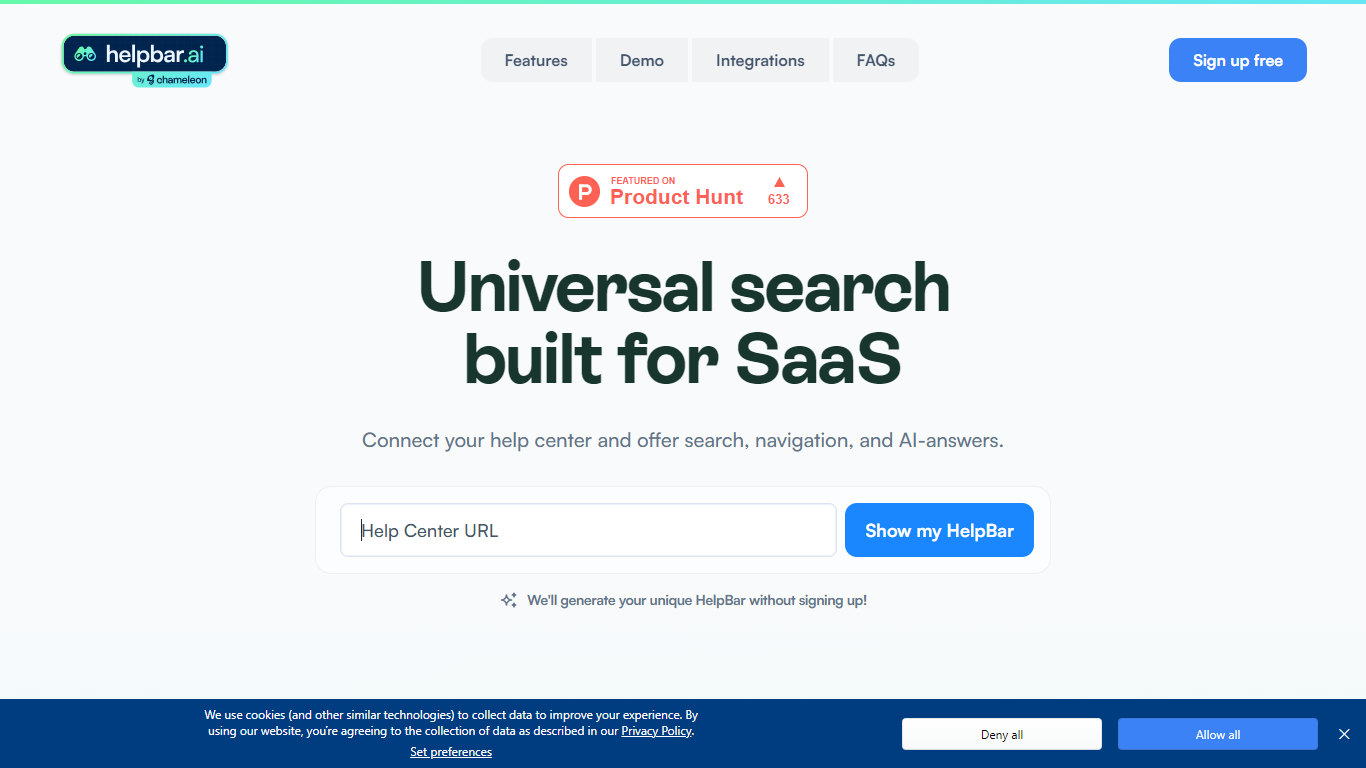
Helpbar enables users to quickly search and navigate help content, documentation, and app resources within SaaS applications using a keyboard shortcut or widget. It consolidates multiple content sources like help centers, developer docs, and blogs into one searchable interface, providing AI-generated answers to user questions.
Unlike traditional search tools that require engineering effort to integrate and customize, Helpbar offers a no-code setup compatible with all web frameworks and browsers. It allows pinning important actions and links, enhancing discoverability and user workflow without leaving the app.
Helpbar supports private and public content indexing through native integrations with platforms such as Zendesk, Intercom, and Gitbook, or via CSV and API uploads. Its AI-powered answers use GPT to respond to questions ending with a question mark, improving self-serve support and reducing support costs.
Designed for SaaS companies, Helpbar helps speed up user onboarding and create power users by streamlining access to help content and key app actions. It complements or replaces existing in-app search solutions but does not include built-in chat functionality, though it can launch external chat tools from the interface.
Overall, Helpbar enhances user experience by providing fast, accurate search and navigation within apps, empowering users to find help and complete tasks efficiently through a simple, keyboard-driven interface.
SearchGPT Upvotes
Helpbar Upvotes
SearchGPT Top Features
Type what you need in a prompt and get a spreadsheet built from your instructions
More complex spreadsheet requests can take up to a minute to generate
Single Generate button drives the whole homepage workflow
Sign in and sign up through the site auth system before generating
Light and dark theme options on the interface
Helpbar Top Features
🔍 Universal Search: Search help docs, blogs, and app content from one place to find answers fast.
⌨️ Keyboard Shortcut: Access Helpbar instantly with a customizable shortcut like CMD+K or CTRL+K.
📌 Pinned Actions: Highlight important links and shortcuts for quick access within the search interface.
🤖 AI Answers: Get GPT-powered responses to questions ending with a question mark for smarter help.
🔗 Integrations: Connect with Zendesk, Intercom, HelpScout, and others to index private help centers.
SearchGPT Category
- Search Engine
Helpbar Category
- Search Engine
SearchGPT Pricing Type
- Freemium
Helpbar Pricing Type
- Freemium