
Last updated 07-27-2026
Category:
Reviews:
Join thousands of AI enthusiasts in the World of AI!
Helpbar
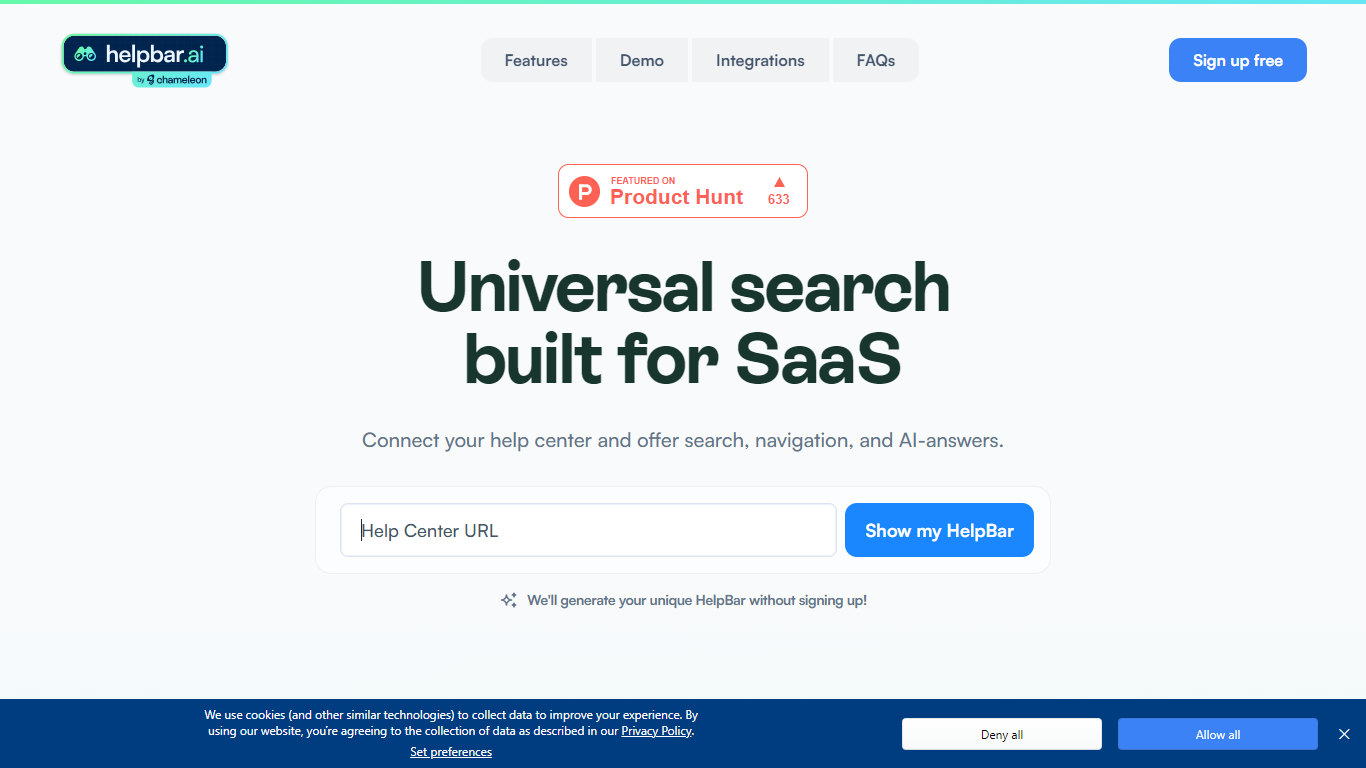
Helpbar enables users to quickly search and navigate help content, documentation, and app resources within SaaS applications using a keyboard shortcut or widget. It consolidates multiple content sources like help centers, developer docs, and blogs into one searchable interface, providing AI-generated answers to user questions.
Unlike traditional search tools that require engineering effort to integrate and customize, Helpbar offers a no-code setup compatible with all web frameworks and browsers. It allows pinning important actions and links, enhancing discoverability and user workflow without leaving the app.
Helpbar supports private and public content indexing through native integrations with platforms such as Zendesk, Intercom, and Gitbook, or via CSV and API uploads. Its AI-powered answers use GPT to respond to questions ending with a question mark, improving self-serve support and reducing support costs.
Designed for SaaS companies, Helpbar helps speed up user onboarding and create power users by streamlining access to help content and key app actions. It complements or replaces existing in-app search solutions but does not include built-in chat functionality, though it can launch external chat tools from the interface.
Overall, Helpbar enhances user experience by providing fast, accurate search and navigation within apps, empowering users to find help and complete tasks efficiently through a simple, keyboard-driven interface.
🔍 Universal Search: Search help docs, blogs, and app content from one place to find answers fast.
⌨️ Keyboard Shortcut: Access Helpbar instantly with a customizable shortcut like CMD+K or CTRL+K.
📌 Pinned Actions: Highlight important links and shortcuts for quick access within the search interface.
🤖 AI Answers: Get GPT-powered responses to questions ending with a question mark for smarter help.
🔗 Integrations: Connect with Zendesk, Intercom, HelpScout, and others to index private help centers.
Easy to set up with no engineering required
Supports private and public content indexing
Customizable keyboard shortcut for quick access
Integrates with popular help centers and analytics tools
Provides AI-powered answers alongside search results
Does not include built-in chat functionality
Advanced targeting and features may require paid plans
What platforms does Helpbar support?
Helpbar works on any web app using frameworks like React or Angular and supports all modern browsers on Mac and PC.
Can Helpbar replace my existing in-app search?
Yes, Helpbar can replace or complement your current search. You can trigger Helpbar from your existing search bar or keep both active.
How do I add content to Helpbar?
You can add content to Helpbar by linking your help center URLs, uploading CSV files, or using API integrations with popular knowledge bases.
How does Helpbar use AI for answers?
Helpbar uses GPT to provide AI-generated answers when users ask questions ending with a question mark.
Does Helpbar include chat functionality?
No, Helpbar does not have built-in chat but can launch existing chat tools like Intercom or Zendesk from within the interface.
How can I announce Helpbar to my users?
You can promote Helpbar via email, in-app messages, documentation, webinars, or social media to increase discoverability.
Is Helpbar truly free to use?
Yes, Helpbar can be deployed without payment or credit card details. Some advanced features may require paid plans in the future.