seo.ing vs Helpbar
Compare seo.ing vs Helpbar and see which AI Search Engine tool is better when we compare features, reviews, pricing, alternatives, upvotes, etc.
Which one is better? seo.ing or Helpbar?
When we compare seo.ing with Helpbar, which are both AI-powered search engine tools, The upvote count is neck and neck for both seo.ing and Helpbar. Be a part of the decision-making process. Your vote could determine the winner.
Disagree with the result? Upvote your favorite tool and help it win!
seo.ing

What is seo.ing?
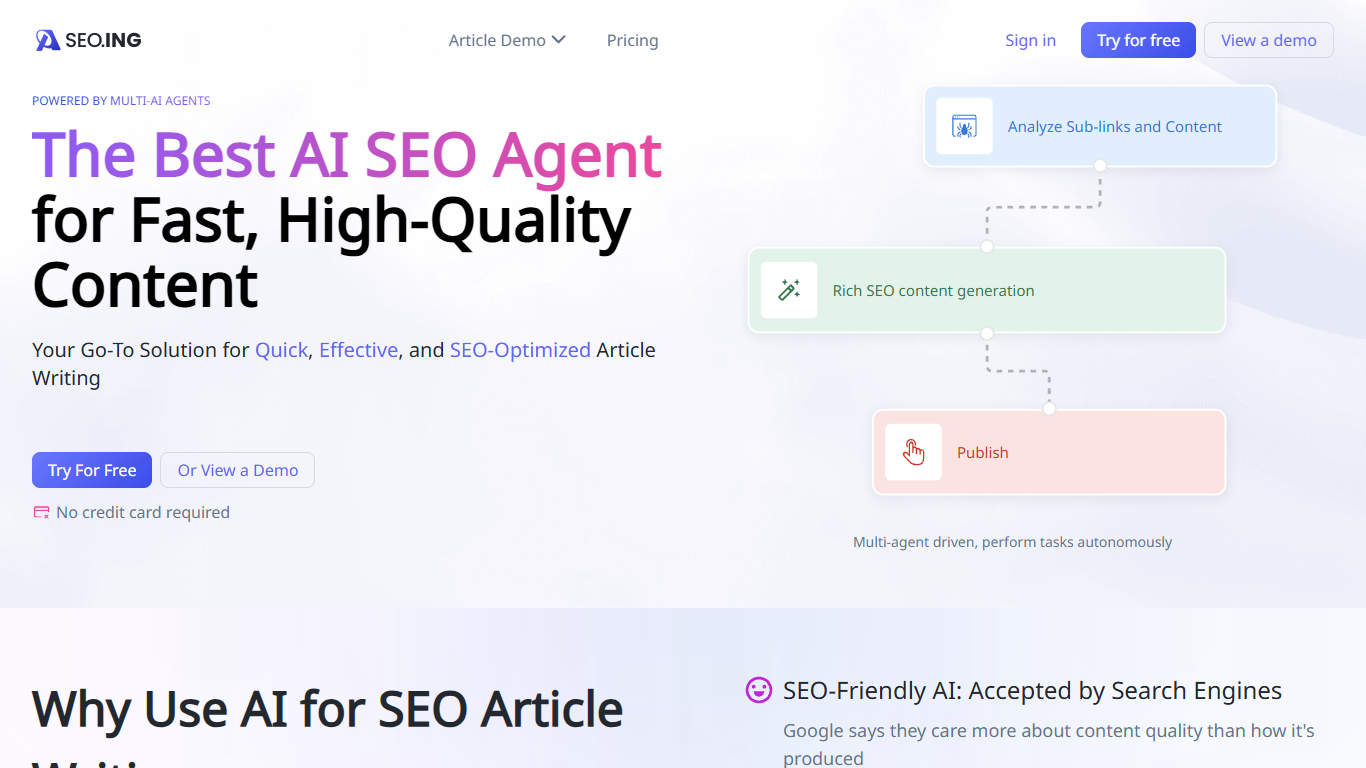
seo.ing turns product URLs and site lists into long-form review posts and top 10 roundup articles using coordinated crawler, outline, writing, and image agents. Marketers and site owners use it to publish comparison content without hiring freelancers for every draft.
Most AI writing tools hand you a blank editor and expect you to supply the research. seo.ing starts with crawling: you feed it one product URL or a list of sites, then outline and title agents propose structure you can edit before writing and image steps finish the piece. That narrow focus on review and roundup formats is the trade-off. It is not a general blog generator for arbitrary topics.
Plans are credit-based with monthly article caps on the public pricing page, from two free articles up to 120 on Enterprise. The interface is available in English plus nine additional languages, including Simplified Chinese, Traditional Chinese, Korean, Japanese, Portuguese, Spanish, German, French, and Vietnamese.
seo.ing runs on a Nuxt.js front end with Tailwind CSS styling and Cloudflare delivery. The company identifies itself as SEO.ING, Inc. on the site footer and lists [email protected] for privacy and support requests.
Helpbar
What is Helpbar?
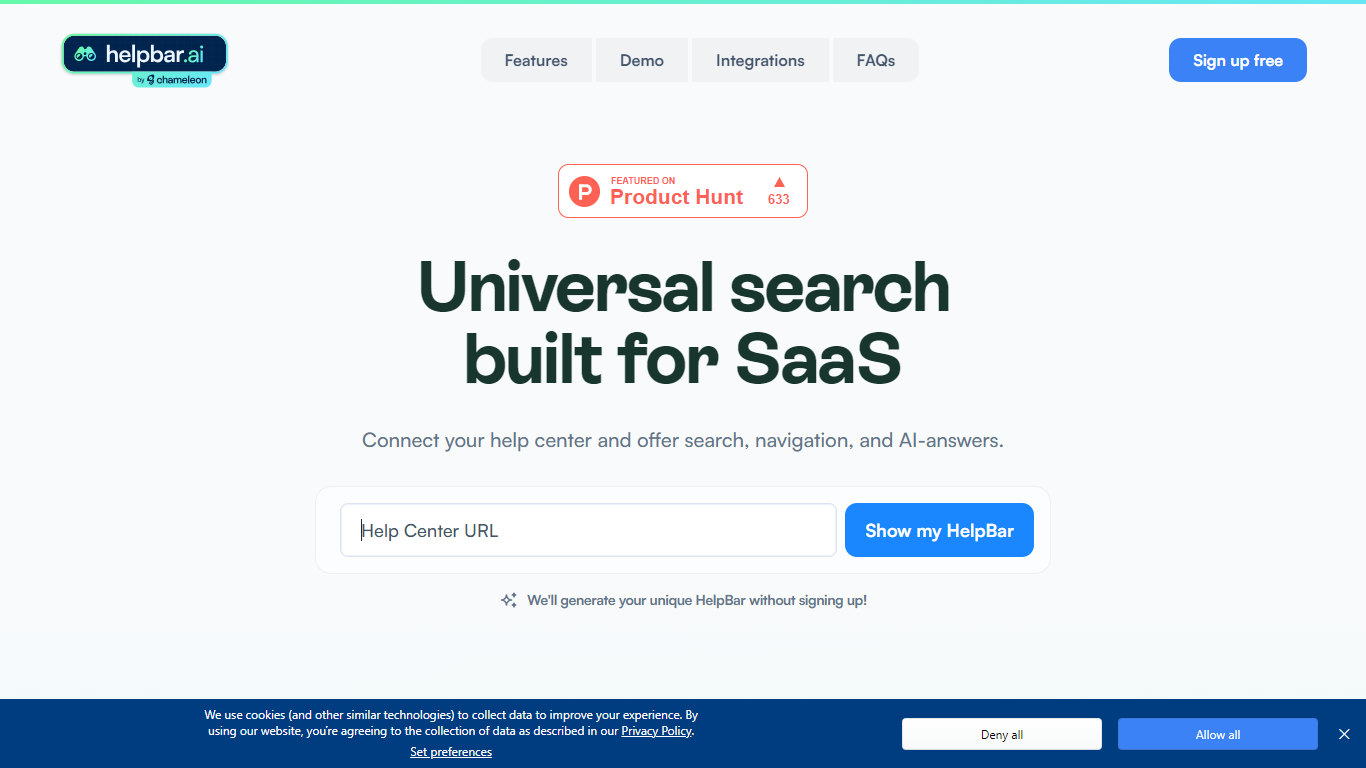
Helpbar enables users to quickly search and navigate help content, documentation, and app resources within SaaS applications using a keyboard shortcut or widget. It consolidates multiple content sources like help centers, developer docs, and blogs into one searchable interface, providing AI-generated answers to user questions.
Unlike traditional search tools that require engineering effort to integrate and customize, Helpbar offers a no-code setup compatible with all web frameworks and browsers. It allows pinning important actions and links, enhancing discoverability and user workflow without leaving the app.
Helpbar supports private and public content indexing through native integrations with platforms such as Zendesk, Intercom, and Gitbook, or via CSV and API uploads. Its AI-powered answers use GPT to respond to questions ending with a question mark, improving self-serve support and reducing support costs.
Designed for SaaS companies, Helpbar helps speed up user onboarding and create power users by streamlining access to help content and key app actions. It complements or replaces existing in-app search solutions but does not include built-in chat functionality, though it can launch external chat tools from the interface.
Overall, Helpbar enhances user experience by providing fast, accurate search and navigation within apps, empowering users to find help and complete tasks efficiently through a simple, keyboard-driven interface.
seo.ing Upvotes
Helpbar Upvotes
seo.ing Top Features
Outline, crawler, writing, and image agents collaborate to produce full articles from a URL or site list
Website review mode turns a product URL into a structured review with sub-link research
Top 10 mode builds comparison roundups with featured products, anchor links, text, images, and tables
Preset article structures with manual control over intro hooks, length, and outline sections
Localized site and content options across ten languages on the marketing site
Helpbar Top Features
🔍 Universal Search: Search help docs, blogs, and app content from one place to find answers fast.
⌨️ Keyboard Shortcut: Access Helpbar instantly with a customizable shortcut like CMD+K or CTRL+K.
📌 Pinned Actions: Highlight important links and shortcuts for quick access within the search interface.
🤖 AI Answers: Get GPT-powered responses to questions ending with a question mark for smarter help.
🔗 Integrations: Connect with Zendesk, Intercom, HelpScout, and others to index private help centers.
seo.ing Category
- Search Engine
Helpbar Category
- Search Engine
seo.ing Pricing Type
- Freemium
Helpbar Pricing Type
- Freemium