Helpbar vs Glean
Compare Helpbar vs Glean and see which AI Search Engine tool is better when we compare features, reviews, pricing, alternatives, upvotes, etc.
Which one is better? Helpbar or Glean?
When we compare Helpbar with Glean, which are both AI-powered search engine tools, The upvote count shows a clear preference for Glean. The upvote count for Glean is 7, and for Helpbar it's 6.
Don't agree with the result? Cast your vote and be a part of the decision-making process!
Helpbar
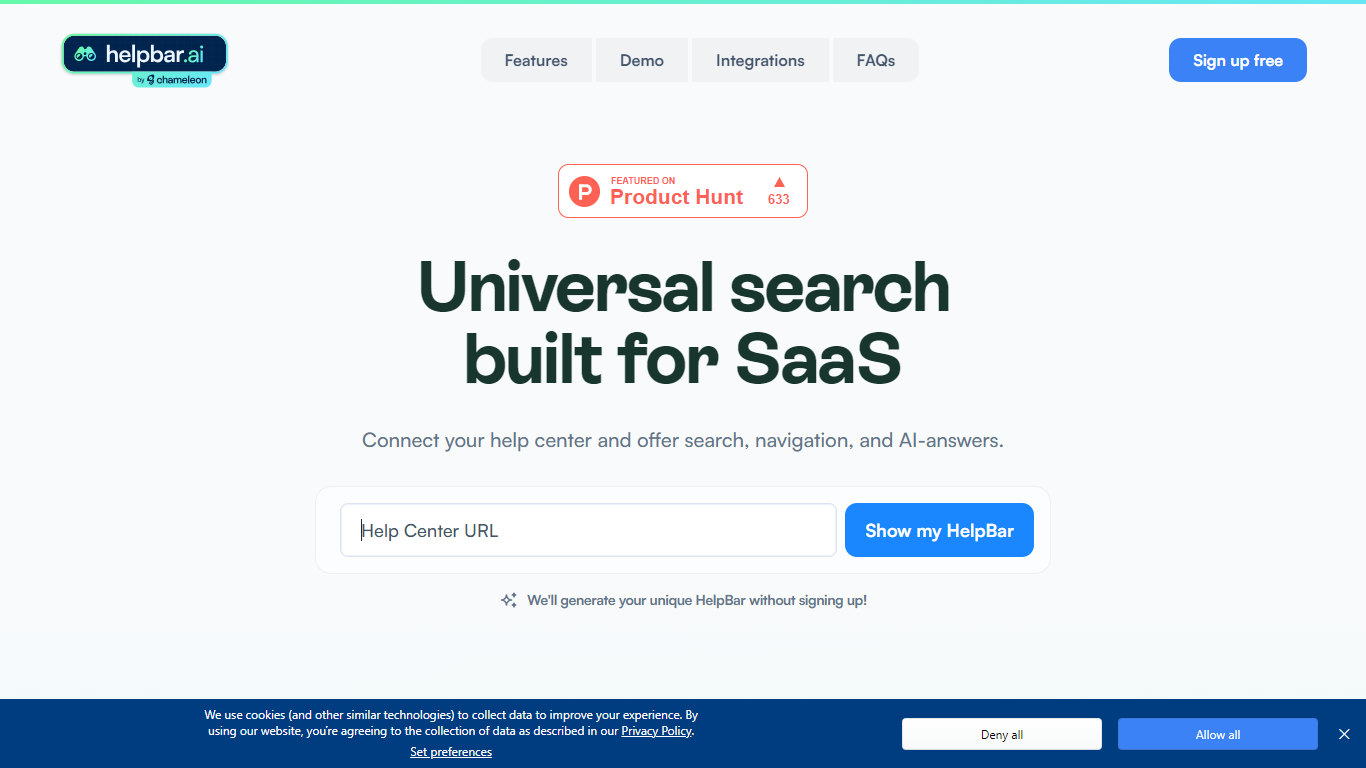

What is Helpbar?
Helpbar enables users to quickly search and navigate help content, documentation, and app resources within SaaS applications using a keyboard shortcut or widget. It consolidates multiple content sources like help centers, developer docs, and blogs into one searchable interface, providing AI-generated answers to user questions.
Unlike traditional search tools that require engineering effort to integrate and customize, Helpbar offers a no-code setup compatible with all web frameworks and browsers. It allows pinning important actions and links, enhancing discoverability and user workflow without leaving the app.
Helpbar supports private and public content indexing through native integrations with platforms such as Zendesk, Intercom, and Gitbook, or via CSV and API uploads. Its AI-powered answers use GPT to respond to questions ending with a question mark, improving self-serve support and reducing support costs.
Designed for SaaS companies, Helpbar helps speed up user onboarding and create power users by streamlining access to help content and key app actions. It complements or replaces existing in-app search solutions but does not include built-in chat functionality, though it can launch external chat tools from the interface.
Overall, Helpbar enhances user experience by providing fast, accurate search and navigation within apps, empowering users to find help and complete tasks efficiently through a simple, keyboard-driven interface.
Glean
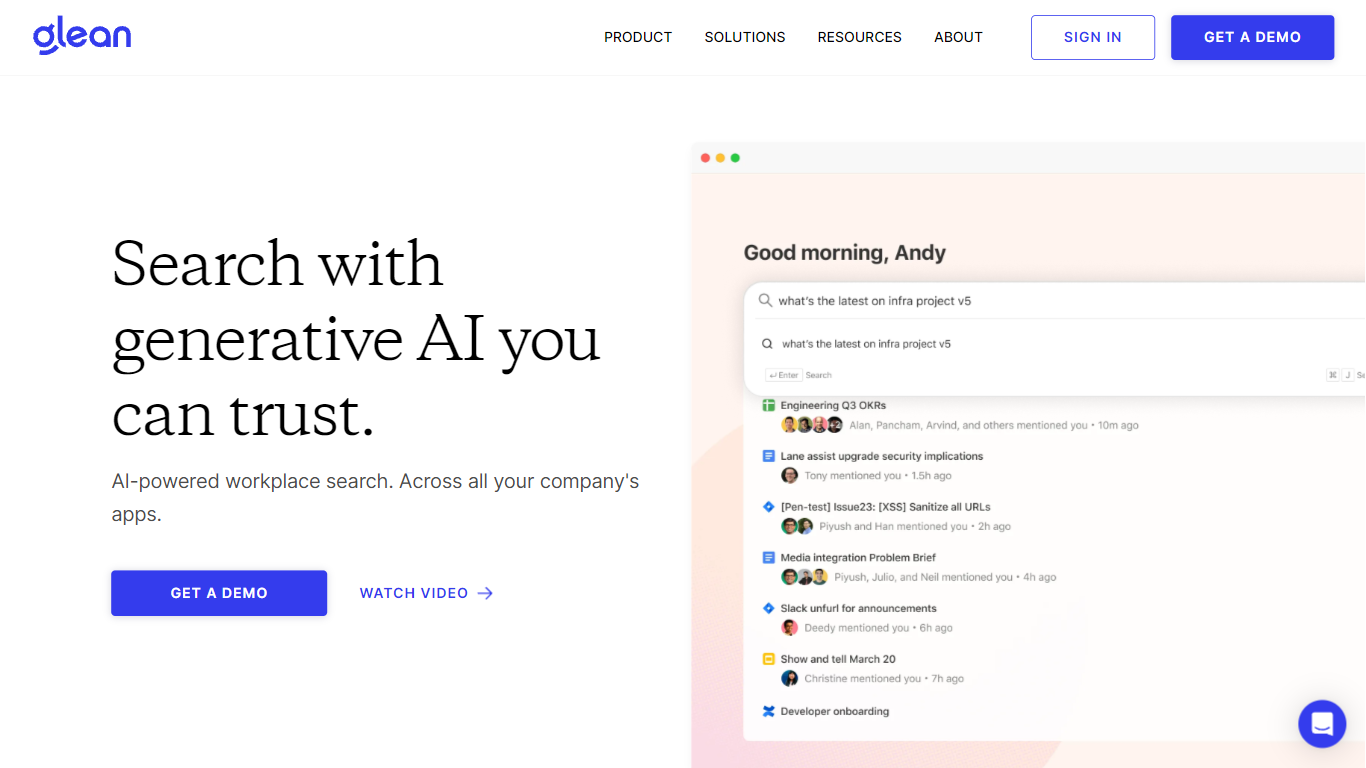
What is Glean?
Glean connects your company's apps, documents, and permissions into one enterprise search and Work AI platform. Employees ask questions in natural language, get answers grounded in Slack, Google Drive, Jira, Confluence, Salesforce, and hundreds of other sources, then automate follow-up work with assistants and agents. The system respects existing access controls so people only see what they are already allowed to view.
Generic AI chat tools send broad prompts to models without your org chart, ticket history, or doc permissions baked in. Glean indexes enterprise context once, maps relationships in an Enterprise Graph, and claims a 30% reduction in token usage compared with off-the-shelf MCP tools because less irrelevant text reaches the model. That matters when every department is spinning up agents on the same data.
IT, engineering, sales, support, and HR teams at companies like Booking.com, Zillow, and Samsung use Glean to find answers faster, build no-code agents, and cut internal support tickets. Deployment is demo-led: you request access through Glean's sales flow rather than self-serve signup.
Helpbar Upvotes
Glean Upvotes
Helpbar Top Features
🔍 Universal Search: Search help docs, blogs, and app content from one place to find answers fast.
⌨️ Keyboard Shortcut: Access Helpbar instantly with a customizable shortcut like CMD+K or CTRL+K.
📌 Pinned Actions: Highlight important links and shortcuts for quick access within the search interface.
🤖 AI Answers: Get GPT-powered responses to questions ending with a question mark for smarter help.
🔗 Integrations: Connect with Zendesk, Intercom, HelpScout, and others to index private help centers.
Glean Top Features
275+ out-of-the-box connectors sync Slack, Google Drive, Jira, Confluence, GitHub, and Salesforce
Supports 35+ unique LLMs with flexible model choice across the platform
Glean claims 110 hours saved per user per year and 20% fewer internal support tickets
Permission-aware search inherits source-app access rules so users only see allowed content
SOC 2 Type II, ISO 27001, ISO 42001, HIPAA, and GDPR compliance badges listed on the homepage
Helpbar Category
- Search Engine
Glean Category
- Search Engine
Helpbar Pricing Type
- Freemium
Glean Pricing Type
- Paid