Helpbar vs PimEyes
In the face-off between Helpbar vs PimEyes, which AI Search Engine tool takes the crown? We scrutinize features, alternatives, upvotes, reviews, pricing, and more.
In a face-off between Helpbar and PimEyes, which one takes the crown?
If we were to analyze Helpbar and PimEyes, both of which are AI-powered search engine tools, what would we find? In the race for upvotes, PimEyes takes the trophy. PimEyes has attracted 7 upvotes from aitools.fyi users, and Helpbar has attracted 6 upvotes.
Think we got it wrong? Cast your vote and show us who's boss!
Helpbar
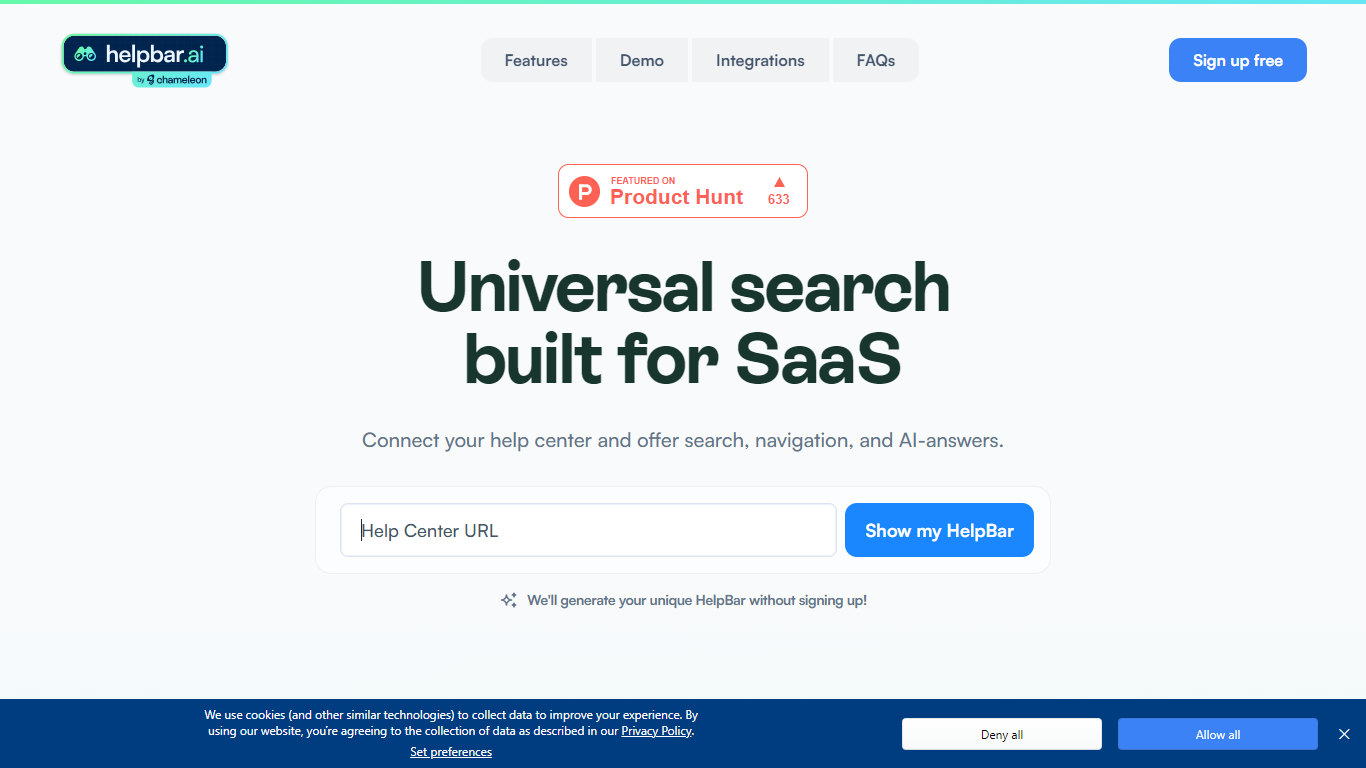

What is Helpbar?
Helpbar enables users to quickly search and navigate help content, documentation, and app resources within SaaS applications using a keyboard shortcut or widget. It consolidates multiple content sources like help centers, developer docs, and blogs into one searchable interface, providing AI-generated answers to user questions.
Unlike traditional search tools that require engineering effort to integrate and customize, Helpbar offers a no-code setup compatible with all web frameworks and browsers. It allows pinning important actions and links, enhancing discoverability and user workflow without leaving the app.
Helpbar supports private and public content indexing through native integrations with platforms such as Zendesk, Intercom, and Gitbook, or via CSV and API uploads. Its AI-powered answers use GPT to respond to questions ending with a question mark, improving self-serve support and reducing support costs.
Designed for SaaS companies, Helpbar helps speed up user onboarding and create power users by streamlining access to help content and key app actions. It complements or replaces existing in-app search solutions but does not include built-in chat functionality, though it can launch external chat tools from the interface.
Overall, Helpbar enhances user experience by providing fast, accurate search and navigation within apps, empowering users to find help and complete tasks efficiently through a simple, keyboard-driven interface.
PimEyes
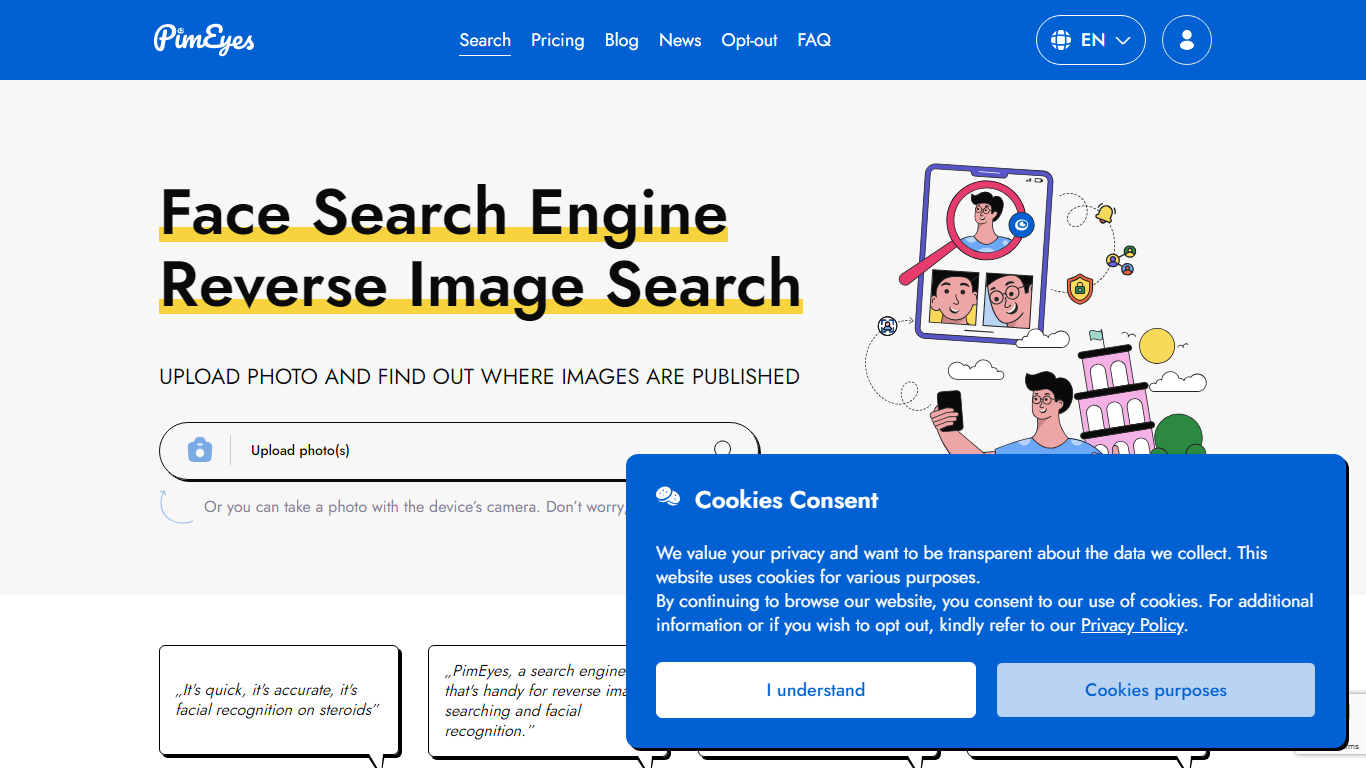
What is PimEyes?
Upload a photo and PimEyes scans the open web for matching faces in seconds. The reverse image search engine compares your picture against billions of indexed images, then returns source links so you can see where your face appears online. You can upload up to 5 photos at 8 MB each, use the camera capture option, and start with a free search from the homepage.
Generic reverse image search matches pixels and logos. PimEyes focuses on facial recognition across the open web, with monitoring alerts, optional takedown guidance, and an opt-out flow if you do not want your face indexed. Paid tiers add blur-free results, higher daily search limits, and AI-generated reports, which matters when you are tracking unauthorized reuse rather than hunting for a similar stock photo.
Creators audit copyright on photos and designs. Everyday users check their digital footprint. Public figures and PR teams set alerts for new appearances. Legal and security teams run higher-volume investigations through Advanced and OSINT offerings.
PimEyes advertises 99.5% search accuracy, GDPR compliance, SSL encryption, and more than 500,000 users on the pricing page.
Helpbar Upvotes
PimEyes Upvotes
Helpbar Top Features
🔍 Universal Search: Search help docs, blogs, and app content from one place to find answers fast.
⌨️ Keyboard Shortcut: Access Helpbar instantly with a customizable shortcut like CMD+K or CTRL+K.
📌 Pinned Actions: Highlight important links and shortcuts for quick access within the search interface.
🤖 AI Answers: Get GPT-powered responses to questions ending with a question mark for smarter help.
🔗 Integrations: Connect with Zendesk, Intercom, HelpScout, and others to index private help centers.
PimEyes Top Features
Searches more than 10 billion images with a marketed 99.5% accuracy rate
Returns face matches in under 5 seconds with up to 5 photos per upload at 8 MB each
Open Plus unlocks up to 75 daily searches and 10 PimEyes Alerts
PROtect tier raises limits to 125 daily searches and 20 alerts with AI reports
Advanced plan offers unlimited daily searches and 500 active PimEyes Alerts
Opt-out page lets you exclude your face from PimEyes search results
Optional takedown agent support on PROtect for removal guidance on external sites
Helpbar Category
- Search Engine
PimEyes Category
- Search Engine
Helpbar Pricing Type
- Freemium
PimEyes Pricing Type
- Freemium