Seedance AI vs Vidu
Compare Seedance AI vs Vidu and see which AI Video Generation tool is better when we compare features, reviews, pricing, alternatives, upvotes, etc.
Which one is better? Seedance AI or Vidu?
When we compare Seedance AI with Vidu, which are both AI-powered video generation tools, Vidu stands out as the clear frontrunner in terms of upvotes. Vidu has been upvoted 79 times by aitools.fyi users, and Seedance AI has been upvoted 6 times.
Disagree with the result? Upvote your favorite tool and help it win!
Seedance AI
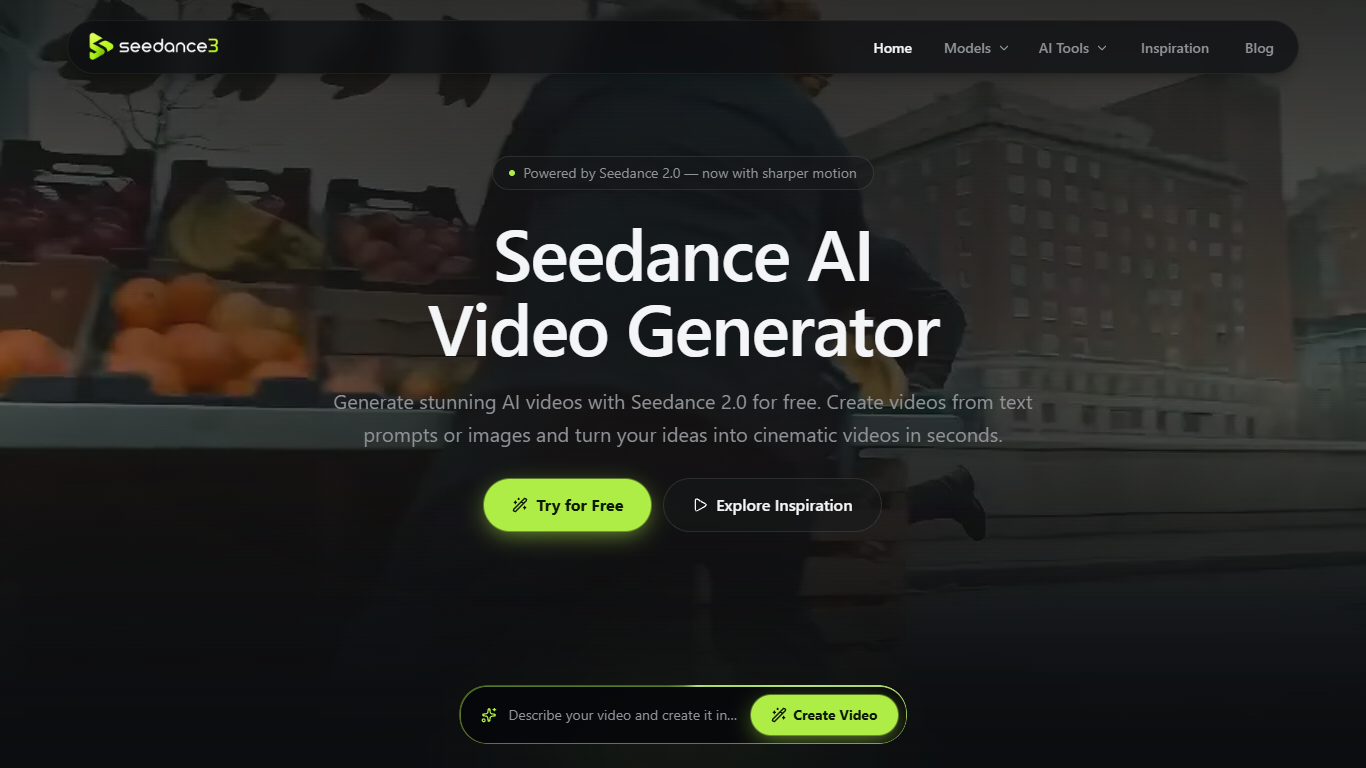

What is Seedance AI?
Seedance AI is a browser-based video generator built around ByteDance's Seedance 2.0 model. Feed it a text prompt plus optional image, video, or audio references, and it returns short cinematic clips with synchronized sound. It is aimed at creators who want to try Seedance without installing software or opening a ByteDance account.
Most AI video tools gate access behind signups and credit packs. Seedance AI offers free daily generations with no login, and lets you tag each uploaded reference with @Image, @Video, or @Audio so you can steer characters and motion instead of rewriting one long prompt. The trade-off is clip length: the live generator locks output to five seconds, while longer 30-second runs wait on the unreleased Seedance 2.5 model listed on the site.
Ecommerce marketers use it to animate product stills into ad-ready footage. Social teams pull prompts from the inspiration gallery for TikTok and Reels formats. Illustrators and filmmakers preview storyboard motion before committing to a full animation pass.
Vidu
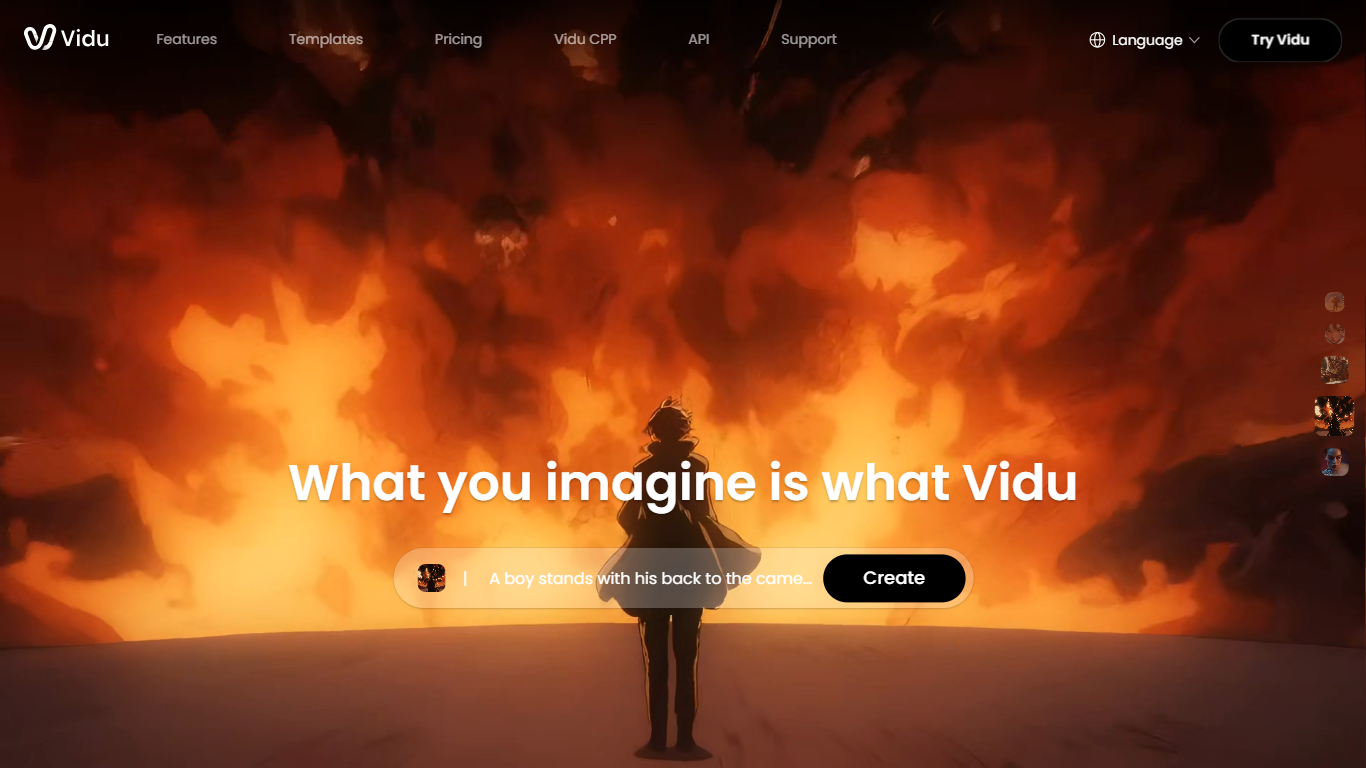
What is Vidu?
Vidu is an all-in-one platform for generating images and videos from text, still images, or references. It is built for independent creators and production teams who want to turn ideas into finished clips without a traditional post pipeline. The core modes are text-to-video, image-to-video, and reference-to-video, with output up to 1080p.
Reference-to-video is where Vidu stands out. Upload up to seven images to keep characters, objects, and scenes consistent across a clip, or save assets in My References for reuse on later projects. The Vidu Q3 model adds native audio in the same generation pass, so dialogue, voiceover, sound effects, and music land with the picture instead of in a separate editing step.
Creators working in anime, advertising, social content, and short-form film use Vidu for everything from template-based viral clips to 16-second narrative shots with frame-level camera control. Studios and marketers also use image-to-video to animate product shots or swap ad backgrounds while keeping subjects on-model.
New accounts receive starter credits, with more available through daily logins, subscriptions, and platform events.
Seedance AI Upvotes
Vidu Upvotes
Seedance AI Top Features
Upload up to 12 image, video, or audio references per generation
Outputs fixed 5-second clips at 480P, 720P, or 1080P
Six aspect ratios including 16:9, 9:16, 1:1, and 21:9
@Image, @Video, and @Audio tags tie each reference to your prompt
Generates synchronized audio alongside video with Seedance 2.0
Free daily generations with no account signup required
Vidu Top Features
Generates a full video in about 10 seconds flat
Upload up to 7 reference images and the output stays consistent across all of them
Set the first and last frame, and Vidu fills in the motion between them
Vidu Q3 bakes dialogue, sound effects, and music directly into the video in one pass
Seedance AI Category
- Video Generation
Vidu Category
- Video Generation
Seedance AI Pricing Type
- Freemium
Vidu Pricing Type
- Freemium