Semantic Scholar vs Browse AI
Dive into the comparison of Semantic Scholar vs Browse AI and discover which AI Research tool stands out. We examine alternatives, upvotes, features, reviews, pricing, and beyond.
In a comparison between Semantic Scholar and Browse AI, which one comes out on top?
When we compare Semantic Scholar and Browse AI, two exceptional research tools powered by artificial intelligence, and place them side by side, several key similarities and differences come to light. With more upvotes, Browse AI is the preferred choice. Browse AI has received 25 upvotes from aitools.fyi users, while Semantic Scholar has received 18 upvotes.
Disagree with the result? Upvote your favorite tool and help it win!
Semantic Scholar
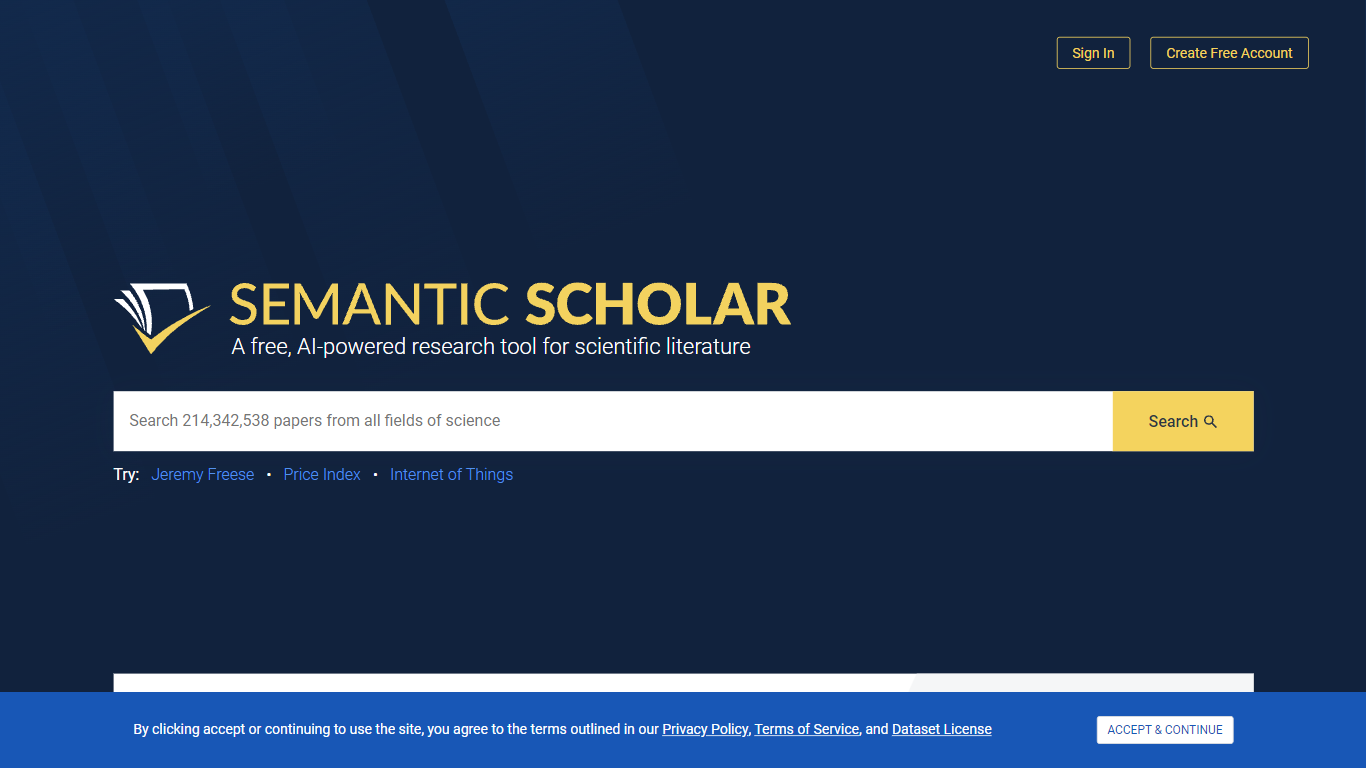

What is Semantic Scholar?
Semantic Scholar searches more than 236 million academic papers across every scientific field and surfaces citations, authors, and related work from one free interface. Built by the Allen Institute for AI (Ai2), it extracts meaning from papers so you can scan abstracts, follow citation chains, and open PDFs without jumping between databases.
Google Scholar indexes broadly but leaves connection-finding to you. Semantic Scholar adds AI-classified paper metadata, a Semantic Reader beta for in-browser annotation, and a public Academic Graph API with 214 million papers and 2.49 billion citations for developers. The S2AG and S2ORC datasets are also published as open JSON archives for NLP research.
Graduate students, faculty, librarians, and research engineers use it for literature reviews, citation tracking, and building scholarly apps. The API is free with optional keys for higher rate limits, and the platform partners with 50+ publishers to keep the index current.
Browse AI
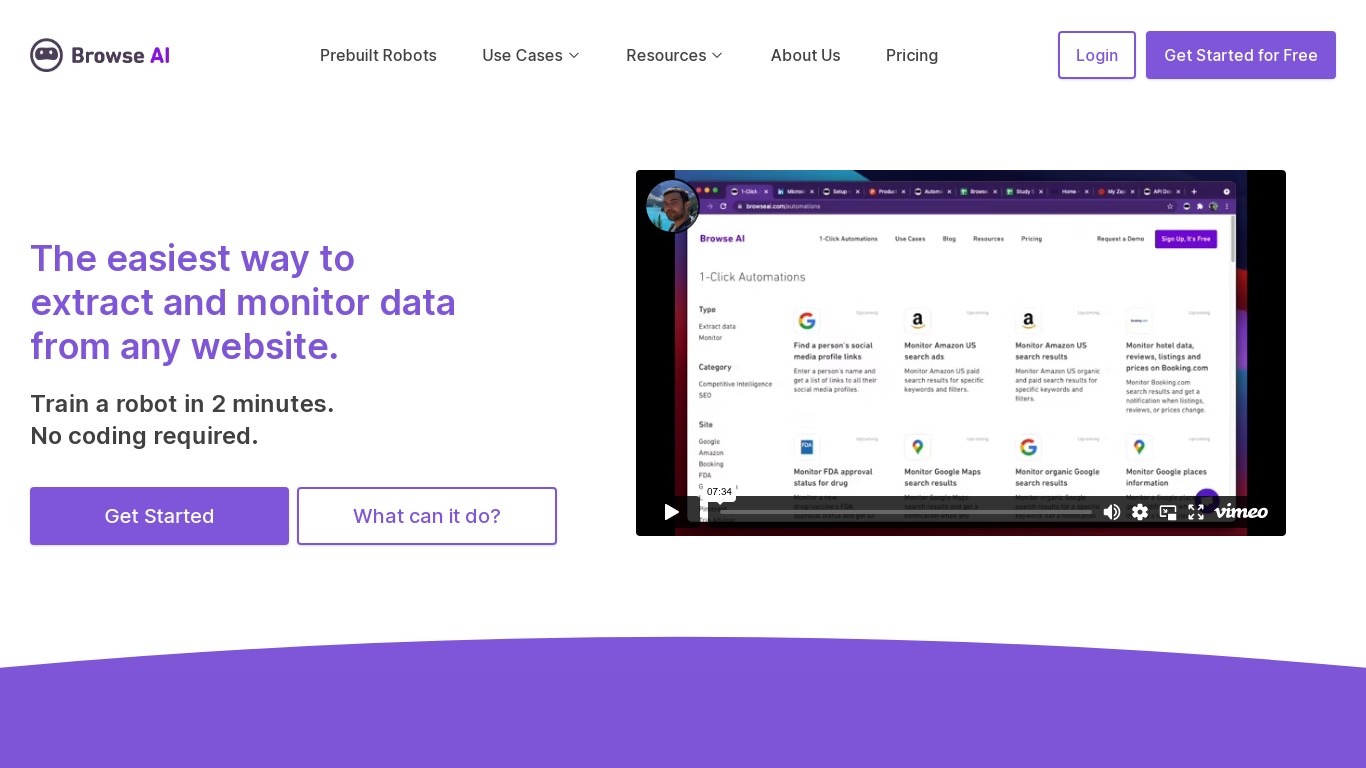
What is Browse AI?
Browse AI is a no-code web scraping and website monitoring platform built for research teams that need structured data from sites they do not control. You train robots with point-and-click actions to extract lists, details, and screenshots, then schedule runs or set change alerts without writing scripts. The platform reports over 770,000 users and has delivered more than 10 billion rows of extracted data.
Where most scrapers break the moment a target site redesigns, Browse AI leans on adaptive change detection that adjusts robot selectors when layouts shift. That trade-off favors operators who monitor competitor pricing or job boards on a schedule and cannot babysit Python scripts every time a CSS class changes. You still get deep scraping workflows, bulk runs across up to 500,000 pages, and exports to Google Sheets, Airtable, Zapier, Make, webhooks, or a REST API.
Browse AI fits ecommerce analysts tracking catalogs, real estate teams pulling listings from Airbnb or Redfin, and growth operators building lead lists from directories. Over 250 prebuilt robots cover Amazon, Indeed, Google Maps, and other high-traffic sites. A Premium tier adds fully managed scraping with custom delivery for high-volume or complex pipelines.
Semantic Scholar Upvotes
Browse AI Upvotes
Semantic Scholar Top Features
Search 236,851,843 papers indexed across all fields of science from one homepage
Semantic Reader beta adds in-browser annotations and contextual overlays on select papers
Academic Graph API covers 214 million papers, 2.49 billion citations, and 79 million authors
S2AG and S2ORC datasets ship as free JSON archives for NLP and text mining projects
Paper recommendations surface related studies based on citation and content similarity
Partners with 50+ publishers and scholarly societies to ingest new academic content
Browse AI Top Features
Point-and-click robot builder trains on any page with no code required
Adaptive change detection adjusts robots when target sites redesign layouts
250+ prebuilt robots for Amazon, Indeed, Google Maps, and other popular sites
Bulk extraction runs across up to 500,000 pages in a single operation
Paid plans monitor sites every 5 minutes; free plans allow hourly checks at minimum
Syncs to Google Sheets, Airtable, Zapier, Make, REST API, webhooks, or Amazon S3
Semantic Scholar Category
- Research
Browse AI Category
- Research
Semantic Scholar Pricing Type
- Free
Browse AI Pricing Type
- Freemium