Sendsteps.ai vs MindShow
When comparing Sendsteps.ai vs MindShow, which AI Presentation tool shines brighter? We look at pricing, alternatives, upvotes, features, reviews, and more.
Between Sendsteps.ai and MindShow, which one is superior?
When we put Sendsteps.ai and MindShow side by side, both being AI-powered presentation tools, Sendsteps.ai is the clear winner in terms of upvotes. The upvote count for Sendsteps.ai is 8, and for MindShow it's 6.
Does the result make you go "hmm"? Cast your vote and turn that frown upside down!
Sendsteps.ai
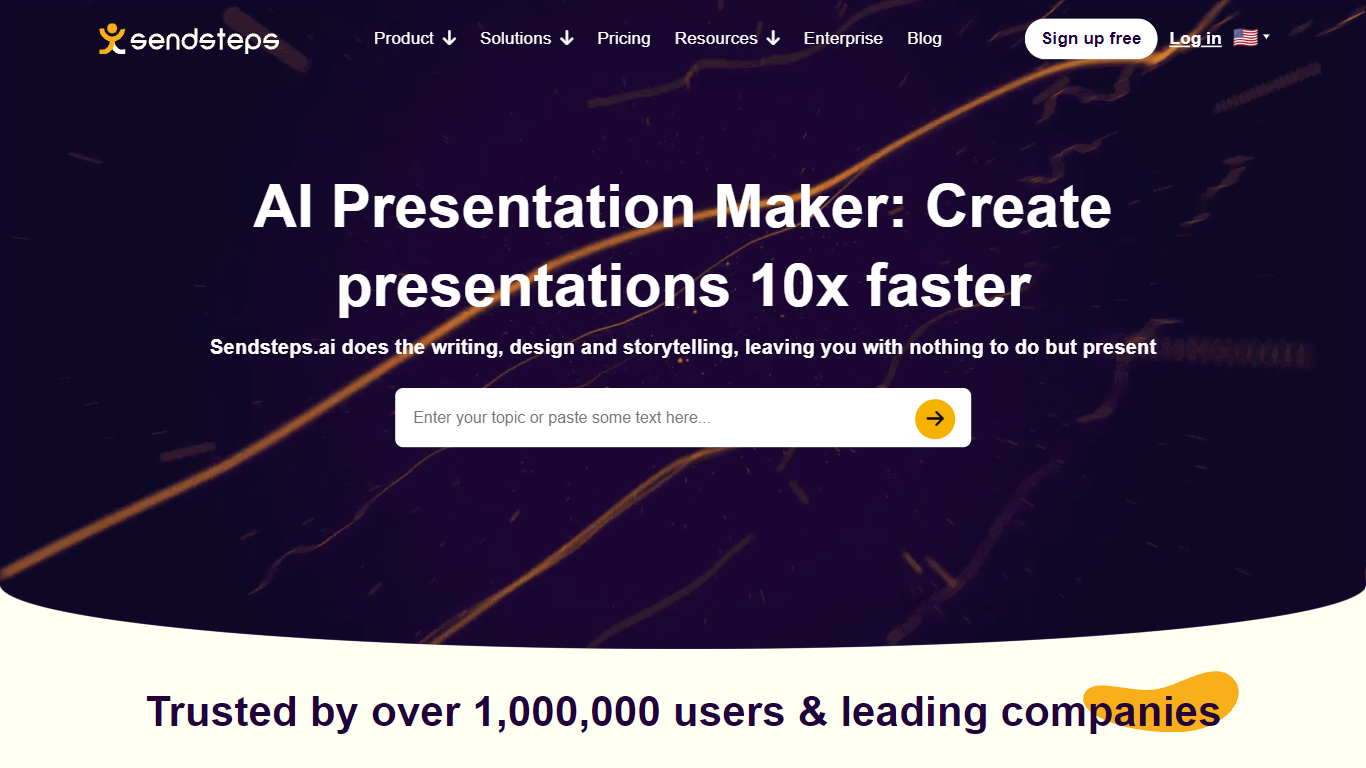

What is Sendsteps.ai?
ai, designed to enhance the way you create presentations. ai elevates your storytelling, design, and writing, allowing you to focus on delivering an impactful message. Whether you're a student, educator, or business professional, this platform facilitates effortless creation of interactive presentations, complete with live Q&A, word clouds, and quizzes to engage your audience.
ai's intuitive system to describe your topic or upload a document, and let the AI handle the rest, from generating interactivity to crafting the final content. ai is the go-to solution for efficient, engaging presentation creation without the hassle.
MindShow
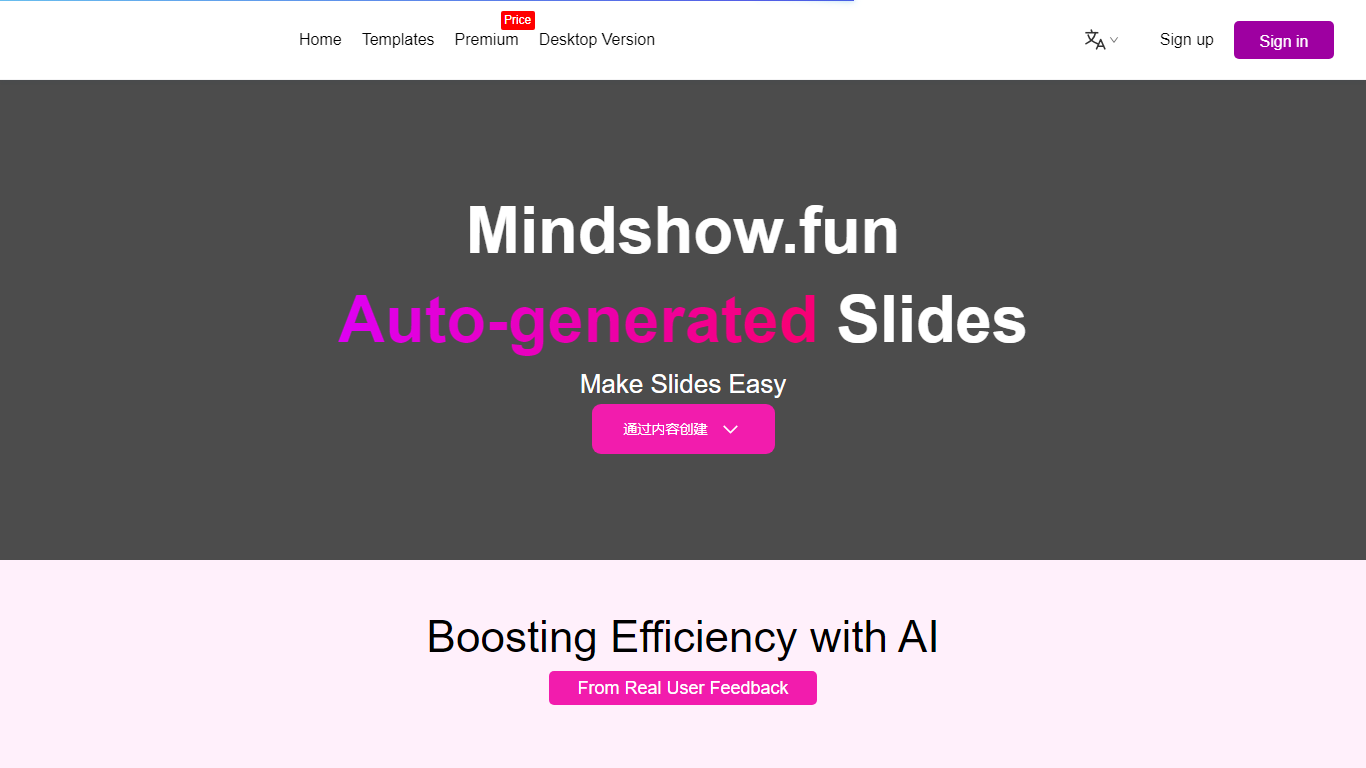
What is MindShow?
MindShow is an online presentation builder that turns a title, pasted text, or uploaded file into a finished slide deck. You can start from a prompt, drop in a Word or PDF file, or import Markdown and mind maps, then let the tool generate layouts, graphics, and animations automatically. It fits anyone who needs a PPT fast without rebuilding every slide by hand.
Where many slide tools stop at blank templates, MindShow pushes import paths and long-document handling. The site lists dedicated flows for Markdown, Word, PDF, PPTX redesign, mind maps in .xmind and .mm, plain text, image analysis, and long-text summaries up to 100,000 words. That breadth matters if your source material already lives outside the presentation app.
Office workers, teachers, and students use it for work reports, product decks, and defense presentations. MindShow also offers a downloadable desktop application, publishes help at mindshow.fun/help, and lists [email protected] for contact.
Sendsteps.ai Upvotes
MindShow Upvotes
Sendsteps.ai Top Features
⚡ Fast Presentation Creation: Generate complete presentations in under a minute to save time.
📄 Document Upload: Convert Word, PowerPoint, PDF, or .txt files into interactive presentations.
🌍 Multi-language Support: Create presentations in 86 languages to reach diverse audiences.
🎯 Interactive Tools: Engage audiences with live quizzes, polls, word clouds, and Q&A sessions.
💾 PowerPoint Export: Easily export AI-generated presentations to PowerPoint format for flexibility.
MindShow Top Features
Generate a full PPT from a title, uploaded document, or pasted text
Import Markdown, Word .docx, PDF, PPTX, and mind maps in .xmind or .mm formats
Summarize long text up to 100,000 words into a condensed presentation
Switch between multiple themes and layouts with one click after generation
Edit generated content in an outline view before exporting to PPTX
Desktop application available alongside the browser-based editor
Sendsteps.ai Category
- Presentation
MindShow Category
- Presentation
Sendsteps.ai Pricing Type
- Freemium
MindShow Pricing Type
- Freemium