Serwell vs CronbotAI
Dive into the comparison of Serwell vs CronbotAI and discover which AI Customer Support tool stands out. We examine alternatives, upvotes, features, reviews, pricing, and beyond.
In a comparison between Serwell and CronbotAI, which one comes out on top?
When we compare Serwell and CronbotAI, two exceptional customer support tools powered by artificial intelligence, and place them side by side, several key similarities and differences come to light. Both tools have received the same number of upvotes from aitools.fyi users. You can help us determine the winner by casting your vote and tipping the scales in favor of one of the tools.
Feeling rebellious? Cast your vote and shake things up!
Serwell
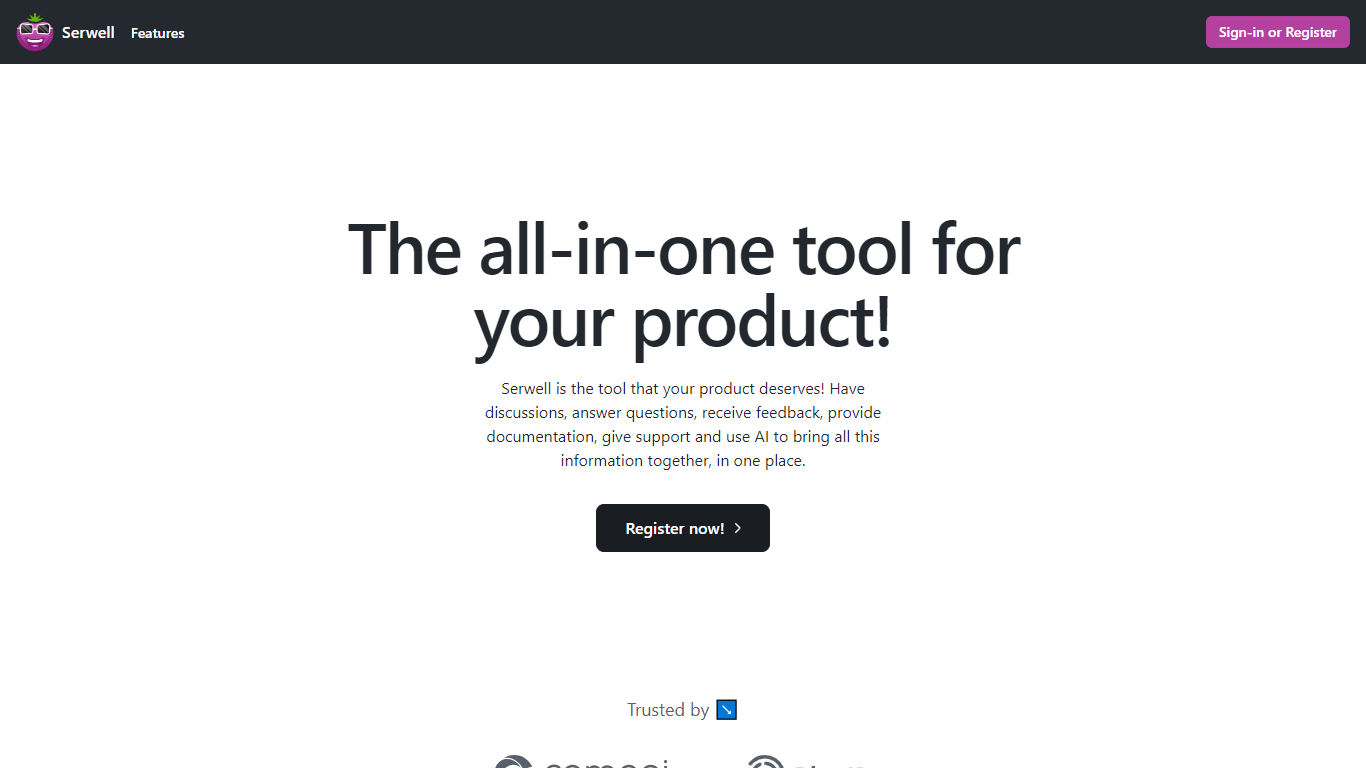

What is Serwell?
Serwell combines community forums, feedback boards, support tickets, product docs, and an embeddable AI assistant in one customer support workspace. SaaS teams run discussions, mark answers, post updates, collect feedback with an auto-generated roadmap, and handle private support tickets from the same branded hub. Documentation pages are search-engine indexed so customers can find help outside the app.
Unlike stacking Intercom, Canny, and a separate docs site, Serwell keeps community, roadmap, support, and knowledge base data in one workspace that trains its AI layer. The widget learns from workspace content and suggests replies based on docs and past tickets. Custom domains, BlueID authentication, and SSO let you host the portal on your own URL with your login flow.
Product managers, SaaS founders, and customer success teams who want one portal instead of four tools fit Serwell best. It trades deep specialization in any single category for a unified stack with shared context across support channels.
CronbotAI
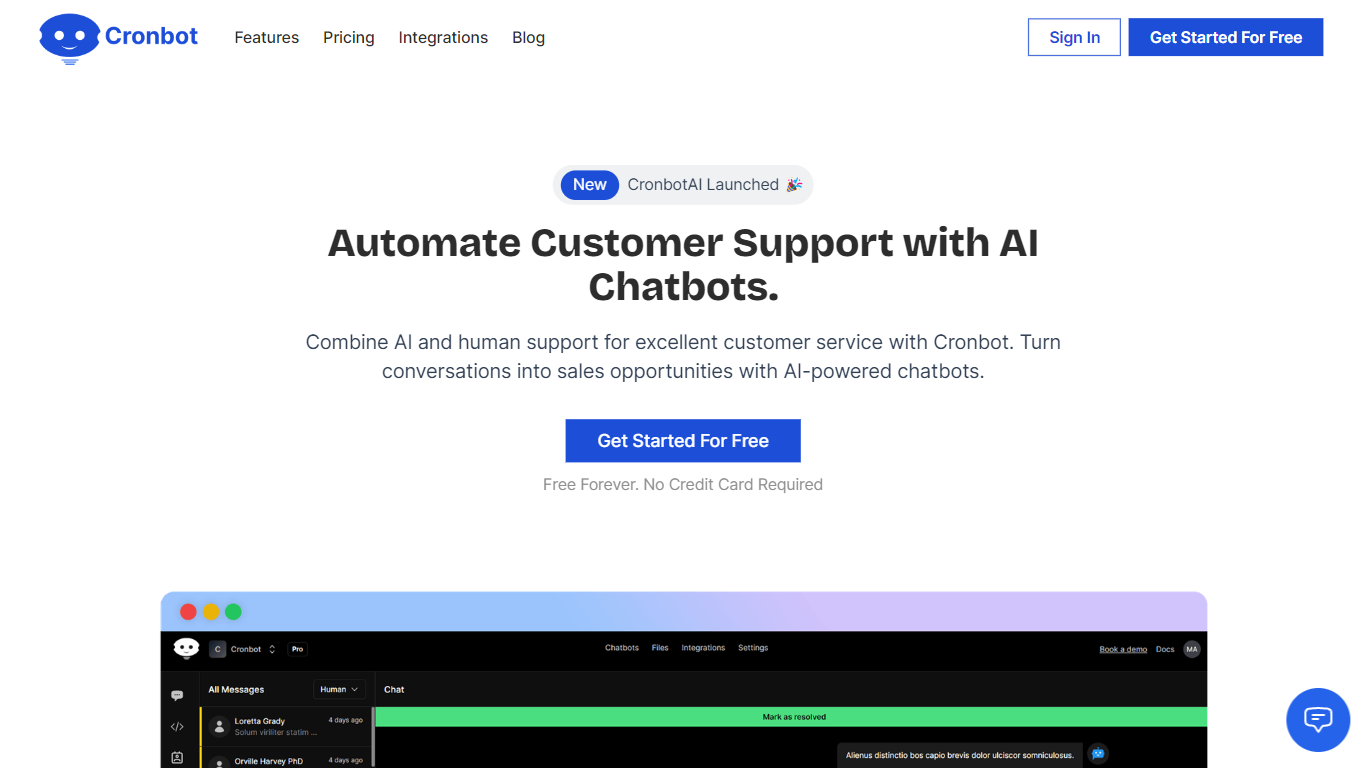
What is CronbotAI?
CronbotAI puts an AI chatbot on your website that answers visitors from your own training data and hands off to humans when needed. Upload PDFs, CSVs, sitemap URLs, or Notion pages, embed a script on WordPress, Shopify, Wix, or Webflow, and start capturing leads in a built-in CRM without writing code.
Many chatbot builders treat support and sales as separate products. CronbotAI bundles training, deployment, ticket tracking, and contact management in one dashboard, which matters for SaaS teams that want one bot per product without juggling three tools.
Plans scale from a single-bot Basic tier to Pro with analytics, webhooks, and up to 15,000 AI messages per month. CronbotAI reports adoption by more than 400 brands and offers Slack plus email integrations on mid-tier plans so agents can reply from tools they already use.
Serwell Upvotes
CronbotAI Upvotes
Serwell Top Features
Auto-generated product roadmap from feedback tickets without manual board setup
Private support tickets visible only to the agent and the requesting customer
Documentation editor with automatic search engine indexing for public help pages
Embeddable AI widget that learns from workspace docs and prior support requests
Custom domain hosting with BlueID authentication and SSO for branded portals
Community Q&A with mark-as-answer posts and product update announcements
CronbotAI Top Features
Train chatbots on PDF, CSV, website URLs, sitemaps, and Notion content
Embed on WordPress, Shopify, Wix, Webflow, Bubble, or custom sites via script
Built-in CRM stores contacts, companies, and ticket history in one dashboard
Basic plan includes 1 chatbot, 500 AI messages per month, and 50 training pages
Hobby plan adds Slack and email integrations with 4,000 monthly AI messages
Pro plan supports 5 chatbots, 15,000 monthly messages, analytics, and webhooks
Visitors can request human support and agents reply from email or Slack
Serwell Category
- Customer Support
CronbotAI Category
- Customer Support
Serwell Pricing Type
- Paid
CronbotAI Pricing Type
- Freemium