
Last updated 08-14-2026
Category:
Reviews:
Join thousands of AI enthusiasts in the World of AI!
CronbotAI
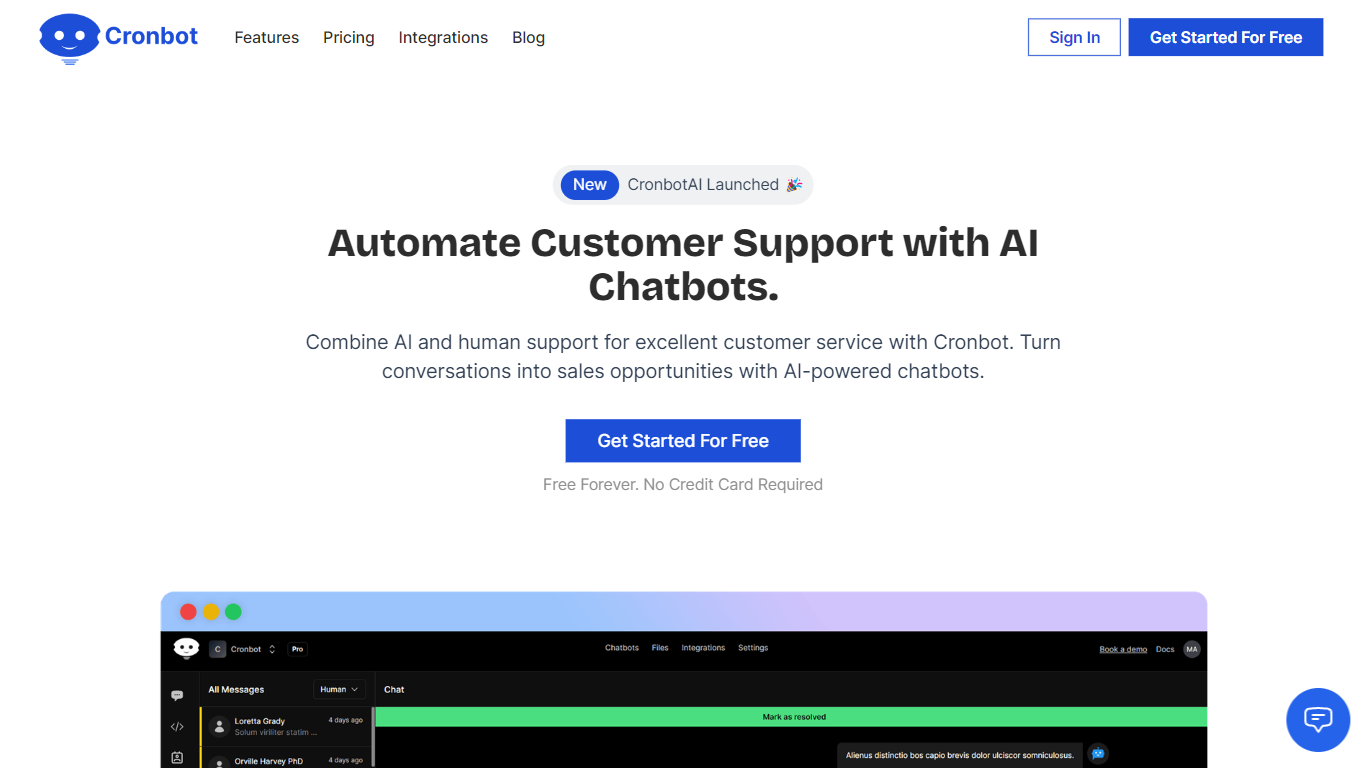
CronbotAI puts an AI chatbot on your website that answers visitors from your own training data and hands off to humans when needed. Upload PDFs, CSVs, sitemap URLs, or Notion pages, embed a script on WordPress, Shopify, Wix, or Webflow, and start capturing leads in a built-in CRM without writing code.
Many chatbot builders treat support and sales as separate products. CronbotAI bundles training, deployment, ticket tracking, and contact management in one dashboard, which matters for SaaS teams that want one bot per product without juggling three tools.
Plans scale from a single-bot Basic tier to Pro with analytics, webhooks, and up to 15,000 AI messages per month. CronbotAI reports adoption by more than 400 brands and offers Slack plus email integrations on mid-tier plans so agents can reply from tools they already use.
Train chatbots on PDF, CSV, website URLs, sitemaps, and Notion content
Embed on WordPress, Shopify, Wix, Webflow, Bubble, or custom sites via script
Built-in CRM stores contacts, companies, and ticket history in one dashboard
Basic plan includes 1 chatbot, 500 AI messages per month, and 50 training pages
Hobby plan adds Slack and email integrations with 4,000 monthly AI messages
Pro plan supports 5 chatbots, 15,000 monthly messages, analytics, and webhooks
Visitors can request human support and agents reply from email or Slack
Trains on PDF, CSV, sitemap, Notion, and live website content
No-code embed works across WordPress, Shopify, Wix, and Webflow
Built-in CRM captures contacts when visitors request human help
Free trial available on the Basic plan
Slack and email integrations on Hobby and Pro tiers
Basic plan allows only 500 AI messages per month
Slack integration requires Hobby plan or higher
Analytics dashboard is limited to the Pro plan
Per-file upload caps range from 2 MB on Basic to 10 MB on Pro
How do I train CronbotAI on my website content?
CronbotAI lets you upload training data from PDF, CSV, Notion, website content, or a sitemap URL in the Training Data section. The chatbot uses that material to answer visitor questions on your site.
What does CronbotAI's Basic plan cost?
CronbotAI's Basic plan is $19 per month or $190 per year and includes 1 chatbot, 500 AI messages per month, 50 training pages, and 200 CRM contacts. A free trial is available on signup.
Can CronbotAI integrate with Slack?
Yes. CronbotAI offers Slack integration on Hobby and Pro plans. Install it from the Integration tab to receive ticket alerts and collaborate on human-support requests inside Slack.
How many chatbots can I create in CronbotAI?
CronbotAI plan limits are 1 chatbot on Basic, 2 on Hobby, and 5 on Pro. You manage every bot from the same dashboard, which suits SaaS teams running separate bots per product.
Does CronbotAI include a CRM?
Yes. CronbotAI includes a built-in CRM for contacts and companies. Visitors become contacts when they request human support, and Pro adds analytics on tickets, top questions, and message usage.
Which website platforms does CronbotAI support?
CronbotAI provides no-code setup guides for custom websites, Webflow, WordPress, Shopify, Wix, and Bubble. You copy an embed script from the dashboard and paste it into your site.