Serwell vs LoomFlows
In the clash of Serwell vs LoomFlows, which AI Customer Support tool emerges victorious? We assess reviews, pricing, alternatives, features, upvotes, and more.
When we put Serwell and LoomFlows head to head, which one emerges as the victor?
Let's take a closer look at Serwell and LoomFlows, both of which are AI-driven customer support tools, and see what sets them apart. LoomFlows is the clear winner in terms of upvotes. LoomFlows has 7 upvotes, and Serwell has 6 upvotes.
You don't agree with the result? Cast your vote to help us decide!
Serwell
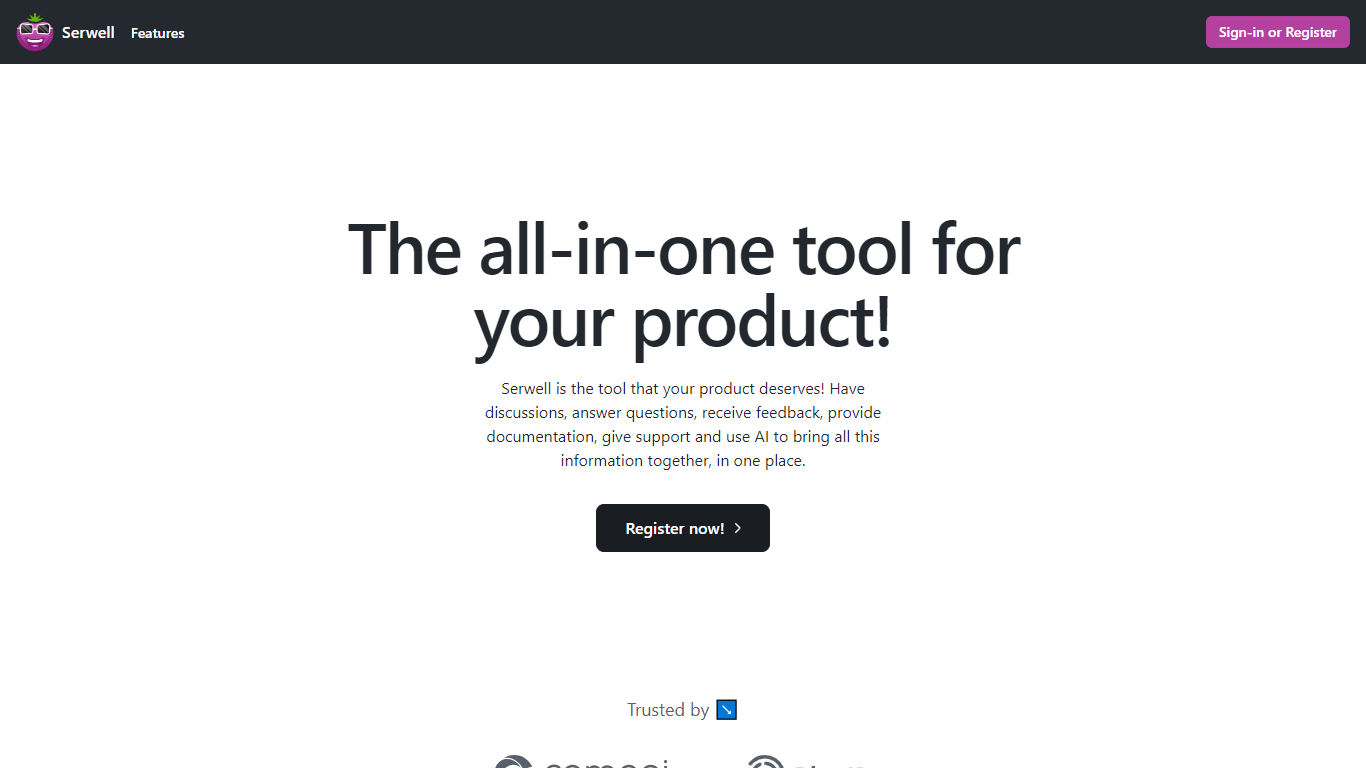

What is Serwell?
Serwell combines community forums, feedback boards, support tickets, product docs, and an embeddable AI assistant in one customer support workspace. SaaS teams run discussions, mark answers, post updates, collect feedback with an auto-generated roadmap, and handle private support tickets from the same branded hub. Documentation pages are search-engine indexed so customers can find help outside the app.
Unlike stacking Intercom, Canny, and a separate docs site, Serwell keeps community, roadmap, support, and knowledge base data in one workspace that trains its AI layer. The widget learns from workspace content and suggests replies based on docs and past tickets. Custom domains, BlueID authentication, and SSO let you host the portal on your own URL with your login flow.
Product managers, SaaS founders, and customer success teams who want one portal instead of four tools fit Serwell best. It trades deep specialization in any single category for a unified stack with shared context across support channels.
LoomFlows
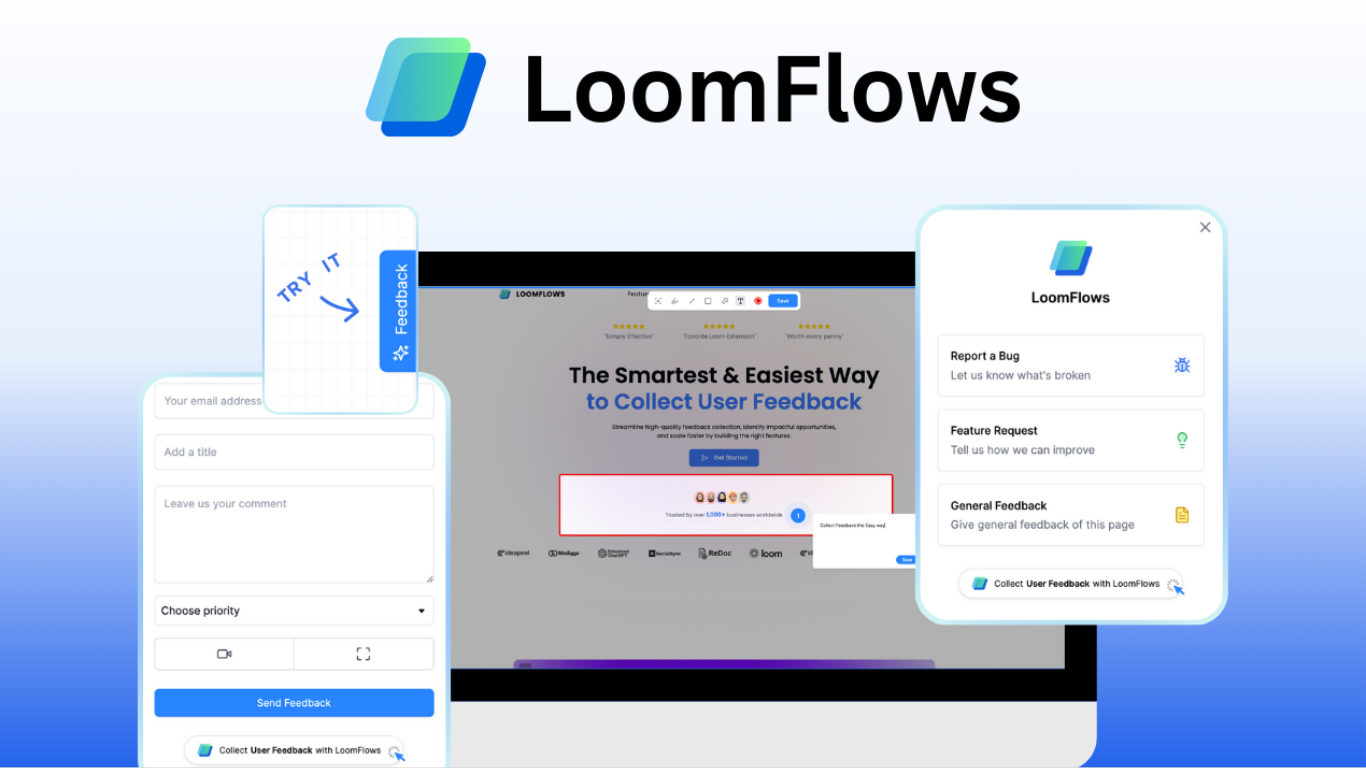
What is LoomFlows?
LoomFlows is a customer feedback and product roadmapping tool built around visual input from Loom videos and annotated screenshots. Teams install a branded widget with one line of code, then collect feature requests, bugs, testimonials, and other feedback without back-and-forth email threads.
Users can record Loom screen videos, highlight areas on screenshots, and attach files so feedback is clear instead of vague. LoomFlows also includes a public forum where customers can discuss ideas and vote on roadmap priorities.
Inside the dashboard, teams can filter, sort, and search feedback, review analytics, and use a feedback CRM to follow up with customers. Setup is advertised as taking under five minutes.
Pricing starts free with one widget and up to 10 feedback items per month. Paid plans add unlimited feedback, forum access, customizable emails, and longer Loom video retention windows.
Serwell Upvotes
LoomFlows Upvotes
Serwell Top Features
Auto-generated product roadmap from feedback tickets without manual board setup
Private support tickets visible only to the agent and the requesting customer
Documentation editor with automatic search engine indexing for public help pages
Embeddable AI widget that learns from workspace docs and prior support requests
Custom domain hosting with BlueID authentication and SSO for branded portals
Community Q&A with mark-as-answer posts and product update announcements
LoomFlows Top Features
Collect Loom video recordings, annotated screenshots, and attachments through a branded feedback widget
Let users vote and discuss feature requests on a public feedback forum
Filter, sort, search, and analyze feedback from a centralized dashboard
Install with one line of code and customize the widget in under five minutes
Follow up with customers through built-in feedback CRM and roadmap workflows
Serwell Category
- Customer Support
LoomFlows Category
- Customer Support
Serwell Pricing Type
- Paid
LoomFlows Pricing Type
- Freemium