Sheet Copilot vs Formula God
Dive into the comparison of Sheet Copilot vs Formula God and discover which AI Excel tool stands out. We examine alternatives, upvotes, features, reviews, pricing, and beyond.
When comparing Sheet Copilot and Formula God, which one rises above the other?
When we compare Sheet Copilot and Formula God, two exceptional excel tools powered by artificial intelligence, and place them side by side, several key similarities and differences come to light. The upvote count is neck and neck for both Sheet Copilot and Formula God. Join the aitools.fyi users in deciding the winner by casting your vote.
Think we got it wrong? Cast your vote and show us who's boss!
Sheet Copilot

What is Sheet Copilot?
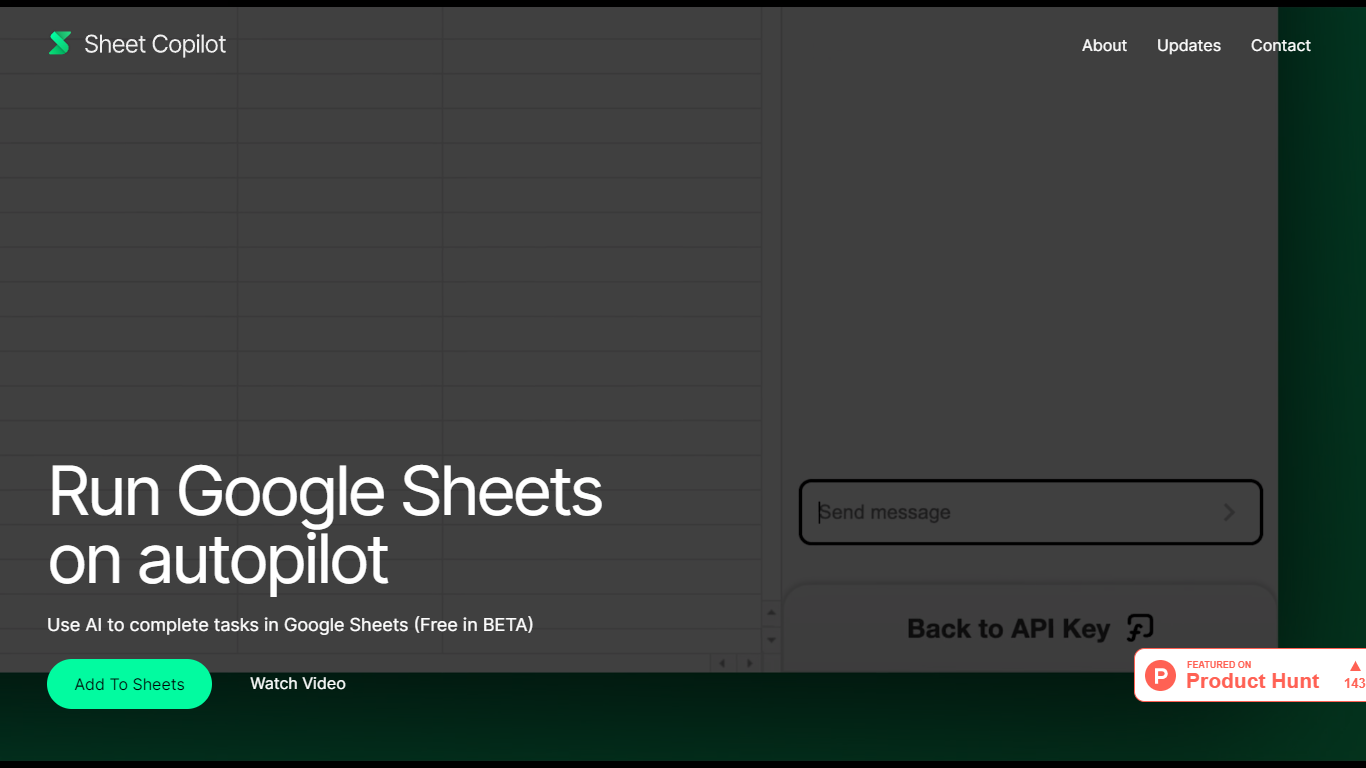
Sheet Copilot is a Google Sheets add-on that turns plain-language instructions into spreadsheet work. Install it from the Google Workspace Marketplace, connect your own OpenAI API key, and ask it to handle formulas, formatting, and charts while you stay inside the sheet.
The listing describes GPT-4 driving each task, with changes applied in real time so you can watch the assistant work step by step. You describe the outcome you want in chat, and Sheet Copilot carries out the spreadsheet operations needed to get there.
The add-on is free during its beta period on the marketplace, though you bring your own OpenAI API key and pay OpenAI for model usage. The listing states your key is stored in your Google account and is not kept on Sheet Copilot servers.
The marketplace listing shows more than 81,000 installations and was last updated in September 2024. Support contact listed there is [email protected]. The developer site sheetcopilot.ai is currently unreachable.
Formula God
What is Formula God?
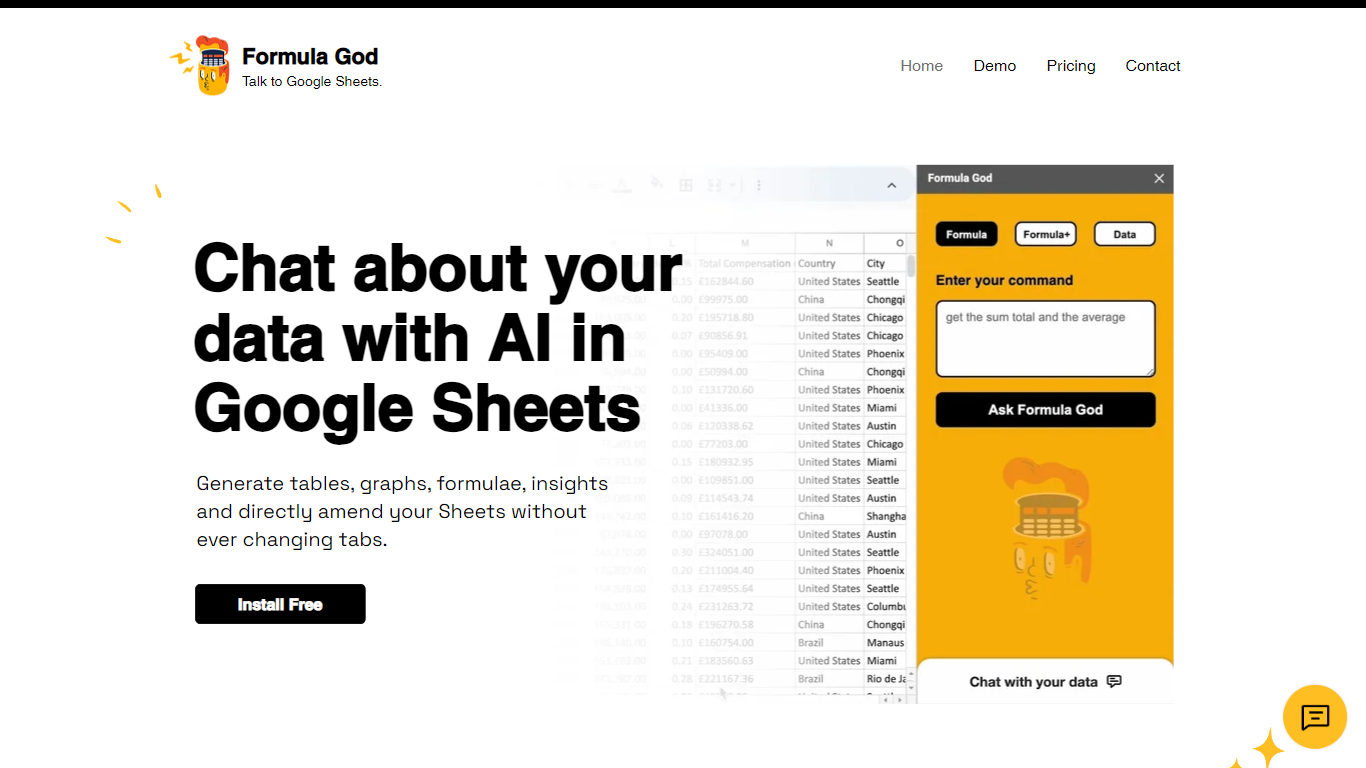
Formula God is an innovative add-on for Google Sheets that seamlessly integrates AI capabilities into your spreadsheet environment. It's designed to enhance productivity by providing real-time data assistance through a side panel within Google Sheets itself. This AI-powered tool allows users to generate tables, graphs, and formulas, gain insights, and even make direct amendments to their Sheets without switching tabs. It simplifies the creation of complex formulas by understanding natural language commands and automating the process, effectively serving as a personal data assistant that responds to queries with actionable outputs. Users can also engage in AI chat for deeper insights on applying formulas, making it an essential tool for anyone looking to harness the power of AI in their data analysis workflows.
Sheet Copilot Upvotes
Formula God Upvotes
Sheet Copilot Top Features
Describe tasks in chat and Sheet Copilot executes them inside your spreadsheet
Uses GPT-4 to build formulas, apply formatting, and create visualizations
Shows changes in real time as the assistant works through your sheet
Free during beta on the Google Workspace Marketplace
Your OpenAI API key stays in your Google account, not on Sheet Copilot servers
Formula God Top Features
AI Integration: Engage with Google Sheets using natural language to generate formulas and insights.
Real-Time Assistance: Create tables graphs and query data without leaving the Sheets tab.
Formula Generator: Receive AI-generated formulas based on your data and implement them directly into Sheets.
User-Friendly: Tailored for ease of use making complex data manipulation accessible to all users.
Efficiency Boost: Speed up your workflow with instant graph creation and formula calculation.
Sheet Copilot Category
- Excel
Formula God Category
- Excel
Sheet Copilot Pricing Type
- Freemium
Formula God Pricing Type
- Freemium