SheetSavvy vs Excelly-AI
Compare SheetSavvy vs Excelly-AI and see which AI Excel tool is better when we compare features, reviews, pricing, alternatives, upvotes, etc.
Which one is better? SheetSavvy or Excelly-AI?
When we compare SheetSavvy with Excelly-AI, which are both AI-powered excel tools, Interestingly, both tools have managed to secure the same number of upvotes. Join the aitools.fyi users in deciding the winner by casting your vote.
Want to flip the script? Upvote your favorite tool and change the game!
SheetSavvy

What is SheetSavvy?
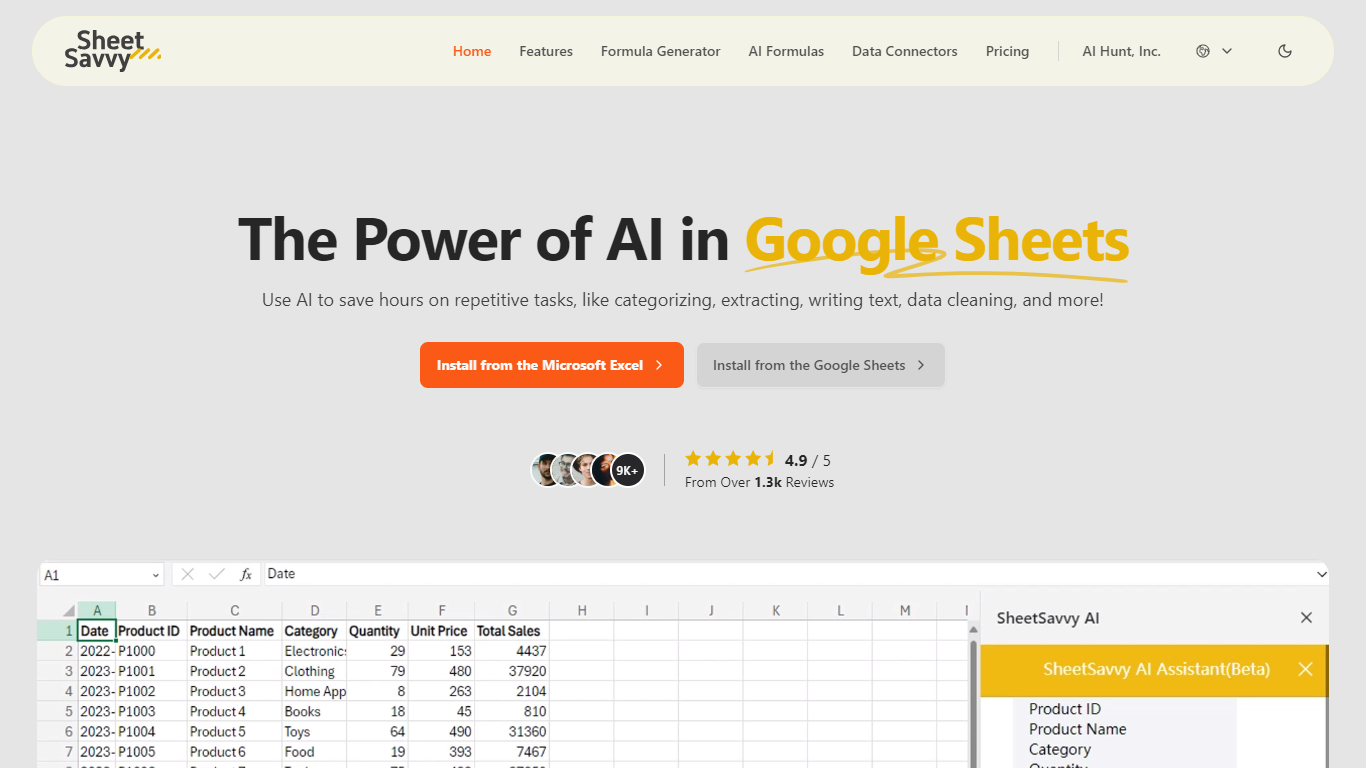
SheetSavvy is a spreadsheet add-in for Microsoft Excel and Google Sheets that brings formula generation, cell-level AI functions, and live data imports into the apps you already use. Install it from the Microsoft AppSource or Google Workspace Marketplace, sign in, and work inside your workbook instead of copying data to a separate web tool.
The product centers on four areas: an AI assistant for templates, summaries, and charts; a formula generator that turns plain-English prompts into Excel or Sheets formulas; custom =SSAI formulas for text, tagging, extraction, and translation inside cells; and data connectors that pull live records from external systems without manual exports.
SheetSavvy targets analysts, operations teams, and spreadsheet-heavy roles who spend time cleaning data, writing nested formulas, or refreshing dashboards. The free Personal plan covers light use with GPT-3.5, while paid tiers unlock GPT-4, higher request limits, more connectors, and priority support.
Excelly-AI
What is Excelly-AI?
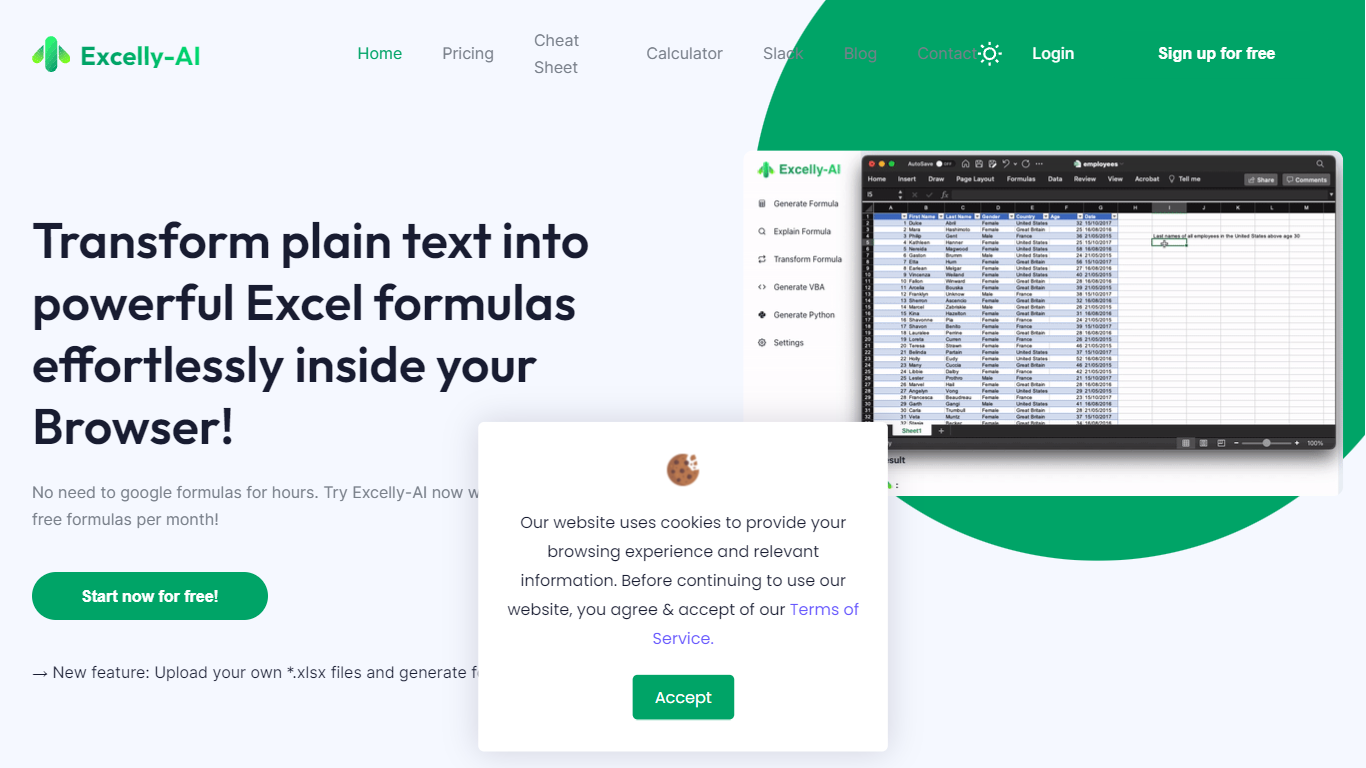
Excelly-AI is the premier tool for transforming plain text into powerful Excel and Google Sheets formulas right within your browser or via Slack. Our cutting-edge technology allows users to generate or explain complex formulas effortlessly, catering both to Excel and VBA as well as Google Sheets users. With the unique *.xlsx file upload feature, Excelly-AI elevates your productivity by allowing you to craft customized prompts based on your spreadsheet's column schema, providing precise and context-aware formula generation. Excel enthusiasts can also convert formulas between Excel and Google Sheets instantly. Additionally, Excelly-AI integrates seamlessly with Slack, empowering teams of any size to streamline their spreadsheet-related tasks company-wide. Whether a beginner or a power user, start with 5 free formulas per month and witness the transformation of text to formulas without endlessly Googling.
SheetSavvy Upvotes
Excelly-AI Upvotes
SheetSavvy Top Features
Installs as a plug-in for Microsoft Excel and Google Sheets from official marketplaces
Formula generator turns plain-English prompts into spreadsheet formulas with explanations
Custom =SSAI formulas generate text, tag data, extract fields, summarize, and translate in cells
Data connectors import live records into spreadsheets with timed refresh and change alerts
Generates VBA, JavaScript, and Apps Script code to automate repetitive workbook tasks
Excelly-AI Top Features
Generate Formulas: Support for both Excel and Google Sheets with explanations for every generated formula.
Upload .xlsx Files: Generate formulas based on your own spreadsheets with meaningful prompts.
Explain Formulas: Excelly-AI can simplify and explain complex formulas for easy understanding.
Generate VBA: Instantly create any VBA formula you need.
Transform Formulas: Easily convert formulas between Excel and Google Sheets formats.
SheetSavvy Category
- Excel
Excelly-AI Category
- Excel
SheetSavvy Pricing Type
- Freemium
Excelly-AI Pricing Type
- Freemium