SheetSavvy vs Neptyne
In the face-off between SheetSavvy vs Neptyne, which AI Excel tool takes the crown? We scrutinize features, alternatives, upvotes, reviews, pricing, and more.
In a face-off between SheetSavvy and Neptyne, which one takes the crown?
If we were to analyze SheetSavvy and Neptyne, both of which are AI-powered excel tools, what would we find? Interestingly, both tools have managed to secure the same number of upvotes. Be a part of the decision-making process. Your vote could determine the winner.
Disagree with the result? Upvote your favorite tool and help it win!
SheetSavvy
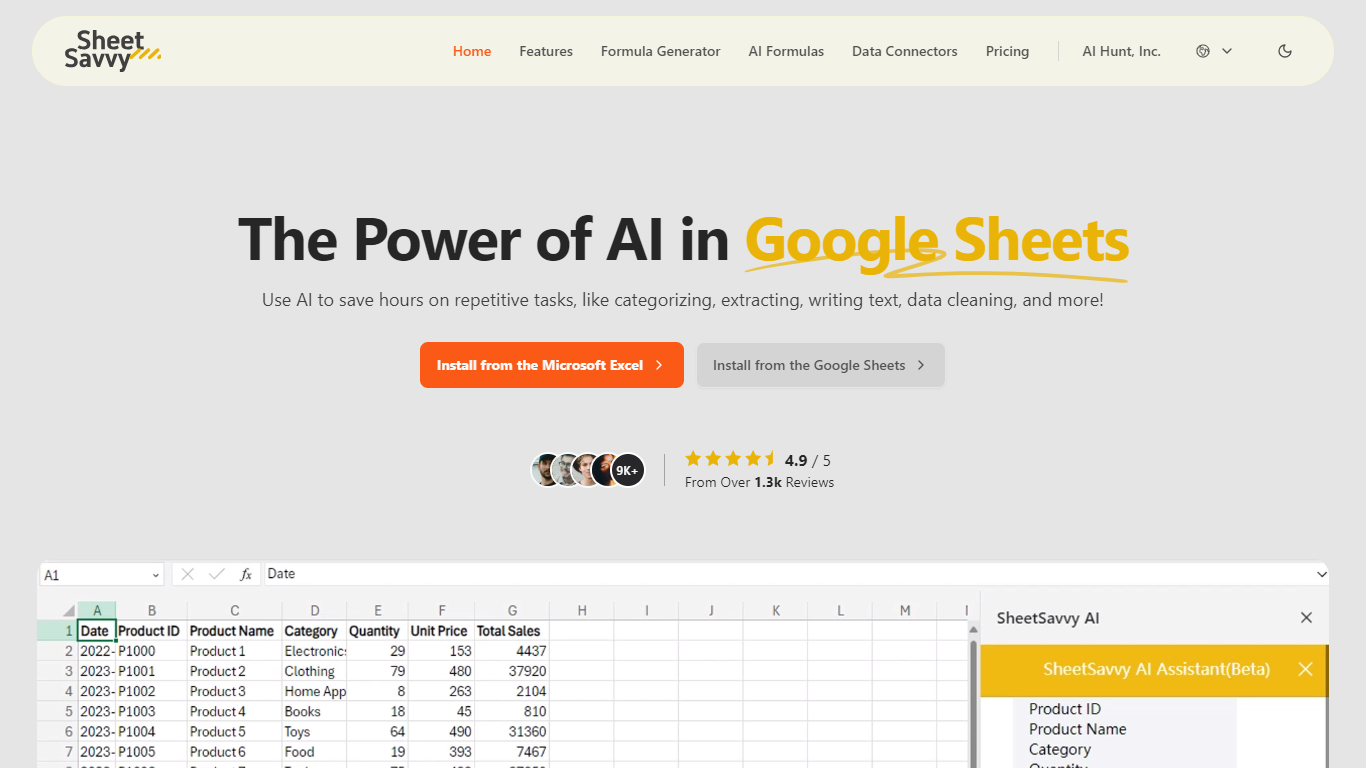

What is SheetSavvy?
SheetSavvy is a spreadsheet add-in for Microsoft Excel and Google Sheets that brings formula generation, cell-level AI functions, and live data imports into the apps you already use. Install it from the Microsoft AppSource or Google Workspace Marketplace, sign in, and work inside your workbook instead of copying data to a separate web tool.
The product centers on four areas: an AI assistant for templates, summaries, and charts; a formula generator that turns plain-English prompts into Excel or Sheets formulas; custom =SSAI formulas for text, tagging, extraction, and translation inside cells; and data connectors that pull live records from external systems without manual exports.
SheetSavvy targets analysts, operations teams, and spreadsheet-heavy roles who spend time cleaning data, writing nested formulas, or refreshing dashboards. The free Personal plan covers light use with GPT-3.5, while paid tiers unlock GPT-4, higher request limits, more connectors, and priority support.
Neptyne
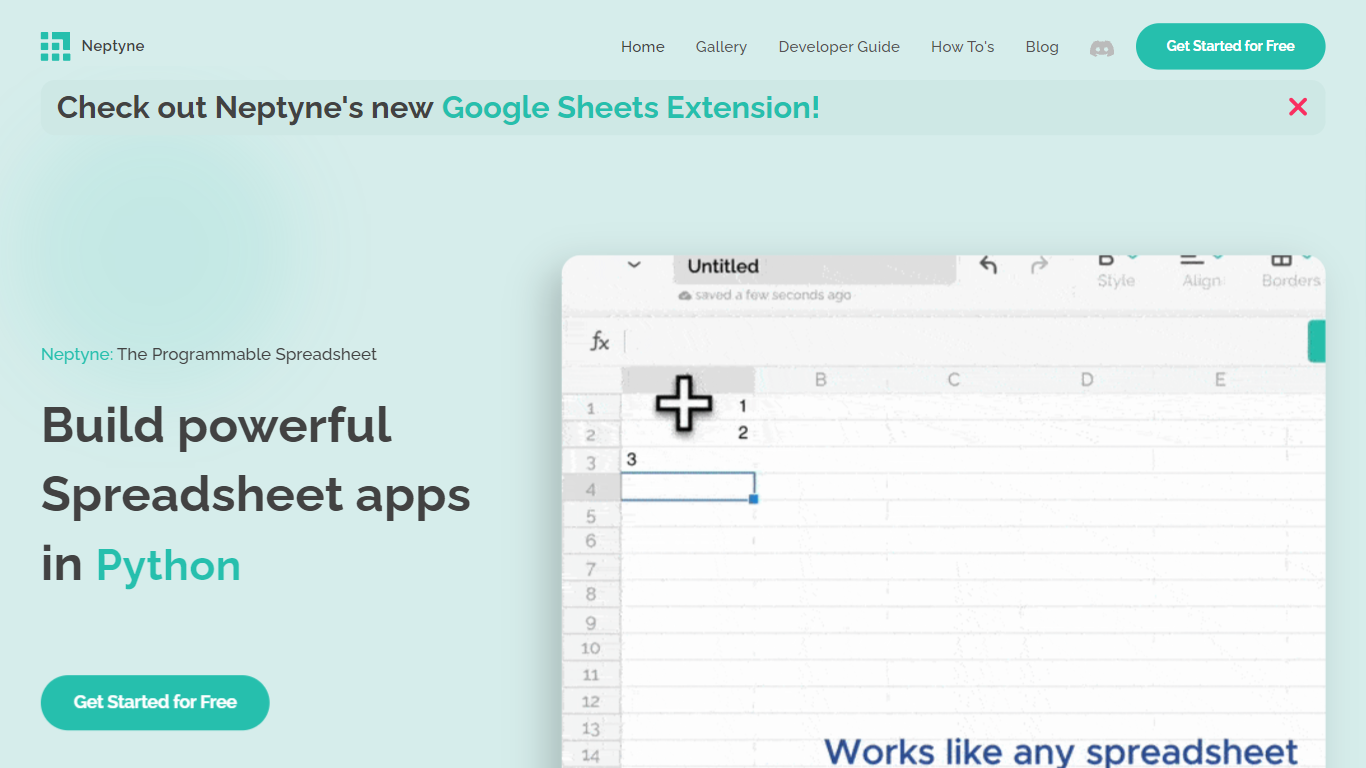
What is Neptyne?
Discover the future of spreadsheet applications with Neptyne: The Programmable Spreadsheet. Neptyne transforms traditional spreadsheets into dynamic and powerful app development platforms by integrating the full capabilities of Python and artificial intelligence. This unique offering is especially advantageous for those who find themselves constrained by the limitations of typical spreadsheet manipulations. With Neptyne, you can easily import data, perform complex statistical analysis, and enjoy extensive visualization options like those available in Jupyter notebooks. Neptyne's AI assistance ensures even beginners can confidently auto-complete data entries, create intricate formulas, and generate code for comprehensive data handling. Additionally, Neptyne operates in the cloud, allowing for seamless collaboration and continuous data processing, giving you the ability to monitor and respond to data in real time. Embrace the power to create productionized data applications with Neptyne's Python ecosystem, and explore their flexible pricing plans that cater to individuals, power users, and teams.
SheetSavvy Upvotes
Neptyne Upvotes
SheetSavvy Top Features
Installs as a plug-in for Microsoft Excel and Google Sheets from official marketplaces
Formula generator turns plain-English prompts into spreadsheet formulas with explanations
Custom =SSAI formulas generate text, tag data, extract fields, summarize, and translate in cells
Data connectors import live records into spreadsheets with timed refresh and change alerts
Generates VBA, JavaScript, and Apps Script code to automate repetitive workbook tasks
Neptyne Top Features
🐍 Python Powered: Use the full Python ecosystem inside your spreadsheets for advanced calculations and data handling.
🤖 AI Assist: Get help auto-completing data, creating complex formulas, and generating code even if you're new to Python.
☁️ Cloud Collaboration: Work simultaneously with teammates on spreadsheets and code in real time, all saved in the cloud.
📊 Data Visualization: Create rich visualizations and dashboards similar to Jupyter notebooks to explore your data.
🔗 Easy App Sharing: Publish your spreadsheet apps by sharing a simple link, making deployment effortless.
SheetSavvy Category
- Excel
Neptyne Category
- Excel
SheetSavvy Pricing Type
- Freemium
Neptyne Pricing Type
- Freemium