SheetSavvy vs Sheety.ai
In the clash of SheetSavvy vs Sheety.ai, which AI Excel tool emerges victorious? We assess reviews, pricing, alternatives, features, upvotes, and more.
When we put SheetSavvy and Sheety.ai head to head, which one emerges as the victor?
Let's take a closer look at SheetSavvy and Sheety.ai, both of which are AI-driven excel tools, and see what sets them apart. Neither tool takes the lead, as they both have the same upvote count. Be a part of the decision-making process. Your vote could determine the winner.
Feeling rebellious? Cast your vote and shake things up!
SheetSavvy
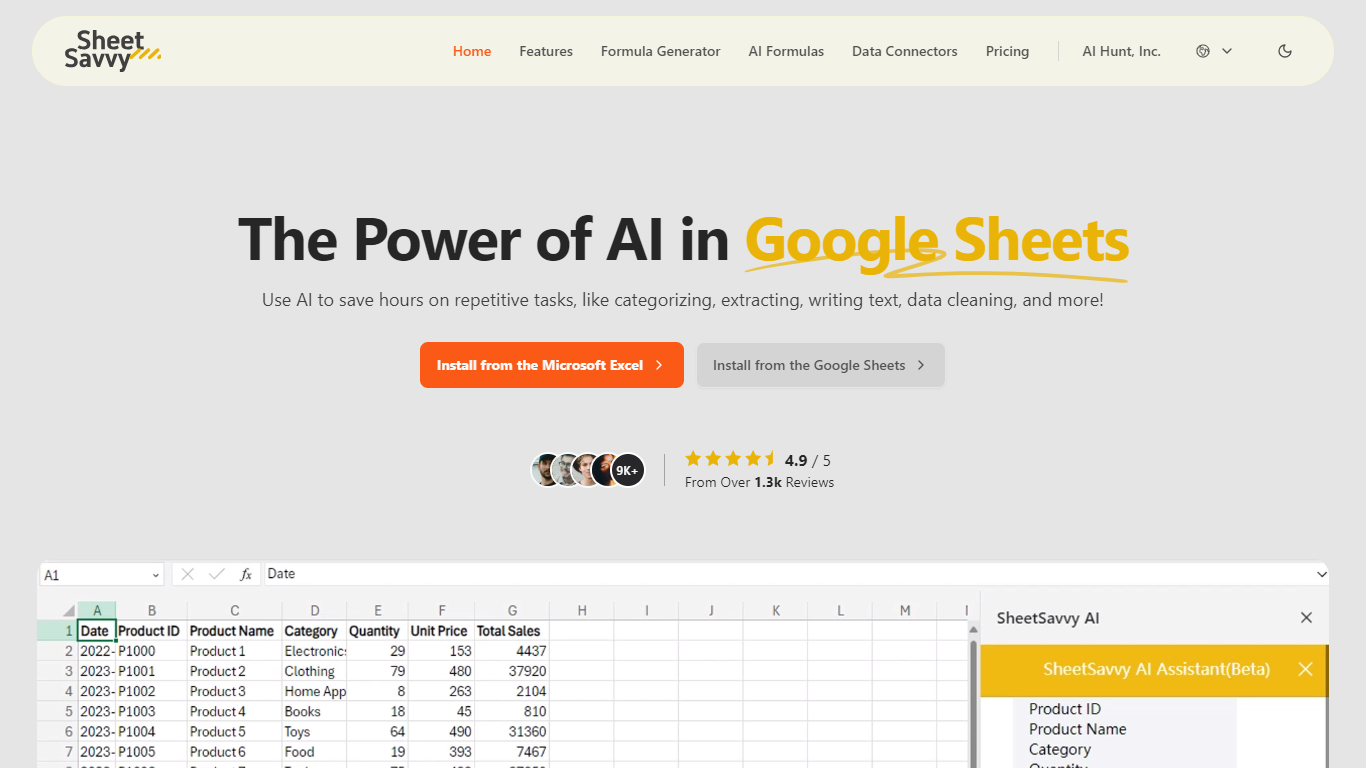

What is SheetSavvy?
SheetSavvy is a spreadsheet add-in for Microsoft Excel and Google Sheets that adds an AI assistant, formula generator, cell-level AI formulas, and live data connectors inside the workbook you already use. Install it from Microsoft AppSource or the Google Workspace Marketplace, sign in, and run prompts without copying sheets to a separate website.
Unlike browser-based spreadsheet helpers, SheetSavvy stays a plug-in so it can read your file's headers, titles, and cell structure automatically. The vendor says that context lets the assistant and formula tools return answers matched to your workbook instead of making you paste data into a web form.
SheetSavvy fits analysts, operations staff, HR teams, and anyone who spends hours cleaning data, writing nested formulas, or refreshing reports. The free Personal plan runs on GPT-3.5 with tight monthly caps, while Pro ($4.99), Premium ($9.99), and Ultimate ($29.99) unlock GPT-4, higher request limits, more connectors, and stronger support.
Sheety.ai
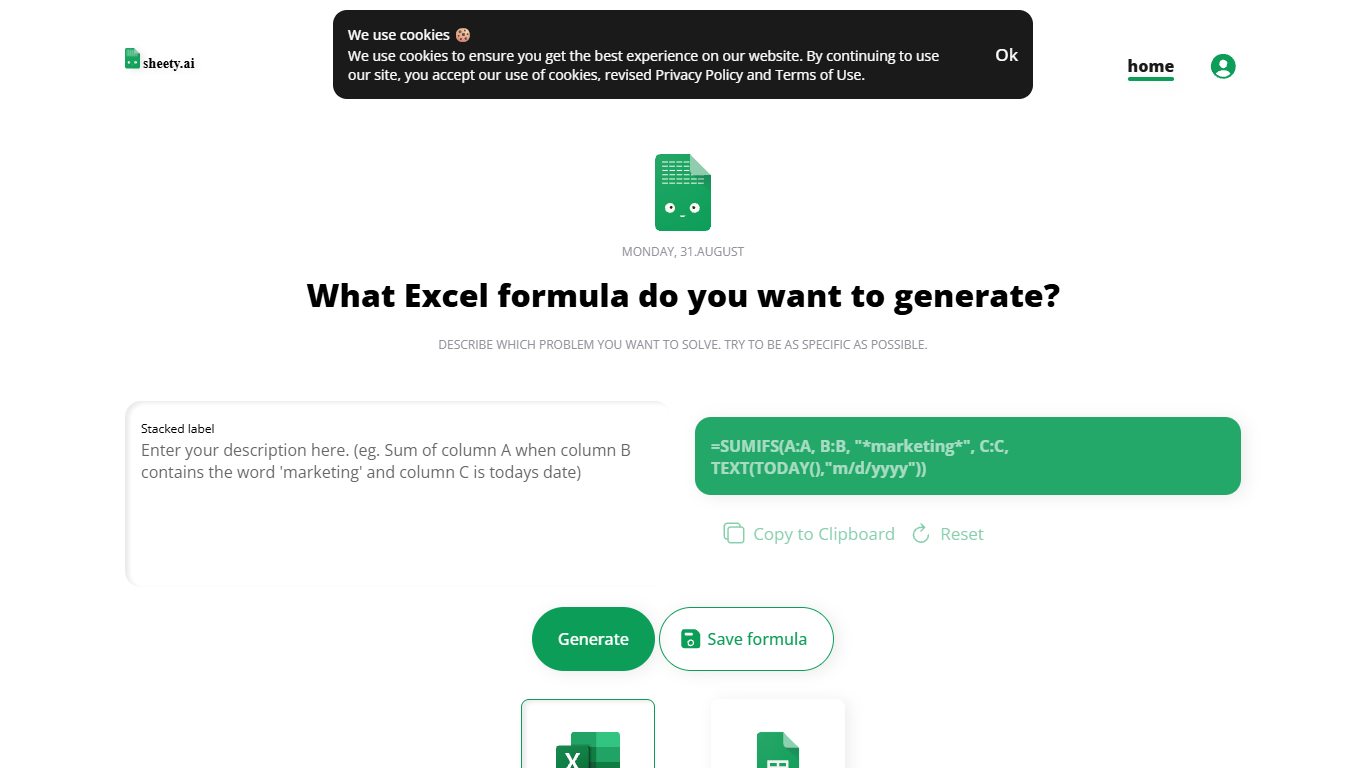
What is Sheety.ai?
Describe a spreadsheet problem in plain words and Sheety.ai returns a formula ready to copy into Excel or Google Sheets. You pick the platform, generate the result, and paste it into your workbook. The homepage centers on one input box with generate, copy, reset, and save actions.
Unlike broader spreadsheet copilots that edit whole workbooks, Sheety.ai returns only the formula string for you to paste. That narrow focus keeps the workflow quick for one-off lookups and avoids tying you to a single platform thanks to the Excel and Google Sheets toggle.
Anonymous visitors can run 5 formula generations without signing up. A free account removes that limit, lets you save formulas to your profile, and syncs them for access from anywhere. The homepage also lists Latest Formulas other users have shared.
Sheety.ai is developed and hosted in Switzerland, and the homepage states that the team cares about user privacy. Saved formulas stay tied to registered accounts, and the site highlights Swiss hosting as part of its privacy positioning.
SheetSavvy Upvotes
Sheety.ai Upvotes
SheetSavvy Top Features
Installs from Microsoft AppSource for Excel and Google Workspace Marketplace for Google Sheets
Formula generator turns plain-English prompts into Excel or Google Sheets formulas
AI formulas summarize data, categorize entries, clean cells, and run sentiment analysis in place
Personal free plan includes 100 AI formula requests, 10 formula generators, and 1 data connector
Pro plan costs $4.99 per month with GPT-4, 1,000 AI formula requests, and 3 data connectors
Ultimate plan unlocks full AI assistant access with 10+ connectors and unlimited formula generators
Sheety.ai Top Features
Describe your spreadsheet problem in words and get a ready-to-paste formula back
Switch output between Excel and Google Sheets before you generate
Anonymous visitors get 5 formula generations; free accounts unlock unlimited use
Copy results to the clipboard or save formulas to your account profile
Browse the Latest Formulas section on the homepage for shared examples
SheetSavvy Category
- Excel
Sheety.ai Category
- Excel
SheetSavvy Pricing Type
- Freemium
Sheety.ai Pricing Type
- Free