SheetXAI vs Formula Bot
Explore the showdown between SheetXAI vs Formula Bot and find out which AI Excel tool wins. We analyze upvotes, features, reviews, pricing, alternatives, and more.
In a face-off between SheetXAI and Formula Bot, which one takes the crown?
When we contrast SheetXAI with Formula Bot, both of which are exceptional AI-operated excel tools, and place them side by side, we can spot several crucial similarities and divergences. In the race for upvotes, Formula Bot takes the trophy. The upvote count for Formula Bot is 9, and for SheetXAI it's 6.
Does the result make you go "hmm"? Cast your vote and turn that frown upside down!
SheetXAI

What is SheetXAI?
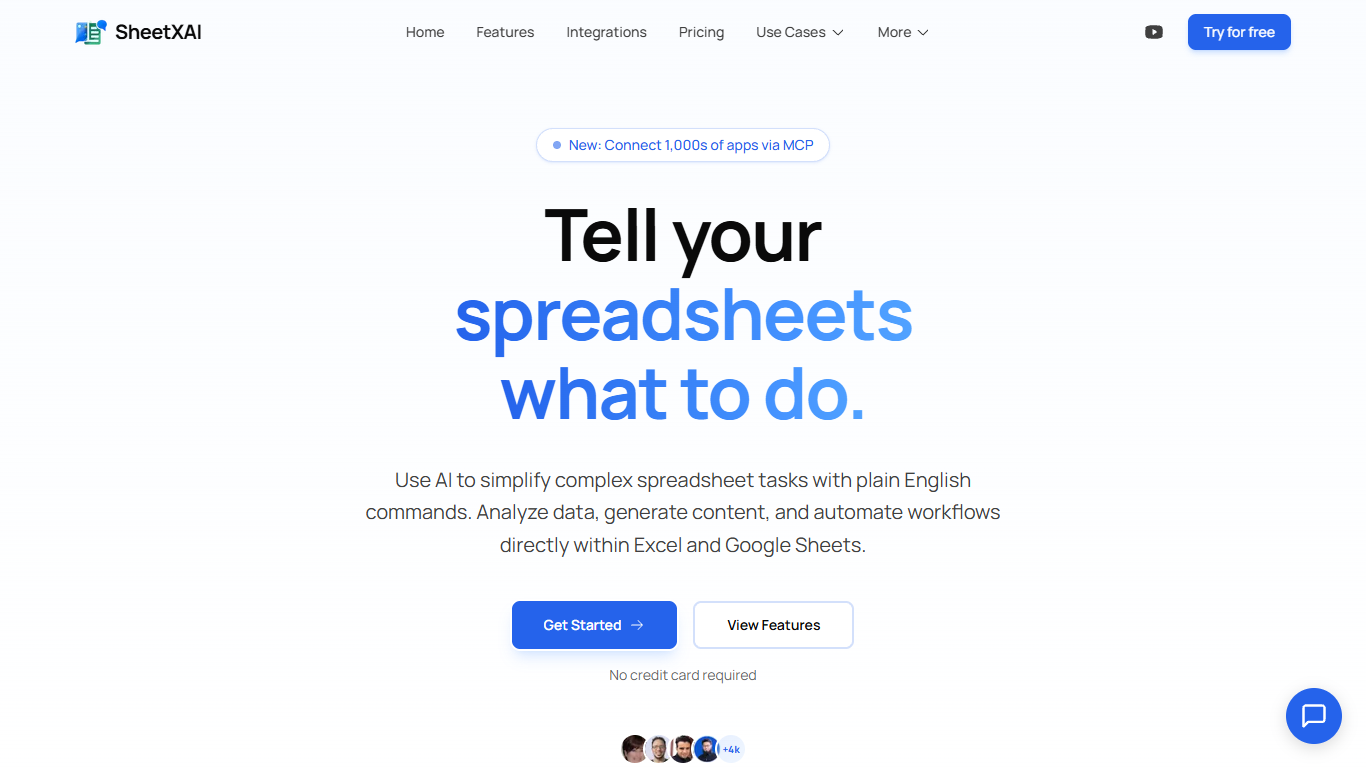
SheetXAI adds a plain-English assistant inside Excel and Google Sheets so you can sort columns, build formulas, extract invoice data, and generate content without memorizing VLOOKUP syntax. Highlight a range, describe what you want, and the add-in runs light or heavy AI operations across entire tabs in one charge.
Built-in spreadsheet copilots often stop at single-cell suggestions. SheetXAI also connects to 500-plus apps like Shopify, Stripe, HubSpot, and Jira, pulls PDFs and images into structured tables through OCR, and prices work in flat-fee operations rather than per-row analysis, which matters when you are cleaning thousands of leads or rewriting hundreds of product descriptions.
Operations teams, sales analysts, solo creators, and AppSumo buyers use it for deduping email lists, merging multi-tab reports, highlighting campaign trends, and bulk-generating SEO copy. A 7-day free trial is available on every paid tier, and a BYOK plan lets you bring your own API keys for $15 per month.
Formula Bot
What is Formula Bot?
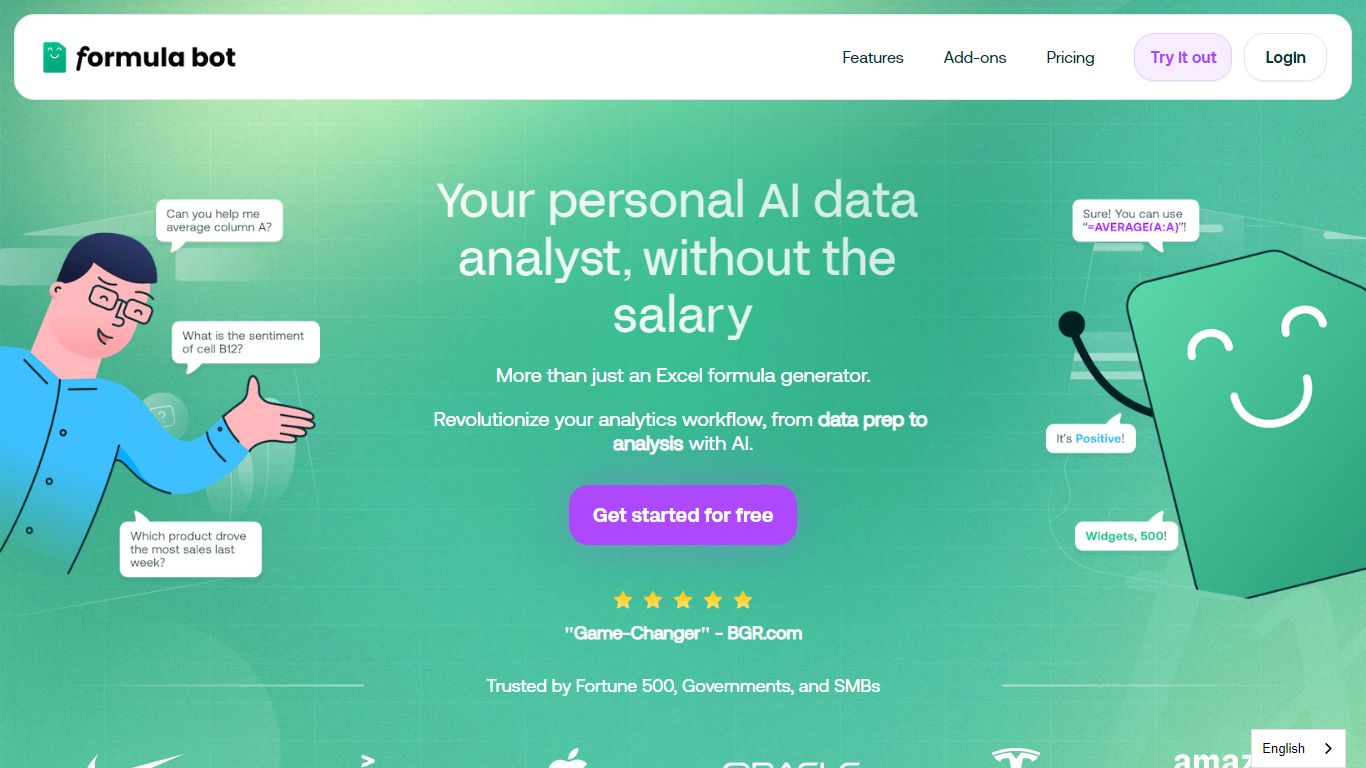
Formula Bot is an Excel and data analytics workspace where you upload spreadsheets or connect databases, then ask questions in plain English to get formulas, charts, cleaned tables, and written insights back in one chat. It handles .xlsx, .csv, and connected sources without requiring Excel plugins or VBA macros.
Most Excel AI helpers stop at formula syntax. Formula Bot also reshapes messy datasets, runs sentiment analysis on text columns, generates dashboards from templates, and shows the Python, SQL, or R code behind each answer so you can verify or export it. That mix targets analysts who want speed without hiding the logic.
Operations teams, BI analysts, and spreadsheet-heavy small businesses are the audience named in site testimonials. The free tier lets you try real questions with no credit card, while paid plans add premium models, scheduled reports, and shared workspaces.
SheetXAI Upvotes
Formula Bot Upvotes
SheetXAI Top Features
Runs light operations at about 10 credits and heavy analysis at about 50 credits per action
Extracts structured tables from PDFs, images, and scanned invoices with OCR
Connects to 500-plus apps including Shopify, Stripe, HubSpot, and Jira through OAuth
Professional plan includes 5,000 monthly credits, roughly 500 light operations or 2,500 content rows
Flat-fee operations can touch large ranges without per-row analysis charges
Available on Google Workspace and Microsoft AppSource with a 7-day free trial on paid plans
Formula Bot Top Features
Excel AI page generates formulas from plain-English prompts and explains existing formulas in your sheet
Upload .xlsx, .xls, or .csv files or paste data from Excel and Google Sheets with no plugin install
Starter plan at $18 per month includes 250 chat messages and 2,500 AI Actions per month
MAX plan at $29 per month adds unlimited chat messages and 5,000 AI Actions per user
AI dashboard generator builds interactive dashboards from templates with scheduled data refreshes
Shows generated Python, SQL, and R code for every analysis request for verification and export
Connects databases, warehouses, and cloud files with row-level security on Enterprise plans
SheetXAI Category
- Excel
Formula Bot Category
- Excel
SheetXAI Pricing Type
- Freemium
Formula Bot Pricing Type
- Freemium