Sheety.ai vs Ai Prompts (formerly Formula Generator)
In the contest of Sheety.ai vs Ai Prompts (formerly Formula Generator), which AI Excel tool is the champion? We evaluate pricing, alternatives, upvotes, features, reviews, and more.
If you had to choose between Sheety.ai and Ai Prompts (formerly Formula Generator), which one would you go for?
When we examine Sheety.ai and Ai Prompts (formerly Formula Generator), both of which are AI-enabled excel tools, what unique characteristics do we discover? Neither tool takes the lead, as they both have the same upvote count. Your vote matters! Help us decide the winner among aitools.fyi users by casting your vote.
Want to flip the script? Upvote your favorite tool and change the game!
Sheety.ai
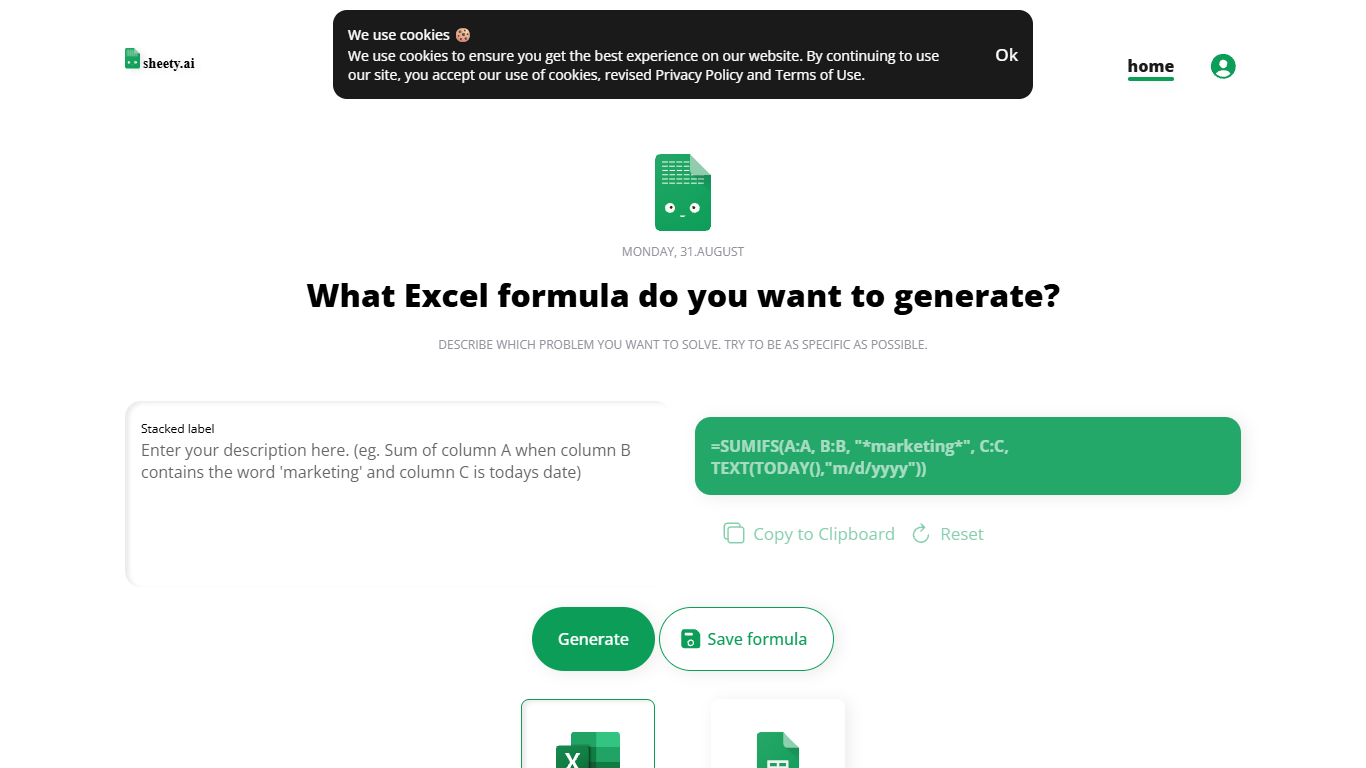

What is Sheety.ai?
Describe a spreadsheet problem in plain words and Sheety.ai returns a formula ready to copy into Excel or Google Sheets. You pick the platform, generate the result, and paste it into your workbook. The homepage centers on one input box with generate, copy, reset, and save actions.
Unlike broader spreadsheet copilots that edit whole workbooks, Sheety.ai returns only the formula string for you to paste. That narrow focus keeps the workflow quick for one-off lookups and avoids tying you to a single platform thanks to the Excel and Google Sheets toggle.
Anonymous visitors can run 5 formula generations without signing up. A free account removes that limit, lets you save formulas to your profile, and syncs them for access from anywhere. The homepage also lists Latest Formulas other users have shared.
Sheety.ai is developed and hosted in Switzerland, and the homepage states that the team cares about user privacy. Saved formulas stay tied to registered accounts, and the site highlights Swiss hosting as part of its privacy positioning.
Ai Prompts (formerly Formula Generator)
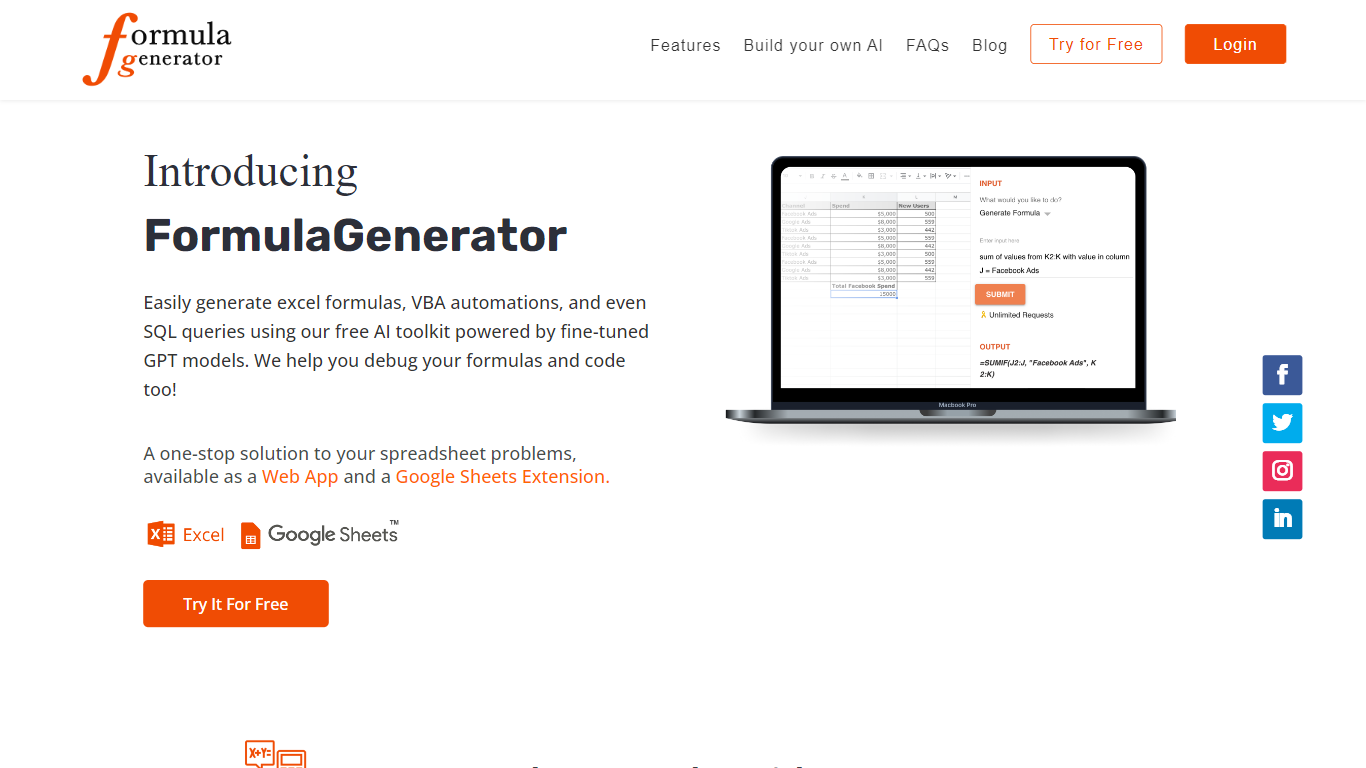
What is Ai Prompts (formerly Formula Generator)?
Ai Prompts at formulagenerator.app is a free educational site that teaches spreadsheet users how to get accurate Excel and Google Sheets formulas from ChatGPT. Instead of hosting a formula builder, it walks through prompt engineering, system instructions, and repeatable prompt templates so analysts can describe calculations in plain language and turn model output into working sheet logic.
The guides cover building formula generator setups with the OpenAI API, keeping context across sessions, and reviewing or debugging formulas when results look wrong. Readers also get practical prompt patterns for VBA macros, SQL queries, and Google Apps Script when they want automation beyond a single cell formula.
It fits finance teams, operations staff, and analysts who already work in spreadsheets and want a reference for prompting ChatGPT without writing code themselves. You bring your own ChatGPT or API access; the site itself is read-only content with no signup or hosted generator on the page.
Sheety.ai Upvotes
Ai Prompts (formerly Formula Generator) Upvotes
Sheety.ai Top Features
Describe your spreadsheet problem in words and get a ready-to-paste formula back
Switch output between Excel and Google Sheets before you generate
Anonymous visitors get 5 formula generations; free accounts unlock unlimited use
Copy results to the clipboard or save formulas to your account profile
Browse the Latest Formulas section on the homepage for shared examples
Ai Prompts (formerly Formula Generator) Top Features
OpenAI API wiring guide for connecting ChatGPT to Google Sheets or a custom frontend
System instruction templates that keep spreadsheet context across follow-up ChatGPT prompts
Sample prompts for VBA macros, SQL queries, and Google Apps Script automation
Debugging walkthroughs for formula logic, cell references, and structural errors in generated output
Automation examples that reference Zapier and Make for scheduled sheet updates
Sheety.ai Category
- Excel
Ai Prompts (formerly Formula Generator) Category
- Excel
Sheety.ai Pricing Type
- Free
Ai Prompts (formerly Formula Generator) Pricing Type
- Free