Sheety.ai vs Spreadsheet.com
In the face-off between Sheety.ai vs Spreadsheet.com, which AI Excel tool takes the crown? We scrutinize features, alternatives, upvotes, reviews, pricing, and more.
In a face-off between Sheety.ai and Spreadsheet.com, which one takes the crown?
If we were to analyze Sheety.ai and Spreadsheet.com, both of which are AI-powered excel tools, what would we find? Both tools have received the same number of upvotes from aitools.fyi users. Your vote matters! Help us decide the winner among aitools.fyi users by casting your vote.
Does the result make you go "hmm"? Cast your vote and turn that frown upside down!
Sheety.ai

What is Sheety.ai?
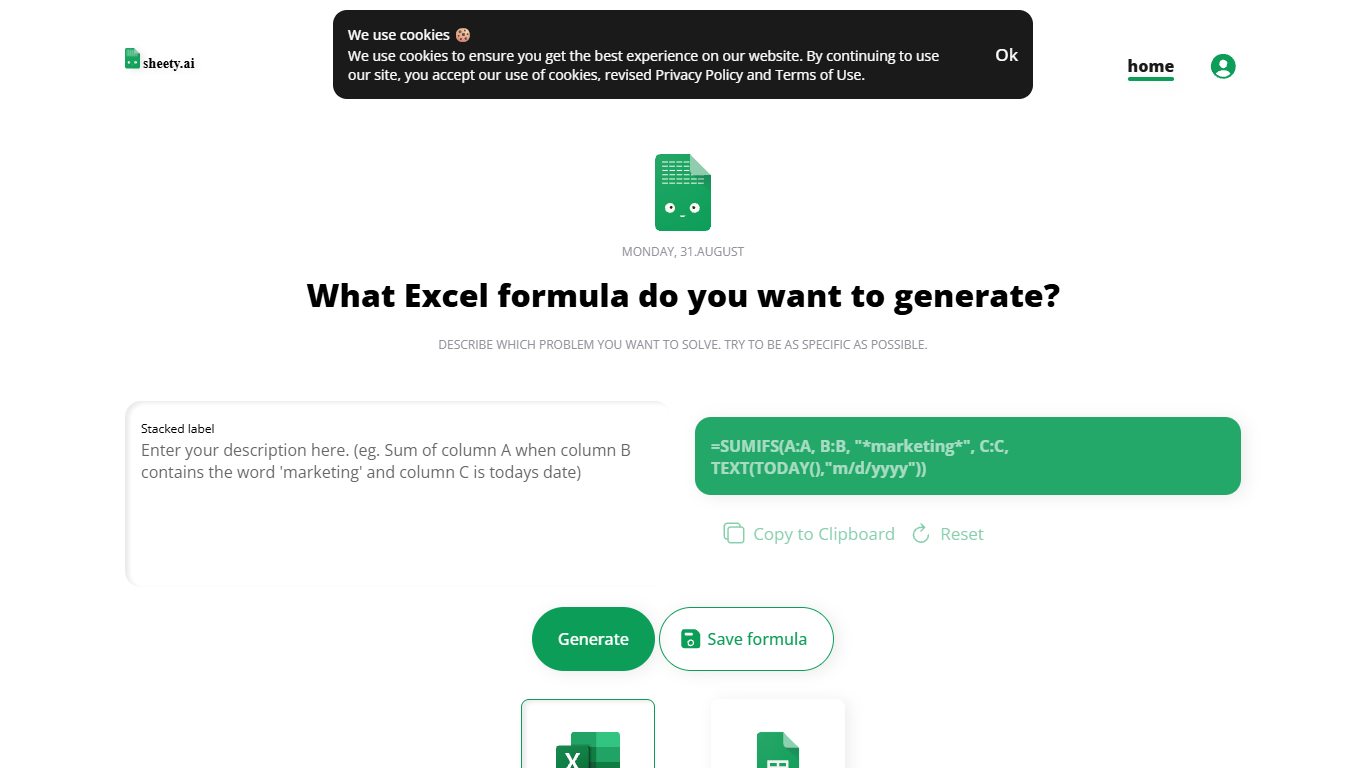
Describe a spreadsheet problem in plain words and Sheety.ai returns a formula ready to copy into Excel or Google Sheets. You pick the platform, generate the result, and paste it into your workbook. The homepage centers on one input box with generate, copy, reset, and save actions.
Unlike broader spreadsheet copilots that edit whole workbooks, Sheety.ai returns only the formula string for you to paste. That narrow focus keeps the workflow quick for one-off lookups and avoids tying you to a single platform thanks to the Excel and Google Sheets toggle.
Anonymous visitors can run 5 formula generations without signing up. A free account removes that limit, lets you save formulas to your profile, and syncs them for access from anywhere. The homepage also lists Latest Formulas other users have shared.
Sheety.ai is developed and hosted in Switzerland, and the homepage states that the team cares about user privacy. Saved formulas stay tied to registered accounts, and the site highlights Swiss hosting as part of its privacy positioning.
Spreadsheet.com
What is Spreadsheet.com?
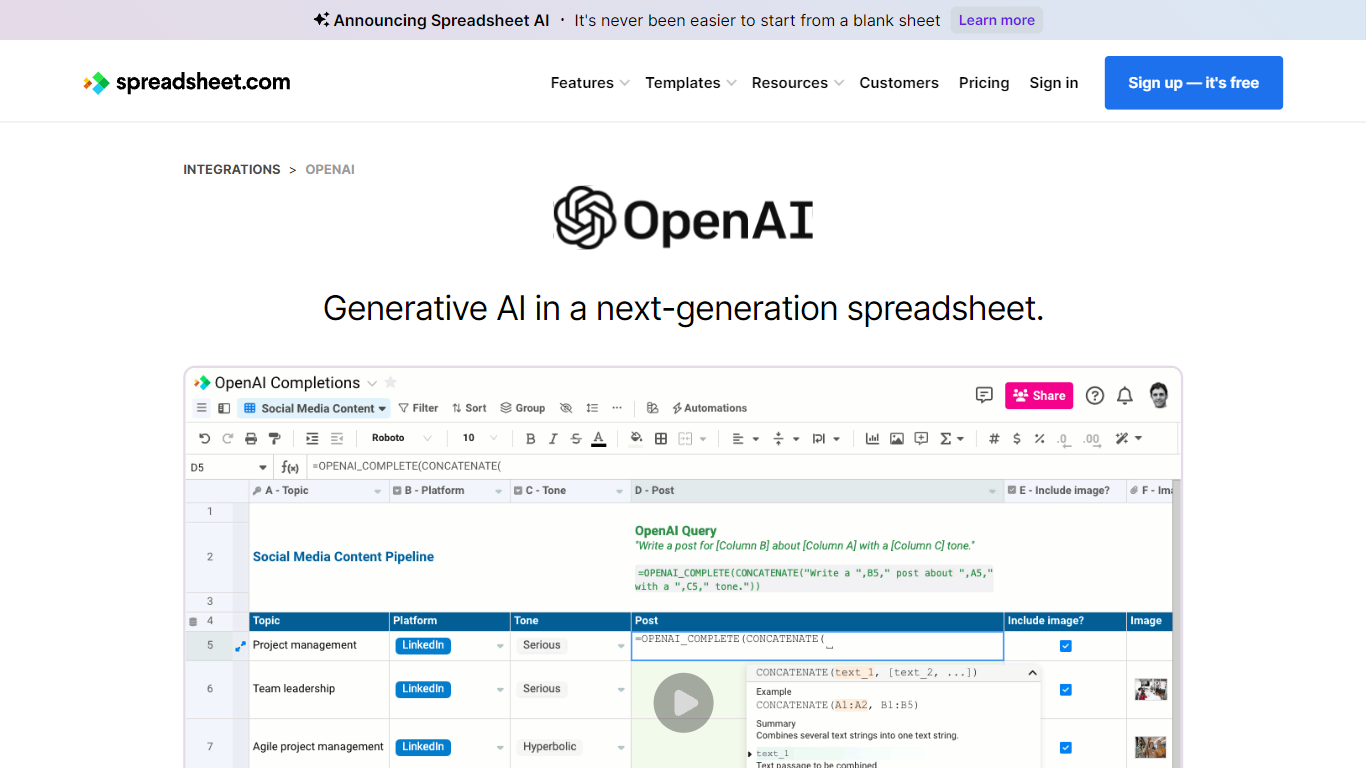
The collaboration between OpenAI and Spreadsheet.com introduces the power of generative AI into the realm of spreadsheets, transforming the traditional spreadsheet experience. With this integration, users can now utilize the advanced technology behind ChatGPT to generate content and answer queries based on their spreadsheet data. This innovative feature simplifies data management, analysis, and reporting, making it accessible to users with any level of technical expertise. Spreadsheet.com’s next-generation platform allows for building no-code solutions like Project Management, CRM, ATS, and ERP systems. It enhances productivity with tailored views for sheets, Gantt charts, Kanban boards, forms, and calendars. Plus, the platform supports a vast array of integrations and automation to streamline processes. The service caters to various business needs and offers specialized templates for a quick start. Whether it's for project planning, sales management, or personal organization, Spreadsheet.com’s versatile features open up new possibilities for work management.
Sheety.ai Upvotes
Spreadsheet.com Upvotes
Sheety.ai Top Features
Describe your spreadsheet problem in words and get a ready-to-paste formula back
Switch output between Excel and Google Sheets before you generate
Anonymous visitors get 5 formula generations; free accounts unlock unlimited use
Copy results to the clipboard or save formulas to your account profile
Browse the Latest Formulas section on the homepage for shared examples
Spreadsheet.com Top Features
Generative AI Integration: Leverage the power of OpenAI in spreadsheets for content generation and data queries.
No-Code Solutions: Create complex applications for Project Management CRM and more without any coding required.
Interactive Views: Organize and visualize your data with custom sheet views Gantt Kanban calendar and form views.
Robust Automations: Set up no-code automations to streamline repetitive tasks and workflows.
Comprehensive Templates: Access over 200 pre-made templates for various industries and use cases to get started quickly.
Sheety.ai Category
- Excel
Spreadsheet.com Category
- Excel
Sheety.ai Pricing Type
- Free
Spreadsheet.com Pricing Type
- Freemium