Shortwave vs Superhuman
In the face-off between Shortwave vs Superhuman, which AI Email Assistant tool takes the crown? We scrutinize features, alternatives, upvotes, reviews, pricing, and more.
When we put Shortwave and Superhuman head to head, which one emerges as the victor?
If we were to analyze Shortwave and Superhuman, both of which are AI-powered email assistant tools, what would we find? The upvote count reveals a draw, with both tools earning the same number of upvotes. Join the aitools.fyi users in deciding the winner by casting your vote.
Does the result make you go "hmm"? Cast your vote and turn that frown upside down!
Shortwave
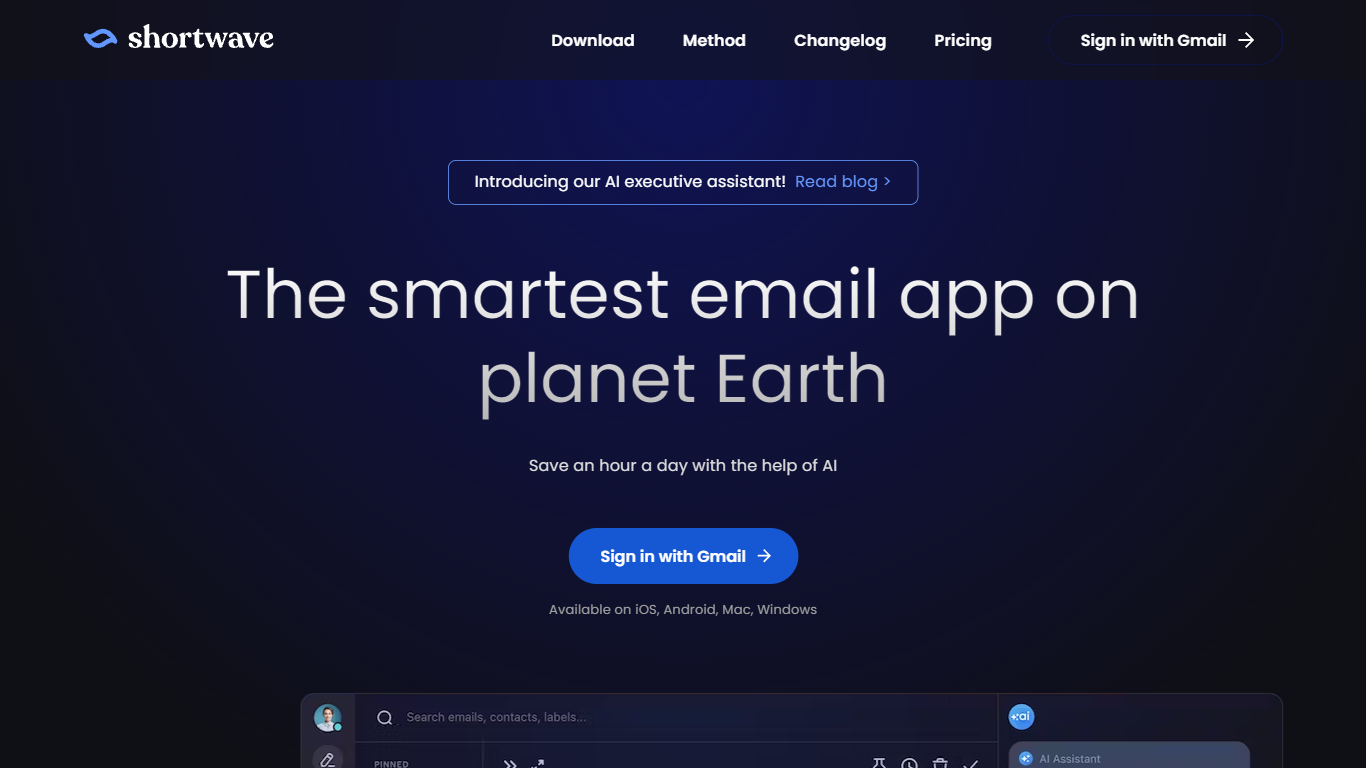

What is Shortwave?
Shortwave is not just an ordinary email app, it is the smartest email app on planet Earth. With its AI executive assistant, users can experience the ultimate level of organization, productivity, and time-saving.
Shortwave's AI executive assistant is designed to seamlessly integrate into users' email workflow, helping them stay on top of their inbox and tasks. It analyzes patterns and behaviors, learns user preferences, and proactively suggests actions and responses, enabling users to work smarter and more efficiently. By leveraging the power of artificial intelligence, Shortwave helps users save up to an hour a day, allowing them to focus on what truly matters.
The AI executive assistant in Shortwave offers a wide range of features to enhance email management. It automatically categorizes and prioritizes emails, making it easier to identify important messages and deal with them promptly. It can generate personalized email templates and responses, eliminating the need for repetitive typing. It also provides intelligent reminders and notifications, ensuring that no important emails slip through the cracks.
One of the standout features of Shortwave is its advanced search capabilities. The AI executive assistant can quickly and accurately retrieve specific emails or information from a vast amount of data, saving users precious time and effort. Whether it's searching for a specific attachment, a conversation thread, or a keyword, Shortwave's search functionality is unparalleled.
Shortwave is designed with a sleek and intuitive user interface, making it easy for users to navigate and customize their email experience. It offers a range of customizable settings and preferences, allowing users to tailor the AI executive assistant to their unique needs and preferences.
In addition to its powerful AI capabilities, Shortwave also puts a strong emphasis on security and privacy. It employs robust encryption and authentication measures to ensure that users' sensitive data is protected at all times. With Shortwave, users can have peace of mind knowing that their emails and personal information are secure.
Overall, Shortwave revolutionizes the way we interact with emails. Its AI executive assistant brings unprecedented efficiency and productivity to email management, helping users stay organized, productive, and in control of their inbox. Say goodbye to email overload and hello to the smartest email app on planet Earth.
Superhuman
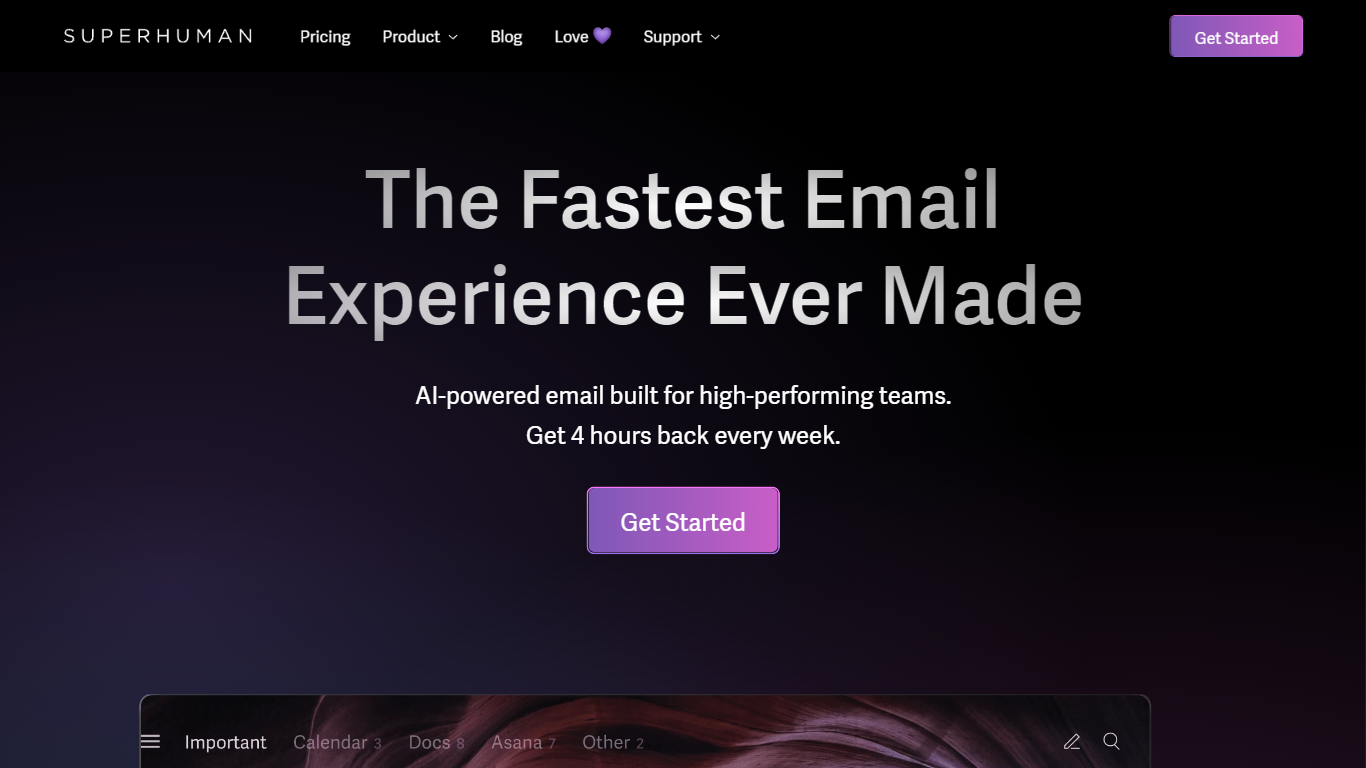
What is Superhuman?
Superhuman is a revolutionary email platform designed to provide users with the fastest and most efficient email experience possible. With its blazingly fast performance, delightful user interface, and stress-free workflow, Superhuman aims to streamline the way people manage their emails and save them valuable time.
One of the standout features of Superhuman is its speed. The platform is engineered to load emails instantly, allowing users to navigate through their inbox with seamless speed and efficiency. With Superhuman, you can say goodbye to frustrating load times and never waste another minute waiting for your emails to load.
In addition to its speed, Superhuman also offers a delightful user experience. The platform is designed with a clean and intuitive interface that makes it easy to organize and manage your emails. From advanced search capabilities to customizable keyboard shortcuts, Superhuman puts you in control of your inbox and helps you stay organized.
But Superhuman doesn't stop at just providing a fast and delightful email experience. It also aims to give users back valuable time. According to their website, Superhuman users report getting an average of 4 hours back every single week. Imagine what you could do with that extra time – whether it's focusing on important tasks, spending time with loved ones, or simply enjoying some well-deserved relaxation.
Whether you're a busy professional, an entrepreneur, or just someone who wants to reclaim their time, Superhuman offers a game-changing solution to email management. Experience the future of email with Superhuman and discover a faster, more efficient way to stay on top of your inbox.
Shortwave Upvotes
Superhuman Upvotes
Shortwave Category
- Email Assistant
Superhuman Category
- Email Assistant
Shortwave Pricing Type
- Freemium
Superhuman Pricing Type
- Paid