SigmaOS vs MysticLabs
In the battle of SigmaOS vs MysticLabs, which AI Web Apps tool comes out on top? We compare reviews, pricing, alternatives, upvotes, features, and more.
Between SigmaOS and MysticLabs, which one is superior?
Upon comparing SigmaOS with MysticLabs, which are both AI-powered web apps tools, Interestingly, both tools have managed to secure the same number of upvotes. The power is in your hands! Cast your vote and have a say in deciding the winner.
Not your cup of tea? Upvote your preferred tool and stir things up!
SigmaOS

What is SigmaOS?
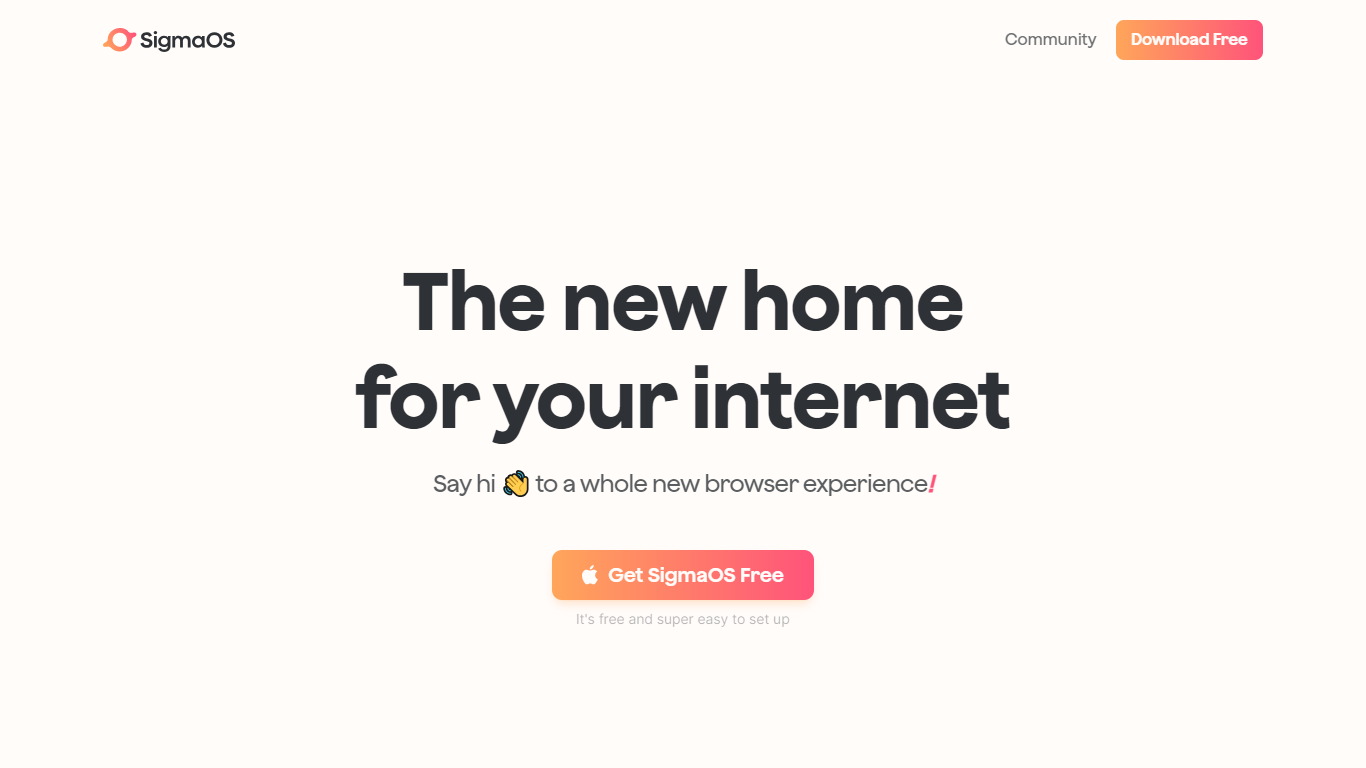
SigmaOS is a macOS web browser built around workspaces, vertical tabs, and AI-assisted browsing. Instead of a single row of tabs, it organizes pages into separate workspaces so you can keep research, writing, and personal accounts in distinct lists. Tabs behave like tasks: mark them done when finished or lock them to keep them pinned.
The browser ships with Airis, an in-browser assistant that can chat with the page you are on, explain selected text, and run Look it up searches that compile answers from multiple sources. Lazy Search opens from the spacebar to search tabs, bookmarks, commands, and the web from one place. Simplify turns long pages into short interactive summaries, and Focus Mode hides everything except the active page.
SigmaOS runs on WebKit like Safari, is built with native SwiftUI for macOS, and supports Chromium extensions from the Chrome Web Store. It includes a built-in ad blocker, split-screen multitasking, autosync across Macs, and page suspension to reduce RAM use. SigmaOS Personal is free; paid Personal Pro and Personal Max plans add higher Airis usage and additional LLM models.
MysticLabs
What is MysticLabs?
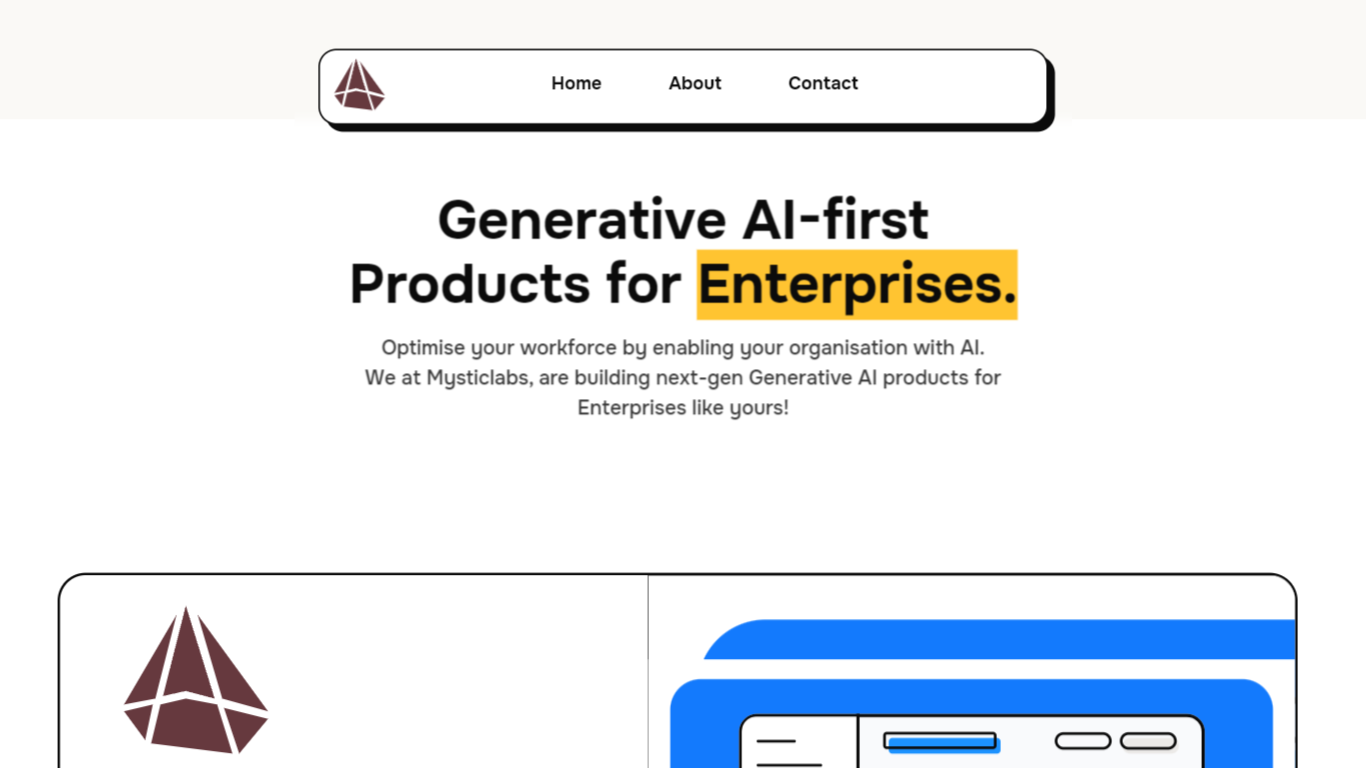
MysticLabs is at the cutting edge of innovative e-commerce solutions, providing users with a seamless and intuitive online shopping experience. The website facilitates a hassle-free navigation structure, where customers can browse products, view cart items, and make purchases within a few clicks. MysticLabs prides itself on a user-friendly interface, complete with a dynamic cart system that reflects product choices instantaneously. Each product element incorporates a visual display, product details, pricing information, and customization options to ensure that customers have all the information they need to make informed decisions. Subscribing to the newsletter keeps users connected with the latest updates, while the contact page offers easy communication avenues. MysticLabs is built for efficiency and convenience, making the online shopping journey a delight for its customers.
SigmaOS Upvotes
MysticLabs Upvotes
SigmaOS Top Features
Workspaces group tabs into separate lists so research, work, and personal browsing stay organized
Vertical tabs and task-style tab controls make it easier to scan open pages and mark them done
Airis answers questions in page context, runs Look it up searches, and simplifies long pages into summaries
Lazy Search opens from the spacebar to search tabs, bookmarks, commands, and the web in one place
Built on WebKit with SwiftUI, Chrome extension support, ad blocking, split screen, and autosync across Macs
MysticLabs Top Features
Dynamic Cart: Seamlessly updates the shopping cart with user-selected products.
Product Customization: Offers tailored options for each product.
Intuitive Navigation: Ensures easy access to all parts of the website.
User Engagement: Newsletter subscription for updates and offers.
Efficient Communication: Simple contact options for customer inquiries.
SigmaOS Category
- Web Apps
MysticLabs Category
- Web Apps
SigmaOS Pricing Type
- Freemium
MysticLabs Pricing Type
- Freemium