
Last updated 07-22-2026
Category:
Reviews:
Join thousands of AI enthusiasts in the World of AI!
SigmaOS
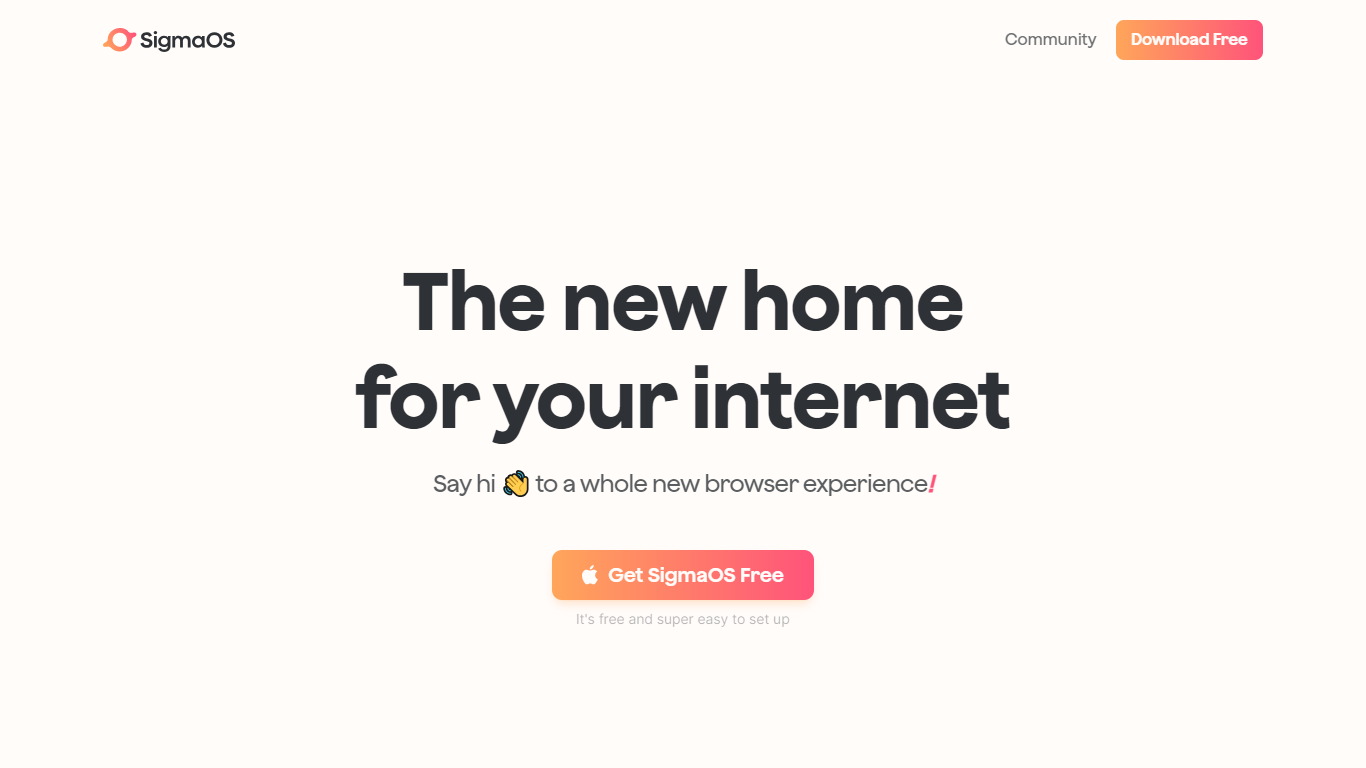
SigmaOS is a macOS web browser built around workspaces, vertical tabs, and AI-assisted browsing. Instead of a single row of tabs, it organizes pages into separate workspaces so you can keep research, writing, and personal accounts in distinct lists. Tabs behave like tasks: mark them done when finished or lock them to keep them pinned.
The browser ships with Airis, an in-browser assistant that can chat with the page you are on, explain selected text, and run Look it up searches that compile answers from multiple sources. Lazy Search opens from the spacebar to search tabs, bookmarks, commands, and the web from one place. Simplify turns long pages into short interactive summaries, and Focus Mode hides everything except the active page.
SigmaOS runs on WebKit like Safari, is built with native SwiftUI for macOS, and supports Chromium extensions from the Chrome Web Store. It includes a built-in ad blocker, split-screen multitasking, autosync across Macs, and page suspension to reduce RAM use. SigmaOS Personal is free; paid Personal Pro and Personal Max plans add higher Airis usage and additional LLM models.
Workspaces group tabs into separate lists so research, work, and personal browsing stay organized
Vertical tabs and task-style tab controls make it easier to scan open pages and mark them done
Airis answers questions in page context, runs Look it up searches, and simplifies long pages into summaries
Lazy Search opens from the spacebar to search tabs, bookmarks, commands, and the web in one place
Built on WebKit with SwiftUI, Chrome extension support, ad blocking, split screen, and autosync across Macs
Workspaces and vertical tabs make heavy tab use easier to manage on macOS.
Airis adds in-page chat, search, and summary tools without leaving the browser.
Supports Chrome Web Store extensions while using WebKit for rendering and battery efficiency.
Available on macOS only, with no Windows release yet.
Advanced Airis features require a paid Pro or Max subscription.
What is SigmaOS?
SigmaOS is a macOS browser that organizes tabs into workspaces, adds vertical tab navigation, and includes Airis, an AI assistant for in-page chat, search, and summaries.
Who is SigmaOS built for?
SigmaOS targets students, founders, researchers, educators, and creators who want a more organized browser workflow on macOS.
Is SigmaOS free?
SigmaOS Personal is free. Personal Pro starts at $20 per month and Personal Max starts at $30 per month for higher Airis usage and additional models. Students and educators can get 50% off Pro.
Does SigmaOS support Chrome extensions?
Yes. SigmaOS supports popular Chromium extensions from the Chrome Web Store while using the WebKit rendering engine.
Is SigmaOS available on Windows?
SigmaOS is currently available on macOS only. The site says iOS and Windows support is coming soon.
Is SigmaOS secure?
SigmaOS uses Apple Keychain for password storage with Touch ID or biometrics when available, and WebKit includes built-in privacy features such as Intelligent Tracking Protection.