FeedMonky vs SigmaOS
In the battle of FeedMonky vs SigmaOS, which AI Web Apps tool comes out on top? We compare reviews, pricing, alternatives, upvotes, features, and more.
Between FeedMonky and SigmaOS, which one is superior?
Upon comparing FeedMonky with SigmaOS, which are both AI-powered web apps tools, Both tools are equally favored, as indicated by the identical upvote count. Your vote matters! Help us decide the winner among aitools.fyi users by casting your vote.
Don't agree with the result? Cast your vote and be a part of the decision-making process!
FeedMonky
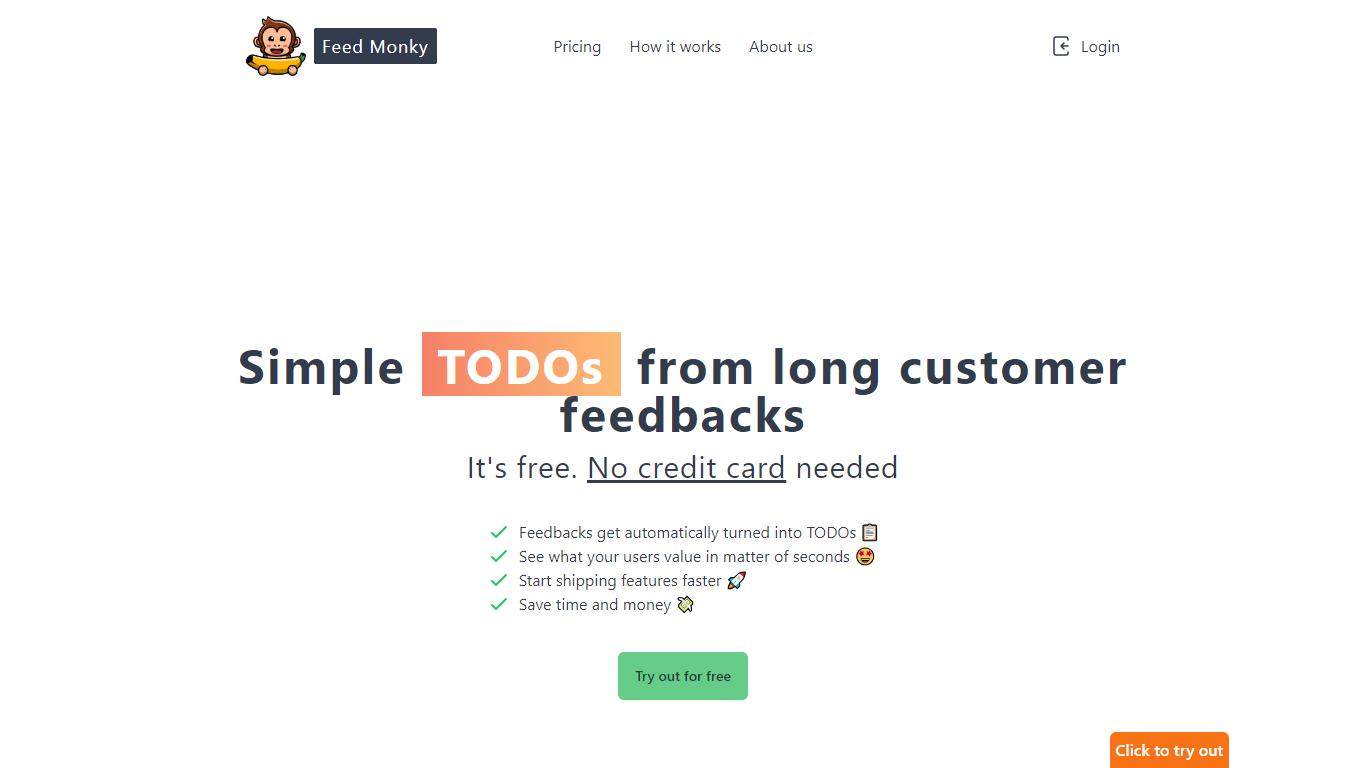

What is FeedMonky?
FeedMonky.com is a revolutionary tool that transforms extensive customer feedback into actionable TODO lists. It leverages a state-of-the-art language model to streamline the feedback processing, allowing businesses to quickly identify and address the needs and values of their customers.
With FeedMonky, you can integrate the service easily using various programming languages such as Vanilla JS, Vue, React, Angular, and PHP. This efficiency booster is available at no initial cost and requires no credit card to start.
Users can select between a Starter plan, perfect for small businesses, or a Pro plan that caters to the needs of growing companies. With FeedMonky, you'll experience the joy of creating, shipping features quicker, and saving both time and money.
SigmaOS
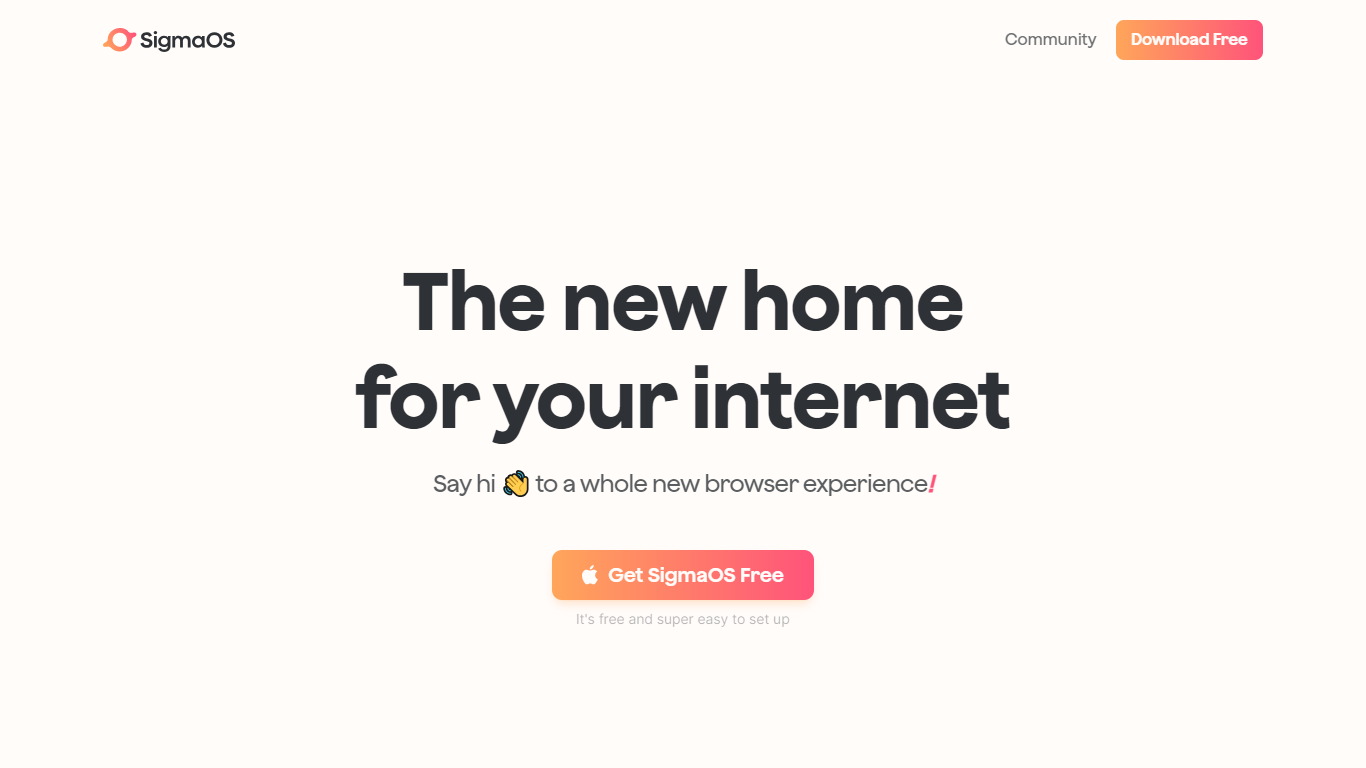
What is SigmaOS?
SigmaOS is a macOS web browser built around workspaces, vertical tabs, and AI-assisted browsing. Instead of a single row of tabs, it organizes pages into separate workspaces so you can keep research, writing, and personal accounts in distinct lists. Tabs behave like tasks: mark them done when finished or lock them to keep them pinned.
The browser ships with Airis, an in-browser assistant that can chat with the page you are on, explain selected text, and run Look it up searches that compile answers from multiple sources. Lazy Search opens from the spacebar to search tabs, bookmarks, commands, and the web from one place. Simplify turns long pages into short interactive summaries, and Focus Mode hides everything except the active page.
SigmaOS runs on WebKit like Safari, is built with native SwiftUI for macOS, and supports Chromium extensions from the Chrome Web Store. It includes a built-in ad blocker, split-screen multitasking, autosync across Macs, and page suspension to reduce RAM use. SigmaOS Personal is free; paid Personal Pro and Personal Max plans add higher Airis usage and additional LLM models.
FeedMonky Upvotes
SigmaOS Upvotes
FeedMonky Top Features
Automated Feedback Processing: Turns customer feedback into TODO lists automatically.
Rapid Insights: Gain quick insights into what customers value.
Faster Feature Deployment: Speed up the shipping of new features.
Money and Time Savings: Save on resources by using FeedMonky to optimize processes.
Easy Integration: Embed the tool into your site using popular languages/frameworks within minutes.
SigmaOS Top Features
Workspaces group tabs into separate lists so research, work, and personal browsing stay organized
Vertical tabs and task-style tab controls make it easier to scan open pages and mark them done
Airis answers questions in page context, runs Look it up searches, and simplifies long pages into summaries
Lazy Search opens from the spacebar to search tabs, bookmarks, commands, and the web in one place
Built on WebKit with SwiftUI, Chrome extension support, ad blocking, split screen, and autosync across Macs
FeedMonky Category
- Web Apps
SigmaOS Category
- Web Apps
FeedMonky Pricing Type
- Freemium
SigmaOS Pricing Type
- Freemium