Sizzlepop.ai vs Flux
In the battle of Sizzlepop.ai vs Flux, which AI Design tool comes out on top? We compare reviews, pricing, alternatives, upvotes, features, and more.
Between Sizzlepop.ai and Flux, which one is superior?
Upon comparing Sizzlepop.ai with Flux, which are both AI-powered design tools, With more upvotes, Flux is the preferred choice. Flux has been upvoted 11 times by aitools.fyi users, and Sizzlepop.ai has been upvoted 6 times.
Want to flip the script? Upvote your favorite tool and change the game!
Sizzlepop.ai
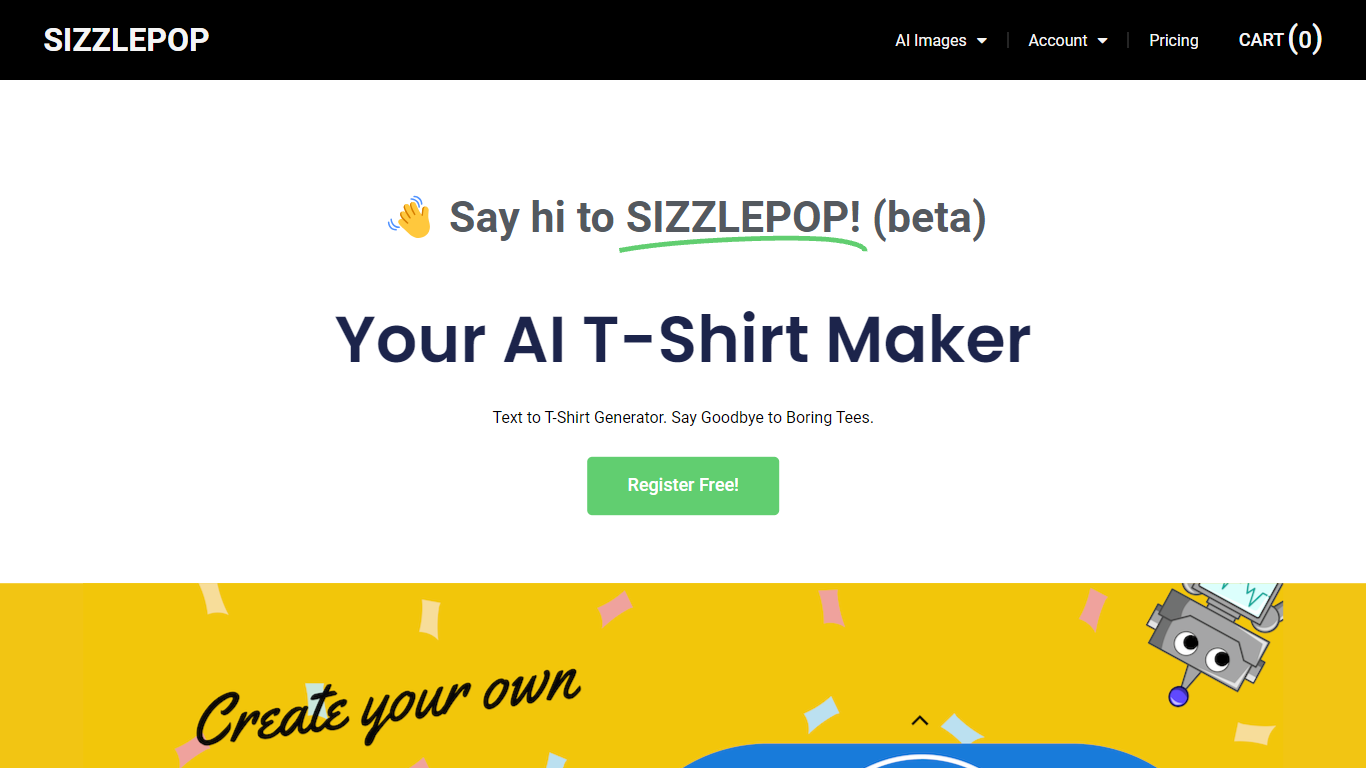

What is Sizzlepop.ai?
Sizzlepop.ai turns a short text prompt into artwork you can preview on t-shirts, mugs, phone cases, posters, and other merch. You type what you want in plain English, pick a style preset like retro screenprint or kawaii sticker, and get a draft in about three seconds. Free drafts need no signup to start, though watermarked 512px previews clear up when you buy the file or a printed product.
Where standalone image generators stop at a download link, Sizzlepop.ai runs the full loop: generate, mock up on real products, checkout, and US printing with free shipping. It also publishes a weekly trending-niche page and side-by-side comparisons of other AI merch tools, which is unusual for a product that sells its own prints. The trade-off is that print-quality modes and vector output sit behind the $12 per month Pro plan, and free tiers cap you at five drafts per day.
Gift shoppers, casual creators, and small merch sellers use it when they want a one-off tee or mug without opening Photoshop or juggling a separate print-on-demand vendor. Popular niches on the site include pickleball humor, retro national parks, and teacher-era designs, with prompts you can remix from a public gallery wall.
Flux

What is Flux?
Flux runs ECAD in the browser so hardware engineers design printed circuit boards from idea through manufacturing without desktop installs. You describe what you want to build, and Flux Copilot plans the work, generates schematics and layouts, and checks in before key steps so you stay in control.
Compared with traditional desktop ECAD suites, Flux combines collaborative schematic and layout editing with live component data, supply chain pricing, and explainable automation in one workspace. Copilot handles planning, part research, BoM generation, placement, routing, and design reviews while you approve key steps instead of clicking through every net manually.
Flux supports multi-layer PCBs up to eight layers for IoT devices, wearables, robotics, and production-bound hardware. You can import from Altium, Cadence, KiCad, Eagle, and EasyEDA, then export Gerbers, drill files, BoMs, pick-and-place files, and standard netlists for fabrication.
Sizzlepop.ai Upvotes
Flux Upvotes
Sizzlepop.ai Top Features
5 free AI drafts per day (30 per day with a free account), delivered as 512px watermarked previews
$9 one-time file unlocks a ~4000px transparent PNG at ~300 DPI with no watermark
Pro plan at $12 per month includes 150 print-quality generations and unlimited 1024px drafts
Style presets include Retro screenprint, Line art, Cute sticker, Watercolor, and Streetwear
Preview designs on tees, mugs, phone cases, posters, stickers, and puzzles before checkout
US printing with free shipping; orders arrive in about 5 to 8 business days
Flux Top Features
Describe a board in plain language and Copilot maps a plan for approval
Generates schematics, BoMs, and layouts with placement and routing
Runs design reviews for unconnected pins, missing caps, and tolerance issues
Multi-layer PCBs up to eight layers, from prototype to production
Imports Altium, Cadence, KiCad, Eagle, and EasyEDA projects
Exports Gerbers, drill files, BoM, pick-and-place, and netlists
14-day free trial covers all features before Explore, Build, or Pro billing starts
Sizzlepop.ai Category
- Design
Flux Category
- Design
Sizzlepop.ai Pricing Type
- Freemium
Flux Pricing Type
- Freemium