Sizzlepop.ai vs Image Creator from Microsoft Designer
In the battle of Sizzlepop.ai vs Image Creator from Microsoft Designer, which AI Design tool comes out on top? We compare reviews, pricing, alternatives, upvotes, features, and more.
Between Sizzlepop.ai and Image Creator from Microsoft Designer, which one is superior?
Upon comparing Sizzlepop.ai with Image Creator from Microsoft Designer, which are both AI-powered design tools, The upvote count is neck and neck for both Sizzlepop.ai and Image Creator from Microsoft Designer. Be a part of the decision-making process. Your vote could determine the winner.
Does the result make you go "hmm"? Cast your vote and turn that frown upside down!
Sizzlepop.ai
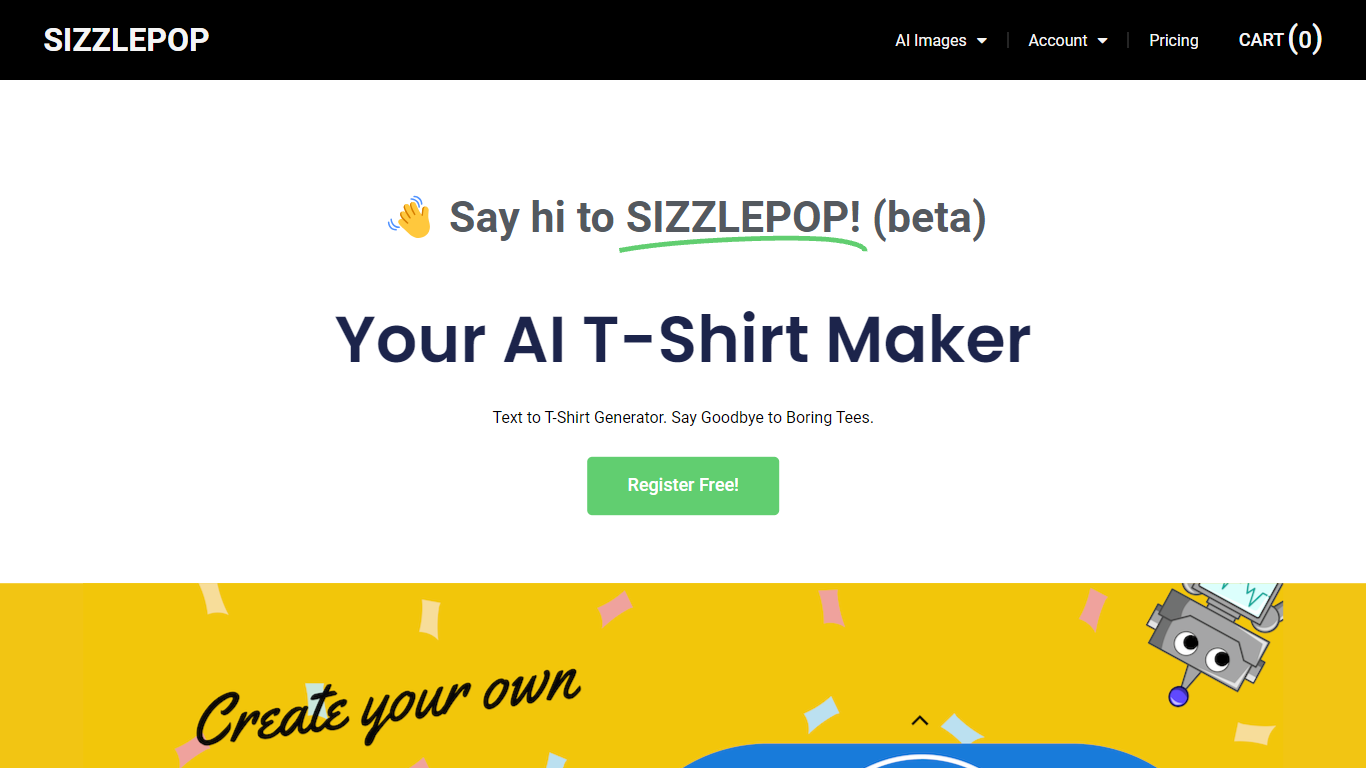

What is Sizzlepop.ai?
Sizzlepop.ai turns a short text prompt into artwork you can preview on t-shirts, mugs, phone cases, posters, and other merch. You type what you want in plain English, pick a style preset like retro screenprint or kawaii sticker, and get a draft in about three seconds. Free drafts need no signup to start, though watermarked 512px previews clear up when you buy the file or a printed product.
Where standalone image generators stop at a download link, Sizzlepop.ai runs the full loop: generate, mock up on real products, checkout, and US printing with free shipping. It also publishes a weekly trending-niche page and side-by-side comparisons of other AI merch tools, which is unusual for a product that sells its own prints. The trade-off is that print-quality modes and vector output sit behind the $12 per month Pro plan, and free tiers cap you at five drafts per day.
Gift shoppers, casual creators, and small merch sellers use it when they want a one-off tee or mug without opening Photoshop or juggling a separate print-on-demand vendor. Popular niches on the site include pickleball humor, retro national parks, and teacher-era designs, with prompts you can remix from a public gallery wall.
Image Creator from Microsoft Designer
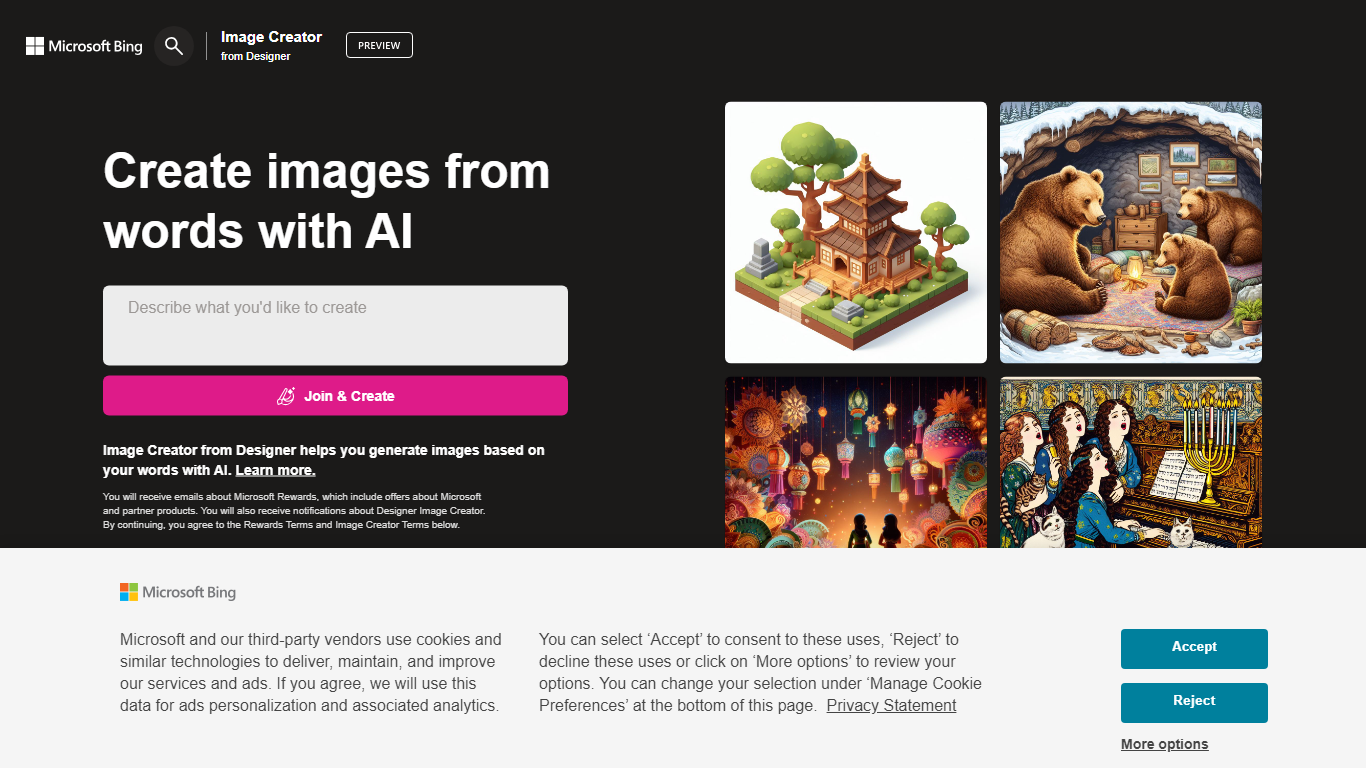
What is Image Creator from Microsoft Designer?
Image Creator from Microsoft Designer lives inside Bing and turns text prompts and uploaded photos into images and short videos at no cost. You pick a model, set aspect ratio, and generate up to 4 images per prompt, or switch to video mode for 8-second clips. It also bundles AI photo editing tools like background removal, retouch, expand, and enhance on the same page.
Where Midjourney and Leonardo sell subscriptions for speed and model choice, Image Creator stays free for anyone with a personal Microsoft account. You get 15 fast generations per day, then unlimited standard-speed runs, with optional Microsoft Rewards points to buy back fast mode. The trade-off is tighter content policy enforcement, regional blocks in some countries, and no API for developers.
It fits marketers, students, and hobbyists who already use Microsoft accounts and want quick visuals without installing software. Teachers and small teams use the template gallery for stickers and social graphics. Anyone needing commercial-grade control or private model training will outgrow it fast.
Sizzlepop.ai Upvotes
Image Creator from Microsoft Designer Upvotes
Sizzlepop.ai Top Features
5 free AI drafts per day (30 per day with a free account), delivered as 512px watermarked previews
$9 one-time file unlocks a ~4000px transparent PNG at ~300 DPI with no watermark
Pro plan at $12 per month includes 150 print-quality generations and unlimited 1024px drafts
Style presets include Retro screenprint, Line art, Cute sticker, Watercolor, and Streetwear
Preview designs on tees, mugs, phone cases, posters, stickers, and puzzles before checkout
US printing with free shipping; orders arrive in about 5 to 8 business days
Image Creator from Microsoft Designer Top Features
15 free fast image generations per day, replenished every 24 hours
Choose DALL-E 3, GPT-4o, MAI-Image-2.5-Flash, or MAI-Image-2e stylized mode
Generate 1, 2, or 4 images per prompt with aspect ratios from 1:1 square to 2:3 vertical
Built-in photo editor with background remover, retouch, expand, and enhance tools
Create 8-second AI videos in 9:16 or 16:9 with Fast or Standard priority
100+ prompt languages supported via Microsoft Translator integration
Sizzlepop.ai Category
- Design
Image Creator from Microsoft Designer Category
- Design
Sizzlepop.ai Pricing Type
- Freemium
Image Creator from Microsoft Designer Pricing Type
- Freemium