Sketch2App vs Figflow
Compare Sketch2App vs Figflow and see which AI Design tool is better when we compare features, reviews, pricing, alternatives, upvotes, etc.
Which one is better? Sketch2App or Figflow ?
When we compare Sketch2App with Figflow , which are both AI-powered design tools, There's no clear winner in terms of upvotes, as both tools have received the same number. You can help us determine the winner by casting your vote and tipping the scales in favor of one of the tools.
Think we got it wrong? Cast your vote and show us who's boss!
Sketch2App

What is Sketch2App?
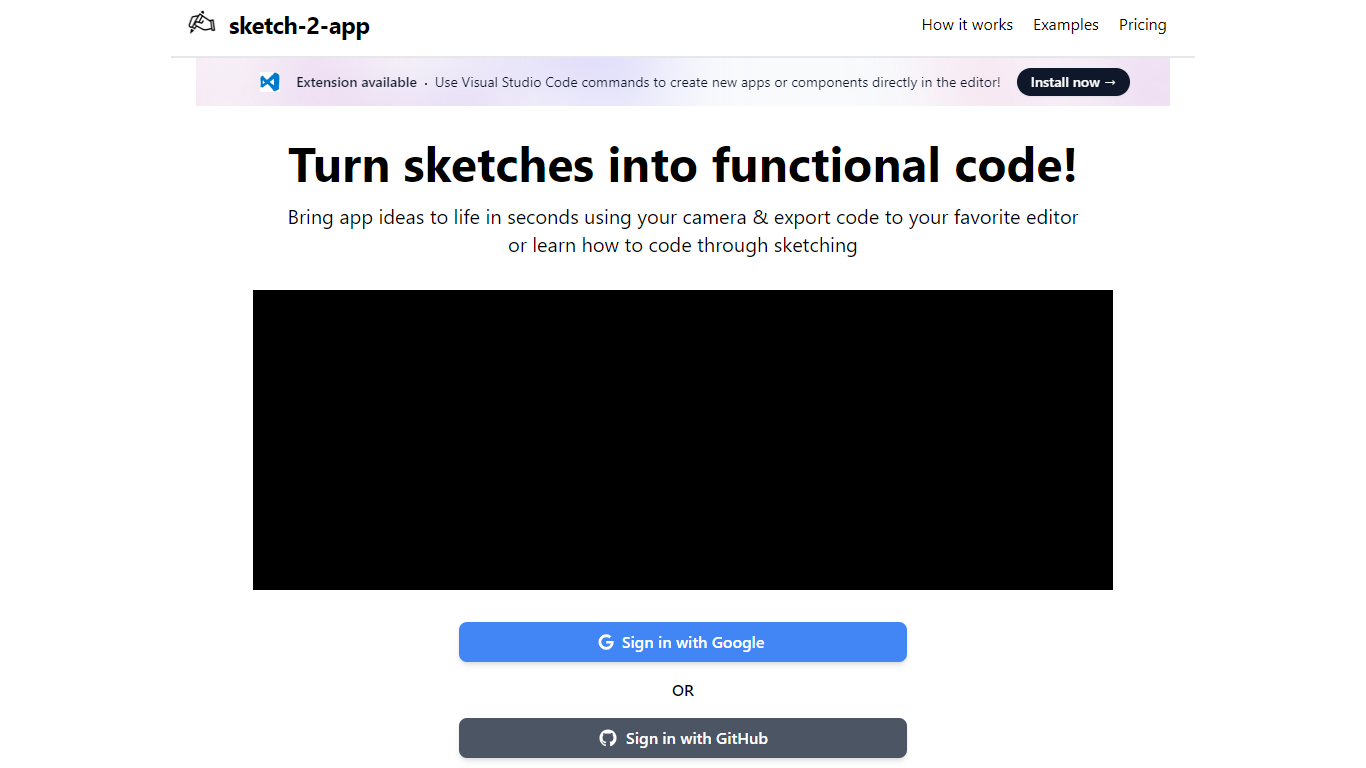
Sketch2App turns hand-drawn sketches, photos, or screenshots into working app code. Point your webcam at a paper sketch or upload an image, and the platform generates UI code you can export to your editor. It also supports cloning an existing website or starting from a premium template.
You pick the framework and libraries before generation, so the output matches your stack rather than a fixed template. A Visual Studio Code extension lets you create new apps or components with editor commands. Sign in with Google to get started.
The tool targets designers, indie developers, and beginners who want to move from a rough sketch to a functional prototype without writing every line by hand.
Figflow
What is Figflow ?
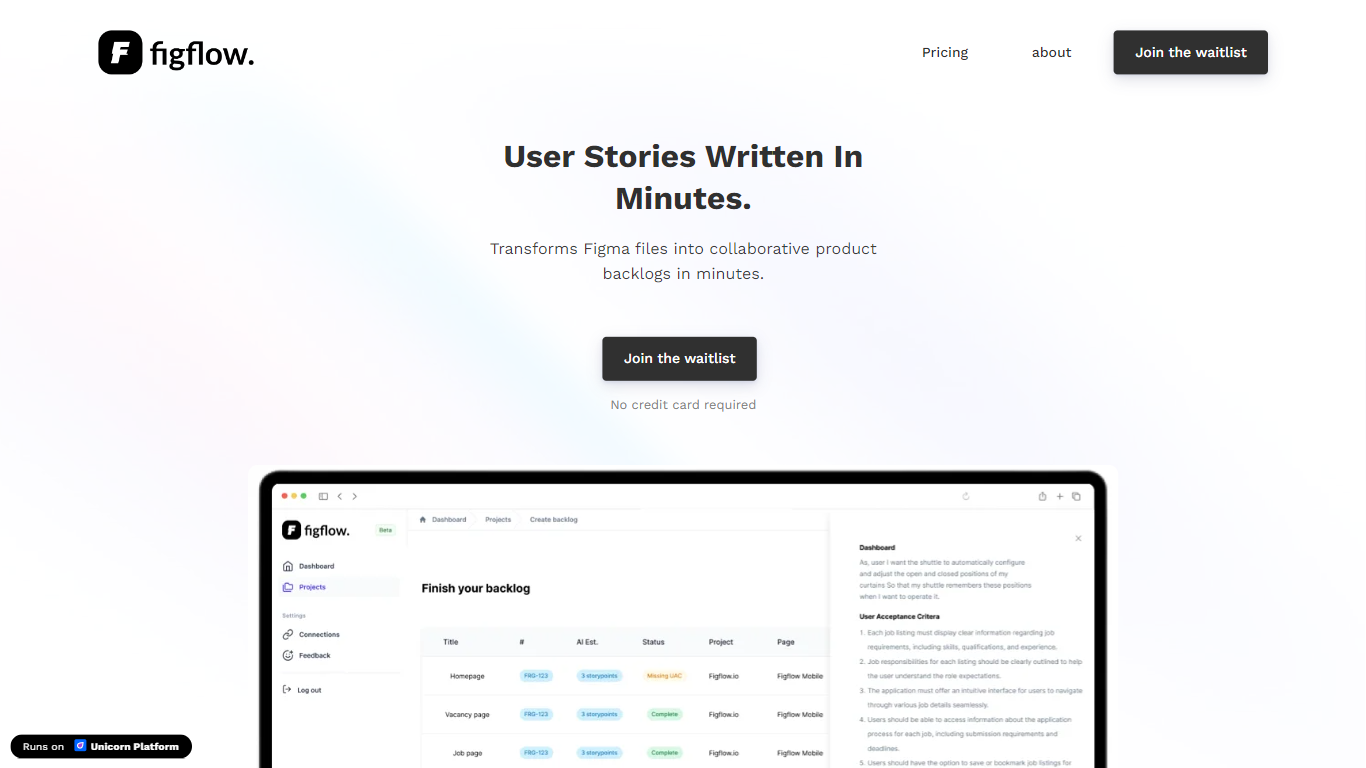
Figflow turns Figma files into structured product backlogs with user stories, acceptance criteria, and story point estimates. You connect Figma through OAuth, upload frames, and Figflow drafts tickets from what is already on the canvas. It targets the handoff gap between design files and sprint-ready work.
Most backlog tools expect you to write stories from scratch. Figflow starts from your Figma screens, embeds design screenshots inside each story, and uses its AI assistant to shape voice and tone. The Professional plan at $9 per month removes the 250-interaction cap on the free Personal tier, which is the main reason teams outgrow the starter plan.
Product owners, product managers, and product designers use Figflow to cut manual story writing before refinement sessions. It fits teams that live in Figma and want a single workspace for multiple projects without exporting screens into a separate doc for every ticket.
Sketch2App Upvotes
Figflow Upvotes
Sketch2App Top Features
Capture a paper sketch with your webcam and get functional UI code in under a minute
Choose your framework and libraries before generation so output fits your stack
Generate code from sketches, photos, screenshots, website clones, or premium templates
Visual Studio Code extension for creating apps and components inside the editor
Sign in with Google and export generated code to your preferred editor
Figflow Top Features
OAuth Figma integration pulls projects without manual file exports
Personal plan includes 250 free AI interactions before paid upgrade
Professional plan at $9 per month unlocks unlimited AI interactions and projects
AI assistant drafts acceptance criteria from design frames and user stories
Design screenshots attach directly to user stories instead of separate exports
Supports 10 languages including English, Dutch, French, German, Spanish, and Japanese
Sketch2App Category
- Design
Figflow Category
- Design
Sketch2App Pricing Type
- Freemium
Figflow Pricing Type
- Freemium